Small businesses face a marketing challenge that larger competitors don’t: you need the same reach, the same visibility, and the same conversion power as the big players, but with a fraction of the budget and zero room for waste. Every dollar you spend on marketing has to work harder.
The good news is that the right digital marketing services and tools can level the playing field. Whether you want a professional agency to handle everything or a powerful platform you can run yourself, there are genuinely excellent options built with small businesses in mind.
This roundup covers the top digital marketing services and tools delivering real results for small businesses in 2026. From done-for-you agency services to self-serve platforms, each entry was selected based on proven performance with small business clients, transparent pricing, measurable ROI focus, and practical ease of use. If you want to see how Clicks Geek approaches small business growth, that context will help frame why certain services make more sense than others depending on your goals.
1. Clicks Geek
Best for: Small and local businesses that want done-for-you PPC management with a conversion-first focus.
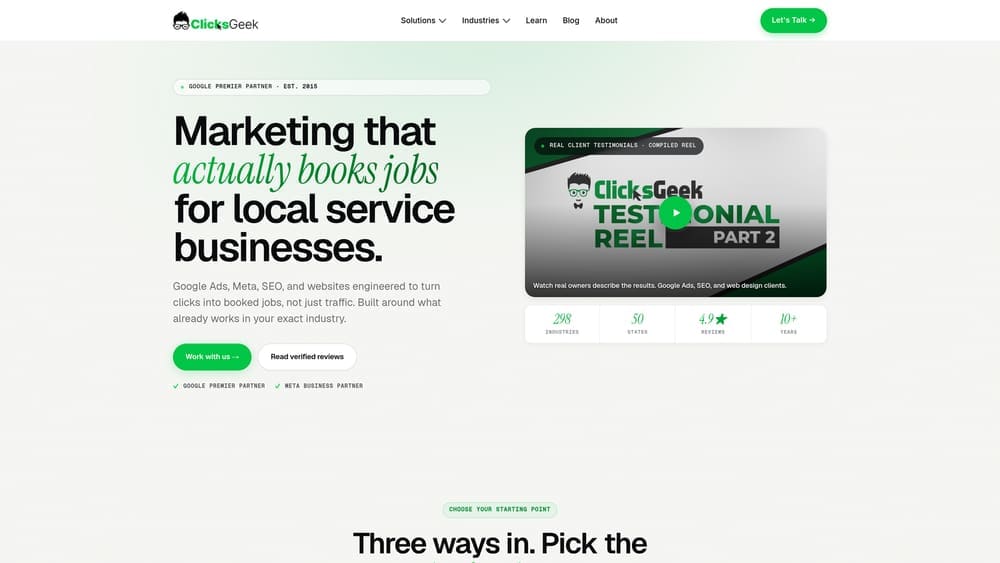
Clicks Geek is a Google Premier Partner agency specializing in PPC advertising, conversion rate optimization, and lead generation for local and service-based businesses.
Where This Tool Shines
Most agencies will happily report on clicks and impressions. Clicks Geek focuses on what actually matters: qualified leads and revenue. Their campaigns are built around conversion, which means CRO is baked into the process rather than treated as an afterthought. If your current agency is sending traffic to a page that doesn’t convert, you’re paying for nothing.
The Google Premier Partner credential is worth noting here. It’s not a self-awarded badge. Google grants it to agencies that meet strict performance thresholds, maintain high client retention, and demonstrate consistent results across their client base. For a small business owner, that’s a meaningful signal that you’re working with a team that knows what they’re doing inside the platform.
Key Features
Google Premier Partner PPC Management: Certified management of search, display, and local ad campaigns with a focus on lead quality over raw traffic volume.
Conversion Rate Optimization: CRO is integrated into every campaign, not sold as a separate add-on, so your landing pages and ad copy work together to convert visitors.
Lead Generation for Local Businesses: Campaigns designed specifically for service-based and local business verticals where lead quality directly impacts revenue.
White Label PPC and SEO: For marketing agencies looking to expand their service offerings without hiring in-house, Clicks Geek provides white label fulfillment.
ROI-Focused Reporting: Reporting centers on real business outcomes rather than vanity metrics, so you always know whether the spend is working.
Best For
Local businesses and service-based companies that want a proven team managing their paid search campaigns. Particularly well-suited for businesses in competitive local markets where ad spend efficiency is critical and a wasted budget has real consequences.
Pricing
Custom pricing based on ad spend and scope of services. Contact Clicks Geek directly for a free consultation to get a realistic breakdown for your market and budget.
2. Google Ads (Self-Managed)
Best for: Small businesses that want direct control over their paid search budget and campaigns.
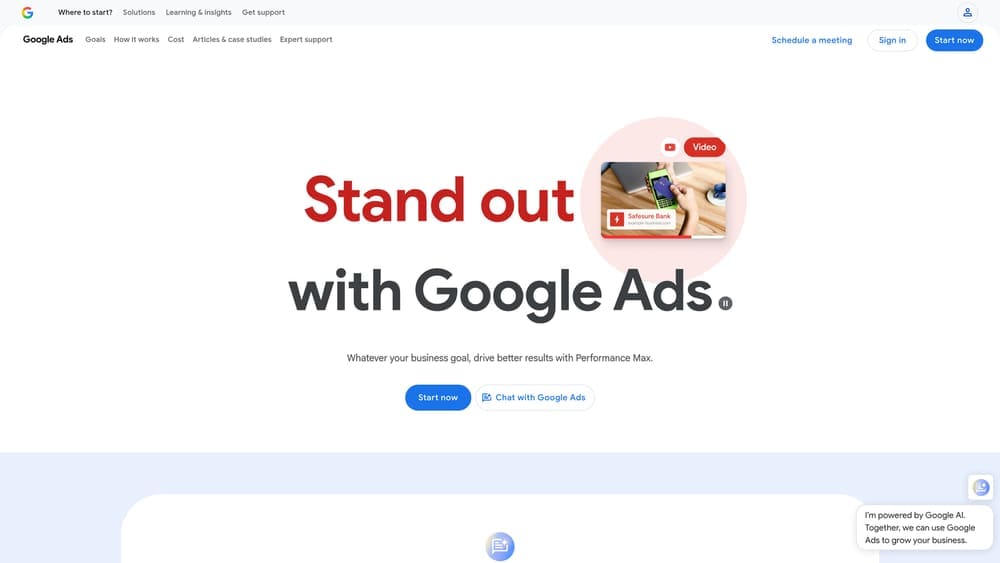
Google Ads is Google’s own advertising platform where businesses can run search, display, shopping, and video campaigns targeting customers actively looking for what they offer.
Where This Tool Shines
The intent signal is what makes Google Ads uniquely powerful. Someone typing “emergency plumber near me” or “best accountant in Chicago” is telling you exactly what they need. You’re not interrupting them with an ad; you’re showing up at the exact moment they’re looking for you. For local service businesses, that’s an enormous advantage.
The self-managed route works well if you have time to learn the platform and the patience to optimize. Smart Campaigns and Performance Max lower the technical barrier, but understanding match types, Quality Scores, and negative keywords still separates profitable campaigns from money pits.
Key Features
Pay-Per-Click Model: You only pay when someone clicks your ad, giving you direct control over how budget is spent.
Multiple Ad Formats: Search, Display, Shopping, and YouTube formats let you reach customers at different stages of their decision process.
Location Targeting: Narrow your reach to specific cities, zip codes, or radius around your business address.
Smart Campaigns: A simplified campaign mode for beginners that automates bidding and targeting using Google’s machine learning.
Performance Max: AI-driven campaigns that serve ads across all Google surfaces from one campaign setup.
Best For
Business owners with some marketing knowledge who want hands-on control, or those willing to invest time learning the platform. Also a strong fit for businesses already working with a PPC agency that manages campaigns on their behalf.
Pricing
No platform fee. You set your own daily budget. Many small businesses start between $10 and $50 per day, scaling up as campaigns prove their return.
3. HubSpot Marketing Hub
Best for: Small businesses that want an all-in-one platform covering CRM, email, landing pages, and analytics.
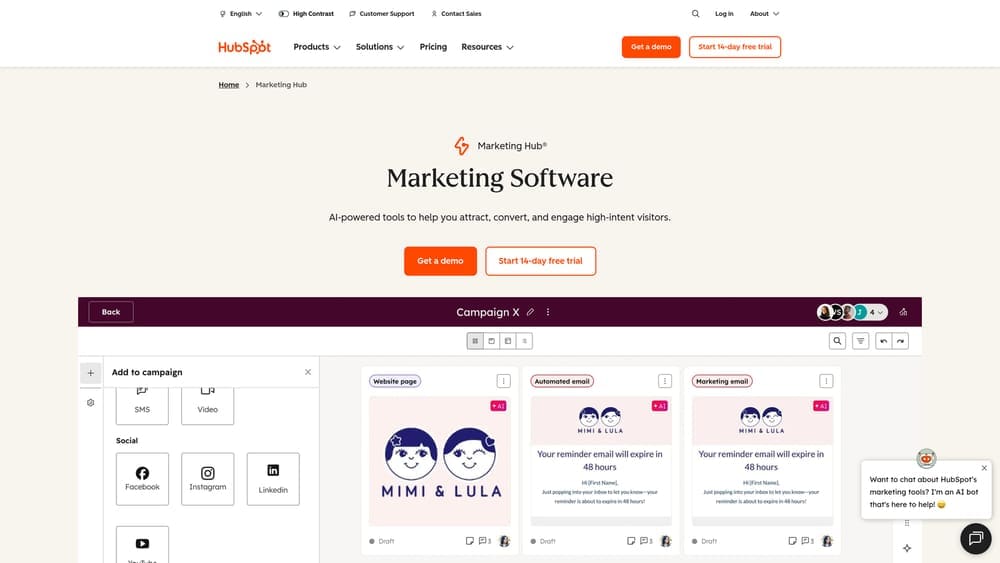
HubSpot Marketing Hub is a comprehensive inbound marketing platform that centralizes your CRM, email marketing, content tools, and reporting under one roof.
Where This Tool Shines
The biggest advantage HubSpot offers is visibility. When your CRM, email, forms, and analytics all share the same data, you can actually trace which marketing activities are producing customers rather than just leads. For small businesses trying to understand where their marketing dollars are going, that attribution clarity is genuinely valuable.
The free tier is generous enough to get real use out of before you ever pay anything. As your needs grow, the platform scales with you, though the jump from Starter to Professional pricing is significant and worth planning for.
Key Features
Free CRM Integration: All marketing activity connects directly to contact records, so your sales and marketing data stay aligned.
Email Marketing with Automation: Build automated nurture sequences triggered by contact behavior, form fills, or deal stages.
Landing Page and Form Builder: Create conversion-focused pages without a developer, with A/B testing available on higher plans.
Blog and SEO Tools: Built-in content tools with SEO recommendations to help your site rank for target keywords.
Attribution Reporting: Multi-touch attribution models show which channels and content pieces are actually driving revenue.
Best For
Small businesses investing in inbound marketing and content, or those that need a CRM and marketing platform to work together without expensive custom integrations. Best suited for businesses with a dedicated marketing person or small team.
Pricing
Free tier available with core CRM features. Starter plans begin at $20/month. Professional plans start at $890/month, which is a significant step up designed for more established marketing operations.
4. Semrush
Best for: Small businesses investing in SEO and organic growth who need research and competitive intelligence.
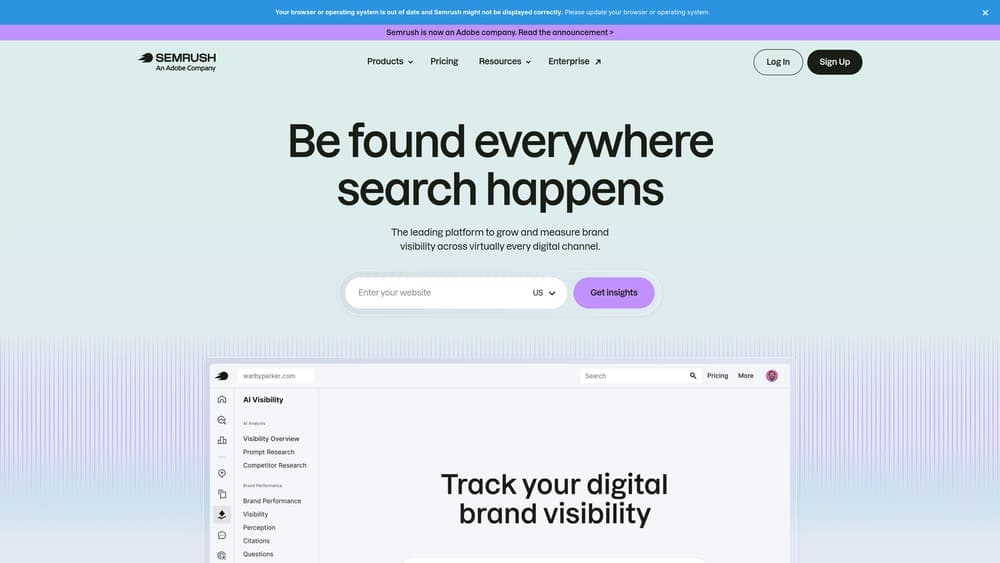
Semrush is a comprehensive SEO and digital marketing toolkit that covers keyword research, competitor analysis, technical audits, and content optimization.
Where This Tool Shines
If you’re serious about ranking in search, Semrush gives you a level of competitive intelligence that used to require an entire analyst team. You can see exactly which keywords your competitors rank for, where their backlinks come from, and where gaps exist that you could exploit. That kind of strategic clarity is what separates businesses that grow organically from those that publish content and hope for the best.
The local SEO tools are particularly useful for small businesses. Managing your listings across multiple directories from one dashboard saves time and helps ensure your business information stays consistent, which matters for local search rankings.
Key Features
Keyword Research: Search volume, keyword difficulty, and intent data to help you target terms worth ranking for.
Competitor Analysis: See which keywords, pages, and backlinks are driving traffic to competing domains.
Technical SEO Audit: Crawl your site to identify issues that may be holding back your rankings.
Content Marketing Toolkit: Topic research and content briefs to guide what you write and how to structure it for search.
Local SEO Listing Management: Distribute and manage your business listings across major directories from one place.
Best For
Small businesses with a content or SEO strategy in place, or those working with an SEO agency that uses Semrush for research and reporting. Less useful if you have no plans to invest in organic search.
Pricing
A limited free account is available. The Pro plan starts at $139.95/month and the Guru plan at $249.95/month. Pricing reflects the depth of data access at each tier.
5. Mailchimp
Best for: Small businesses looking for an approachable, affordable email marketing platform with automation capabilities.
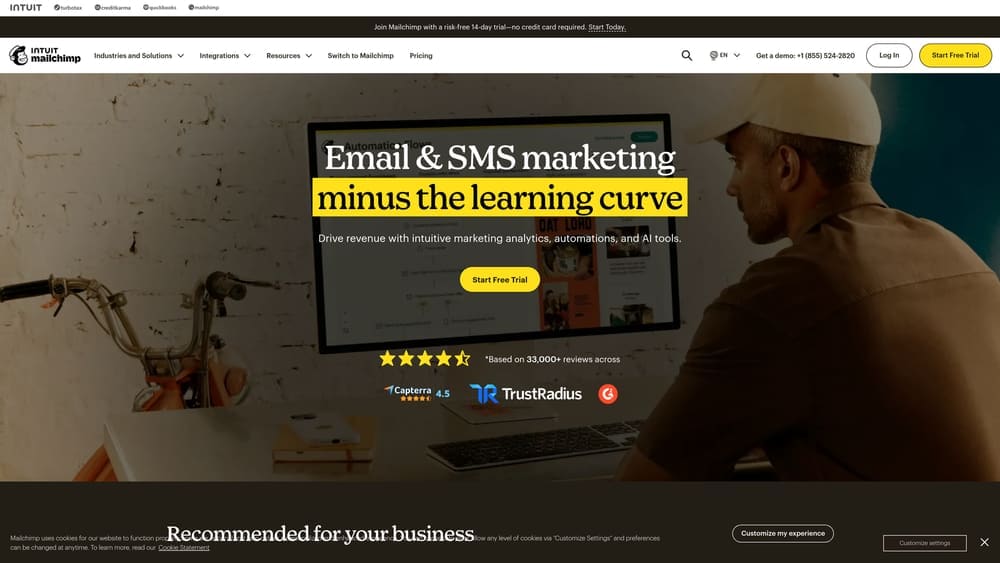
Mailchimp is one of the most widely used email marketing platforms, known for its ease of use, generous free tier, and solid set of automation and segmentation tools.
Where This Tool Shines
Email marketing consistently delivers strong returns relative to its cost, and Mailchimp makes it accessible to business owners who aren’t marketers by trade. The drag-and-drop editor, pre-built templates, and guided automation setup mean you can get a professional email program running without a steep learning curve.
The segmentation and tagging features let you send more relevant messages to different parts of your audience. A customer who bought once gets a different email than someone who signed up but never purchased. That kind of relevance is what keeps your list engaged rather than unsubscribing.
Key Features
Drag-and-Drop Email Builder: Create polished emails using customizable templates without any coding knowledge.
Audience Segmentation: Tag and segment contacts based on behavior, purchase history, or custom fields.
Marketing Automation Journeys: Build automated sequences for welcome series, abandoned cart recovery, and re-engagement campaigns.
Landing Pages and Signup Forms: Capture leads directly through Mailchimp-hosted pages and embedded forms.
E-Commerce Integrations: Native connections with Shopify, WooCommerce, and other platforms to sync customer and purchase data.
Best For
Small businesses with an existing customer list or those actively building one. Particularly strong for e-commerce businesses, local retailers, and service businesses that want to stay top-of-mind with past customers through regular communication.
Pricing
Free plan available for up to 500 contacts. Essentials plans start at $13/month, and Standard plans start at $20/month, with pricing scaling based on list size.
6. Meta Business Suite (Facebook and Instagram Ads)
Best for: Local and visually-driven small businesses that want to reach targeted audiences on Facebook and Instagram.
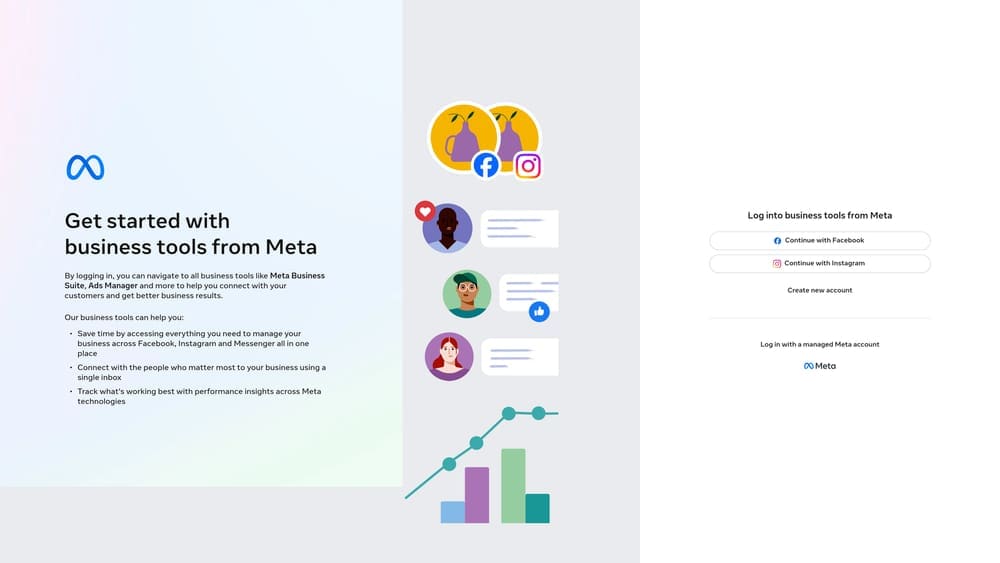
Meta Business Suite is the unified platform for managing Facebook and Instagram advertising, organic content, messaging, and audience insights from one dashboard.
Where This Tool Shines
Meta’s targeting capabilities are genuinely impressive for local businesses. You can reach people within a specific radius of your location, filter by age, interests, household income, and life events, and then retarget anyone who visited your website or engaged with your content. That combination of reach and precision is hard to match at the price point.
For businesses where visuals matter, whether that’s a restaurant, a salon, a home renovation company, or a retail store, the image, video, and carousel ad formats let you show your work in a way that text-based search ads simply can’t. Instagram Stories and Reels placements add additional surface area for reaching potential customers.
Key Features
Granular Audience Targeting: Target by location, demographics, interests, behaviors, and life events with significant specificity.
Multiple Ad Formats: Image, video, carousel, Stories, and Reels ads accommodate different creative approaches and campaign goals.
Custom and Lookalike Audiences: Retarget website visitors and build lookalike audiences that mirror your best existing customers.
Unified Inbox: Manage Facebook and Instagram messages from one place, keeping customer communication organized.
Built-In Analytics: Track reach, engagement, click-through rates, and conversion data across both platforms.
Best For
Local businesses, service providers, and retailers with strong visual content or a clear local audience to target. Works best when paired with a solid offer and a landing page built to convert the traffic.
Pricing
No platform fee. Ad budgets can start as low as $1/day, though most small businesses see meaningful results spending between $5 and $30 per day with well-structured campaigns.
7. Canva Pro
Best for: Small businesses that need professional-quality marketing visuals without a graphic design budget.
Canva Pro is a design platform that empowers non-designers to create polished marketing materials including social media graphics, ad creatives, presentations, flyers, and short video content.
Where This Tool Shines
Design quality directly affects whether people stop scrolling or keep moving. Canva Pro closes the gap between “business owner making graphics” and “professional creative output” more effectively than any other tool at its price point. The template library is extensive, the interface is intuitive, and the Brand Kit feature ensures your colors, fonts, and logos stay consistent across everything you produce.
The Magic Resize tool alone saves meaningful time. Create one ad in the right dimensions for Facebook, then resize it for Instagram Stories, a Google Display banner, and a LinkedIn post in seconds rather than starting from scratch each time.
Key Features
Template Library: Thousands of professionally designed templates for social posts, ads, flyers, presentations, and more.
Brand Kit: Store your brand colors, fonts, and logos so every design stays on-brand without manual setup each time.
Background Remover and Magic Resize: Remove backgrounds from product photos and resize designs for different platforms instantly.
Video Editing and Animation: Create short-form video content and animated graphics without video editing software.
Team Collaboration and Scheduling: Share designs with team members for feedback and schedule social posts directly from Canva.
Best For
Any small business creating its own marketing content, particularly those running social media accounts, producing digital ads, or needing regular visual assets without the cost of a freelance designer for every project.
Pricing
A free plan is available with solid core functionality. Canva Pro starts at $15/month or $120/year per person, making it one of the most cost-effective tools on this list.
8. Google Business Profile
Best for: Any local business that wants to show up when nearby customers search on Google or Google Maps.
Google Business Profile is Google’s free tool for controlling how your business appears in Search and Maps, including your hours, photos, reviews, and customer engagement features.
Where This Tool Shines
If you run a local business and you haven’t fully optimized your Google Business Profile, you’re leaving visibility on the table every single day. When someone searches for a service near them, the Map Pack results that appear at the top of the page are driven largely by Google Business Profile data. A well-maintained profile with strong reviews, current photos, and regular posts can outperform paid ads for high-intent local searches.
The review management aspect alone makes this essential. Responding to reviews, both positive and negative, signals to Google and to potential customers that you’re an active, responsive business. It builds trust before someone ever clicks through to your website.
Key Features
Business Information Management: Keep your name, address, phone number, hours, and website accurate and consistent across Google’s platforms.
Review Collection and Response: Collect customer reviews and respond publicly to build credibility and improve local ranking signals.
Performance Insights: Track how many people called, requested directions, or visited your website directly from your profile.
Posts, Offers, and Events: Publish updates and promotions that appear directly in Search and Maps results.
Messaging and Q&A: Engage with potential customers through direct messaging and by answering common questions publicly.
Best For
Every local business, full stop. Whether you run a restaurant, a law firm, a plumbing company, or a retail shop, an optimized Google Business Profile is one of the highest-ROI marketing activities available, especially given that it costs nothing.
Pricing
Completely free. There is no paid tier. This is one of the most valuable free tools in local marketing.
9. Hootsuite
Best for: Small businesses managing social media presence across multiple platforms who need scheduling, monitoring, and reporting in one place.
Hootsuite is a social media management platform that centralizes scheduling, brand monitoring, analytics, and team workflows across all major social channels.
Where This Tool Shines
Managing social media manually across Facebook, Instagram, LinkedIn, and X simultaneously is the kind of task that quietly consumes hours each week. Hootsuite consolidates that work into a single dashboard where you can batch-schedule content, monitor what people are saying about your brand, and review performance without jumping between apps.
The AI-powered caption and hashtag suggestions are a practical time-saver for small business owners who know what they want to say but don’t want to spend twenty minutes wordsmithing every post. It won’t replace strategic thinking, but it removes friction from the execution side of social media management.
Key Features
Multi-Platform Scheduling: Schedule and auto-publish content across Facebook, Instagram, LinkedIn, X, and other platforms from one calendar view.
Social Listening: Monitor brand mentions, keywords, and competitor activity to stay informed about relevant conversations.
Analytics and Custom Reports: Track engagement, reach, follower growth, and post performance with exportable reports.
AI Caption and Hashtag Suggestions: Generate caption ideas and hashtag recommendations to speed up content creation.
Team Collaboration with Approval Workflows: Assign content to team members and set up approval processes before posts go live.
Best For
Small businesses with an active social media presence across multiple platforms, or those with a small team where content approval and workflow management matter. Less necessary if you’re only managing one or two social accounts with infrequent posting.
Pricing
Professional plan starts at $99/month. Team plan from $249/month. A 30-day free trial is available, which is worth taking advantage of before committing.
Which Service Is Right for Your Business?
The honest answer is that most small businesses benefit from combining a few of these rather than betting everything on one. A strong foundation typically looks like this: get your Google Business Profile fully optimized (free), run targeted paid ads through Google or Meta, and build a system for staying in touch with past customers through email. Layer in SEO tools and social scheduling as your capacity grows.
Here’s a quick breakdown by goal:
Want done-for-you PPC with real lead generation results: Clicks Geek is the starting point. The Google Premier Partner credential and conversion-first approach make a meaningful difference when your budget has to produce actual revenue.
Building organic search visibility: Pair Semrush for research and strategy with a fully optimized Google Business Profile for local reach.
Need email marketing: Mailchimp is the easiest entry point. HubSpot makes more sense if you need CRM and marketing attribution working together.
Running social ads in-house: Meta Business Suite gives you the targeting depth and creative flexibility to reach local audiences cost-effectively.
Need design support without a designer: Canva Pro handles the visual production side at a price that makes sense for almost any budget.
Managing social media across platforms: Hootsuite keeps everything organized without the tab-switching chaos.
Tired of spending money on marketing that doesn’t produce real revenue? The problem is usually not the platform. It’s the strategy, the targeting, and the conversion setup behind it. At Clicks Geek, we build lead systems that turn traffic into qualified leads and measurable sales growth. If you want to see what this would look like for your business, we’ll walk you through how it works and break down what’s realistic in your market.