Managing Google Ads without the right tools or support is a fast way to burn through budget with little to show for it. For local businesses and small teams, the stakes are especially high: every misallocated dollar is a dollar that didn’t generate a lead, a call, or a sale.
The good news is that the right management solution changes everything. Whether you need a fully managed service that handles strategy and execution for you, or a software platform that sharpens your in-house campaigns, there’s an option built for your situation. The challenge is knowing which one actually fits.
To build this list, we evaluated tools across five criteria: ease of use, automation capabilities, reporting depth, pricing transparency, and suitability for different business sizes. You’ll find options here for solo operators, growing agencies, and enterprise teams alike. If you’re also exploring the broader picture of PPC advertising and lead generation, or want to understand how conversion rate optimization fits into your paid search strategy, those resources are worth a read alongside this comparison.
Here are the top Google Ads management solutions worth your attention in 2026.
1. Clicks Geek
Best for: Local businesses and SMBs that want expert-managed Google Ads without touching software.
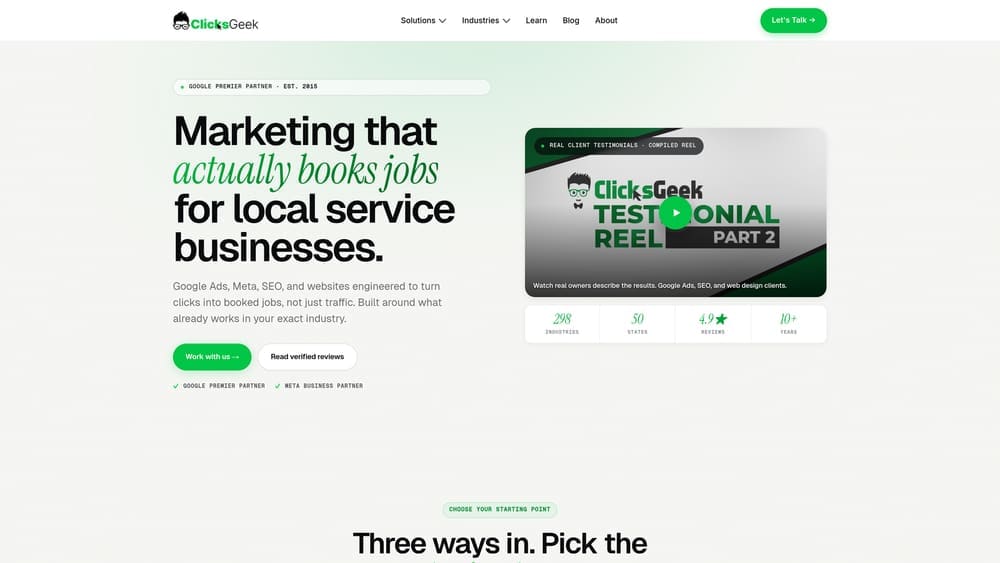
Clicks Geek is a Google Premier Partner agency that manages paid search campaigns end-to-end, with a sharp focus on lead quality, cost-per-acquisition, and measurable revenue outcomes.
Where This Tool Shines
Most Google Ads software puts the work back on you. Clicks Geek flips that model entirely. Instead of handing you a dashboard and wishing you luck, their team handles campaign strategy, keyword selection, ad copy, bid management, and ongoing optimization. For business owners who want results without becoming Google Ads experts themselves, that’s a meaningful distinction.
The agency’s Google Premier Partner status means they meet Google’s highest standards for performance and managed spend. Combined with their CRO focus, campaigns aren’t just built to generate clicks but to convert that traffic into actual leads and customers.
Key Features
Fully Managed Campaigns: No software to learn or dashboards to interpret; the team handles every element of your Google Ads account.
Google Premier Partner Certification: Access to Google’s top-tier support, beta features, and performance benchmarks.
CRO-Integrated Approach: Campaign management is paired with conversion rate thinking, so the focus stays on leads and revenue, not just clicks.
Transparent Revenue-Focused Reporting: Reporting centers on the metrics that matter: cost per lead, lead quality, and return on ad spend.
White Label PPC: Agencies can resell Clicks Geek’s managed PPC services under their own brand, making it a strong option for marketing agencies looking to scale without hiring.
Best For
Local businesses, service-based companies, and marketing agencies that want high-performance Google Ads campaigns without the overhead of managing them in-house. Particularly strong for businesses where lead quality matters more than raw traffic volume.
Pricing
Custom pricing based on ad spend and campaign scope. Contact Clicks Geek directly for a consultation and tailored proposal.
2. Optmyzr
Best for: Experienced PPC managers and agencies handling multiple accounts at scale.
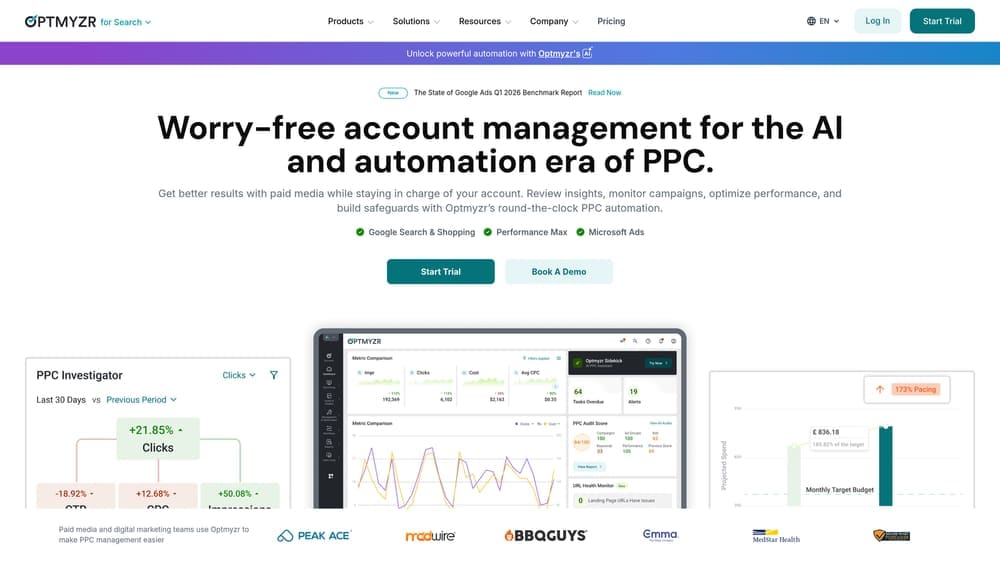
Optmyzr is a sophisticated PPC optimization platform built by former Google engineers, offering deep automation tools and a rule engine that experienced advertisers can genuinely put to work.
Where This Tool Shines
Optmyzr is built for people who already know Google Ads well and want to move faster. The one-click optimization suggestions are backed by data pulled directly from your account, and the custom rule engine lets you build automated workflows that match your specific management style. It’s the kind of platform that rewards expertise.
Multi-account management is a particular strength. Agencies juggling dozens of client accounts will find the MCC-level views and bulk optimization features genuinely time-saving rather than just cosmetically useful.
Key Features
One-Click Optimizations: Data-backed suggestions for bids, budgets, and keywords that can be applied with a single click.
Custom Rule Engine: Build automated rules to manage account changes based on performance thresholds you define.
PPC Audit Tools: Account health checks and quality score tracking to surface issues before they become expensive.
MCC Support: Manage and optimize across multiple client accounts from a single interface.
Shopping and Performance Max Tools: Dedicated features for managing Google’s more complex campaign types.
Best For
PPC agencies, in-house teams with dedicated search specialists, and advanced advertisers who want to automate repetitive tasks without losing control of strategy. Less suitable for beginners or business owners without PPC experience.
Pricing
Starts around $249/month for accounts managing up to $50,000 in ad spend, with higher tiers available for larger budgets.
3. WordStream
Best for: Small businesses with limited time who need guided, simplified PPC management.
WordStream, now part of the LocaliQ platform, is designed to make Google Ads accessible for business owners who don’t have the bandwidth to become PPC specialists.
Where This Tool Shines
The platform’s signature feature, the 20-Minute Work Week, is genuinely clever. It surfaces the highest-priority optimizations and walks you through them in a guided workflow, so you’re not staring at a blank dashboard wondering what to do next. For time-strapped small business owners, that kind of structure makes a real difference.
WordStream also covers cross-platform management, letting you handle Google, Meta, and Microsoft Ads from one place without switching between multiple interfaces.
Key Features
20-Minute Work Week: A guided weekly optimization workflow that prioritizes the most impactful changes for your account.
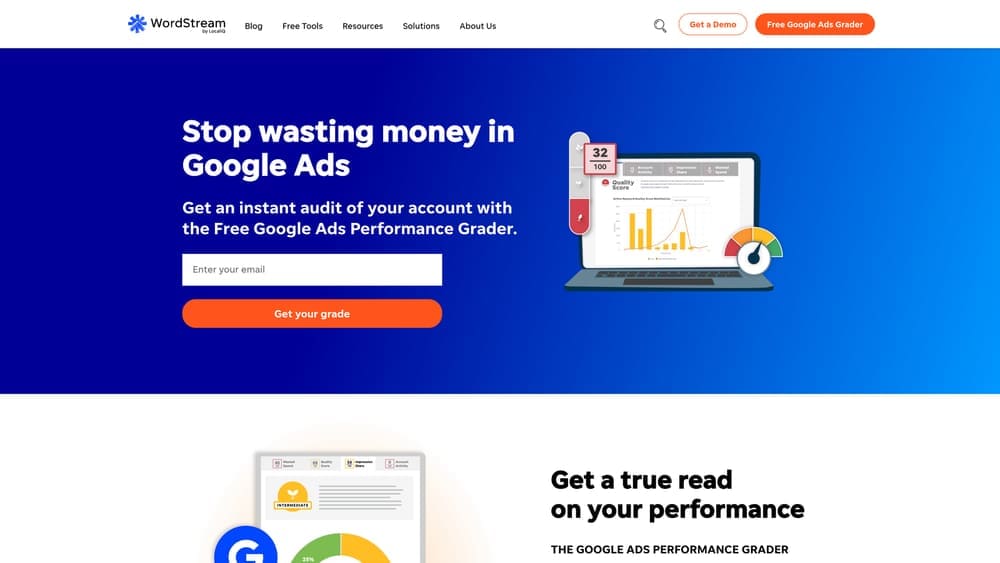
Free Google Ads Performance Grader: A well-known free tool that benchmarks your account against best practices and identifies waste.
Cross-Platform Management: Manage Google, Meta, and Microsoft Ads campaigns from a single dashboard.
Smart Keyword and Ad Copy Suggestions: Automated recommendations tailored to your industry and account history.
Simplified Reporting: Clean dashboards designed for business owners, not data analysts.
Best For
Small business owners managing their own ads with limited time, or marketing generalists who need a guided approach to PPC without a steep learning curve.
Pricing
The Google Ads Performance Grader is free. Paid plans are available through LocaliQ; contact for current pricing as plans vary by market and scope.
4. Adalysis
Best for: Data-driven advertisers who prioritize systematic ad testing and quality score management.
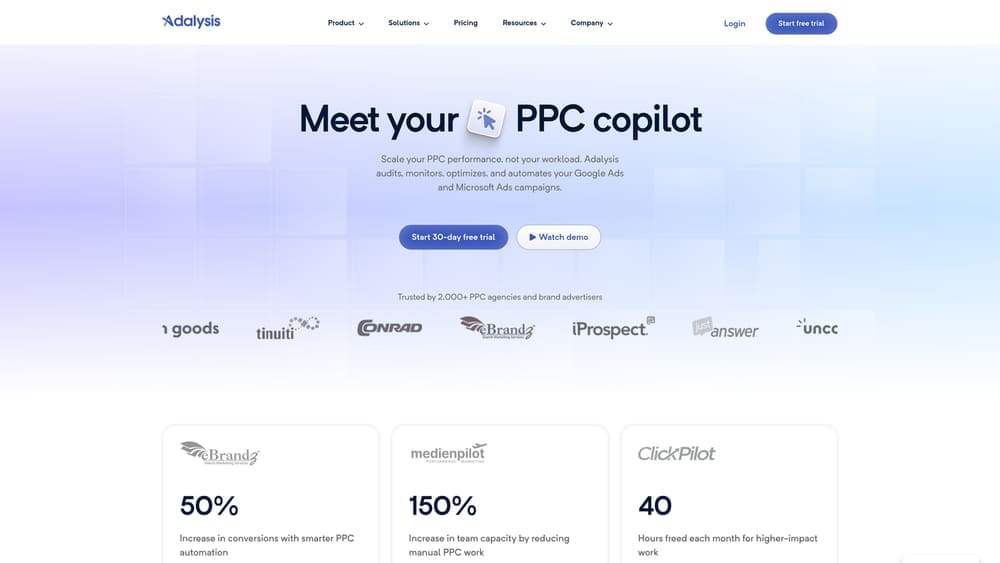
Adalysis is a Google Ads optimization platform built around the idea that better testing and better data hygiene lead to better campaign performance over time.
Where This Tool Shines
Ad testing is where Adalysis genuinely outperforms most alternatives. The platform automates the testing process and applies statistical significance analysis before declaring a winner, which prevents the common mistake of pausing ads based on insufficient data. That discipline alone can meaningfully improve long-term account performance.
The anomaly detection and automated alerting system is another standout feature. Instead of discovering a budget issue or performance drop after the damage is done, Adalysis flags problems in real time so you can act quickly.
Key Features
Automated Ad Testing: Runs statistically rigorous A/B tests on ad copy and pauses losers automatically when significance thresholds are met.
Quality Score Monitoring: Tracks quality score changes over time and surfaces the components dragging performance down.
Automated Alerts: Real-time notifications for budget anomalies, performance drops, and account issues.
Negative Keyword Conflict Detection: Identifies cases where negative keywords are blocking relevant traffic from showing ads.
Custom Dashboards: Flexible reporting views that can be tailored to your most important KPIs.
Best For
Advertisers and agencies that run high-volume accounts with ongoing ad testing programs, or those who want tighter control over quality scores and account hygiene without manual audits.
Pricing
Starts around $99/month, with pricing tiers scaling based on managed ad spend volume.
5. Opteo
Best for: Google Ads managers who want a clean, low-friction tool for continuous account improvement.
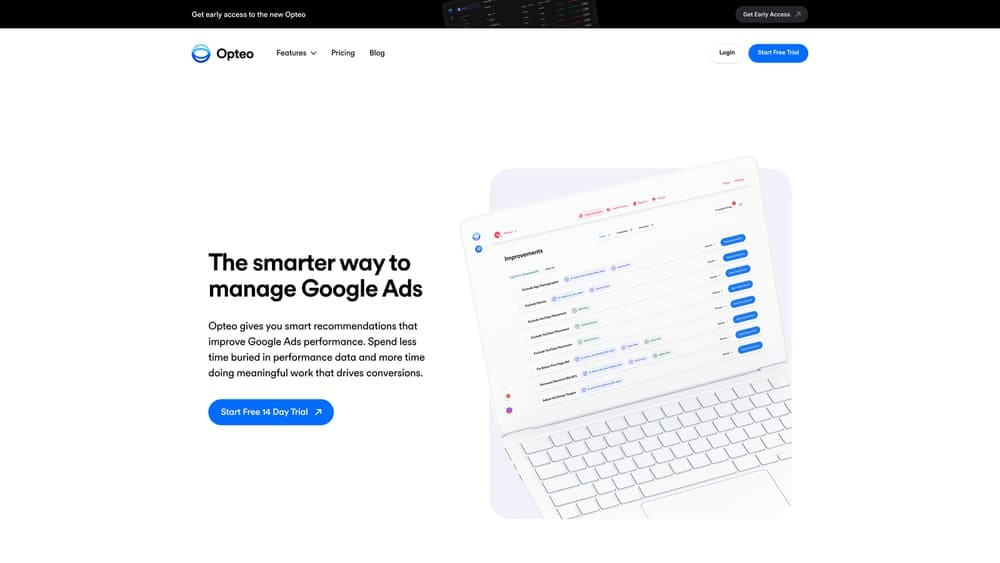
Opteo takes a refreshingly simple approach: it monitors your account constantly and surfaces a prioritized feed of improvement recommendations, ready to implement with a single click.
Where This Tool Shines
Where some optimization platforms overwhelm you with options, Opteo narrows the focus to what matters most right now. The continuous improvement feed is ranked by expected impact, so you’re always working on the highest-value changes rather than getting lost in lower-priority tweaks.
The interface deserves a mention too. It’s genuinely clean and approachable, which makes it a solid option for smaller teams or individual managers who want powerful optimization without the complexity of enterprise-grade platforms.
Key Features
Prioritized Improvement Feed: A continuously updated list of recommendations ranked by potential impact on account performance.
One-Click Implementation: Apply suggested changes directly within Opteo without switching to the Google Ads interface.
Performance Monitoring: Ongoing account surveillance with anomaly detection to catch issues early.
Budget and Bid Suggestions: Data-backed recommendations for adjusting spend allocation and bid strategies.
Minimal Learning Curve: Designed to be intuitive from day one, reducing the ramp-up time compared to more complex platforms.
Best For
Individual PPC managers, small agencies, and in-house teams that want a practical, day-to-day optimization tool without enterprise complexity or a long onboarding process.
Pricing
Starts at $129/month for accounts managing up to $50,000 in ad spend, with higher tiers available for larger budgets.
6. Google Ads Editor
Best for: Any advertiser managing large or complex accounts who needs bulk editing capabilities.
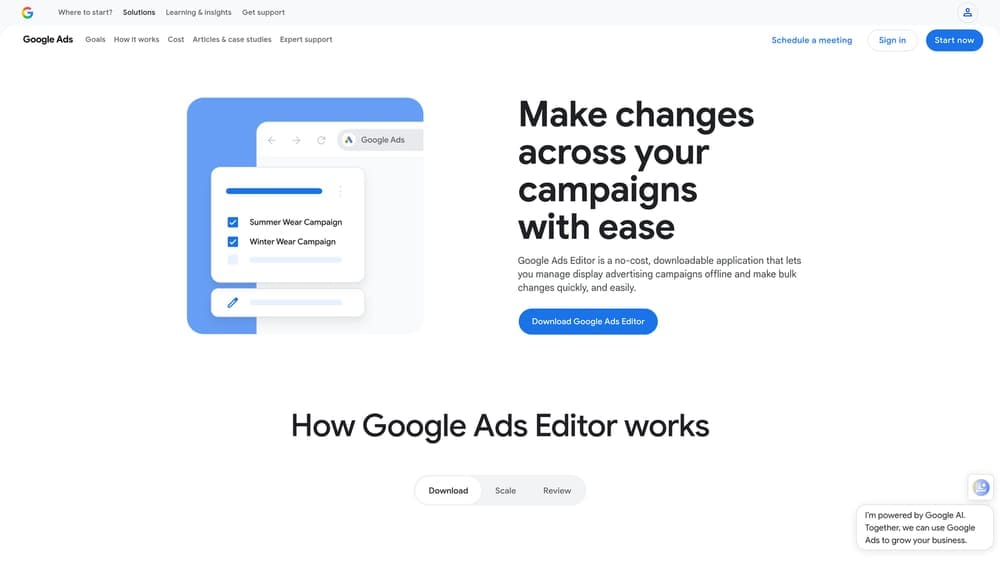
Google Ads Editor is Google’s free desktop application for managing campaigns offline and pushing bulk changes to accounts in batches.
Where This Tool Shines
For sheer efficiency in bulk editing, nothing beats Google Ads Editor. Tasks that would take hours in the web interface, like updating hundreds of keywords, restructuring ad groups, or copying campaigns between accounts, can be done in minutes. Every serious Google Ads manager should have this in their toolkit, regardless of what other software they use.
The offline capability is genuinely useful. You can build out entire campaigns, review changes in draft mode, and push everything live when you’re ready, without relying on a stable internet connection throughout the process.
Key Features
Bulk Editing: Make changes to campaigns, ad groups, keywords, and ads across an entire account simultaneously.
Offline Functionality: Work on account changes without an active internet connection and upload when ready.
Find and Replace: Update text across multiple ads or keywords in seconds using search-and-replace functionality.
Cross-Account Copy: Duplicate campaigns, ad groups, or individual elements between different accounts easily.
Draft and Review Mode: Preview all pending changes before pushing them live to avoid costly mistakes.
Best For
Any Google Ads manager, from small business owners to enterprise teams, who regularly makes large-scale changes. It’s especially valuable for agencies managing multiple client accounts with similar structures.
Pricing
Completely free. No subscription required, no usage limits, and no premium tiers.
7. Semrush PPC Toolkit
Best for: Teams that want competitive intelligence and keyword research alongside their PPC management.
Semrush is best known as an SEO platform, but its PPC toolkit is a legitimate asset for advertisers who want to understand the competitive landscape before and during campaign management.
Where This Tool Shines
Semrush’s competitive intelligence features are where it earns its place on this list. The ability to see what keywords your competitors are bidding on, what their ad copy looks like, and how their positions have shifted over time gives you strategic context that most dedicated PPC tools don’t offer.
If your team also handles SEO or content marketing, the integrated platform means you’re not paying for separate tools to cover different channels. The unified data view across paid and organic can surface opportunities that siloed tools would miss.
Key Features
Competitor Ad Research: View competitor keywords, ad copy, and historical ad performance to inform your own strategy.
PPC Keyword Tool: Build, organize, and refine keyword lists with CPC data and competition metrics built in.
Ad History Tracking: Monitor how competitor ad strategies have evolved over time.
CPC Mapping and Budget Estimation: Estimate costs for target keywords before committing budget to a campaign.
Cross-Channel Integration: PPC data sits alongside SEO, content, and social tools in one platform.
Best For
Digital marketing teams managing both paid and organic search, or advertisers who want competitive research built into their workflow rather than handled by a separate tool.
Pricing
PPC tools are included in Semrush plans starting at $139.95/month. The Pro plan covers most small business needs; larger teams may need higher tiers.
8. Marin Software
Best for: Enterprise advertisers managing large budgets across multiple channels simultaneously.
Marin Software is an enterprise-grade cross-channel advertising platform designed for organizations running significant spend across Google, Meta, Amazon, and beyond.
Where This Tool Shines
Marin operates at a scale and sophistication level that smaller tools simply aren’t built for. Its machine learning-driven bidding algorithms process large volumes of performance data to make bid adjustments that manual management or simpler automation tools can’t replicate at enterprise scale.
Cross-channel attribution is another area where Marin earns its price tag. For advertisers whose customers interact with ads across multiple platforms before converting, understanding which touchpoints actually drive results is essential for smart budget allocation.
Key Features
Cross-Channel Management: Unified campaign management and reporting across Google, Meta, Amazon, and other major platforms.
ML-Driven Automated Bidding: Machine learning algorithms optimize bids based on conversion probability and performance patterns.
Budget Allocation Optimization: Automatically shift spend toward higher-performing channels and campaigns.
Advanced Attribution Modeling: Multi-touch attribution to understand the full customer journey across paid channels.
Enterprise Reporting: Deep analytics and custom reporting built for teams with complex measurement requirements.
Best For
Large brands, enterprise marketing teams, and agencies managing multi-million dollar ad budgets across several channels. The complexity and cost make it unsuitable for small businesses or single-channel advertisers.
Pricing
Enterprise pricing only; contact Marin directly for a custom quote based on your managed spend and platform requirements.
9. Shape.io (Canalytic)
Best for: Agencies and multi-account managers who need precise budget pacing and overspend prevention.
Shape.io is a specialized budget management tool built to solve a specific and expensive problem: keeping ad spend precisely on track across multiple accounts and platforms.
Where This Tool Shines
Budget pacing is one of those problems that sounds simple until you’re managing 30 client accounts simultaneously. Shape.io automates the monitoring and reallocation process, flagging overspend risks before they materialize and redistributing budget toward better-performing campaigns in real time.
For agencies billing clients on fixed monthly budgets, the overspend prevention features alone can pay for the tool many times over. Delivering exactly what you promised, no more and no less, is both a client retention issue and a profitability one.
Key Features
Automated Budget Pacing: Monitors spend velocity across Google, Meta, and Microsoft Ads to keep campaigns on target throughout the month.
Overspend Prevention: Real-time alerts and automated pausing rules to prevent budgets from running over.
Multi-Client Dashboards: Agency-focused views that show budget health across all client accounts at a glance.
Performance-Based Reallocation: Automatically shifts budget from underperforming campaigns to those delivering better results.
Platform Integrations: Connects with major ad platforms and reporting tools to centralize budget data.
Best For
Digital agencies managing multiple client accounts with fixed monthly budgets, or in-house teams running campaigns across several platforms who need tighter spend control than native platform tools provide.
Pricing
Starts around $100/month, with pricing scaling based on the number of accounts under management.
Which Tool Is the Right Fit for Your Business?
The honest answer is that the right choice depends entirely on where you sit. If you’re a local business owner who wants Google Ads to generate real leads without hiring a full-time specialist or learning a complex platform, a managed service is almost always the smarter investment. Software gives you capability; a great agency gives you results.
For in-house teams and experienced PPC managers, the software options here cover a solid range. Optmyzr and Adalysis are strong choices for agencies and advanced users who want automation without giving up control. Opteo is a cleaner, more accessible option for smaller teams. Google Ads Editor is non-negotiable for anyone doing serious bulk work, and it costs nothing. Semrush makes sense if competitive intelligence is part of your workflow. Marin and Shape.io serve more specialized needs at the enterprise and multi-account management level respectively.
Here’s a quick reference by use case:
Local business wanting managed results: Clicks Geek
Agency managing many client accounts: Optmyzr or Shape.io
Small business managing their own ads: WordStream or Opteo
Data-focused ad testing and hygiene: Adalysis
Bulk editing and account restructuring: Google Ads Editor
Competitive research alongside PPC: Semrush PPC Toolkit
Enterprise cross-channel management: Marin Software
Tired of spending money on marketing that doesn’t produce real revenue? At Clicks Geek, we build lead systems that turn traffic into qualified leads and measurable sales growth. If you want to see what this would look like for your business, we’ll walk you through exactly how it works and break down what’s realistic in your market.