
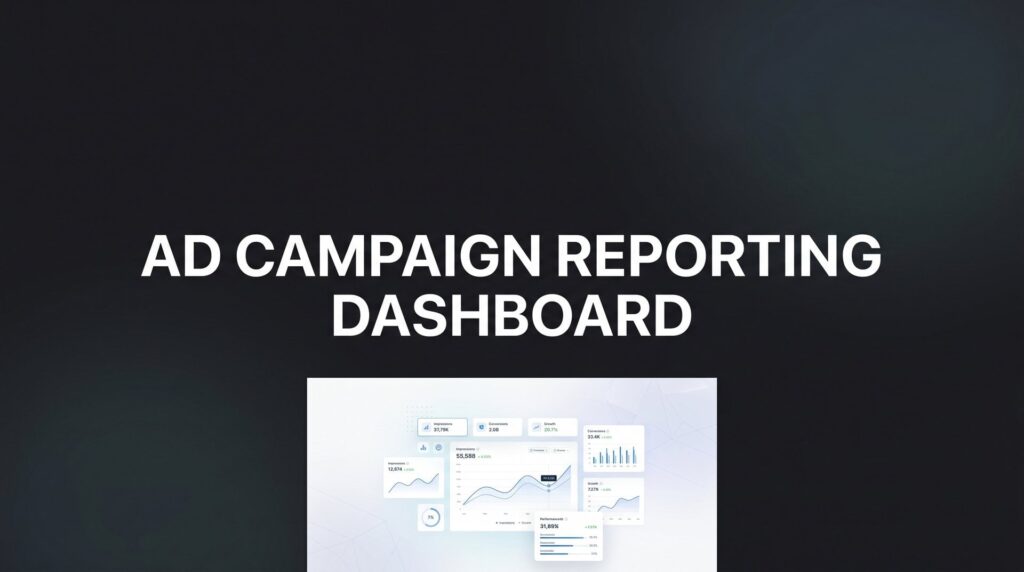
Tracking ad performance across Google, Meta, LinkedIn, and Microsoft Ads simultaneously is genuinely difficult. Most business owners and marketers start with spreadsheets, then realize they’re spending hours every week copying numbers instead of actually improving campaigns. The result? Slow decisions, missed opportunities, and reports that are outdated before anyone reads them.
The right ad campaign reporting dashboard changes that equation. Instead of chasing data, you see everything in one place, in real time, and you can act on it.
The tools below were selected based on ease of use, multi-channel integration, real-time data capabilities, customization options, and overall value. Whether you’re a local business owner managing your own Google Ads account or an agency handling dozens of clients, there’s a solution here that fits. If you’ve ever felt like your marketing campaigns lack the transparency they deserve, this list is a good place to start.
1. Clicks Geek — Client Reporting Dashboard
Best for: Business owners who want transparent, real-time reporting backed by expert campaign management.
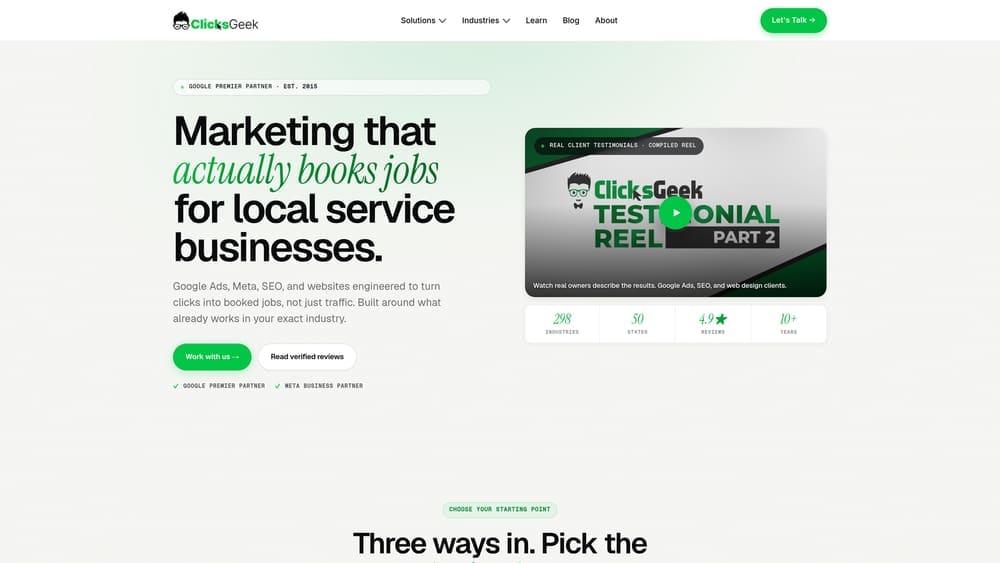
Clicks Geek is a Google Premier Partner PPC agency that includes a real-time client reporting dashboard as part of its full-service campaign management — so you get the data and the team that acts on it.
Where This Tool Shines
Most reporting dashboards hand you data and leave you to figure out what it means. Clicks Geek does something different: the dashboard is paired with dedicated account management from a team that’s actively optimizing your campaigns. You’re not just watching numbers move; someone qualified is moving them in the right direction.
As a Google Premier Partner, Clicks Geek brings CRO expertise and a performance-first mindset to every account. The reporting isn’t a nice-to-have add-on — it’s how they stay accountable to results. No hidden metrics, no vanity stats, just clear visibility into what your ad spend is actually producing.
Key Features
Real-Time Campaign Dashboard: Live performance data included with every PPC management engagement, so you’re never waiting on a monthly PDF to know how campaigns are running.
Google Premier Partner Expertise: The strategy and optimization behind the numbers comes from a team with verified Google Premier Partner status and deep CRO experience.
Transparent ROI Tracking: Reporting is built around clear, honest metrics — cost per lead, conversion rates, revenue impact — not inflated impressions or click counts.
Multi-Channel Coverage: Covers Google Ads, Facebook Ads, and multi-channel campaigns under one reporting view.
Dedicated Account Management: A real person reviews the data and takes action — you don’t need to interpret dashboards or make optimization calls yourself.
Best For
Local businesses and growing companies that want more than a reporting tool — they want a team that handles the entire process. If you don’t have an in-house marketing team or you’re frustrated with agencies that report without improving, this is the model that makes the most sense.
Pricing
Custom pricing based on ad spend and services required. A free consultation is available to discuss what’s realistic for your market and budget.
2. Looker Studio (formerly Google Data Studio)
Best for: Teams and individuals who want a free, fully customizable reporting tool with deep Google integration.
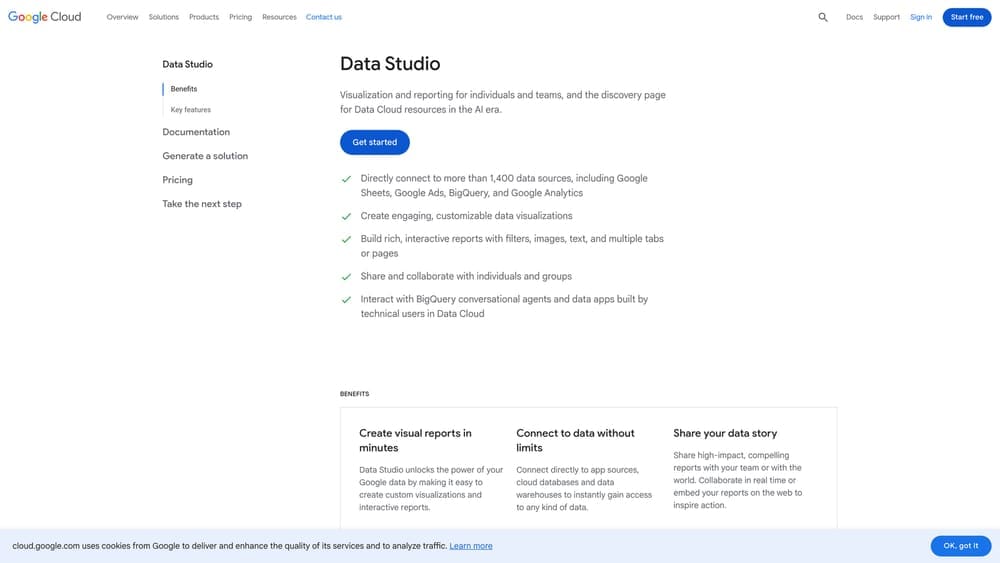
Looker Studio is Google’s free reporting and dashboard platform that connects natively to Google Ads, GA4, and Search Console, with hundreds of additional connectors available.
Where This Tool Shines
The price point is hard to argue with: completely free, with no limits on users or reports. For anyone running Google-centric campaigns, the native integrations are seamless — your Google Ads data flows in without any extra setup or third-party middleware.
The drag-and-drop report builder is flexible enough to create polished, client-ready dashboards, and reports can be shared via link or delivered on a schedule. The trade-off is that building a great Looker Studio report takes time and some technical comfort. It’s a blank canvas, which is powerful if you know what you want to build.
Key Features
Completely Free: No user limits, no report limits, no hidden tiers — the core platform costs nothing.
Native Google Integration: Direct connections to Google Ads, GA4, Search Console, and Google Sheets without additional connectors.
Community Connectors: Hundreds of partner and community-built connectors extend coverage to Meta Ads, LinkedIn, and more.
Drag-and-Drop Builder: Fully customizable layouts with charts, tables, scorecards, and date range controls.
Shareable Reports: Distribute via link, embed in websites, or schedule automated email delivery.
Best For
Marketers comfortable with DIY setup who primarily run Google campaigns. Also excellent as a free reporting layer on top of paid data pipeline tools like Supermetrics. Not ideal for those who need quick setup or out-of-the-box templates.
Pricing
Free. Third-party data connectors sourced through partners may carry separate costs, typically ranging from $10 to $50 or more per month depending on the source.
3. AgencyAnalytics
Best for: Marketing agencies that need white-label dashboards and automated client reporting across 80+ integrations.
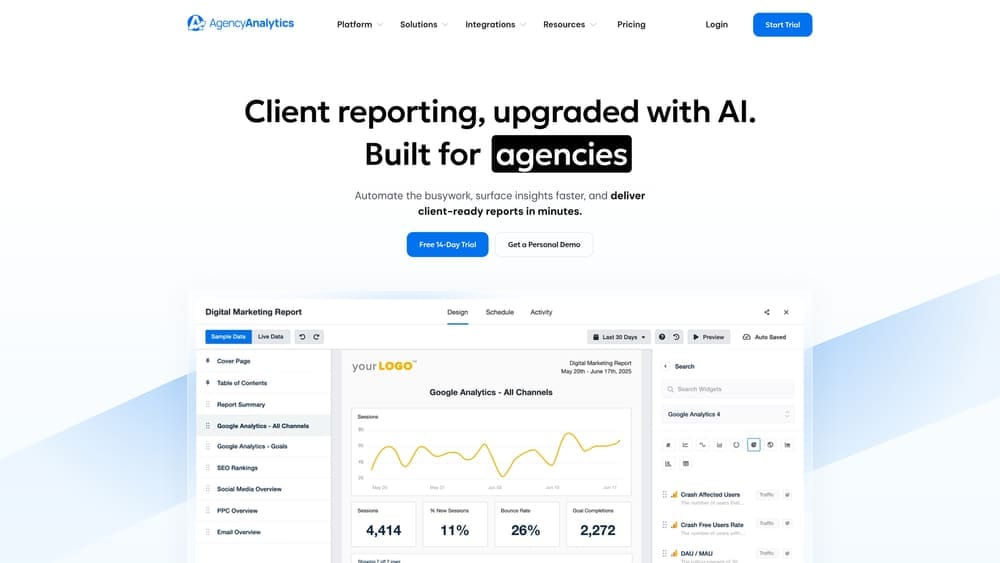
AgencyAnalytics is an all-in-one reporting platform built specifically for agencies, combining ad campaign data, SEO tools, and automated client delivery in one place.
Where This Tool Shines
AgencyAnalytics was designed with agencies in mind, and it shows. The white-label capabilities let you brand every dashboard and report with your agency’s identity, and the client login portals mean clients can check their own performance without emailing you every week.
Beyond ad reporting, the built-in SEO auditing and rank tracking make it genuinely useful for agencies running integrated campaigns. You’re not just pulling ad data — you’re giving clients a full picture of their digital presence from one platform.
Key Features
80+ Integrations: Covers Google Ads, Meta Ads, Microsoft Ads, LinkedIn, and major SEO tools in one platform.
White-Label Branding: Custom logos, colors, and domains on all dashboards and reports.
Automated Report Delivery: Schedule reports to go out automatically via email on daily, weekly, or monthly cadences.
Built-In SEO Tools: Site auditing and keyword rank tracking alongside ad reporting — no separate tool needed.
Client Portals: Clients get their own login to view live dashboards without needing agency assistance.
Best For
Small to mid-sized marketing agencies that want to streamline client reporting and present polished, branded dashboards without building custom solutions. Particularly strong for agencies offering both PPC and SEO services.
Pricing
Starts at $79/month for up to 5 client campaigns. Higher tiers accommodate more campaigns and additional features.
4. Databox
Best for: Teams that want mobile-first KPI tracking with real-time alerts and performance benchmarking.
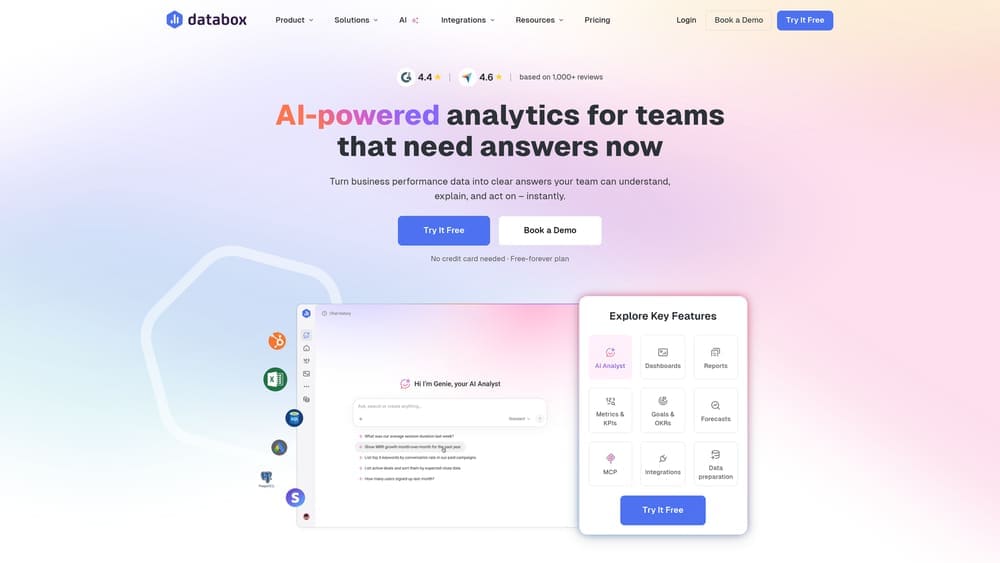
Databox is a real-time business analytics platform built around goal setting, KPI monitoring, and performance benchmarks — with a genuinely strong mobile experience.
Where This Tool Shines
Most reporting tools are built for desktop. Databox takes mobile seriously, with a polished app that sends push notifications when KPIs shift — so you know immediately if a campaign’s cost per click spikes or a conversion goal gets hit. For business owners who aren’t sitting at a desk all day, that responsiveness matters.
The Benchmark Groups feature is a standout: it lets you compare your campaign performance against anonymized data from other businesses in your industry. That context is often missing from standard dashboards, where you’re looking at your own numbers in isolation without knowing if they’re actually good or just average.
Key Features
Mobile App with Push Notifications: Real-time alerts on KPI changes delivered to your phone, not just your inbox.
Goal Tracking: Set campaign targets and track progress with visual indicators and automated alerts.
Benchmark Groups: Compare your metrics against industry peers using anonymized aggregate data.
100+ Integrations: One-click connections to Google Ads, Meta Ads, HubSpot, Salesforce, and more.
DataBoard Designer: Drag-and-drop visualization builder with a wide range of chart types and layout options.
Best For
Business owners and marketing managers who want to stay on top of campaign performance throughout the day without logging into multiple platforms. Also strong for teams that care about goal-setting and benchmarking alongside raw reporting.
Pricing
Free plan available with limited features. Paid plans start at $59/month and scale with the number of data source connections and users.
5. Whatagraph
Best for: Agencies and teams that prioritize visually polished, presentation-ready reports with cross-channel data blending.
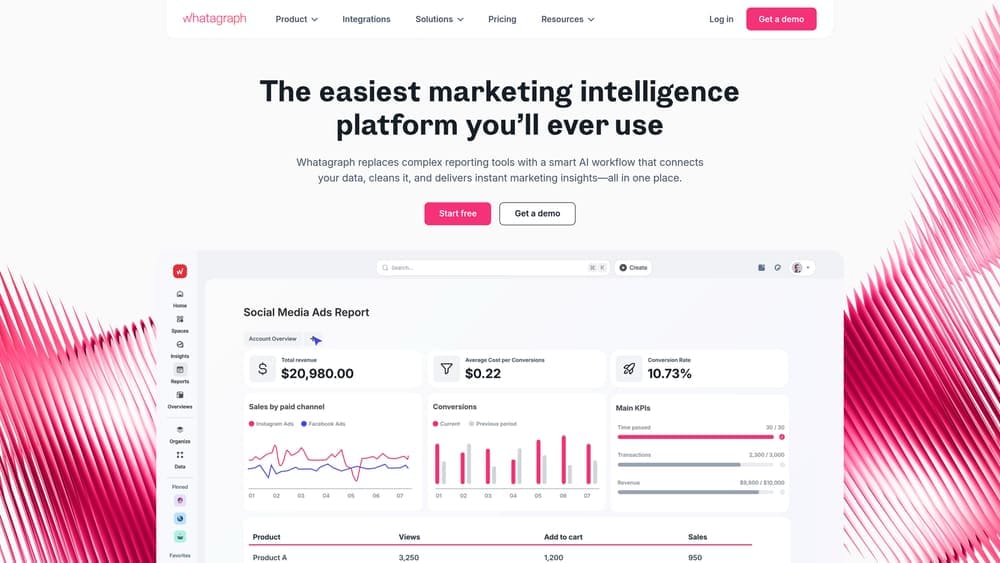
Whatagraph is a cross-channel marketing reporting platform focused on beautiful report design, multi-source data blending, and streamlined agency workflows.
Where This Tool Shines
If your reports need to impress clients or stakeholders, Whatagraph is built for that. The templates are genuinely polished out of the box, and the drag-and-drop builder makes it easy to customize layouts without needing a designer. Reports look like something you’d pay a creative agency to produce.
The cross-channel data blending capability is particularly useful for performance marketers running campaigns across multiple platforms. Instead of separate sections for Google Ads and Meta Ads, you can blend those data streams into unified metrics — giving a cleaner picture of overall campaign performance rather than a collection of siloed reports.
Key Features
Cross-Channel Data Blending: Combine metrics from multiple ad platforms into unified, blended visualizations.
Polished Templates: Presentation-ready report designs that require minimal customization to look professional.
Custom Widget Builder: Drag-and-drop interface for creating bespoke report sections and data visualizations.
Automated Delivery: Schedule reports to send automatically on custom timelines to clients or internal stakeholders.
BigQuery Data Transfer: Export data to Google BigQuery for advanced analysis and long-term storage.
Best For
Marketing agencies that send regular client reports and want those reports to look exceptional without hours of manual formatting. Also suits in-house teams presenting campaign performance to leadership or boards.
Pricing
Starts at approximately $199/month. Positioned as a premium option, so best suited for agencies with multiple clients to justify the cost.
6. DashThis
Best for: Marketers who want fast setup, simple dashboards, and unlimited data sources without a steep learning curve.
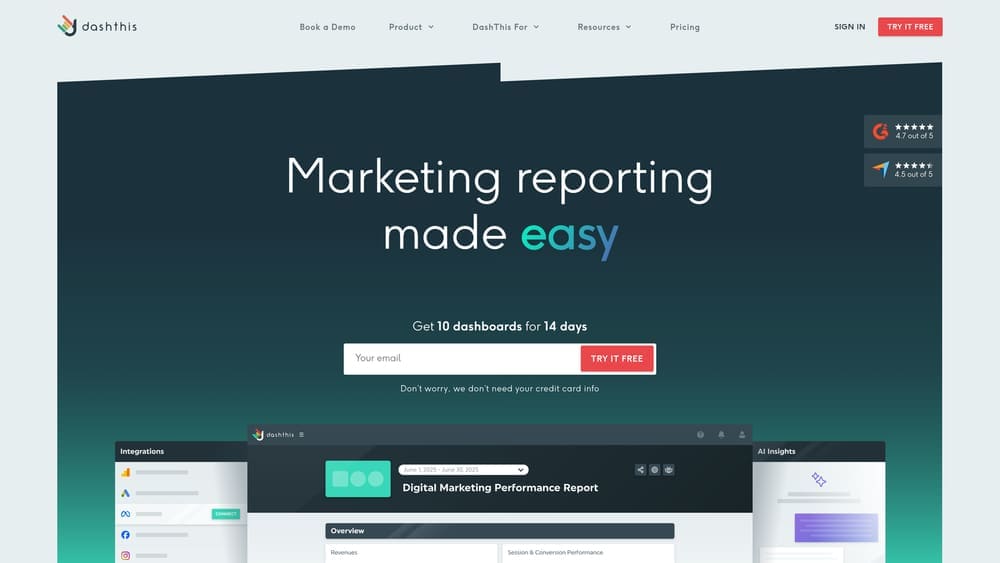
DashThis is a straightforward marketing dashboard tool designed for speed and simplicity, with pre-built templates and no limits on data sources or users across all plans.
Where This Tool Shines
DashThis earns its reputation for being genuinely quick to set up. Most dashboards can be live within minutes using the pre-built templates for PPC, SEO, social media, and email campaigns. There’s no complex configuration or lengthy onboarding — you connect your data sources and the template does the heavy lifting.
The unlimited data sources and users on every plan is a meaningful differentiator. Many competitors charge more as you add team members or connect additional platforms. With DashThis, you’re paying for dashboards, not for access, which keeps costs predictable as your team or client list grows.
Key Features
Pre-Built Templates: Ready-made dashboards for PPC, SEO, social media, email, and more — usable immediately after connecting data.
Unlimited Data Sources and Users: No per-user fees or connector limits regardless of which plan you’re on.
Fast Setup: Most dashboards are operational within minutes, not hours.
White-Label Options: Custom URLs, logos, and branding for client-facing dashboards.
Automated Email Reports: Schedule dashboard snapshots to be delivered automatically to clients or team members.
Best For
Freelancers, small agencies, and in-house marketers who want reliable dashboards without a complex setup process. Particularly good for those managing a moderate number of campaigns who value simplicity over deep customization.
Pricing
Starts at $49/month for 3 dashboards. Higher tiers increase the dashboard count with the same unlimited data source and user access.
7. Supermetrics
Best for: Analysts and data-driven marketers who want to pipe ad campaign data into their own reporting tools, spreadsheets, or data warehouses.
Supermetrics is a data pipeline tool that extracts ad campaign data from 100+ sources and delivers it to wherever you actually do your reporting.
Where This Tool Shines
Supermetrics isn’t a dashboard in the traditional sense — it’s the engine that feeds data into the tools you already use. If your team lives in Google Sheets, Excel, or Looker Studio, Supermetrics handles the extraction and refresh automatically, eliminating the manual export-and-paste workflow that wastes hours every week.
The query-level control is a real strength for analysts. You can specify exactly which campaigns, date ranges, metrics, and dimensions you want to pull, rather than accepting a pre-configured data dump. That precision makes it much easier to build custom reporting workflows that match how your team actually thinks about performance.
Key Features
100+ Data Source Connectors: Google Ads, Meta Ads, LinkedIn Ads, Microsoft Ads, TikTok Ads, and many more.
Flexible Destinations: Send data to Google Sheets, Excel, Looker Studio, BigQuery, Snowflake, and other BI tools.
Automated Data Refresh: Schedule automatic data pulls on hourly, daily, or custom intervals.
Query-Level Control: Specify exact metrics, dimensions, filters, and date ranges for each data pull.
Custom Workflow Building: Build bespoke reporting setups that match your team’s specific analytical needs.
Best For
Data analysts, performance marketers, and agencies with technical resources who want to own their reporting infrastructure. Not ideal for users who want an out-of-the-box dashboard with minimal setup.
Pricing
Starts at $29/month per destination. Total cost varies depending on the number of data sources and connectors selected.
8. Swydo
Best for: PPC managers and campaign-focused teams that need automated reporting with KPI monitoring and alert notifications.
Swydo is a PPC-focused reporting and monitoring tool built around automation, scheduled delivery, and proactive alerts when campaign metrics shift.
Where This Tool Shines
Swydo is purpose-built for paid advertising reporting, and that focus shows in the feature set. The KPI monitoring with alert notifications is genuinely useful for campaign managers who need to catch performance drops before they become expensive problems. Rather than checking dashboards manually, Swydo watches your metrics and notifies you when something needs attention.
The combination of unlimited users and reports on every plan keeps the value proposition clean. For agencies managing multiple clients, there’s no awkward math about whether adding another team member or client will push you into a higher pricing tier.
Key Features
Automated Scheduled Reports: Set reports to deliver automatically via email on daily, weekly, or monthly schedules.
KPI Monitoring and Alerts: Receive notifications when specific metrics cross thresholds — great for catching budget overruns or performance drops early.
Multi-Platform Integrations: Connects to Google Ads, Meta Ads, Microsoft Ads, LinkedIn, and additional marketing platforms.
Drag-and-Drop Report Editor: Build and save reusable templates to speed up report creation across clients.
Unlimited Users and Reports: No per-user fees or report limits on any plan.
Best For
PPC managers and small to mid-sized agencies that run paid advertising as their primary service. Particularly strong for teams that want proactive monitoring rather than passive reporting.
Pricing
Starts at $49/month for 10 data sources. Scales with the number of data source connections required.
9. TapClicks
Best for: Enterprise agencies and large marketing teams that need reporting combined with workflow automation and order management.
TapClicks is an enterprise-grade marketing operations platform that combines ad reporting dashboards with workflow tools, order management, and AI-powered analytics.
Where This Tool Shines
TapClicks operates at a different scale than most tools on this list. With 250+ native integrations and the ability to combine reporting with operational workflows, it’s designed for large agencies or in-house teams that need more than a dashboard — they need a full marketing operations layer.
The AI-powered insights and anomaly detection capabilities are a genuine differentiator at the enterprise level, helping large teams surface meaningful signals from high volumes of campaign data without manually reviewing every account. The white-label options and enterprise-level permissions make it viable for agencies managing large client portfolios with complex team structures.
Key Features
250+ Native Integrations: Broad coverage across ad platforms, marketing tools, and data sources at enterprise scale.
Reporting Plus Operations: Combines campaign dashboards with order management and workflow automation in one platform.
AI-Powered Insights: Automated anomaly detection and intelligent recommendations to surface actionable findings from large data sets.
White-Label at Scale: Full agency branding options designed to handle large client volumes.
Enterprise Permissions: Granular team and client access controls suited to complex organizational structures.
Best For
Large marketing agencies, media companies, and enterprise in-house teams with significant reporting complexity and operational needs that go beyond standard dashboards. The feature depth and pricing reflect a genuine enterprise product.
Pricing
Custom pricing. Typically suited for teams with substantial reporting needs; best evaluated through a direct sales conversation with TapClicks.
Which Dashboard Is Right for You?
The honest answer is that the best reporting dashboard depends entirely on your situation: how many platforms you’re running, whether you have the time to interpret data yourself, and whether you need a tool or a team.
Here’s a quick breakdown by use case to help you decide.
Best free option: Looker Studio. If you’re comfortable with some setup and your campaigns are primarily Google-based, it’s hard to beat free with unlimited flexibility.
Best for agencies: AgencyAnalytics or Whatagraph, depending on whether you prioritize breadth of integrations or visual polish in client-facing reports.
Best for simplicity: DashThis. If you want dashboards running in minutes without a technical learning curve, DashThis is the most friction-free option on the list.
Best for data pipelines: Supermetrics. For analysts who want to own their data infrastructure and build custom reporting in existing tools, it’s the right choice.
Best all-in-one with management: Clicks Geek. If you’re a local business or growing company that doesn’t want to manage dashboards at all, this is the option that removes the most friction. You get real-time reporting and a Google Premier Partner team actively optimizing your campaigns. The dashboard reflects real work being done on your behalf.
Here’s the thing most dashboard comparisons skip over: a reporting tool is only as valuable as the strategy behind the data. A beautifully designed dashboard showing poor campaign performance doesn’t fix the campaigns. That’s the gap a managed service fills.
Tired of spending money on marketing that doesn’t produce real revenue? Clicks Geek builds lead systems that turn traffic into qualified leads and measurable sales growth. If you want to see what this would look like for your business, we’ll walk you through how it works and break down what’s realistic in your market.


