Your Google Ads campaign is running. Budget is being spent. And yet the leads aren’t coming in at a cost that makes sense for your business. Sound familiar?
Underperforming campaigns almost always trace back to the same handful of problems: keywords pulling in the wrong traffic, landing pages that don’t convert, bidding strategies working against you, or attribution gaps that make it impossible to know what’s actually working. The frustrating part is that most of these problems are fixable once you know where to look.
The tools and services below cover every layer of the problem, from competitive intelligence and keyword diagnostics to landing page optimization and call tracking. Whether you want to roll up your sleeves and do the analysis yourself or hand the whole thing to a specialist, this list has an option that fits. Here are the top tools to fix a Google Ads campaign that’s underperforming.
1. Clicks Geek
Best for: Local service businesses that want a managed, full-funnel Google Ads solution
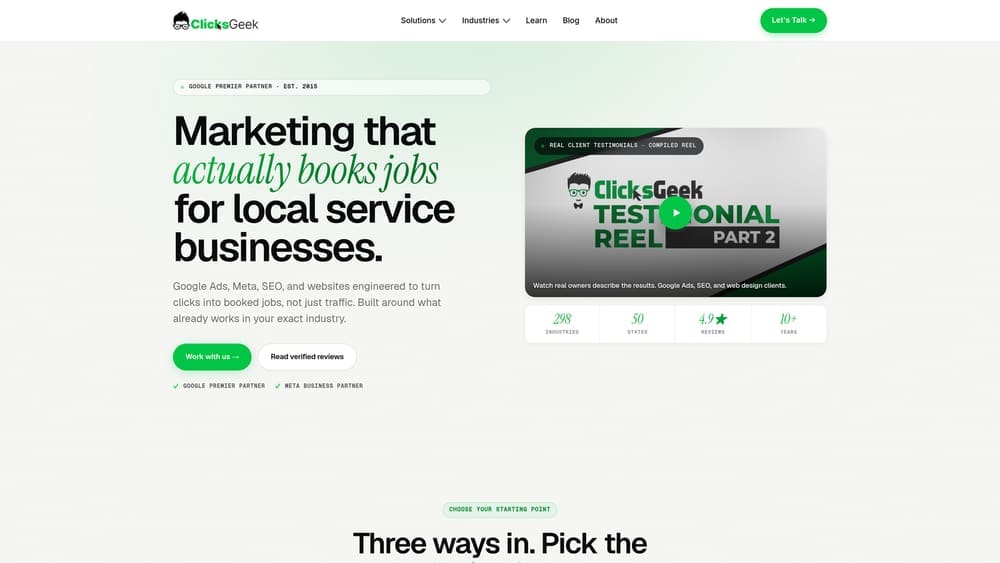
Clicks Geek is a Google Premier Partner PPC agency that specializes in managed Google Ads campaigns for local service businesses, with conversion rate optimization built into every engagement.
Where This Tool Shines
Most tools on this list help you diagnose the problem. Clicks Geek fixes it. As a Google Premier Partner agency, they sit in the top tier of Google’s partner program, which means access to dedicated Google support, beta features, and performance benchmarks most advertisers never see.
What separates them from a typical PPC agency is the full-funnel approach. Underperforming campaigns often have two problems at once: the ads aren’t targeted well enough, and the landing page doesn’t convert. Clicks Geek addresses both, with particular depth in high-competition local verticals like HVAC, plumbing, roofing, electricians, and restoration.
Key Features
Google Premier Partner Status: Verified top-tier status in Google’s partner program, providing access to advanced support and early platform features.
Full-Funnel Campaign Management: Covers ad strategy, keyword targeting, and landing page CRO in a single engagement rather than treating them as separate problems.
Local Vertical Specialization: Deep experience in high-competition service industries where cost per lead and conversion rate directly impact profitability.
Transparent Revenue-Focused Reporting: Reporting centers on cost per lead and revenue impact, not impressions or click-through rates that don’t pay the bills.
Dedicated Campaign Managers: Real humans managing your account, not an automated platform making decisions without context.
Best For
Local service businesses spending a meaningful budget on Google Ads and not seeing returns that justify the spend. Particularly well-suited for HVAC, plumbing, electrical, roofing, and restoration companies in competitive markets where getting the campaign right matters significantly to the bottom line.
Pricing
Custom pricing based on ad spend and scope of services. Contact Clicks Geek directly for a free campaign audit to understand what’s holding your current campaign back.
2. Google Ads Auction Insights and Search Terms Report
Best for: Understanding competitive positioning and eliminating wasted spend from irrelevant queries
Google Ads includes two native diagnostic tools that most advertisers underuse: Auction Insights and the Search Terms Report.
Where This Tool Shines
Auction Insights shows you exactly which competitors are appearing in the same auctions as your ads, along with their impression share, overlap rate, and position above rate. If a competitor is consistently outranking you, this tells you by how much and for which campaigns.
The Search Terms Report is arguably even more valuable for a struggling campaign. It reveals the actual queries that triggered your ads, not just the keywords you’re bidding on. This is where you discover that a broad match keyword meant to capture “emergency plumber near me” is also spending budget on queries that have nothing to do with your business.
Key Features
Auction Insights: Named competitor comparison showing impression share, overlap rate, outranking share, and position above rate.
Search Terms Report: The actual user queries that triggered your ads, filterable by campaign, ad group, and date range.
Negative Keyword Intelligence: Directly surfaces the irrelevant queries you need to add as negatives to stop wasting budget.
Real-Time Campaign Data: Pulls from your actual account performance, not industry estimates or third-party proxies.
Zero Additional Cost: Both tools are built into every Google Ads account at no extra charge.
Best For
Any advertiser actively managing their own Google Ads account. These should be the first two reports you check when diagnosing an underperforming campaign. The Search Terms Report alone often reveals the single biggest source of wasted spend.
Pricing
Free. Both tools are included with any active Google Ads account and require no additional setup.
3. Google Keyword Planner
Best for: Rebuilding keyword strategy with accurate search volume and bid data directly from Google
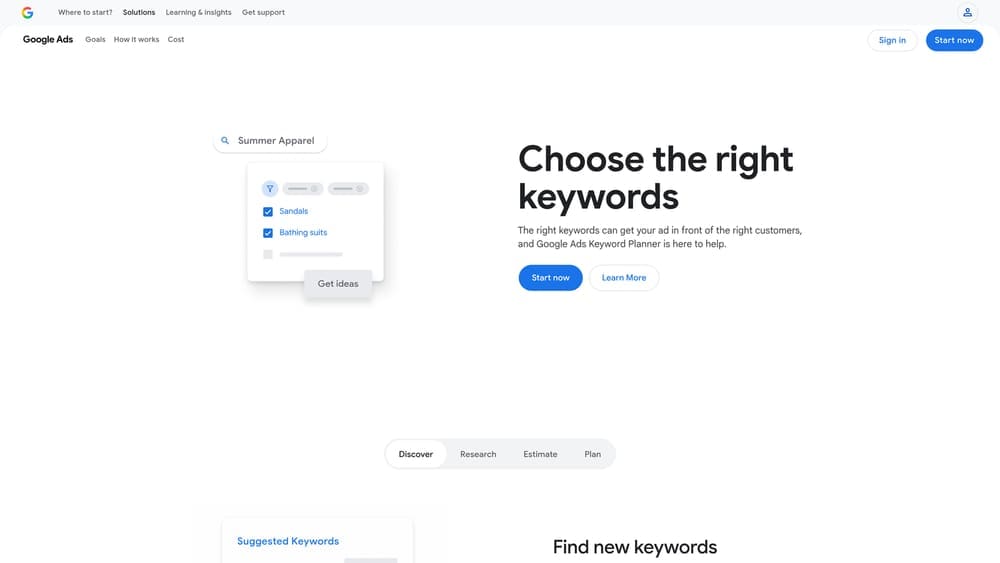
Google Keyword Planner is Google’s own keyword research tool, providing search volume data, competition levels, and bid range estimates pulled straight from Google’s search data.
Where This Tool Shines
When a campaign is underperforming due to keyword issues, the fix often starts with going back to basics. Keyword Planner lets you audit whether you’re targeting terms with enough search volume to drive meaningful traffic, or whether you’re bidding on phrases that barely get searched in your market.
It’s also useful for restructuring ad groups. Many struggling campaigns have poorly organized ad group structures where loosely related keywords are grouped together, hurting Quality Score and ad relevance. Keyword Planner’s grouping suggestions help you build tighter, more relevant ad groups from the ground up.
Key Features
Search Volume Data: Monthly search volume ranges for any keyword or phrase, segmented by location and device.
Bid Estimates: Low and high CPC estimates for each keyword to reality-check your budget against competitive bid levels.
Competition Indicators: Low, medium, or high competition ratings to help prioritize where you can realistically compete.
Keyword Grouping Suggestions: Organizes related keywords into logical ad group structures to improve relevance.
Seasonal Trend Data: Historical volume patterns to understand demand fluctuations throughout the year.
Best For
Advertisers rebuilding a campaign from scratch or restructuring an existing one. Also useful for identifying keyword gaps or verifying that current target keywords have the search demand to justify their position in the account.
Pricing
Free. Requires an active Google Ads account to access full data. Accounts without active spend may see volume ranges rather than precise numbers.
4. SEMrush Advertising Toolkit
Best for: Competitive intelligence on what rival advertisers are spending, bidding on, and running as ad creative
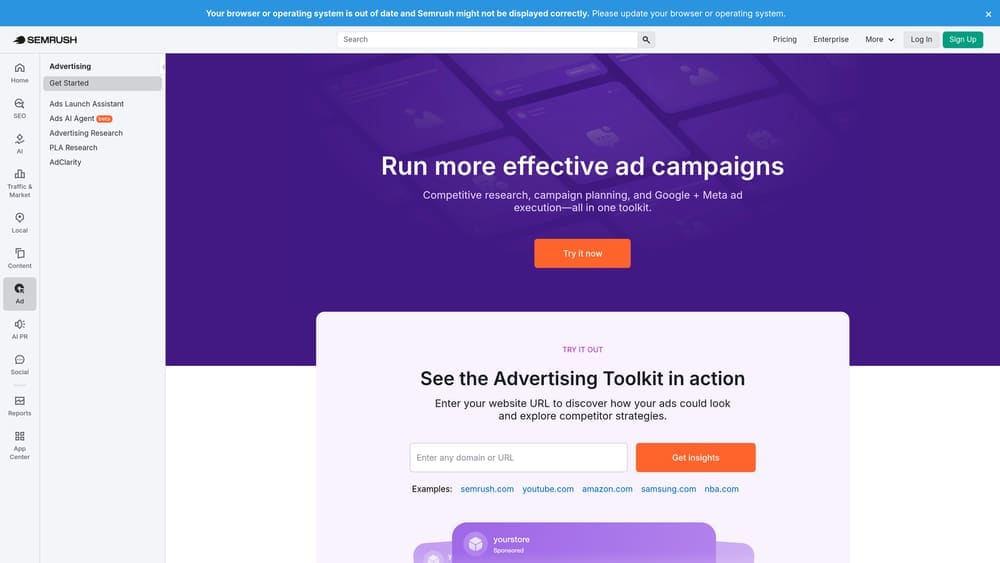
SEMrush’s Advertising Toolkit is a dedicated suite within the SEMrush platform that lets you reverse-engineer competitor PPC strategies, including their keywords, estimated spend, and ad copy history.
Where This Tool Shines
If you’re in a competitive local vertical and your campaign isn’t performing, one of the smartest moves is to study what’s working for your competitors. SEMrush lets you enter any competitor’s domain and see which paid keywords they’re bidding on, how long they’ve been running specific ads, and what their estimated ad traffic looks like.
The keyword gap analysis is particularly useful. It surfaces terms your competitors are bidding on that you aren’t, which can reveal targeting opportunities you’ve been missing entirely.
Key Features
Competitor Keyword Gap Analysis: Identifies paid keywords your competitors target that aren’t currently in your campaigns.
Ad Copy History: Shows historical ad creative for any domain, helping you understand what messaging competitors have tested and stuck with.
Estimated Competitor Ad Spend: Provides spend and traffic estimates for any competitor domain in your market.
CPC Map Tool: Visualizes regional bid cost variations to understand geographic pricing dynamics.
Ad Position Tracking: Monitors how competitor ad positions shift over time across target keywords.
Best For
Marketing managers and business owners in competitive local markets who want to understand the competitive landscape before rebuilding their keyword strategy. Especially valuable in verticals like legal, home services, and healthcare where CPCs are high and competitive intelligence has real dollar value.
Pricing
Starts at approximately $139.95/month for the Pro plan. Advertising Toolkit features are available across all paid tiers.
5. Optmyzr
Best for: In-house PPC teams and agencies managing complex Google Ads accounts that need automation and optimization workflows
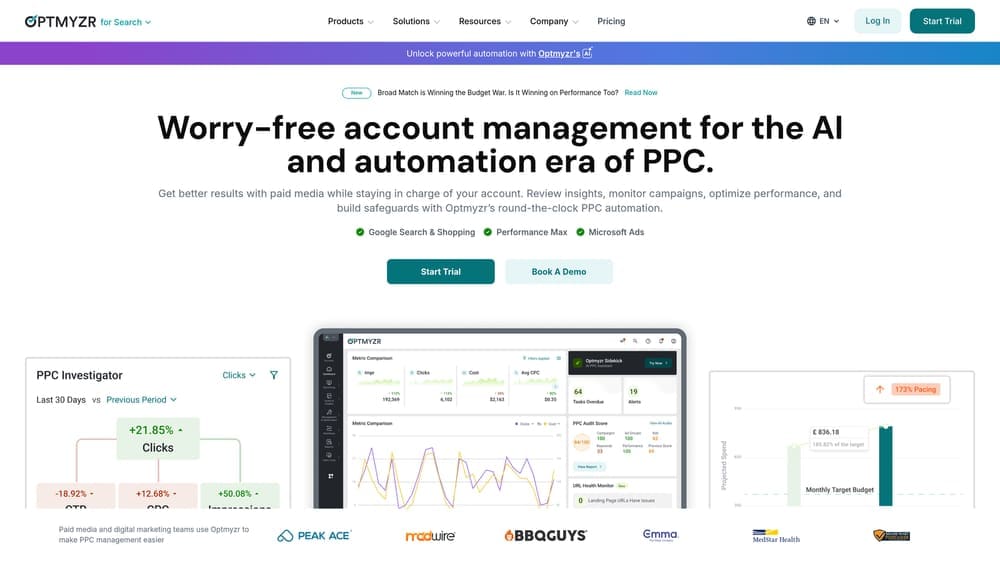
Optmyzr is a PPC management platform built to automate routine optimizations and surface high-impact improvements across Google Ads accounts at scale.
Where This Tool Shines
Where native Google Ads tools show you data, Optmyzr tells you what to do with it. The platform analyzes your account and surfaces specific, prioritized optimization recommendations across bids, budgets, keywords, and Quality Scores. For accounts that have grown complex over time, this kind of structured guidance cuts through the noise.
The rule-based automation engine is a standout feature. You can build custom workflows that automatically adjust bids, pause underperforming keywords, or shift budgets based on conditions you define, without relying on Google’s automated bidding strategies that need substantial conversion data to work well.
Key Features
One-Click Optimization Suggestions: Prioritized recommendations for bids, budgets, keywords, and ad copy improvements.
Rule-Based Automation Engine: Custom workflows for campaign management that operate on conditions you set rather than Google’s black-box algorithms.
Quality Score Tracker: Monitors Quality Score components over time and surfaces specific improvement recommendations.
Performance Alerts: Anomaly detection that flags unusual spend, CTR drops, or conversion rate changes before they compound.
Multi-Campaign Management: Handles both Search and Shopping campaigns in one interface.
Best For
In-house PPC managers or agencies handling multiple accounts who need structured optimization workflows and automation without fully surrendering control to Google’s Smart Bidding. Less suited for small businesses managing a single modest campaign.
Pricing
Starts at approximately $208/month. Pricing scales with the total ad spend under management across connected accounts.
6. WordStream Advisor (LocaliQ)
Best for: Small businesses and local advertisers who want guided PPC optimization without deep paid search expertise
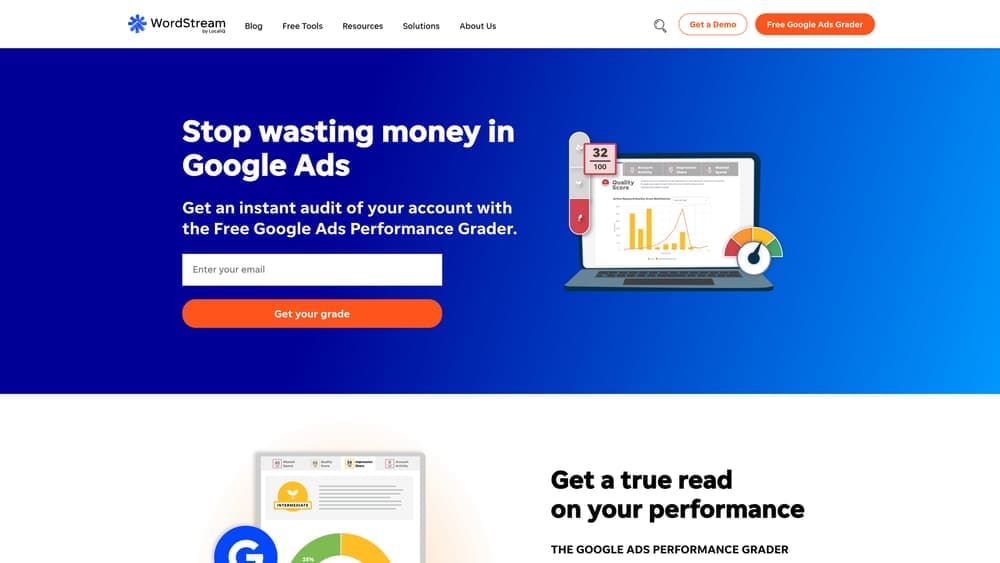
WordStream Advisor, now part of the LocaliQ platform, is a guided PPC optimization tool designed specifically for businesses that don’t have a dedicated PPC specialist on staff.
Where This Tool Shines
The platform’s signature feature is the 20-Minute Work Week, which analyzes your Google Ads account and surfaces the highest-impact optimizations in plain English, ranked by potential improvement. Instead of wading through dashboards trying to figure out what matters, you get a prioritized action list you can work through quickly.
For local business owners managing their own campaigns, this guided approach removes a lot of the guesswork. The platform also provides local business-specific benchmarks, so you can compare your performance against similar businesses in your category rather than generic industry averages.
Key Features
20-Minute Work Week: Curated list of the most impactful optimizations available in your account at any given time.
Plain-English Performance Grading: Clear scoring with specific improvement suggestions that don’t require PPC expertise to understand.
Keyword and Negative Keyword Management: Streamlined tools for expanding keyword coverage and eliminating wasteful spend.
Cross-Channel Reporting: Unified view of Google Ads and Facebook Ads performance in one dashboard.
Local Business Benchmarks: Performance comparisons against similar local advertisers in your vertical.
Best For
Local business owners managing Google Ads without a dedicated specialist, or small marketing teams that need structured guidance to make consistent improvements without spending hours in the platform each week.
Pricing
Contact WordStream directly for current pricing. Plans vary based on ad spend level and feature requirements.
7. Unbounce
Best for: Businesses whose ads are generating clicks but not converting visitors into leads
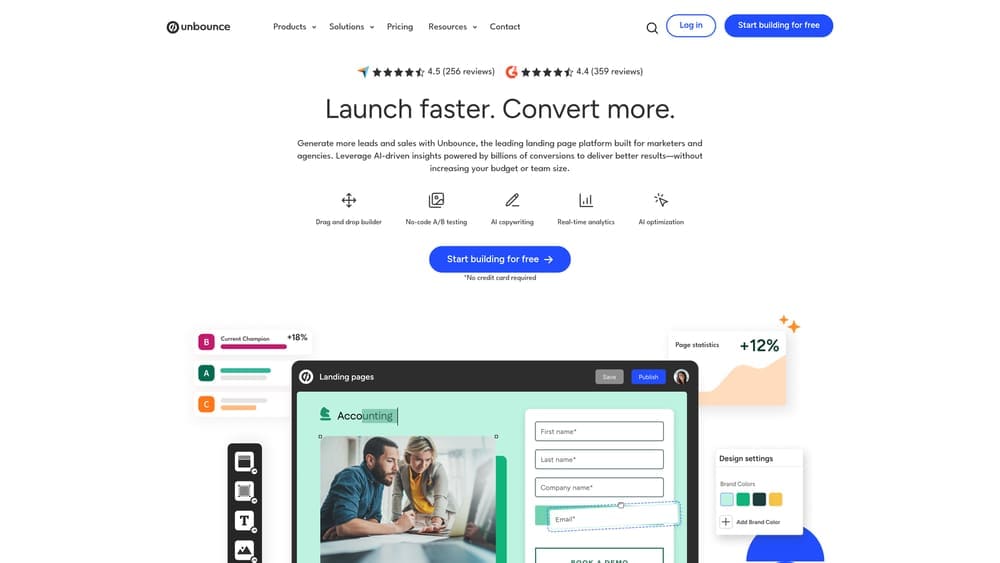
Unbounce is a dedicated landing page builder with AI-powered optimization that addresses one of the most common and overlooked causes of Google Ads underperformance: the page people land on after clicking your ad.
Where This Tool Shines
Sending paid traffic to your homepage is one of the most reliable ways to waste your Google Ads budget. Unbounce lets you build dedicated landing pages matched specifically to your ad campaigns, without needing a developer or touching your main website.
The Smart Traffic feature is what elevates Unbounce beyond a standard page builder. It uses AI to automatically route each visitor to the page variant most likely to convert based on their attributes, like device type, location, and referral source. This is A/B testing that runs on autopilot once you have enough traffic to work with.
Key Features
Drag-and-Drop Page Builder: Build and publish landing pages without any coding knowledge or developer dependency.
Smart Traffic AI: Automatically routes visitors to the highest-converting page variant based on real-time behavioral signals.
Dynamic Text Replacement: Automatically matches landing page headline copy to the keyword that triggered the ad, improving message match and Quality Score.
Built-In A/B Testing: Test page variants on every plan without needing additional tools or technical setup.
Native Integrations: Connects directly with Google Ads, major CRMs, and email marketing platforms.
Best For
Any business running Google Ads that doesn’t have dedicated, campaign-specific landing pages. If your current setup sends ad clicks to a generic homepage or a page that isn’t built to convert, Unbounce addresses that gap directly.
Pricing
Starts at $99/month for the Build plan. Smart Traffic AI is available on higher-tier plans. Annual billing reduces the per-month cost.
8. CallRail
Best for: Local service businesses that generate leads primarily through phone calls and need to know which campaigns are actually driving them
CallRail is a call tracking and analytics platform that connects inbound phone calls back to the specific Google Ads keywords and campaigns that generated them.
Where This Tool Shines
For local service businesses, the phone call is often the primary lead. If you’re not tracking calls back to their source, you’re making campaign optimization decisions blind. A campaign might look like it’s generating zero conversions in Google Ads while actually driving a significant volume of calls that you have no way to attribute.
CallRail solves this with dynamic number insertion, which assigns unique tracking numbers to specific campaigns, ad groups, or even individual keywords. When someone calls, the data flows back into Google Ads as a conversion, giving the algorithm the signal it needs to optimize toward actual leads rather than form fills alone.
Key Features
Dynamic Number Insertion: Tracks phone calls back to the specific keyword, ad, and campaign that drove each call.
Call Recording and Transcription: Records and transcribes calls so you can assess lead quality, not just lead volume.
Google Ads Conversion Integration: Passes call data back to Google Ads as conversion events, improving Smart Bidding performance.
Form Tracking: Tracks form submissions alongside calls for complete lead attribution across all conversion types.
Multi-Touch Attribution: Shows the full path a lead took before converting, across channels and sessions.
Best For
Any local service business where phone calls are a primary or significant lead channel. HVAC companies, plumbers, electricians, roofers, and similar service businesses running Google Ads without call tracking are almost certainly working with incomplete performance data.
Pricing
Starts at $45/month for the Call Tracking plan. Higher tiers include conversation intelligence features like automated call scoring and keyword spotting.
9. Google Analytics 4 (GA4)
Best for: Understanding post-click behavior and diagnosing where paid traffic drops off before converting
Google Analytics 4 is Google’s free web analytics platform that connects directly to Google Ads and reveals what happens after someone clicks your ad, which is often where the real problem lives.
Where This Tool Shines
Google Ads tells you how many people clicked. GA4 tells you what those people did next. If your campaign has a reasonable click-through rate but leads aren’t materializing, the problem is almost certainly happening on the website. GA4’s funnel exploration reports let you map the exact path from ad click to conversion and pinpoint where users are abandoning it.
The engagement metrics in GA4 are particularly useful for diagnosing landing page quality. High bounce rates, low scroll depth, and short session durations on paid traffic are clear signals that the page isn’t meeting visitor expectations, which feeds directly into Google’s landing page experience score and, by extension, your Quality Score and CPC.
Key Features
Native Google Ads Integration: Links campaign performance data with on-site behavior in a single view, without manual data exports.
Funnel Exploration Reports: Visualizes the conversion path and shows exactly which steps have the highest drop-off rates.
Engagement Metrics: Scroll depth, time on page, and session quality indicators that diagnose landing page performance issues.
Audience Builder for Remarketing: Creates behavioral audiences for remarketing campaigns based on how users interacted with your site.
Free Conversion Tracking: Tracks form fills, key page visits, and other conversion events without additional paid tools.
Best For
Every business running Google Ads, without exception. GA4 should be linked to your Google Ads account and actively monitored. If it isn’t already set up, that’s one of the first things to fix.
Pricing
Free. GA4 standard is available to all websites at no cost. GA4 360, the enterprise version, carries a cost but is unnecessary for most local businesses.
Which Tool Fits Your Problem?
The right starting point depends on where your campaign is breaking down. Here’s a quick way to match your symptom to the right solution.
If you’re spending budget on irrelevant searches, start with the Google Ads Search Terms Report and Auction Insights. They’re free, they’re in your account right now, and they’ll show you exactly where the waste is coming from.
If your ads are getting clicks but nobody is converting, the problem is almost certainly the landing page. Unbounce lets you build dedicated, conversion-optimized pages without touching your website. Pair it with GA4 to see exactly where visitors are dropping off.
If you’re a local service business and can’t tell which campaigns are generating phone calls, CallRail is non-negotiable. Running Google Ads without call tracking in a phone-driven industry means you’re optimizing based on incomplete data.
If you want competitive intelligence before rebuilding your keyword strategy, SEMrush’s Advertising Toolkit shows you what your competitors are bidding on and spending, which is a faster path to a smarter strategy than starting from scratch.
And if you’d rather hand the whole thing to a specialist who’s done this in your industry before, Clicks Geek manages Google Ads campaigns end-to-end for local service businesses, with CRO built in so both the ads and the landing pages are working together.
Tired of spending money on marketing that doesn’t produce real revenue? Clicks Geek builds lead systems that turn traffic into qualified leads and measurable sales growth. If you want to see what this would look like for your business, they’ll walk you through how it works and break down what’s realistic in your market.