Traffic without conversions is just an expensive vanity metric. You can run the best ads in your market, rank on page one of Google, and still watch your budget disappear if visitors hit your site and leave without taking action. That’s exactly the problem CRO tools are built to solve: they help you find where friction lives, test solutions, and systematically improve the percentage of visitors who become leads or customers.
But here’s the challenge. The CRO tools market spans everything from free heatmap tools to enterprise experimentation platforms costing thousands per month. The right choice depends on your budget, your technical comfort level, and whether you’re looking for raw data or a complete optimization system. A local business owner and a Fortune 500 marketing team have very different needs.
The tools below were selected based on ease of use, feature depth, pricing transparency, integration options, and fit across different business sizes. Whether you want to roll up your sleeves and dig into the data yourself or hand the whole thing off to experts, there’s an option here for you.
1. Clicks Geek — Done-for-You CRO Services
Best for: Local businesses and SMBs that want expert-led CRO without managing software themselves
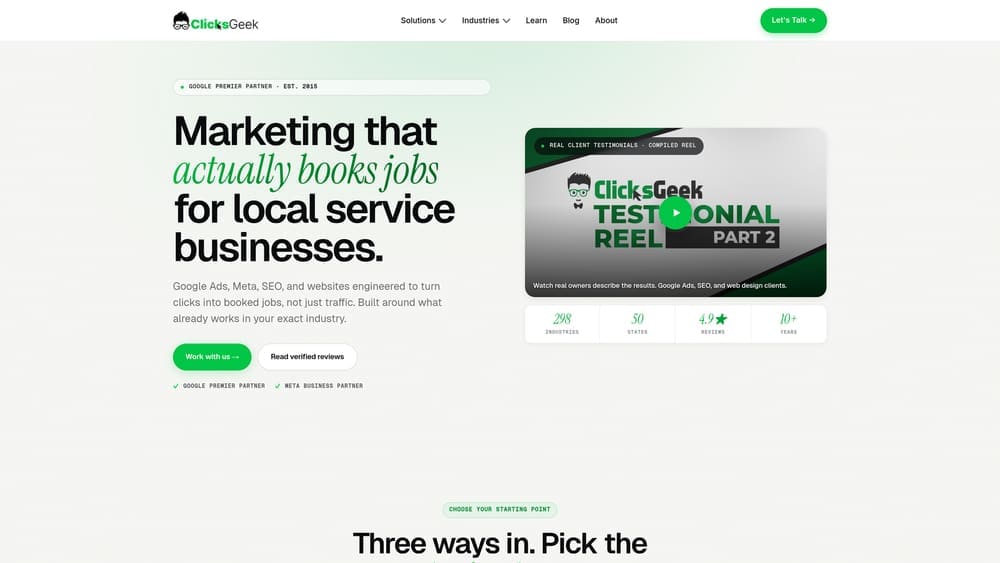
Clicks Geek is a Google Premier Partner digital marketing agency offering done-for-you conversion rate optimization services that combine PPC expertise with hands-on CRO strategy and execution.
Where This Tool Shines
Most CRO tools give you data. Clicks Geek gives you results. There’s a meaningful difference between a platform that shows you where visitors drop off and a team of strategists who interpret that data, build a testing roadmap, and actually implement the changes. For business owners who don’t have time to become CRO experts, this distinction matters enormously.
What sets Clicks Geek apart from every software-only option on this list is the integration of PPC and CRO under one roof. When your ad campaigns and landing page optimization are managed by the same team, the feedback loop between traffic quality and conversion performance becomes much tighter. Changes that improve lead quality on the ad side inform optimization decisions on the page side, and vice versa.
Key Features
Done-for-You CRO: No software to learn, no dashboards to interpret — your team handles strategy, testing, and implementation from start to finish.
Google Premier Partner Status: Deep PPC expertise means CRO improvements are tied directly to campaign performance, not treated as separate workstreams.
Landing Page Optimization: Focused on the pages that matter most for lead generation, with a direct emphasis on revenue-generating outcomes.
Performance-Based Approach: Every optimization decision is tied to measurable ROI, not abstract engagement metrics.
Dedicated Strategists: You get real people interpreting your data and executing changes, not just a software subscription and a knowledge base.
Best For
Local business owners, service businesses, and SMBs that are already running paid traffic and want to stop leaving conversions on the table. Ideal for businesses that recognize the value of CRO but don’t have the internal bandwidth or expertise to run a testing program themselves.
Pricing
Custom pricing based on scope and business needs. Request a consultation directly at clicksgeek.com to get a breakdown tailored to your situation.
2. Hotjar
Best for: Teams that want behavioral analytics through heatmaps, recordings, and user feedback
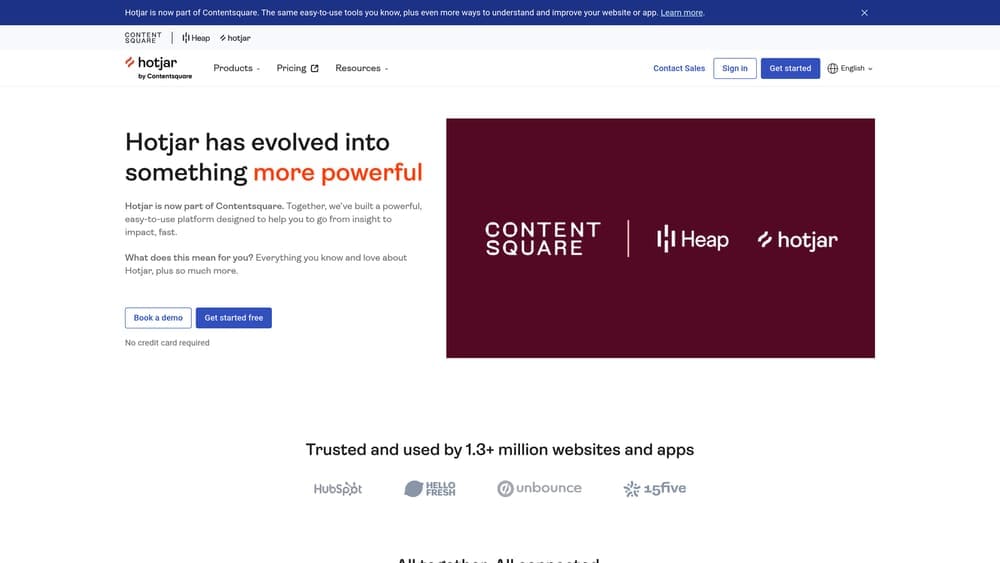
Hotjar is one of the most widely used behavioral analytics platforms, giving teams a visual window into how real visitors interact with their website.
Where This Tool Shines
Hotjar’s strength is making visitor behavior intuitive and visual. Instead of staring at bounce rate numbers and guessing why users leave, you can watch session recordings, study click heatmaps, and read direct feedback from visitors through on-site surveys. It’s the kind of qualitative insight that raw analytics tools simply can’t provide.
The platform has also expanded beyond passive observation. The user interview recruitment feature lets you find and schedule conversations with real visitors, which is especially valuable when you need to understand the “why” behind behavior patterns you’re seeing in recordings.
Key Features
Heatmaps: Click, scroll, and move maps show exactly where visitor attention and interaction concentrate on any page.
Session Recordings: Watch individual user sessions with filtering and tagging to quickly find the most revealing examples.
On-Site Surveys and Feedback Widgets: Collect direct input from visitors at key moments in their journey without interrupting the experience.
User Interview Recruitment: Find and schedule interviews with actual site visitors to gather deeper qualitative research.
Integrations: Connects with Google Analytics, HubSpot, Slack, and a wide range of other tools in your stack.
Best For
Product teams, UX designers, and marketers at small to mid-size businesses who want to understand user behavior before committing to A/B tests. Hotjar is often a strong starting point for teams building their first CRO practice.
Pricing
Free plan available with basic features. Paid plans start at approximately $32/month for the Observe plan, with higher tiers unlocking more sessions and advanced features.
3. VWO (Visual Website Optimizer)
Best for: Mid-market teams that want a full-stack CRO platform with modular flexibility
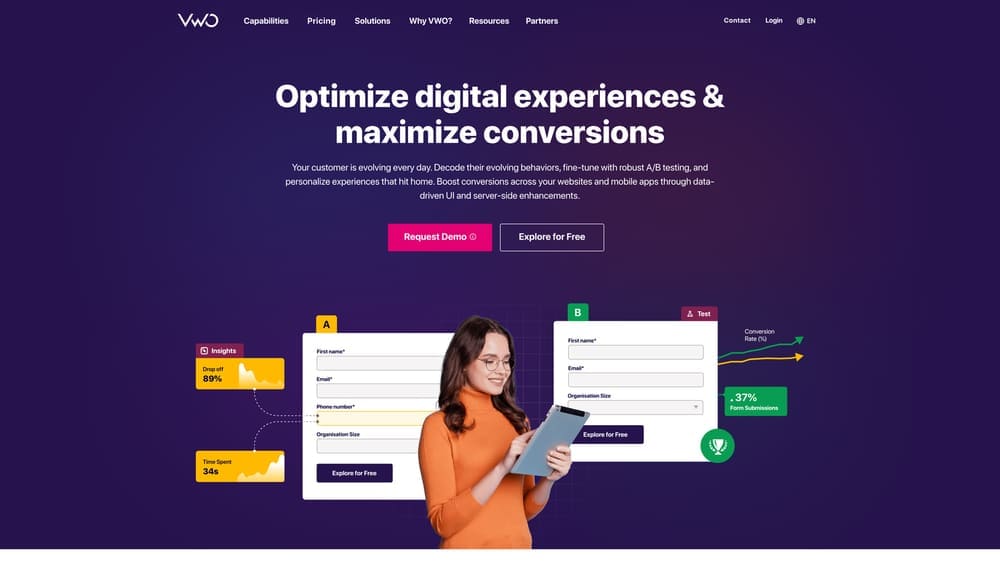
VWO is a comprehensive conversion optimization platform covering A/B testing, multivariate testing, heatmaps, session recordings, surveys, and personalization across a modular product suite.
Where This Tool Shines
VWO’s modular structure is genuinely useful. Rather than paying for an all-in-one bundle where you only use half the features, you can purchase the specific products your program actually needs: Testing, Insights, or Personalize. As your CRO maturity grows, you can expand your subscription accordingly.
The Bayesian statistical engine is another standout. Traditional A/B testing platforms often require large sample sizes and long test durations to reach statistical significance. VWO’s Bayesian approach delivers faster, more actionable results, which matters a lot for businesses that don’t have millions of monthly visitors to work with.
Key Features
Visual Editor: Create test variations without writing code using a point-and-click interface that works on any page.
Modular Product Suite: Buy only the capabilities you need across Testing, Insights, and Personalize modules.
Server-Side Testing: Full SDK support for developers who need to run experiments beyond the front-end layer.
Built-In Behavioral Analytics: Heatmaps and session recordings are included without needing a separate tool subscription.
Bayesian Statistical Engine: Reach confident conclusions faster, even with moderate traffic volumes.
Best For
Growth-stage businesses and mid-market marketing teams that want a single platform for both insights and experimentation. Also a strong choice for teams migrating away from Google Optimize looking for a more capable replacement.
Pricing
Free starter plan available. Paid plans start at approximately $173/month billed annually, scaling based on monthly tracked users and feature access.
4. Optimizely
Best for: Enterprise teams running large-scale, multi-channel experimentation programs
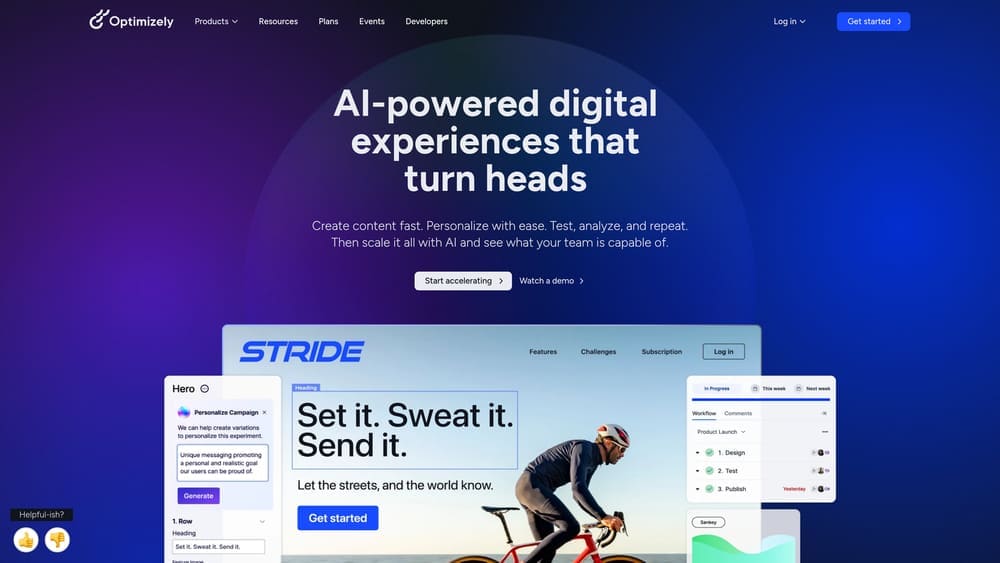
Optimizely is an enterprise-grade digital experience platform offering web experimentation, feature flagging, and content management built for organizations with serious optimization infrastructure.
Where This Tool Shines
Optimizely operates at a different scale than most tools on this list. Its statistical engine, audience segmentation capabilities, and developer SDK support are built for organizations running dozens or hundreds of concurrent experiments across web, mobile, and server-side environments. If you’re coordinating experimentation across multiple product teams, Optimizely has the governance and workflow features to manage that complexity.
The feature flagging capability is particularly powerful for software companies. It allows teams to roll out new features progressively to specific audience segments, measure impact before full deployment, and roll back instantly if something goes wrong, all without a new code release.
Key Features
Web and Feature Experimentation: A robust statistical engine supports both front-end and back-end experiments at scale.
Feature Flags: Progressive rollouts let engineering teams deploy and test features safely across user segments.
Advanced Audience Targeting: Segment by behavior, attributes, location, device, and custom data sources for precise experiment targeting.
Multi-Page and Multi-Channel Experimentation: Run coordinated tests across entire user journeys, not just individual pages.
Extensive Developer SDK Support: Native SDKs for most major languages and frameworks make server-side implementation straightforward.
Best For
Enterprise marketing and product teams at large organizations where experimentation is a core business function. Not the right fit for small businesses or teams without dedicated technical resources.
Pricing
Custom enterprise pricing. Contact the Optimizely sales team directly for a quote based on your organization’s scale and requirements.
5. Navigating the Google Optimize Sunset
Best for: Former Google Optimize users looking for the right migration path
Google Optimize was officially sunset in September 2023, leaving many small businesses and marketers without the free A/B testing tool they had relied on. If you haven’t made the switch yet, here’s what you need to know.
Where This Leaves You
Google Optimize’s disappearance created a real gap in the free A/B testing space. The tool was tightly integrated with Google Analytics, making it an easy starting point for businesses that were already in the Google ecosystem. Its removal forced a migration decision that many teams are still working through in 2026.
The good news is that GA4’s event-based tracking provides a solid foundation for any replacement tool you choose. Most modern testing platforms integrate directly with GA4, so the data infrastructure you’ve built doesn’t go to waste. The key is choosing a replacement that matches your actual testing volume and technical capabilities.
Key Considerations for Migration
GA4 as Your Foundation: Make sure your GA4 event tracking is properly configured before selecting a replacement, since most testing tools rely on it for conversion measurement.
Free and Low-Cost Alternatives: VWO’s free starter plan and Crazy Egg’s entry-level pricing are strong options for businesses that were using Optimize primarily for basic A/B tests.
Evaluate Your Actual Testing Volume: If you were running one or two tests at a time on low-traffic pages, a lightweight tool is all you need. Don’t over-invest in enterprise features you won’t use.
Consider Behavioral Analytics First: If you were using Optimize mostly to test hunches, tools like Hotjar or Lucky Orange will help you generate better hypotheses before you start testing.
Best For
Any business that relied on Google Optimize and hasn’t yet established a replacement testing workflow. Use this as a framework for evaluating the other tools on this list.
Pricing
This is an informational section. See individual tool entries for specific pricing details on recommended alternatives.
6. Unbounce
Best for: Marketers who want to build, test, and optimize landing pages without developer help
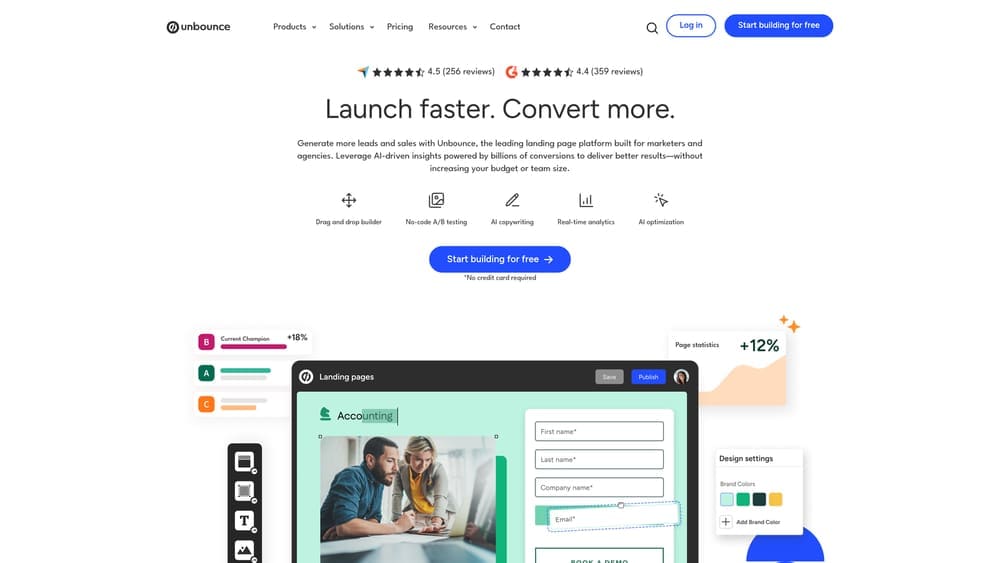
Unbounce is a landing page platform with a drag-and-drop builder, built-in A/B testing, and an AI-powered Smart Traffic feature that automatically routes visitors to the variant most likely to convert for them.
Where This Tool Shines
Unbounce sits at an interesting intersection: it’s both a landing page creation tool and a conversion optimization platform. Most CRO tools assume you already have pages built and help you optimize them. Unbounce lets you build high-converting pages from scratch and optimize them simultaneously, which is a meaningful advantage for teams running paid campaigns who need to move fast.
Smart Traffic is the feature that genuinely differentiates Unbounce from pure A/B testing tools. Rather than splitting traffic evenly between variants and waiting for a winner, the AI analyzes visitor attributes and routes each person to the variant they’re statistically most likely to convert on. It’s a fundamentally different approach that can deliver lift even before you have statistical significance.
Key Features
Drag-and-Drop Builder: Over 100 templates and a flexible editor let you build professional landing pages without touching code.
Smart Traffic AI: Automatically routes visitors to their best-matched variant based on behavioral and demographic signals.
Built-In A/B Testing: Test page variants, popups, and sticky bars directly within the platform.
Popups and Sticky Bars: On-site conversion tools that work across any page on your site, not just Unbounce-built pages.
CRM and Ad Platform Integrations: Connects with major email, CRM, and advertising platforms to keep your lead flow connected.
Best For
Performance marketers, agencies, and small business owners running paid traffic campaigns who need to create and optimize landing pages quickly without relying on a developer for every change.
Pricing
Plans start at approximately $74/month billed annually. Higher tiers unlock more conversions, domains, and advanced features.
7. Crazy Egg
Best for: Small businesses and marketers who want affordable visual analytics and simple A/B testing
Crazy Egg is a budget-friendly visual analytics and testing tool that delivers heatmaps, scrollmaps, session recordings, and a simple A/B testing editor without the complexity of enterprise platforms.
Where This Tool Shines
Crazy Egg’s appeal is its accessibility. The setup requires a single script tag, the interface is intuitive enough to navigate without training, and the pricing is approachable for businesses that aren’t ready to invest in a full CRO platform. For small business owners who want to understand why visitors aren’t converting, it removes most of the barriers to getting started.
The confetti report is a particularly useful feature that often gets overlooked. Rather than showing aggregated click density like a standard heatmap, confetti breaks down clicks by traffic source, device type, and other segments, helping you quickly identify whether a usability problem affects all visitors or just a specific audience.
Key Features
Heatmaps and Scrollmaps: Visualize where visitors click, how far they scroll, and where attention drops off on any page.
Confetti and Overlay Reports: Segment click data by traffic source, device, and referral to uncover audience-specific behavior patterns.
Session Recordings: Watch real visitor sessions to identify friction points that aggregate data can’t reveal.
A/B Testing Editor: Run simple tests with a visual editor that doesn’t require developer involvement.
Easy Setup: A single script tag installation gets you up and running in minutes.
Best For
Small business owners, freelancers, and early-stage marketing teams that want actionable visual insights without a steep learning curve or a significant monthly investment. Also a solid Google Optimize replacement for teams that primarily need basic testing.
Pricing
Plans start at approximately $29/month, making it one of the most affordable options on this list with meaningful functionality at entry level.
8. Convert.com
Best for: Agencies and businesses in regulated industries that need privacy-first A/B testing
Convert.com is a privacy-focused A/B testing platform built for agencies and businesses where data compliance, test accuracy, and deep analytics integrations are non-negotiable requirements.
Where This Tool Shines
Convert.com occupies a specific niche that most testing tools don’t adequately serve: businesses in healthcare, finance, legal, and other regulated industries where GDPR, CCPA, and HIPAA compliance aren’t optional. The platform was built with privacy-first architecture from the ground up, not retrofitted with compliance features after the fact. That distinction matters when you’re operating in a space where data handling is scrutinized.
The flicker-free testing engine is another genuine differentiator. Many A/B testing tools cause a brief flash of the original page before loading the test variant, which can skew results and create a poor user experience. Convert’s approach eliminates that issue, resulting in cleaner tests and more reliable data.
Key Features
Flicker-Free Testing Engine: Delivers test variants without the visual flash that can compromise both user experience and data integrity.
Privacy-First Architecture: Built to be GDPR, CCPA, and HIPAA-friendly by design, not as an afterthought.
Deep Analytics Integrations: Connects with GA4, Heap, Mixpanel, and 90+ other tools to push experiment data where you need it.
Agency Partner Program: Multi-client management features make it practical for agencies running testing programs across multiple accounts.
Dual Statistical Models: Supports both Bayesian and frequentist approaches, giving statisticians and data teams the flexibility they want.
Best For
Digital agencies managing CRO for multiple clients, and businesses in regulated industries where compliance requirements eliminate many of the more popular testing tools from consideration.
Pricing
Plans start at approximately $99/month billed annually. Pricing scales based on monthly tested users.
9. Lucky Orange
Best for: Budget-conscious businesses that want an all-in-one conversion suite with live visitor features
Lucky Orange is an all-in-one conversion optimization suite that combines heatmaps, session recordings, live chat, form analytics, surveys, and a real-time visitor dashboard at a price point that competes with tools offering far fewer features.
Where This Tool Shines
Lucky Orange’s live visitor view is a feature you won’t find in most comparable tools. You can watch visitors navigate your site in real time and, if you spot someone who appears stuck or confused, initiate a live chat conversation with them directly. For e-commerce stores and service businesses where a single conversion has meaningful revenue value, that capability alone can pay for the subscription.
The form analytics feature is another standout, particularly for lead generation businesses. Rather than just seeing that visitors abandoned your contact form, Lucky Orange shows you exactly which field caused the drop-off, whether visitors hesitated on a specific question, and how long they spent on each field. That level of granularity makes form optimization much faster.
Key Features
Dynamic Heatmaps: Heatmaps update in real time as new visitor data comes in, rather than requiring snapshot captures.
Session Recordings with Auto-Tagging: Automatically flags key events like rage clicks, U-turns, and form abandonment for faster review.
Live Visitor View and Chat: Watch visitors in real time and engage them directly via chat before they leave.
Form Analytics: Pinpoint the exact fields where visitors drop off, hesitate, or make errors in your forms.
Surveys and Announcements: Collect feedback and deliver targeted messages to visitors based on behavior triggers.
Best For
Small to mid-size e-commerce businesses, service businesses, and marketers who want a broad feature set without paying for multiple separate tools. The free plan makes it accessible for businesses just starting their CRO journey.
Pricing
Free plan available with limited sessions. Paid plans start at approximately $32/month, offering strong value relative to the feature breadth.
10. AB Tasty
Best for: Mid-market to enterprise teams that want AI-powered personalization alongside experimentation
AB Tasty is an AI-powered experimentation and personalization platform that combines client-side and server-side testing with audience targeting, a pre-built widget library, and feature flagging for fast, measurable optimization at scale.
Where This Tool Shines
AB Tasty’s pre-built widget library is a practical differentiator for marketing teams that want to deploy conversion-focused elements quickly. Rather than waiting for a developer to build a countdown timer, social proof notification, or promotional banner, you can launch these directly from the platform and tie them to specific audience segments. It bridges the gap between experimentation and on-site personalization in a way that most pure A/B testing tools don’t.
The ROI dashboard is another feature worth highlighting. Many CRO tools show you which variant won a test, but AB Tasty goes further by connecting experiment results to revenue impact. For teams that need to justify their experimentation program to leadership with business metrics rather than statistical significance scores, that reporting capability is genuinely useful.
Key Features
Client-Side and Server-Side Testing: Run experiments across the full stack, from visual front-end changes to back-end logic and APIs.
AI-Powered Audience Targeting: Automatically identify and segment high-value audiences for more relevant personalization and testing.
Pre-Built Widget Library: Deploy countdown timers, social proof elements, banners, and other conversion tools without developer involvement.
ROI Dashboard: Connect experiment outcomes directly to revenue metrics for business-level reporting.
Feature Flagging and Progressive Rollouts: Safely release new features to controlled audience segments before full deployment.
Best For
Mid-market e-commerce brands and enterprise marketing teams that want a single platform for both structured experimentation and ongoing personalization, particularly those where revenue attribution is a key reporting requirement.
Pricing
Custom pricing based on traffic volume and feature requirements. Contact the AB Tasty sales team directly for a quote.
Which CRO Tool Is Actually Right for You
After working through ten options, the honest answer is that the best CRO tool is the one you’ll actually use consistently and act on. A sophisticated enterprise platform collecting dust is worth less than a simple heatmap tool that generates one good insight per month.
Here’s a quick breakdown by situation:
If you’re budget-conscious and just getting started: Crazy Egg or Lucky Orange give you meaningful behavioral data at accessible price points. Both offer enough to generate solid optimization hypotheses without overwhelming you.
If you’re a mid-market team ready to run structured tests: VWO’s modular platform or Convert.com (especially for agencies or regulated industries) offer the right balance of depth and usability.
If you’re operating at enterprise scale: Optimizely or AB Tasty are built for the complexity and governance requirements that come with large-scale experimentation programs.
If you want to build and optimize landing pages simultaneously: Unbounce is purpose-built for performance marketers running paid campaigns who need speed and flexibility.
If you want results without the DIY learning curve: This is where Clicks Geek is genuinely different from everything else on this list. Software tools give you data. What most business owners actually need is someone who knows what to do with that data, builds the tests, implements the changes, and ties every decision back to revenue. That’s what a done-for-you CRO service delivers.
Tired of spending money on marketing that doesn’t produce real revenue? Clicks Geek builds lead systems that turn traffic into qualified leads and measurable sales growth. If you want to see what this would look like for your business, we’ll walk you through how it works and break down what’s realistic in your market.