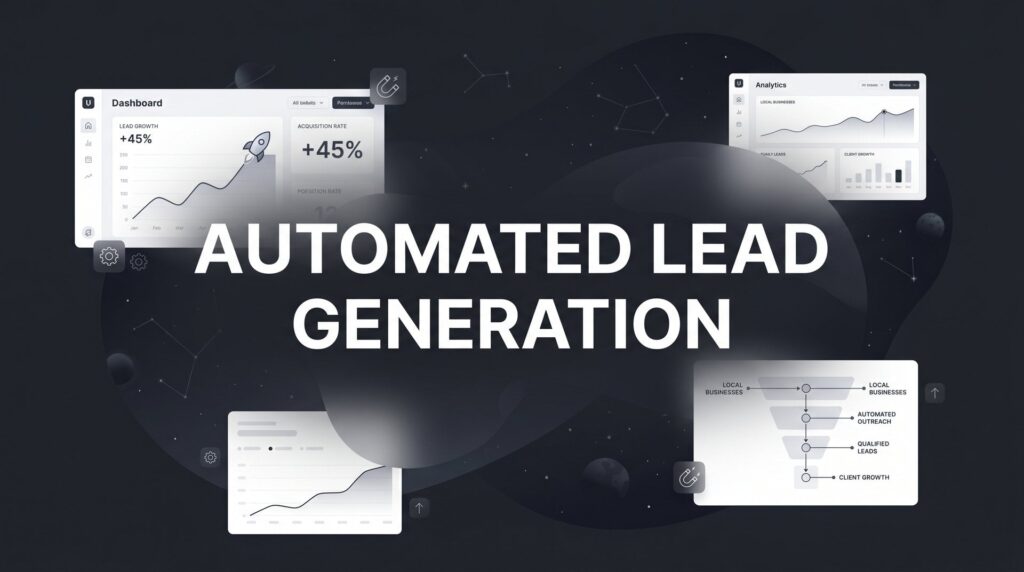
You’re spending three hours every morning following up with leads. By noon, you’ve sent twenty emails, made a dozen calls, and manually entered contact information into spreadsheets. Meanwhile, your competitor down the street seems to have a constant stream of qualified prospects booking appointments on their calendar. The difference? They’ve stopped chasing leads manually and built systems that work while they sleep.
Automated lead generation isn’t about removing the personal touch from your business. It’s about creating a reliable system that captures every opportunity, qualifies prospects instantly, and maintains consistent follow-up without requiring you to be glued to your desk. When done right, automation ensures that no potential customer falls through the cracks simply because you were busy serving existing clients.
The seven strategies ahead form a progressive system. Each one builds upon the others to create a complete lead generation machine that runs 24/7. Some you can implement this week for immediate results. Others require more setup but deliver compounding returns over time. Together, they transform how local businesses compete against larger competitors with bigger budgets.
1. Smart Lead Capture Forms That Qualify While You Sleep
The Challenge It Solves
Traditional contact forms dump every inquiry into your inbox without context. You waste time calling people who aren’t ready to buy, can’t afford your services, or aren’t even in your service area. Your sales team spends hours playing phone tag with unqualified prospects while genuine opportunities grow cold waiting for a response.
The Strategy Explained
Multi-step forms with conditional logic act as your first line of qualification. Instead of asking for just a name and email, these forms guide prospects through a conversation that reveals their needs, budget, timeline, and fit for your services. The questions adapt based on previous answers, creating a personalized experience that feels helpful rather than interrogative.
Think of it like a choose-your-own-adventure book. If someone indicates they need services within 30 days, the form asks different follow-up questions than if they’re just researching for future needs. High-intent leads get routed to your sales team immediately with all relevant context. Lower-intent prospects enter a nurture sequence until they’re ready to buy.
Implementation Steps
1. Map out your ideal customer profile and the key questions that distinguish qualified leads from tire-kickers (budget range, timeline, specific needs, location).
2. Build a multi-step form using tools like Typeform, JotForm, or your CRM’s form builder, starting with easy questions before asking for commitment.
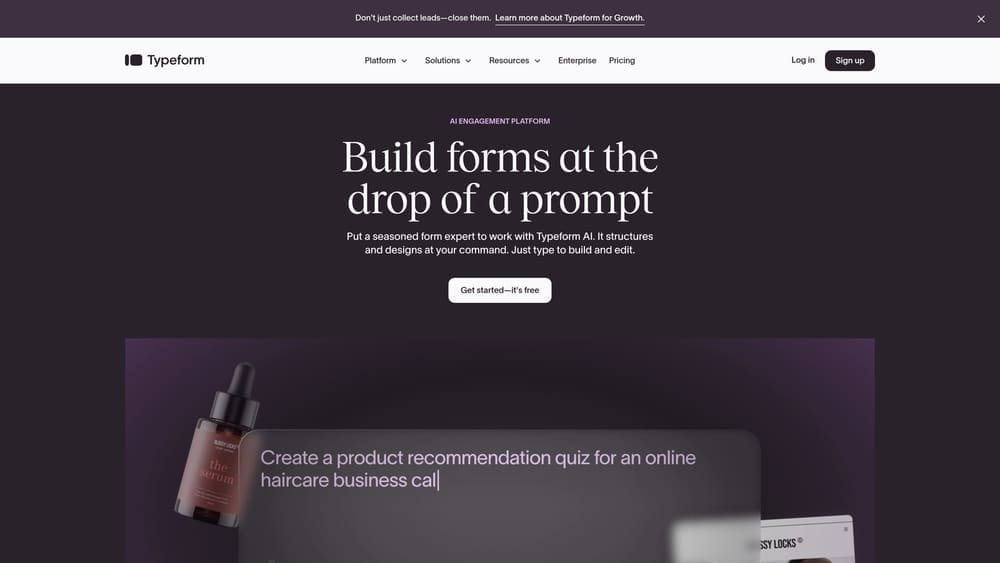
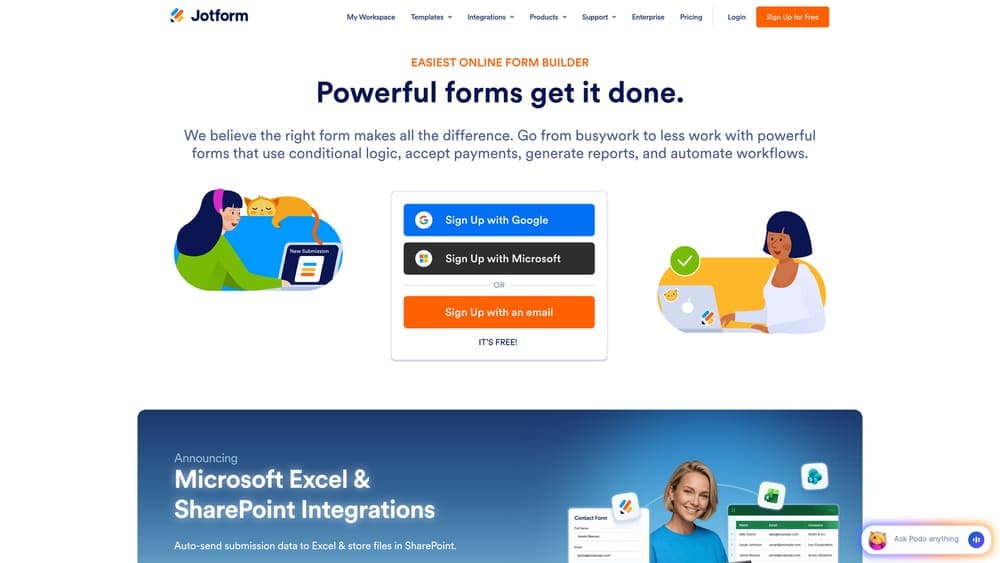
3. Set up conditional logic that shows different questions based on responses, and create automated routing rules that send high-priority leads to your sales team via text or email notification.
Pro Tips
Keep the first question dead simple to maximize completion rates. Ask for contact information in the middle of the form, not at the beginning. People are more willing to share their email after they’ve invested time answering questions. Use progress indicators so prospects know how many steps remain.
2. Chatbot Sequences That Pre-Qualify 24/7
The Challenge It Solves
Most website visitors land on your site outside business hours or when you’re busy with existing customers. They have questions that could be answered in thirty seconds, but instead they leave to check out your competitors. By the time you follow up the next day, they’ve already made a decision or forgotten about your business entirely.
The Strategy Explained
Conversational AI engages visitors the moment they land on your site, answering common questions and capturing intent data without requiring human intervention. Modern chatbots don’t just collect contact information—they have actual conversations that reveal what prospects care about, which services interest them, and how soon they need help.
The key is designing conversation flows that feel natural rather than robotic. Your chatbot should acknowledge common concerns, provide helpful information, and guide prospects toward the next logical step. For qualified leads, that might mean booking a consultation. For others, it could mean downloading a resource or joining your email list.
Implementation Steps
1. Document the ten most common questions prospects ask before buying, and create clear, concise answers that address each concern.
2. Build conversation flows in your chatbot platform (Drift, Intercom, or ManyChat) that branch based on visitor responses, leading qualified prospects toward booking a call.
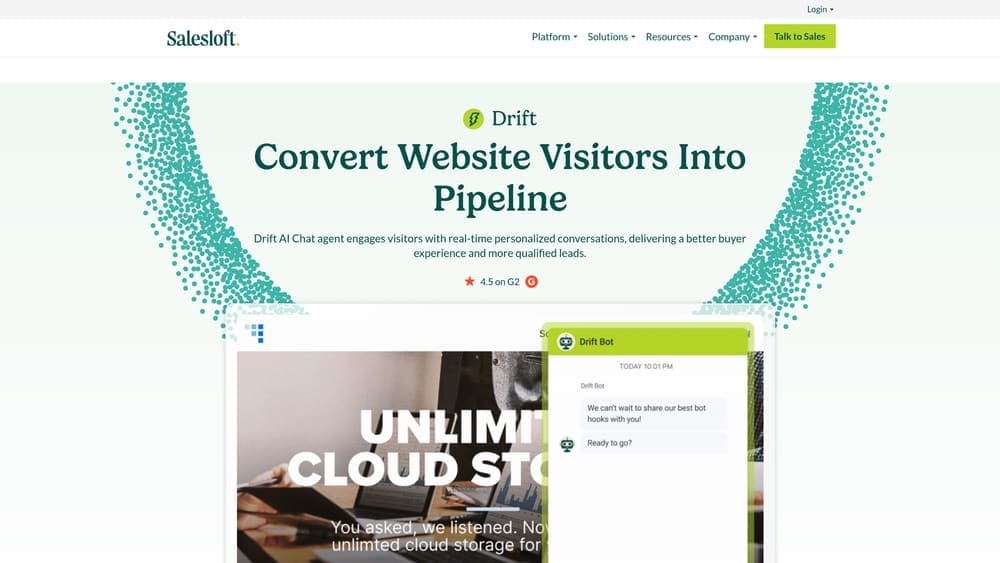
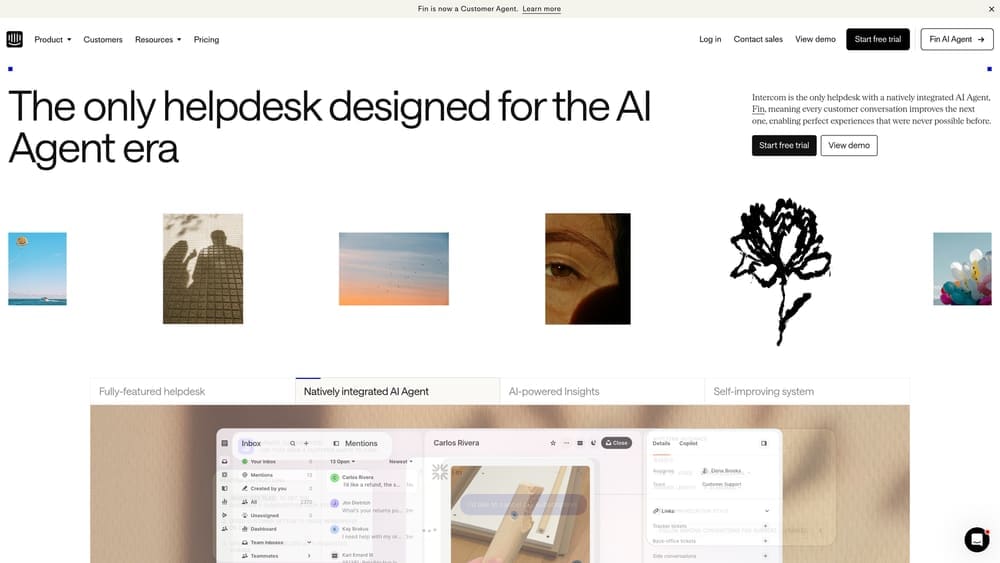
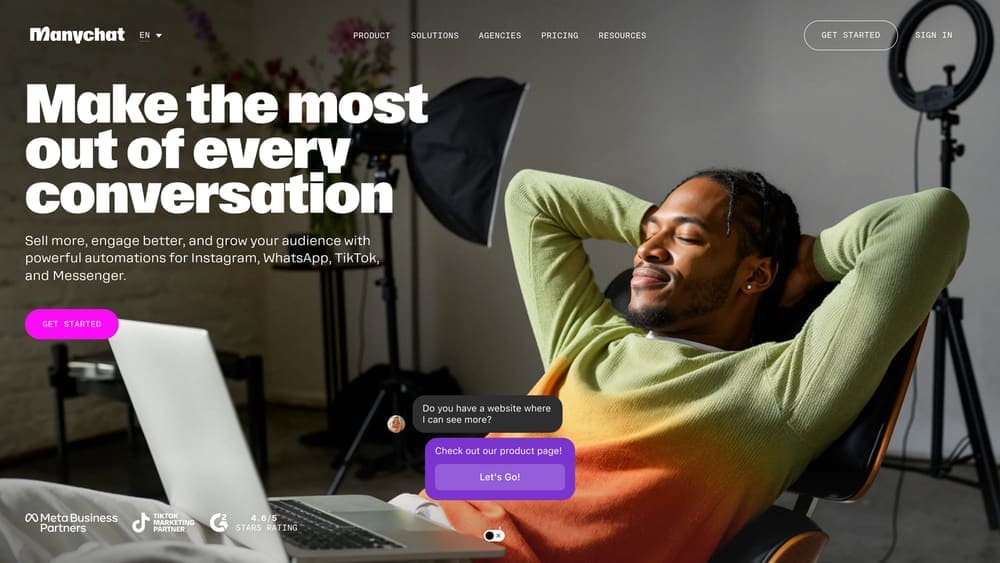
3. Set up integrations with your CRM so chatbot conversations automatically create contact records with full conversation history, and configure notifications to alert your team when high-intent prospects engage.
Pro Tips
Give your chatbot a personality that matches your brand voice. If you’re a no-nonsense PPC agency, don’t make it overly casual. Offer an easy escape hatch to human support for complex questions. Test your flows by having team members role-play as different prospect types to catch confusing branches.
3. Automated Email Nurture Sequences That Build Trust
The Challenge It Solves
Not every prospect is ready to buy today. Most need time to evaluate options, secure budget approval, or wait for the right timing. Without consistent follow-up, these future buyers forget about your business. Manual follow-up is inconsistent at best—you get busy, emails get forgotten, and opportunities vanish.
The Strategy Explained
Behavior-triggered email campaigns maintain relationships with prospects over weeks or months without requiring daily attention. These sequences deliver valuable content at strategic intervals, positioning your business as the obvious choice when prospects are finally ready to buy. The automation triggers based on specific actions—downloading a guide, visiting pricing pages, or abandoning a contact form.
Effective nurture sequences mix education with subtle selling. Early emails focus on solving problems and building credibility. Middle emails introduce your approach and differentiate your services. Later emails include social proof and clear calls to action. The progression feels natural because it mirrors how buying decisions actually happen.
Implementation Steps
1. Create 5-7 emails for your primary nurture sequence, spacing them 3-5 days apart, with each email focused on a single topic or benefit.
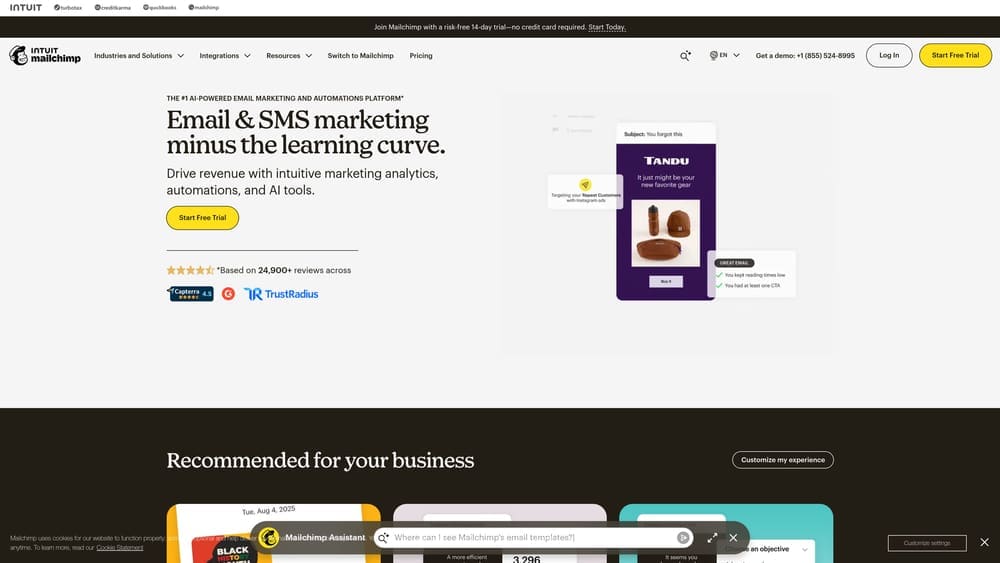
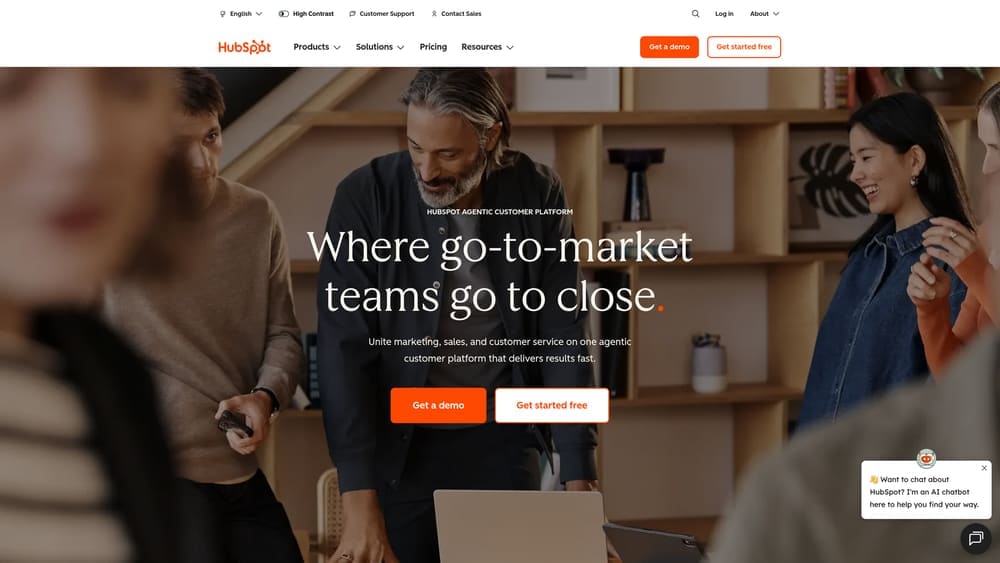
2. Set up automation triggers in your email platform (ActiveCampaign, Mailchimp, or HubSpot) based on form submissions, page visits, or lead magnet downloads.
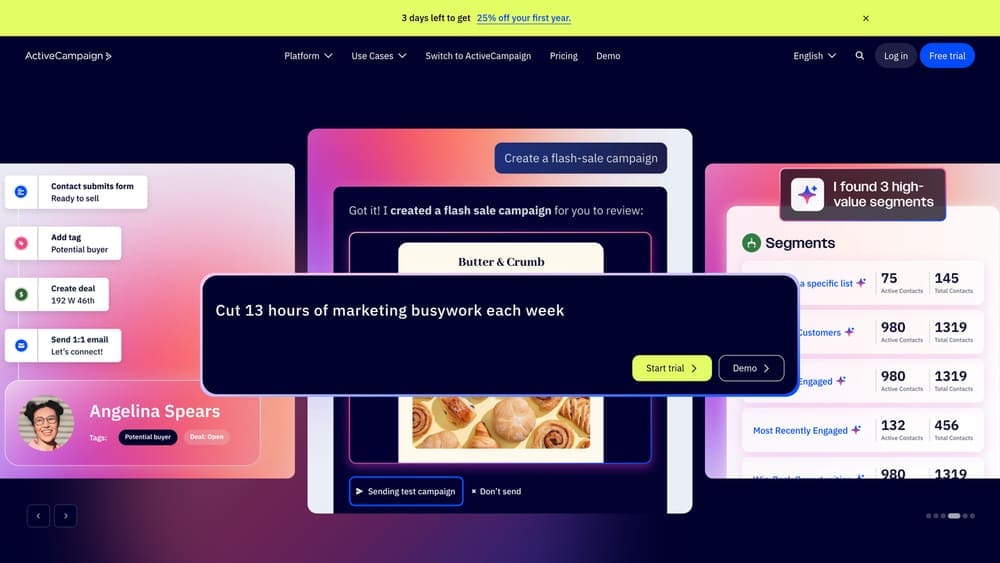
3. Build separate sequences for different prospect types or service interests, and include clear unsubscribe options while monitoring open rates and click-through rates to optimize over time.
Pro Tips
Write emails like you’re explaining something to a friend over coffee, not delivering a sales presentation. Use subject lines that create curiosity without being clickbait. Include a single clear call-to-action in each email rather than offering multiple options. Test sending times—B2B prospects often engage more on Tuesday through Thursday mornings.
4. Retargeting Campaigns That Bring Back Lost Visitors
The Challenge It Solves
The vast majority of website visitors leave without taking action. They get distracted, need more time to decide, or simply aren’t ready to commit. These warm prospects already know your business exists, but without a system to re-engage them, they disappear into the digital void and often end up choosing a competitor who stayed top-of-mind.
The Strategy Explained
Pixel-based advertising tracks website visitors and shows them targeted ads across social media and display networks after they leave your site. These campaigns keep your business visible during the consideration phase, reminding prospects of the value you offer and giving them multiple opportunities to return and convert.
The sophistication comes from segmentation. Someone who spent five minutes on your services page should see different ads than someone who abandoned your contact form halfway through. You can create audiences based on specific pages visited, time spent on site, or actions taken, then craft messaging that addresses their specific stage in the buying journey.
Implementation Steps
1. Install tracking pixels from Facebook, Google, and LinkedIn on your website, ensuring they fire on all key pages including services, pricing, and contact pages.
2. Create audience segments based on behavior patterns—service page visitors, pricing page visitors, form abandoners, and repeat visitors who haven’t converted.
3. Design ad creative with different messaging for each segment, set frequency caps to avoid annoying prospects, and link ads to relevant landing pages rather than your homepage.
Pro Tips
Exclude people who already converted—there’s no point retargeting existing customers unless you’re upselling. Use dynamic creative that references the specific service they viewed. Set a reasonable time window for your audiences, typically 30-90 days depending on your sales cycle length. Test video ads against static images—video often performs better for retargeting because it recaptures attention more effectively.
5. CRM Automation That Scores and Routes Leads Instantly
The Challenge It Solves
When all leads look the same in your inbox, your team wastes energy on low-quality prospects while high-intent buyers wait for responses. Without a system to prioritize, salespeople follow up in whatever order emails arrived rather than focusing on the opportunities most likely to close. Speed-to-lead becomes inconsistent, and your best prospects often get the slowest response times.
The Strategy Explained
Lead scoring systems assign point values to prospect behaviors and characteristics, automatically identifying which leads deserve immediate attention. A prospect who visited your pricing page three times, downloaded a case study, and works for a company in your ideal customer profile gets a higher score than someone who stumbled across your blog once and hasn’t returned.
Automated routing ensures hot leads reach the right salesperson within minutes. When a lead crosses your priority threshold, your CRM can send instant notifications, create tasks, and even trigger personalized outreach sequences. The system works around the clock, scoring and routing leads even when your team is offline. This is why building a predictable lead generation system matters so much for growing businesses.
Implementation Steps
1. Define your scoring criteria by assigning point values to demographic factors (company size, location, job title) and behavioral signals (page visits, email opens, form submissions).
2. Configure your CRM’s lead scoring rules and set thresholds that trigger different actions—high scores get immediate sales notifications, medium scores enter nurture sequences, low scores go to educational content campaigns.
3. Create automated routing workflows that assign leads to specific salespeople based on territory, specialty, or availability, and set up escalation rules for leads that go too long without contact.
Pro Tips
Start simple with 5-10 scoring criteria and refine based on which signals actually predict closed deals. Include negative scoring for disqualifying factors like wrong location or budget mismatches. Review your scoring model quarterly using closed-won data to identify which behaviors truly indicate buying intent. Make sure your sales team understands the scoring system so they trust the prioritization.
6. Social Proof Automation That Converts Skeptics
The Challenge It Solves
Prospects don’t trust marketing claims—they trust other customers. But manually collecting reviews, testimonials, and case studies takes time that busy business owners don’t have. Without fresh social proof, your website feels static and fails to address the skepticism that prevents conversions, especially for prospects comparing multiple providers.
The Strategy Explained
Automated review collection systems request feedback at the optimal moment—right after delivering value. When a project completes successfully or a customer expresses satisfaction, automated emails request reviews on Google, Facebook, or industry-specific platforms. The system makes leaving feedback effortless with direct links and clear instructions.
Dynamic testimonial displays pull your best reviews onto relevant pages automatically. Someone researching PPC services sees testimonials from PPC clients. Prospects viewing local SEO services see location-specific success stories. The social proof updates itself as new reviews arrive, keeping your website feeling current without manual updates.
Implementation Steps
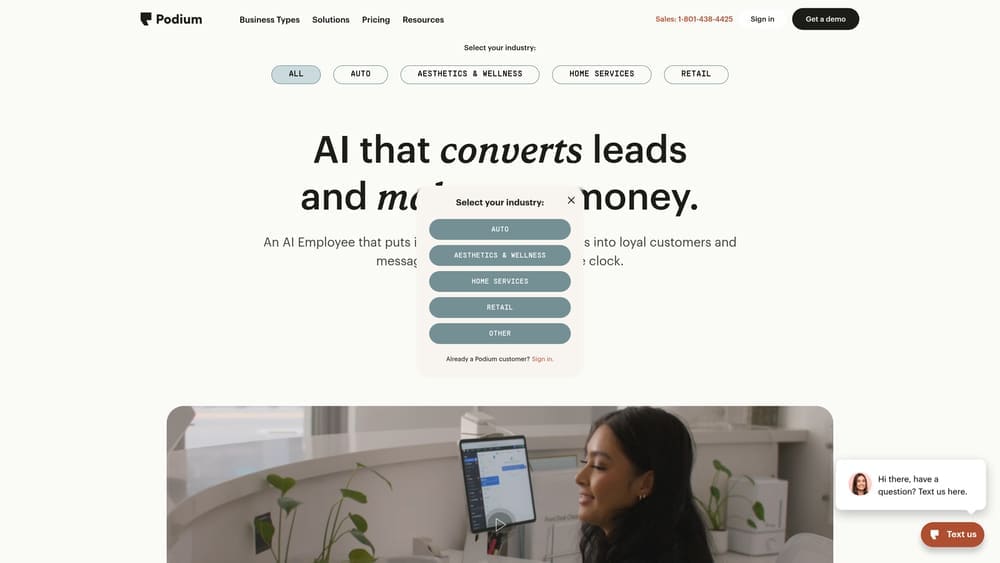
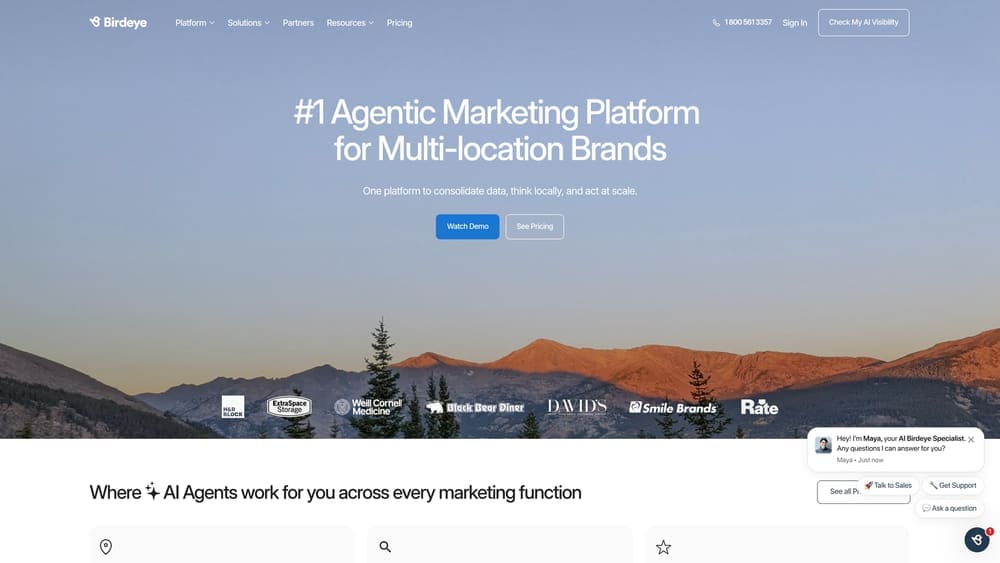
1. Set up automated review requests using tools like Podium, Birdeye, or your CRM’s built-in review features, triggering emails 3-7 days after project completion or positive customer interactions.
2. Create templates that make leaving reviews easy—include direct links to your Google Business Profile, explain why reviews matter, and keep the ask simple and genuine.
3. Install review widgets on your website that automatically display recent testimonials, and segment displays by service type or location when possible. Many businesses find that combining social proof with local lead generation services dramatically improves conversion rates.
Pro Tips
Time your review requests strategically—ask when customers are happiest, not when they’re frustrated or busy. Make it easy to provide feedback through multiple channels, not just public reviews. Respond to every review, positive or negative, to show prospects you care about customer experience. Feature specific, detailed testimonials rather than generic “great service” comments—specificity builds credibility.
7. Appointment Scheduling Systems That Eliminate Back-and-Forth
The Challenge It Solves
The “when are you available?” email chain kills momentum. Prospects send their availability, you respond with yours, they need to check their calendar again, and three days later the conversation has gone cold. Every delay between initial interest and scheduled consultation gives competitors time to swoop in and gives prospects time to reconsider whether they need your services.
The Strategy Explained
Calendar integration tools let qualified leads book meetings instantly based on your real-time availability. Your scheduling system syncs with your calendar, displays open time slots, and automatically sends confirmation emails with meeting details. Prospects book appointments at their convenience, even at 11 PM on Sunday when they’re finally catching up on business tasks.
Advanced systems include automated reminders via email and text to reduce no-shows, pre-meeting questionnaires that gather context before calls, and buffer time between appointments so you’re never running late. The entire process runs without human intervention, from initial booking through post-meeting follow-up. These automated lead generation tools are essential for any business serious about scaling.
Implementation Steps
1. Choose a scheduling platform like Calendly, Acuity, or your CRM’s built-in scheduler, and connect it to your primary calendar to ensure real-time availability accuracy.
2. Configure appointment types with appropriate durations, buffer times, and minimum scheduling notice, and embed booking links on your website, email signatures, and chatbot flows.
3. Set up automated reminder sequences (48 hours before, 24 hours before, 1 hour before) and create a pre-meeting questionnaire that gathers information you need to make the consultation valuable.
Pro Tips
Limit how far in advance people can book to avoid calendar chaos—30 days is usually sufficient. Offer multiple appointment types for different needs (15-minute quick calls, 45-minute strategy sessions). Include clear instructions about what prospects should prepare before the meeting. Set your scheduling page to your local timezone but allow prospects to book in theirs. Review your no-show rate monthly and adjust reminder timing if needed.
Putting It All Together
Building an automated lead generation system doesn’t happen overnight, and it shouldn’t. The businesses that succeed with automation implement strategically, starting with quick wins that deliver immediate value before layering in more sophisticated components.
Begin with appointment scheduling and smart lead capture forms. These tools require minimal setup but immediately improve your conversion rate and save hours of administrative work. You’ll see results within days—more qualified leads booking meetings without the back-and-forth friction that loses prospects.
Next, build your foundation with CRM automation and email nurture sequences. These systems create consistency in how you handle leads and ensure no opportunity falls through the cracks. This phase takes more initial effort but pays compounding dividends as your database grows and your follow-up becomes systematically excellent.
Finally, add chatbots, retargeting campaigns, and social proof automation. These advanced optimizations capture leads you’d otherwise miss and convert skeptics who need additional touchpoints before buying. Each component amplifies the others—retargeting brings visitors back to encounter your chatbot, which qualifies them for your CRM, which triggers your nurture sequence.
The key is treating automation as a system, not a set of disconnected tools. Your forms feed your CRM, your CRM triggers your email sequences, your email sequences drive prospects back to your chatbot, and your chatbot books them into your scheduling system. Everything connects, creating a lead generation machine that works while you focus on closing deals and serving customers.
Remember that automation requires optimization. Monitor which form questions actually predict qualified leads. Test different email subject lines and sending times. Adjust your lead scoring based on which behaviors correlate with closed deals. The businesses that dominate their markets don’t just set up automation—they continuously refine it based on real performance data.
Tired of spending money on marketing that doesn’t produce real revenue? We build lead systems that turn traffic into qualified leads and measurable sales growth. If you want to see what this would look like for your business, we’ll walk you through how it works and break down what’s realistic in your market.