You’re spending $3,000 a month on Google Ads. Traffic is flowing. Clicks are coming in. But when you check your lead count at the end of the week, you’ve got five inquiries—and three of them are tire-kickers who never respond after the first email.
The problem isn’t your ads. It’s where those clicks are landing.
Most business owners choose landing page builders the same way they pick project management software—by comparing feature lists and pricing tiers. They end up with platforms that have beautiful templates and drag-and-drop editors but absolutely tank when it comes to the only metric that matters: conversions.
Here’s the harsh reality: The difference between a landing page that converts at 2% versus 8% can represent hundreds of thousands in annual revenue for a local business. If you’re driving 1,000 visitors monthly to your pages, that gap means the difference between 20 leads and 80 leads. Same traffic. Same ad spend. Radically different business outcomes.
As a Google Premier Partner agency that specializes in conversion rate optimization, we evaluate landing page builders through one lens: Do they actually generate revenue? Not “Do they have nice templates?” or “Can I customize the button color?” The question is whether the platform gives you the conversion infrastructure to turn paid traffic into profitable customers.
This guide breaks down seven landing page builders based on their conversion capabilities—not their feature lists. We’re looking at page speed impact, A/B testing depth, mobile optimization, form conversion tools, and advertising platform integration quality. Each builder serves different conversion scenarios, and choosing the wrong one for your business model can cost you thousands in wasted ad spend.
Let’s get into what actually works.
1. Unbounce: AI-Powered Optimization for PPC-Heavy Campaigns
The Challenge It Solves
When you’re running multiple PPC campaigns across different audiences, manually optimizing landing pages for each segment becomes impossible. You end up sending everyone to the same generic page, which means your message relevance tanks and your conversion rate suffers. Your Google Ads quality score drops because the ad-to-page alignment is weak, and you’re paying more per click for worse results.
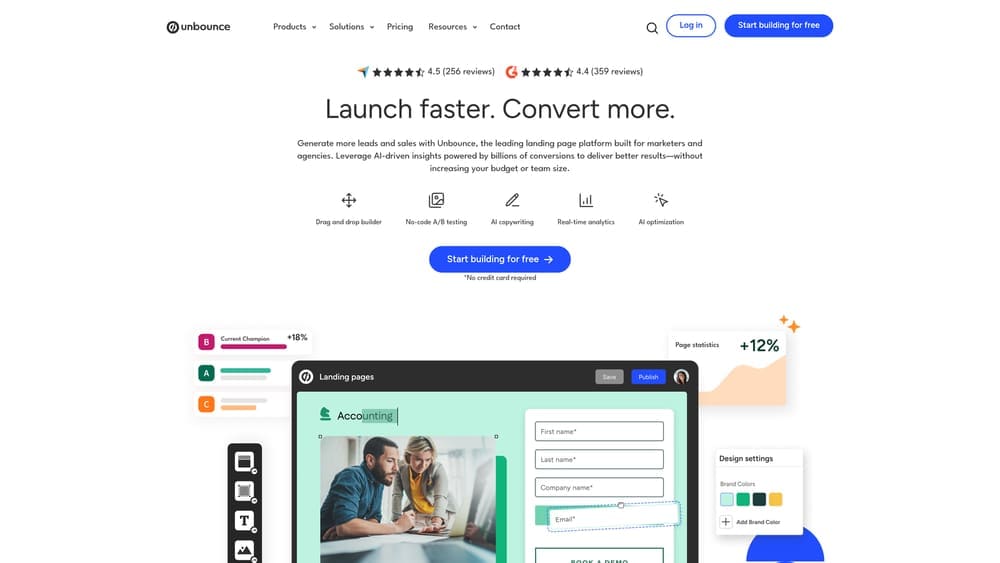
Unbounce addresses this with AI-driven traffic routing and dynamic content that automatically matches visitor intent to page variations without requiring you to build separate pages for every campaign.
The Strategy Explained
Unbounce’s Smart Traffic feature uses machine learning to automatically send visitors to the landing page variant most likely to convert them based on their attributes. Instead of running traditional A/B tests where traffic splits evenly, Smart Traffic analyzes over 60 visitor characteristics and routes each person to their best-match page variation.
The platform also includes dynamic text replacement, which automatically swaps headline and body copy based on the search keyword that triggered your ad. If someone searches “emergency plumber Denver” and clicks your ad, the landing page headline can dynamically display “Emergency Plumber in Denver” instead of a generic “Plumbing Services” headline. This creates perfect message match between ad and page, which directly impacts conversion rates and quality scores.
For local businesses running Google Ads with multiple service offerings or geographic targets, this eliminates the need to build dozens of separate landing pages while still maintaining high message relevance.
Implementation Steps
1. Build your primary landing page variation using Unbounce’s conversion-focused templates, ensuring fast load times and clear conversion paths.
2. Set up dynamic text replacement parameters that pull keywords from your ad URLs and insert them into designated headline and subheadline fields on your page.
3. Create 2-3 additional page variations testing different value propositions or layouts, then activate Smart Traffic to automatically optimize visitor routing.
4. Connect Unbounce to your Google Ads account and implement proper conversion tracking to measure which page variations drive actual leads and revenue.
Pro Tips
Don’t activate Smart Traffic immediately. Let your pages run standard A/B tests for at least 50 conversions first so the AI has baseline data to learn from. Also, use Unbounce’s built-in page speed optimization features—every 100ms of load time improvement can impact conversion rates. Focus your dynamic text replacement on headlines and the first paragraph only; swapping too much content can make pages feel disjointed and decrease trust.
2. Leadpages: Rapid Deployment for Local Service Businesses
The Challenge It Solves
Local service businesses need to launch campaigns quickly—often within days of identifying a market opportunity. Waiting two weeks to build and test a landing page means losing revenue to competitors who move faster. Additionally, many local businesses need simple payment collection capabilities for deposits or service fees, which most landing page builders don’t provide without complex third-party integrations.
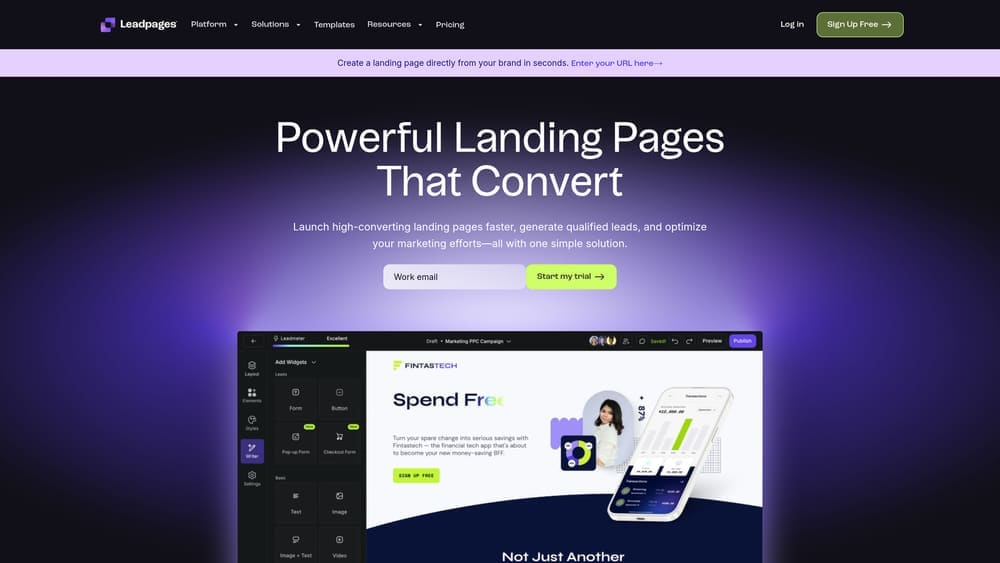
Leadpages addresses speed-to-market and payment friction with pre-optimized templates sorted by conversion performance and native payment processing that doesn’t require Stripe or PayPal setup.
The Strategy Explained
Leadpages organizes its template library by actual conversion rate data from thousands of users. Instead of browsing templates by industry or aesthetic style, you can filter by highest-converting designs for specific goals like lead generation, webinar registration, or service bookings. This means you’re starting from proven conversion frameworks rather than guessing at what might work.
The platform includes built-in payment processing that lets you collect deposits, consultation fees, or full payments directly on the landing page without redirecting to external checkout pages. For local businesses offering services like HVAC repairs, landscaping, or home remodeling, this removes a massive conversion barrier—customers can book and pay in one seamless flow.
Leadpages also integrates tightly with Google Ads and Facebook Ads, automatically pulling ad data into the platform so you can see which campaigns drive conversions without manually tagging URLs or building complex tracking systems. Understanding Google Ads vs Facebook Ads for lead generation helps you choose which platform to prioritize for your campaigns.
Implementation Steps
1. Select a high-converting template from Leadpages’ conversion-sorted library that matches your primary conversion goal (lead capture, appointment booking, or payment collection).
2. Customize the template with your service offerings, pricing, and local business information, keeping copy focused on specific benefits rather than generic features.
3. Set up the built-in payment processor if you’re collecting deposits or service fees, ensuring the payment flow is clear and friction-free.
4. Connect your Google Ads or Facebook Ads account to enable automatic conversion tracking and campaign performance reporting within Leadpages.
Pro Tips
Use Leadpages’ alert bar feature to create urgency for seasonal services—”Schedule Your AC Tune-Up Before Summer Rush” can significantly boost conversion rates for HVAC companies in spring. The platform’s pop-up functionality works well for exit-intent offers on higher-ticket services. If someone’s about to leave your landing page without converting, trigger a pop-up offering a free consultation or discount to capture the lead before they bounce.
3. Instapage: Enterprise Personalization for High-Volume PPC
The Challenge It Solves
When you’re spending serious money on PPC—think $10,000+ monthly—generic landing pages destroy your ROI. Every audience segment has different pain points, different objections, and different conversion triggers. Sending a first-time visitor to the same page as a returning customer who’s already engaged with your content wastes both opportunities. You need 1:1 ad-to-page matching at scale, but building hundreds of unique landing pages manually isn’t realistic.
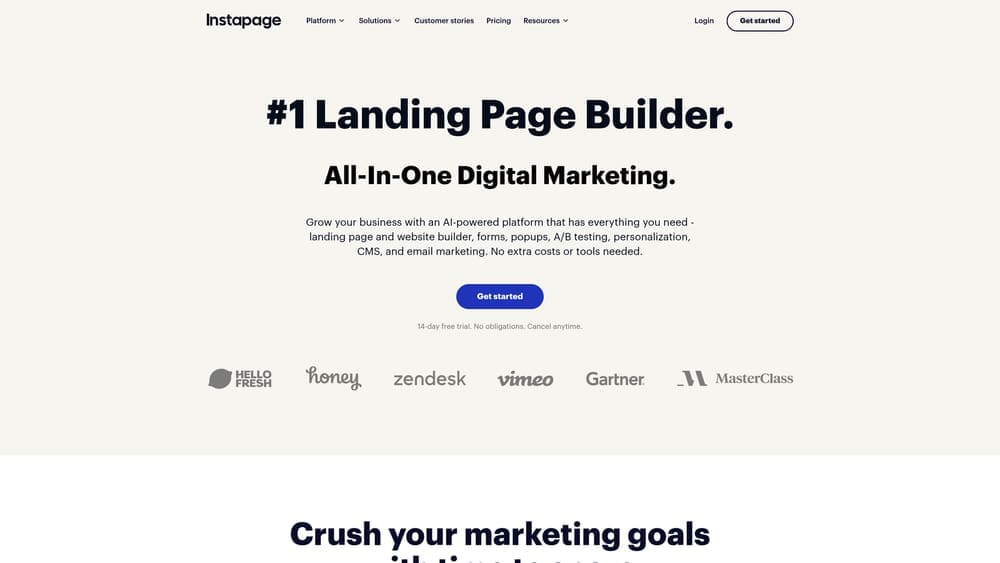
Instapage solves this with advanced personalization capabilities that let you create unique page experiences for every audience segment without building separate pages from scratch.
The Strategy Explained
Instapage’s core strength is its ability to create personalized landing page experiences based on ad campaign parameters, visitor behavior, and CRM data. You can build a master landing page template, then create dozens of personalized variations that automatically display different headlines, testimonials, offers, and imagery based on which ad the visitor clicked or what audience segment they belong to.
The platform includes built-in heatmap analytics and session recording, so you can see exactly where visitors click, how far they scroll, and where they abandon the page. This conversion intelligence is built into the platform rather than requiring separate tools like Hotjar or Crazy Egg.
For businesses running complex PPC campaigns with multiple service tiers or geographic markets, Instapage enables true 1:1 ad-to-page matching. Someone clicking an ad for “commercial roofing Dallas” sees a completely different page experience than someone clicking “residential roof repair Fort Worth”—even though both pages are built from the same master template.
Implementation Steps
1. Build your master landing page template with modular sections that can be personalized based on visitor segments (headlines, hero images, testimonials, offers).
2. Create personalization rules that map specific ad campaigns or audience segments to unique page variations, ensuring perfect message match between ad and landing page.
3. Enable Instapage’s heatmap and session recording features to identify conversion barriers—look for areas where visitors click expecting interaction but nothing happens, or sections where scroll depth drops significantly.
4. Set up A/B tests within each personalized variation to continuously optimize conversion rates for each audience segment independently.
Pro Tips
Use Instapage’s collaboration features to get client or stakeholder feedback directly on the page builder rather than through endless email chains with screenshots. The platform’s pixel-perfect design capabilities matter more than you’d think—misaligned elements or inconsistent spacing subconsciously reduce trust and hurt conversions. Leverage the built-in image optimization to ensure your pages load fast even with high-quality visuals, as page speed directly impacts conversion rates for paid traffic.
4. ClickFunnels: Complete Revenue Sequences Beyond Single Pages
The Challenge It Solves
Many businesses don’t need just a landing page—they need a complete conversion sequence. A single-page lead capture form works for simple services, but higher-ticket offerings require multi-step nurture sequences with order bumps, upsells, and automated follow-up. Building these sequences across multiple platforms (landing page builder + email automation + payment processor + CRM) creates technical complexity and tracking gaps that kill conversions.
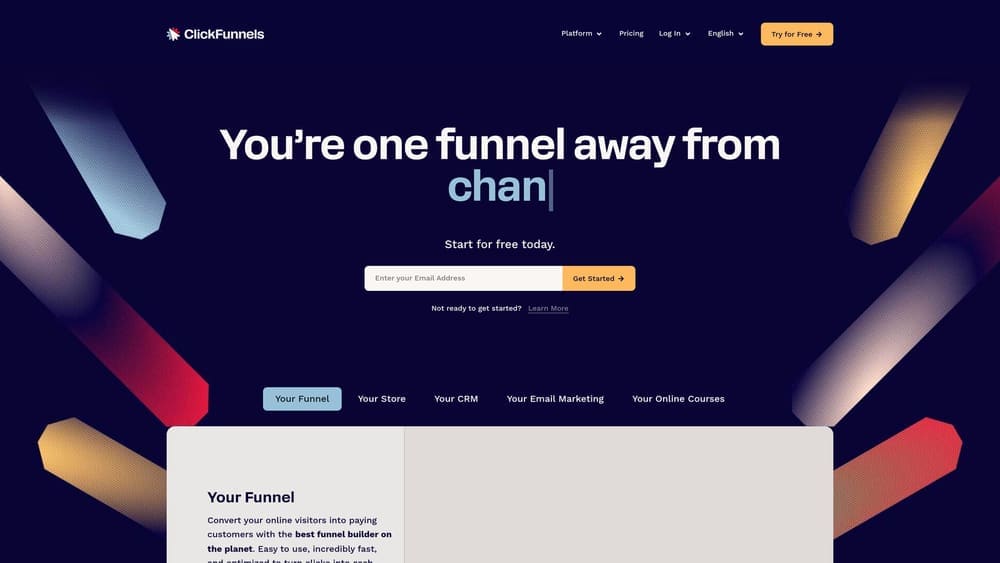
ClickFunnels eliminates this fragmentation by providing complete funnel architecture in one platform, from initial landing page through upsells and email automation.
The Strategy Explained
ClickFunnels approaches conversions as sequences rather than isolated pages. Instead of building a single landing page, you build multi-step funnels that guide prospects through awareness, consideration, and purchase stages with appropriate messaging at each step.
The platform includes order bump functionality that lets you offer complementary services or products at checkout, one-click upsells that present additional offers after the initial purchase, and integrated email automation that triggers based on funnel behavior. For businesses selling services with multiple tiers or add-ons, this dramatically increases average transaction value.
ClickFunnels also handles the technical complexity of payment processing, subscription management, and member area creation if you’re selling ongoing services or digital products. Everything lives in one system rather than cobbling together Leadpages + ConvertKit + Stripe + Memberful. If you’re exploring marketing automation tools, ClickFunnels offers built-in capabilities that eliminate the need for separate platforms.
Implementation Steps
1. Map your complete customer journey from initial awareness through purchase and post-purchase upsells, identifying what messaging and offers belong at each stage.
2. Build your funnel sequence in ClickFunnels starting with your main landing page, then adding order bump offers, thank you pages, and one-click upsell pages that present complementary services.
3. Configure email automation sequences that trigger based on funnel behavior—different follow-up sequences for people who abandoned the funnel versus those who completed the initial purchase.
4. Set up conversion tracking for each funnel step to identify where prospects drop off and which upsell offers convert best, then optimize those specific friction points.
Pro Tips
Don’t overcomplicate your first funnel. Start with a simple two-step sequence (landing page + thank you page) and add complexity only after you’ve validated that the core offer converts. Use ClickFunnels’ order bump feature strategically—the offer should be a logical complement to the main service, not a random upsell that feels like a money grab. For local service businesses, consider using ClickFunnels’ membership area feature to create client portals where customers can access project updates, invoices, and schedules, which increases perceived value and reduces support requests.
5. Carrd: Lightweight Testing for New Offer Validation
The Challenge It Solves
Before investing thousands in a full landing page platform and ad spend, many businesses need to validate whether a new service offering or market actually has demand. Building elaborate landing pages for unproven offers wastes time and money. You need the ability to test new ideas quickly and cheaply, then scale what works without being locked into expensive platforms for experiments that might fail.
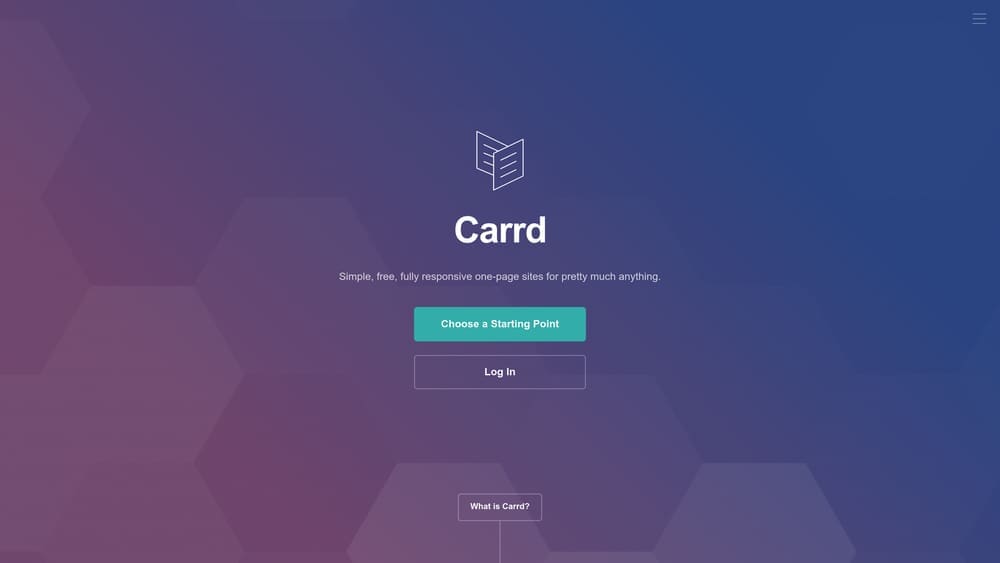
Carrd provides ultra-lightweight, fast-loading single-page sites perfect for testing new offers with minimal investment and maximum speed.
The Strategy Explained
Carrd strips landing pages down to their essential conversion elements. You get one page with clean, fast-loading design focused entirely on a single conversion goal. No complex funnels, no elaborate personalization, no enterprise features you don’t need for simple offer validation.
The platform’s strength is speed—both page load speed and speed to launch. You can build and publish a professional landing page in under an hour, which makes it ideal for testing new service offerings, seasonal promotions, or market expansions before committing to larger campaigns.
Because Carrd pages are so lightweight, they load extremely fast even on slow mobile connections. For local businesses targeting mobile search traffic, this speed advantage can significantly impact conversion rates. Faster pages consistently outperform slower ones, particularly for local searches where users are often on-the-go with spotty connections. This aligns with landing page best practices that prioritize speed and simplicity.
Implementation Steps
1. Identify a new service offering or market you want to test without significant upfront investment in complex landing page infrastructure.
2. Build a simple Carrd page focused on one clear conversion goal (lead capture, phone call, or appointment booking) with minimal distractions and fast load times.
3. Drive small amounts of paid traffic or leverage your existing audience to test whether the offer generates interest and conversions at acceptable rates.
4. If the offer validates and conversions justify scaling, migrate to a more robust platform like Unbounce or Instapage for advanced optimization and personalization.
Pro Tips
Use Carrd for seasonal campaign testing where you need pages live quickly but don’t need year-round infrastructure. The platform’s simple form integration works well with tools like Airtable or Google Sheets for lightweight lead capture without complex CRM setup. Because Carrd pages are so fast, they work exceptionally well for local service businesses running mobile-focused campaigns where page speed directly impacts conversion rates. Keep your Carrd pages focused on single offers—the platform’s simplicity is its strength, so don’t try to cram multiple services onto one page.
6. Swipe Pages: Mobile-First Architecture for Local Search Capture
The Challenge It Solves
Local businesses capturing mobile search traffic face a brutal reality: most landing page builders optimize for desktop first, then adapt for mobile as an afterthought. This creates slow-loading mobile experiences that kill conversions from local searches where users are actively looking for immediate service. When someone searches “emergency locksmith near me” on their phone, they need a page that loads instantly and makes calling or booking effortless—not a desktop-designed page that’s clunky on mobile.
Swipe Pages builds landing pages mobile-first with AMP (Accelerated Mobile Pages) technology designed specifically for capturing local search traffic on mobile devices.
The Strategy Explained
Swipe Pages uses AMP technology to create landing pages that load almost instantaneously on mobile devices. These pages are stripped of unnecessary code and optimized specifically for mobile search traffic, which is critical for local businesses where the majority of searches happen on smartphones.
The platform’s mobile-first approach means every design element is built for thumb-friendly interaction. Call buttons are large and positioned for easy tapping, forms are simplified to reduce mobile typing friction, and the entire page structure is optimized for vertical scrolling rather than horizontal navigation.
For local service businesses where customers search on mobile with immediate intent—plumbers, locksmiths, tow trucks, emergency services—this mobile optimization directly impacts conversion rates. Faster pages capture more of this high-intent traffic before users bounce to competitors. Implementing call tracking for marketing campaigns helps you measure how many mobile visitors convert via phone calls.
Implementation Steps
1. Analyze your traffic sources to confirm mobile search represents a significant portion of your leads, particularly for local service queries with immediate intent.
2. Build mobile-first landing pages in Swipe Pages with prominent click-to-call buttons, simplified forms that minimize typing, and fast-loading images optimized for mobile connections.
3. Implement call tracking integration to measure how many mobile visitors convert via phone calls versus form submissions, as many mobile users prefer calling over filling out forms.
4. Test your pages on various mobile devices and connection speeds to ensure fast load times across different scenarios, particularly on slower 4G connections common in some areas.
Pro Tips
Use Swipe Pages’ click-to-call functionality strategically by making phone numbers tappable throughout the page, not just in the header. Many mobile users scroll before deciding to call, so having multiple call buttons at different scroll depths captures conversions you’d otherwise miss. Integrate appointment scheduling tools like Calendly directly into your Swipe Pages to offer mobile users the choice between calling and booking online. For local businesses with multiple service areas, create separate mobile-optimized pages for each location to capture geo-specific searches with perfect message match.
7. HubSpot Landing Pages: CRM-Integrated Revenue Attribution
The Challenge It Solves
Most landing page builders capture leads, but then those leads disappear into a black hole between marketing and sales. You can’t track which landing pages generate leads that actually close into revenue, which makes it impossible to calculate true ROI on your campaigns. Marketing reports “200 leads generated” but sales reports “only 5 closed deals,” and nobody knows which landing pages or campaigns drove the valuable leads versus the junk.
HubSpot Landing Pages solves this by connecting landing page leads directly to your CRM and sales pipeline, enabling complete revenue attribution from initial click through closed deal.
The Strategy Explained
HubSpot’s landing page builder integrates natively with its CRM platform, which means every lead captured on a landing page automatically flows into your sales pipeline with complete source attribution. You can track exactly which landing page, campaign, and keyword generated each lead, then follow that lead through the sales process to see whether they became a customer and how much revenue they generated.
This closed-loop reporting transforms how you evaluate landing page performance. Instead of optimizing for lead volume, you can optimize for revenue. If Landing Page A generates 100 leads but only 2 close into customers, while Landing Page B generates 30 leads but 10 close into customers, HubSpot’s attribution shows you that Page B is actually more valuable despite lower lead volume.
The platform also enables sophisticated lead scoring based on landing page behavior combined with CRM data. You can automatically prioritize leads who visited high-intent landing pages, engaged with specific content, and match your ideal customer profile—ensuring your sales team focuses on the opportunities most likely to close. This approach aligns with building a comprehensive lead generation system for service businesses.
Implementation Steps
1. Set up HubSpot’s CRM if you’re not already using it, ensuring your sales pipeline stages are properly configured to track leads from initial contact through closed deal.
2. Build landing pages in HubSpot with forms that automatically create CRM contacts and assign them to appropriate sales pipelines based on the service or product they inquired about.
3. Configure revenue attribution reporting to track which landing pages and campaigns generate not just leads, but actual closed revenue, then optimize your ad spend toward the highest-revenue sources.
4. Implement lead scoring rules that prioritize leads based on landing page behavior combined with firmographic data, ensuring sales focuses on the most qualified opportunities first.
Pro Tips
Use HubSpot’s progressive profiling feature to gradually collect more information about leads across multiple landing page visits rather than asking for everything upfront, which reduces initial form friction while still building complete lead profiles over time. Set up automated workflows that trigger different follow-up sequences based on which landing page someone converted on—someone who downloaded a pricing guide needs different nurture content than someone who requested an immediate quote. Leverage HubSpot’s A/B testing capabilities to test not just page design, but which lead qualification questions on your forms actually correlate with closed revenue.
Matching Your Builder to Your Conversion Goals
The best landing page builder isn’t the one with the most features or the prettiest templates. It’s the one that aligns with your specific conversion scenario and business model.
If you need to launch campaigns quickly and capture leads fast, Leadpages or Carrd give you speed without complexity. If you’re investing heavily in PPC and need sophisticated optimization, Unbounce or Instapage provide the AI-powered personalization and testing infrastructure to maximize ROI. If you’re selling higher-ticket services that require multi-step conversion sequences, ClickFunnels handles the complete funnel architecture. If your business relies on mobile search traffic, Swipe Pages’ mobile-first approach captures those high-intent local searches. If you need complete revenue attribution from landing page through closed deal, HubSpot connects your marketing directly to your sales pipeline.
Here’s the reality that most business owners miss: The platform is only as good as the conversion strategy you apply to it.
You can build a landing page on the most advanced platform in the world, but if your headline doesn’t address a specific pain point, your offer isn’t compelling, your form asks for too much information, or your page loads slowly on mobile, you’re still going to hemorrhage conversions. The builder provides the infrastructure. Your conversion strategy determines whether that infrastructure generates revenue.
Focus on fundamentals first: clear value proposition, fast page speed, mobile optimization, friction-free forms, and strong calls-to-action. Get those right on any of these platforms and you’ll outperform competitors using “better” tools with poor conversion fundamentals.
Once you’ve chosen your platform, the real work begins—testing, optimizing, and refining your pages based on actual conversion data rather than assumptions. Track not just conversion rates, but lead quality and revenue attribution. A 10% conversion rate means nothing if those leads never become customers.
If you want to see what this would look like for your business—landing pages that don’t just capture leads but generate qualified opportunities that actually close into revenue—we’ll walk you through how it works. We’ll break down what’s realistic in your market, what conversion rates you should expect, and how to build lead systems that produce measurable sales growth rather than just vanity metrics. This isn’t about pretty pages. It’s about pages that make your phone ring with customers ready to buy.