Your landing page is either making you money or costing you money. There’s rarely a middle ground. The frustrating part? Most business owners already know their pages need work. The harder question is figuring out the right way to fix them.
Do you invest in a software platform and handle optimization yourself? Or do you hand it off to a professional service that manages everything for you? Both approaches have real merit, and both have real limitations. The right answer depends on your budget, your technical comfort level, how much traffic you’re working with, and how quickly you need results.
This list covers the top landing page optimization tools and services available right now, spanning done-for-you agency services, AI-powered page builders, enterprise experimentation platforms, and behavior analytics tools. Each option was evaluated on ease of use, conversion-focused features, pricing transparency, and track record with real businesses. Whether you’re a local service business looking for managed results or a growth-stage company ready to run your own experiments, there’s something here for you.
1. Clicks Geek
Best for: Local and service-based businesses that want done-for-you CRO without managing software
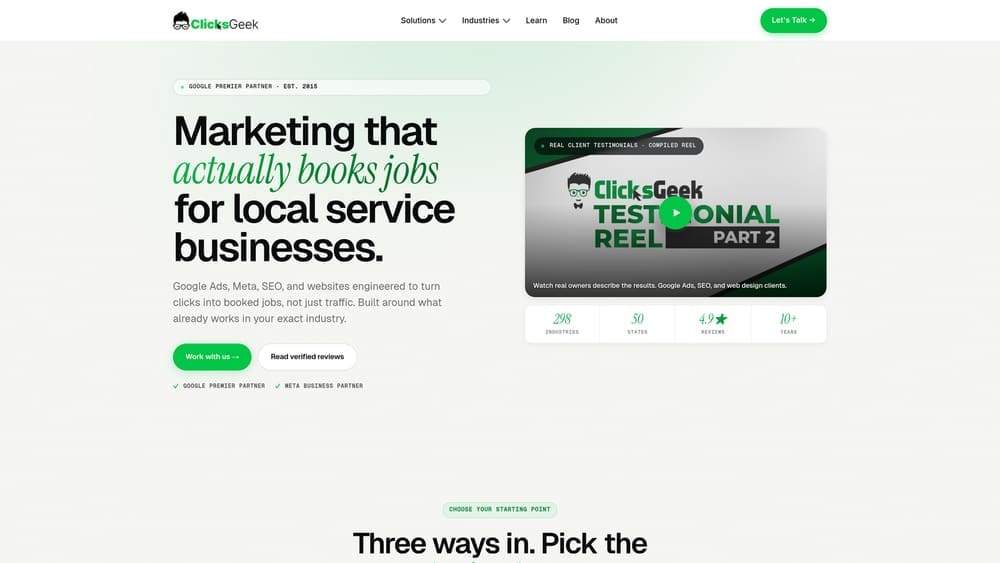
Clicks Geek is a Google Premier Partner agency specializing in conversion rate optimization, PPC management, and full-service landing page strategy built around generating real leads and measurable revenue.
Where This Tool Shines
Most small and local businesses run into the same wall with DIY tools: the software is capable, but turning data into meaningful improvements requires expertise that takes time to develop. Clicks Geek removes that bottleneck entirely. Their team handles landing page creation, testing strategy, and ongoing optimization while keeping it tightly connected to your paid traffic campaigns.
The Google Premier Partner designation matters here. It signals a verified track record of ad performance across a significant client base, which means the landing page strategy isn’t developed in isolation. It’s informed by what’s actually working in paid search right now.
Key Features
Full-Service Landing Page Creation and Optimization: Pages are built, tested, and refined by the agency team, so you’re not learning software on your own time.
Google Premier Partner Status: Verified expertise in Google Ads performance, which directly informs how landing pages are designed to convert paid traffic.
PPC and CRO Integration: Landing page strategy is built in tandem with your ad campaigns, not bolted on afterward.
Lead Generation Focus: Every optimization decision is tied to measurable outcomes: form fills, calls, qualified leads, and revenue, not just traffic metrics.
No Software Learning Curve: You don’t need to learn any platform. The team handles execution from start to finish.
Best For
Local service businesses, home services companies, law firms, medical practices, and any business running paid ads that needs a managed partner rather than another software subscription. Particularly well-suited for businesses that lack the internal bandwidth or traffic volume to run statistically valid A/B tests on their own.
Pricing
Custom pricing based on campaign scope and service level. Contact Clicks Geek directly for a quote tailored to your business and market.
2. Unbounce
Best for: Marketing teams that want AI-assisted optimization with a fast, no-code page builder
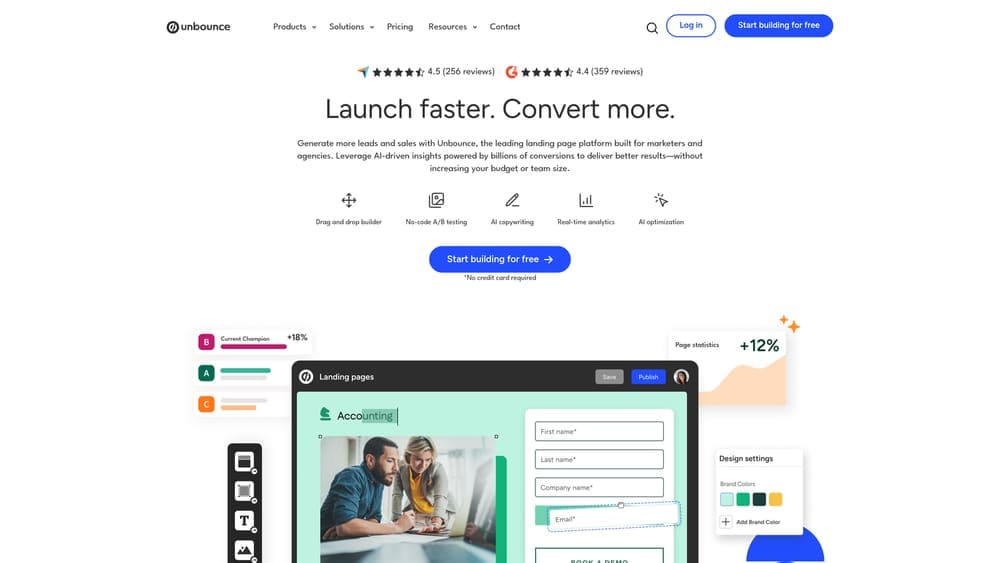
Unbounce is an AI-powered landing page platform with a drag-and-drop editor, built-in A/B testing, and a Smart Traffic feature that automatically routes visitors to the variant most likely to convert them.
Where This Tool Shines
Unbounce’s biggest differentiator is Smart Traffic. Rather than waiting for a traditional A/B test to reach statistical significance, the AI analyzes visitor attributes and sends each person to the variant they’re most likely to respond to. For businesses with moderate traffic levels, this can meaningfully speed up the optimization cycle.
The builder itself is genuinely easy to use. You’re not fighting the interface to get a clean page live. Templates are conversion-focused out of the box, and dynamic text replacement makes it straightforward to match page copy to specific ad keywords.
Key Features
Smart Traffic AI: Automatically routes visitors to the best-performing variant based on behavioral signals, not just random splits.
Drag-and-Drop Builder: Over 100 templates with a visual editor that requires no coding knowledge.
Built-In A/B Testing: Run traditional split tests alongside Smart Traffic optimization.
Dynamic Text Replacement: Automatically swaps page copy to match PPC ad keywords, improving ad-to-page relevance.
Popups and Sticky Bars: Additional conversion tools included without needing a separate platform.
Best For
Marketing teams and growth-focused small businesses running PPC campaigns who want a capable self-serve tool. Works best when you have enough traffic to generate meaningful data and someone on the team willing to manage and iterate on page performance.
Pricing
Starts around $99 per month on the Build plan. Higher tiers unlock additional features and higher traffic limits.
3. Instapage
Best for: Ad-heavy teams that need precise ad-to-page matching and real-time collaboration
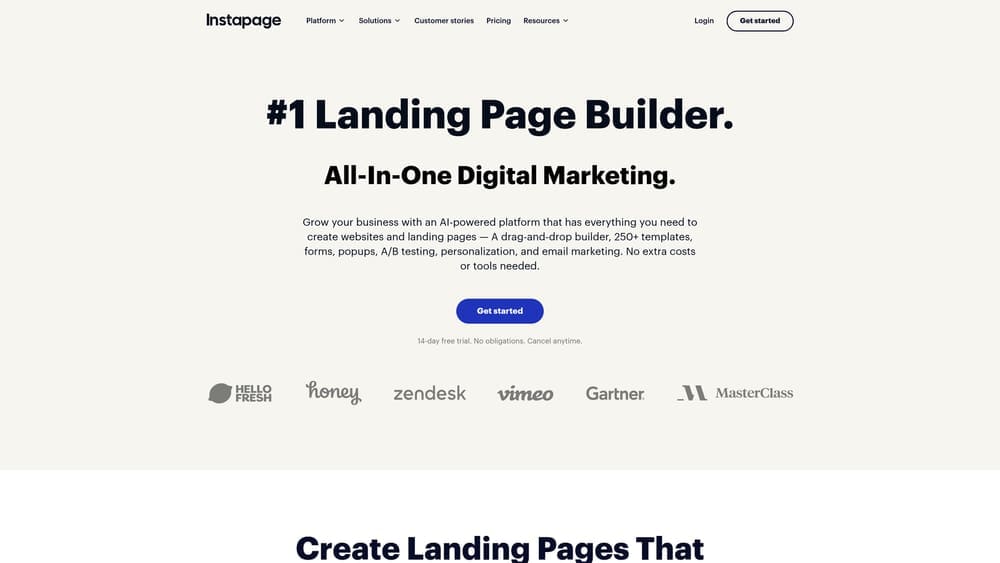
Instapage is an enterprise-focused landing page platform built around personalization at scale, offering 1:1 ad-to-page matching and robust collaboration tools for marketing teams.
Where This Tool Shines
Where Instapage earns its price point is in AdMap, a visual tool that connects each ad in your campaign to a dedicated, personalized landing page. For businesses running large Google or Meta ad campaigns with multiple audience segments, this level of message matching can have a meaningful impact on Quality Score and conversion rates.
The collaboration features are genuinely useful for agency and in-house teams working together. Stakeholders can leave comments directly on the live page design rather than going back and forth over email, which cuts revision cycles significantly.
Key Features
AdMap: Visually connects individual ads to unique landing pages, making personalization at scale manageable.
Real-Time Visual Collaboration: Team members and clients can comment directly on page designs, streamlining the review process.
Server-Side A/B Testing: Tests run without impacting page load speed, giving you cleaner performance data.
Built-In Heatmaps: Understand where visitors are clicking and scrolling without a separate analytics tool.
AMP Page Support: Build Accelerated Mobile Pages for faster load times on mobile traffic.
Best For
Mid-size to enterprise marketing teams running large-scale PPC campaigns across multiple audience segments. Also a strong fit for agencies managing landing pages across multiple clients who need collaboration and approval workflows built in.
Pricing
Starts around $99 per month on the Create plan. Enterprise pricing is custom and available on request.
4. VWO (Visual Website Optimizer)
Best for: Data-driven teams that want a full experimentation suite with behavior analytics included
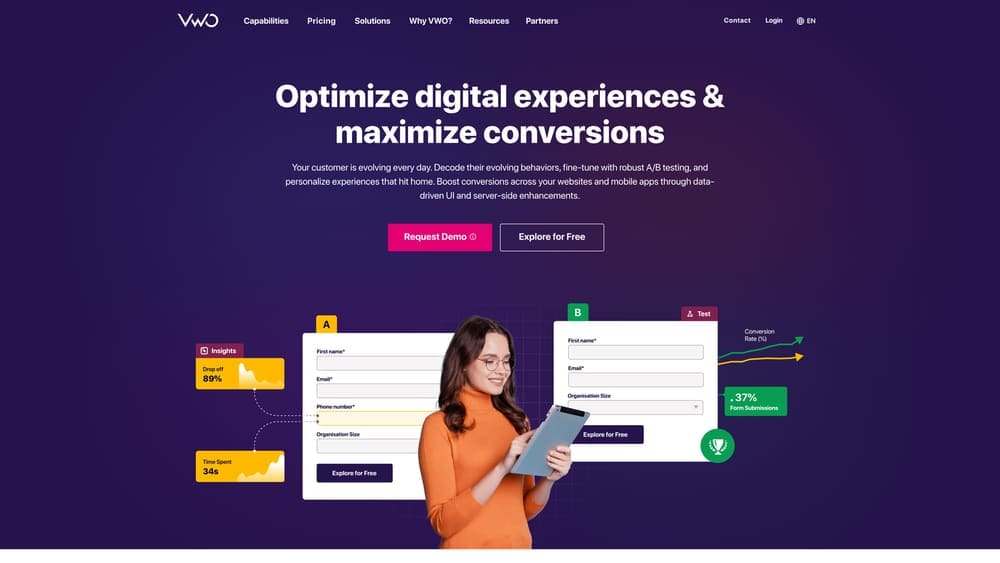
VWO is a comprehensive conversion optimization platform combining A/B testing, multivariate testing, heatmaps, session recordings, and form analytics in a single integrated environment.
Where This Tool Shines
VWO’s strength is depth. Most tools make you choose between experimentation and behavior analytics. VWO packages both into one platform, which means you can watch session recordings to form a hypothesis, then run an A/B test to validate it, all without switching tools or reconciling data from separate sources.
The Bayesian statistics engine is worth noting. Traditional frequentist A/B testing can require large sample sizes before you can act on results. VWO’s approach allows for faster decision-making with smaller traffic volumes, which is a practical advantage for businesses that aren’t running millions of sessions per month.
Key Features
A/B, Split URL, and Multivariate Testing: Covers the full range of testing methodologies in one platform.
Heatmaps and Session Recordings: Understand visitor behavior visually before and after making changes.
Form Analytics: Identify exactly where visitors are abandoning your forms, field by field.
Bayesian Statistics Engine: Reach actionable conclusions faster, even with moderate traffic volumes.
CRM and Analytics Integrations: Connects with major platforms including Google Analytics, HubSpot, and Salesforce.
Best For
Growth teams, CRO specialists, and digital marketing managers who want a professional-grade experimentation platform with behavior analytics built in. Best suited for businesses with consistent traffic flow and a team member dedicated to running and analyzing tests.
Pricing
A free starter plan is available with limited features. Paid plans start around $357 per month, scaling based on monthly tracked users and feature access.
5. Optimizely
Best for: Enterprise organizations running complex, multi-surface experimentation programs
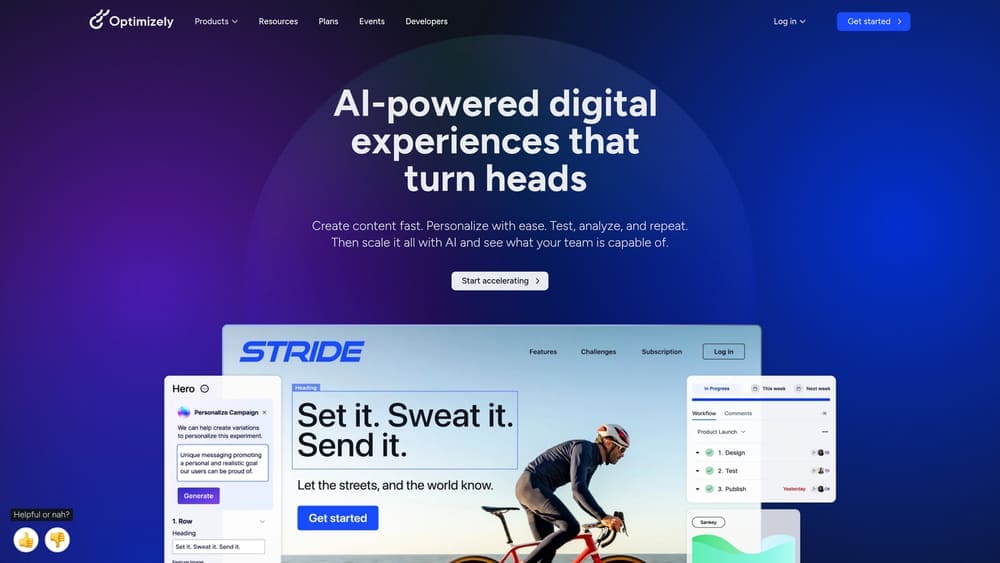
Optimizely is a leading enterprise experimentation platform offering client-side and server-side testing, feature flagging, and content personalization across web, mobile, and full-stack applications.
Where This Tool Shines
Optimizely operates at a different scale than most tools on this list. It’s built for organizations that want to run experiments not just on landing pages, but across entire digital products: mobile apps, back-end systems, feature releases, and personalized content experiences. The server-side testing capability means you can experiment on things that traditional client-side tools simply can’t touch.
The feature flagging functionality is particularly valuable for product and engineering teams. You can roll out changes to a controlled percentage of users, measure impact, and roll back instantly if something goes wrong, all without a full deployment cycle.
Key Features
Client-Side and Server-Side Experimentation: Test anything from visual page elements to back-end logic and application features.
Feature Flags: Control feature rollouts with precision, enabling safe, data-informed product releases.
Advanced Audience Targeting: Segment experiments by behavior, geography, device, and custom attributes.
Multi-Page and Full-Stack Experiments: Run experiments that span multiple pages or entire application flows.
Developer APIs and SDKs: Robust integration options for engineering teams building custom experimentation pipelines.
Best For
Enterprise marketing and product teams with dedicated engineering resources and a mature experimentation culture. Not the right fit for small businesses or teams without developer support.
Pricing
Custom enterprise pricing. Contact Optimizely’s sales team directly for a quote based on your organization’s scale and needs.
6. Hotjar
Best for: Any business that wants to understand visitor behavior before making optimization decisions
Hotjar is a behavior analytics platform that reveals how real visitors interact with your landing pages through heatmaps, session recordings, and on-page feedback tools.
Where This Tool Shines
Hotjar doesn’t run tests. It helps you figure out what to test. That distinction matters. Many businesses jump straight into A/B testing without understanding why visitors aren’t converting in the first place. Hotjar fills that diagnostic gap by showing you exactly where people click, how far they scroll, and where they drop off on your forms.
The feedback widgets and surveys add a qualitative layer that pure analytics tools miss. Sometimes the most valuable insight isn’t a click pattern: it’s a visitor telling you directly that they couldn’t find the pricing information they needed.
Key Features
Click, Scroll, and Move Heatmaps: Visual overlays that show where visitors are engaging and where they’re ignoring your page.
Session Recordings: Watch real visitor sessions with filtering by device, traffic source, and behavior.
On-Page Feedback Widgets and Surveys: Collect direct input from visitors about what’s working and what isn’t.
Funnel and Form Analysis: Identify drop-off points across multi-step conversion flows.
Generous Free Tier: The free plan supports up to 35 daily sessions, making it accessible for smaller sites.
Best For
Businesses at any stage that want to build a research foundation before optimizing. Works well as a standalone diagnostic tool or paired with a dedicated A/B testing platform like VWO or Unbounce.
Pricing
Free plan available for up to 35 daily sessions. Paid plans start around $39 per month, scaling with session volume and team size.
7. Leadpages
Best for: Small businesses and solopreneurs that need an affordable, beginner-friendly page builder
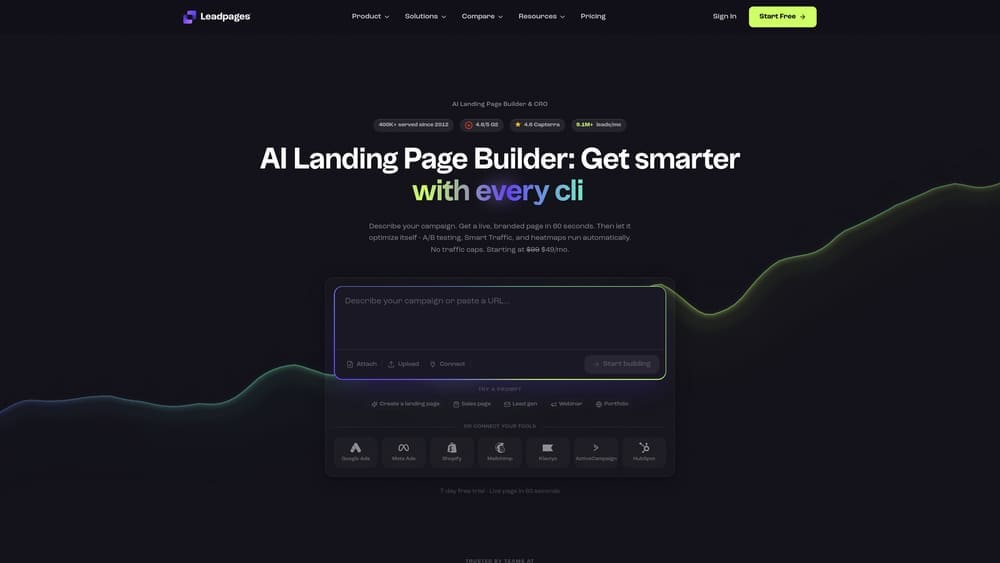
Leadpages is a conversion-focused landing page builder designed for small businesses, offering a large template library, built-in lead capture tools, and a straightforward drag-and-drop editor.
Where This Tool Shines
Leadpages hits a sweet spot for businesses that need professional-looking pages without the enterprise price tag. The template library is one of the largest available, and templates are organized by conversion rate, so you’re not just picking something that looks good: you’re starting with a layout that has demonstrated performance data behind it.
The built-in conversion guidance feature is a nice touch for beginners. As you build your page, the platform flags elements that may hurt conversions and suggests improvements, which functions like a lightweight CRO coach built into the editor.
Key Features
200+ Mobile-Responsive Templates: Organized by conversion performance, not just design category.
Built-In Conversion Guidance: Real-time suggestions as you build, flagging potential issues before you publish.
Drag-and-Drop Editor: No coding required, with a clean interface accessible to non-technical users.
Email Marketing Integrations: Native connections to Mailchimp, ConvertKit, ActiveCampaign, and other major platforms.
A/B Testing: Available on higher-tier plans for businesses ready to run split tests.
Best For
Freelancers, coaches, consultants, and small local businesses that need a fast, affordable way to publish conversion-focused landing pages without a large software budget or technical team.
Pricing
Starts around $49 per month on the Standard plan. Higher tiers unlock A/B testing and additional site publishing capabilities.
8. Google Analytics 4 and Free A/B Testing Alternatives (Post-Google Optimize)
Best for: Budget-conscious businesses looking for low-cost or free testing options after Google Optimize’s sunset
Google Analytics 4 remains the foundation for many businesses tracking landing page performance, but since Google Optimize was sunset in September 2023, teams need alternative solutions for the actual testing layer.
Where This Tool Shines
GA4 itself has added some native experimentation capabilities, though they’re limited compared to dedicated testing platforms. The more practical path for budget-conscious teams is pairing GA4 with a free or open-source A/B testing tool. Options like GrowthBook and PostHog offer free tiers with meaningful functionality, and both integrate cleanly with GA4 for unified reporting.
Open-source tools like GrowthBook are particularly appealing for developer-supported teams. You get full control over your experimentation infrastructure without a monthly software bill, though you do need someone technically capable of setting it up and maintaining it.
Key Features
GA4 Native Experimentation: Limited built-in testing capabilities for businesses already invested in the Google ecosystem.
GrowthBook (Free/Open-Source): A fully featured A/B testing platform with a generous free tier and self-hosted option.
PostHog (Free Tier Available): Product analytics and feature flagging with experimentation tools, free for smaller usage volumes.
Lightweight Script Integration: Most free alternatives use minimal JavaScript that won’t significantly impact page load speed.
Existing Analytics Compatibility: These tools are designed to work alongside GA4 rather than replace it.
Best For
Early-stage businesses, bootstrapped startups, and developer-led teams that need testing capabilities without a software budget. Also useful as a bridge solution while evaluating paid platforms.
Pricing
GA4 is free. GrowthBook and PostHog both offer free tiers with paid plans available as usage scales. Total cost can range from zero to a modest monthly fee depending on the combination you choose.
Which Approach Will Actually Move the Needle?
Here’s the honest answer: the right choice depends less on which tool has the best feature list and more on your actual situation as a business.
If you’re running a local service business, a law firm, a medical practice, or any company where each lead is worth real money, a done-for-you service like Clicks Geek is almost always the faster path to results. The reason is straightforward: most local businesses don’t have the traffic volume needed to run statistically meaningful A/B tests on their own, and even when they do, turning test data into better pages requires strategic expertise, not just software access.
If you’re a growth-stage company with a dedicated marketing team and consistent traffic, a platform like Unbounce or VWO gives you the control and flexibility to run your own optimization program. Pair either with Hotjar for behavioral research and you have a capable DIY stack.
For teams on tight budgets, Leadpages is the most accessible entry point, and the free alternatives to Google Optimize are worth exploring before committing to a paid platform.
Quick-Reference Guide:
Local service businesses and PPC advertisers: Start with Clicks Geek for managed results.
Mid-size marketing teams: Unbounce or VWO paired with Hotjar.
Enterprise organizations: Optimizely or Instapage at scale.
Small businesses and solopreneurs: Leadpages to start, add Hotjar as you grow.
Budget-first teams: GA4 plus GrowthBook or PostHog.
Tired of spending money on marketing that doesn’t produce real revenue? At Clicks Geek, we build lead systems that turn traffic into qualified leads and measurable sales growth. If you want to see what this would look like for your business, we’ll walk you through how it works and break down what’s realistic in your market.