In the HVAC and auto repair accounts we manage and have published as case studies, Google Ads produced calls and form leads in the first 30 days. You can only read a first month like that if the account is counting the right actions and showing ads to the right area from day one. Use that first month to learn what a real lead costs in your market, not to decide the whole channel on click counts. Below is what has to be in place, what a first month should show you, and what 30-day windows have looked like in accounts we manage.
What happens in the first few days of a new campaign?
Google’s page on campaigns that are not running or getting low traffic, as it read on November 17, 2026, says “Newly created or edited ads undergo a one to 2 day review to ensure that they meet all policy requirements.”
The same page says campaigns that use automated bidding “need time to optimize,” and that after changes to bids, budgets or bidding strategies you should “allow at least one to 2 conversion cycles to pass before assessing performance.” Google’s Smart Bidding learning page describes a conversion cycle as “the length of time it takes for a click to result in a conversion.” So the first few days tell you whether the ads are showing, not whether the channel works.
What has to be in place before you can judge Google Ads?
The clock on Google Ads does not really start until the account can tell a lead from a visit. Before you count days, check four things:
- Conversions count calls and form fills. Google’s page on conversion measurement, as it read on November 17, 2026, says “Conversions provide insights into your campaign performance.” If the account counts page views or button taps as conversions, every number built on them will mislead you.
- Ads show to people in your service area. Google’s page on advanced location options, as it read on November 17, 2026, says to consider “Presence” targeting when “You only want to target users in specific locations and not users who may be in other locations but are still interested in your product or service.” For a business that drives to the customer, a click from outside the service area is a cost, not a lead.
- Ads run when someone can answer. If calls arrive at hours when nobody picks up, the first month will look worse than the demand really is.
- You can see cost per real lead. Spend divided by the calls and forms you could actually act on, not by every click.
If any of those four is missing, a month of data mostly tells you about the setup. Fix the setup first, then start counting.
What should the first 30 days of Google Ads show you?
By the end of the first month, you should be able to answer four questions from the account and your own call log:
- How many calls and form fills came from the ads?
- What did each of those leads cost?
- Which searches produced them?
- Which leads were the wrong people, and what was done to stop paying for those searches?
Cost per lead and lead volume can both move during that month as searches that never hire you are cut and budget moves toward the ones that do. That movement is expected while the searches are being sorted. What is not expected is reaching day 30 and still not knowing the answers to those four questions.
What have 30-day windows looked like in accounts we manage?
These figures come from Google Ads accounts we manage and have published as case studies. They are examples from specific accounts and specific windows, not averages and not a promise for your market.
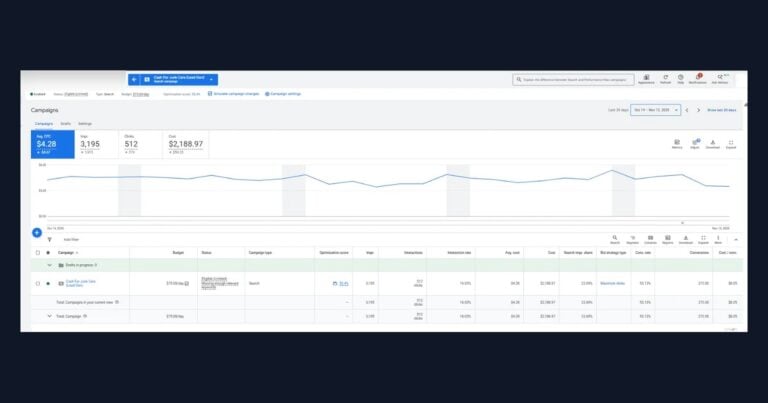
- HVAC: the company came in paying over $300 per lead. In the first 30 days, from October 7 to November 5, 2026, the campaign produced 24 leads at $205 per lead, with a 31% conversion rate.
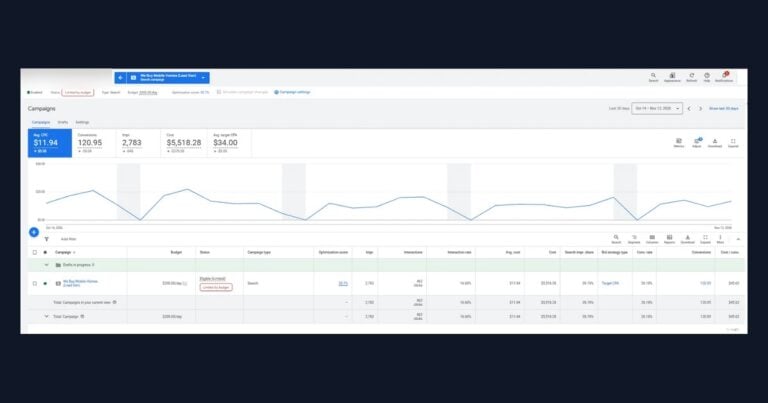
- Auto repair: the shop came in with poor lead volume, a high cost per lead, and tracking that was not set up correctly. After 30 days on a $100 a day budget, Monday through Friday, the campaign produced 62 leads at $49 per lead, with a 29% conversion rate.
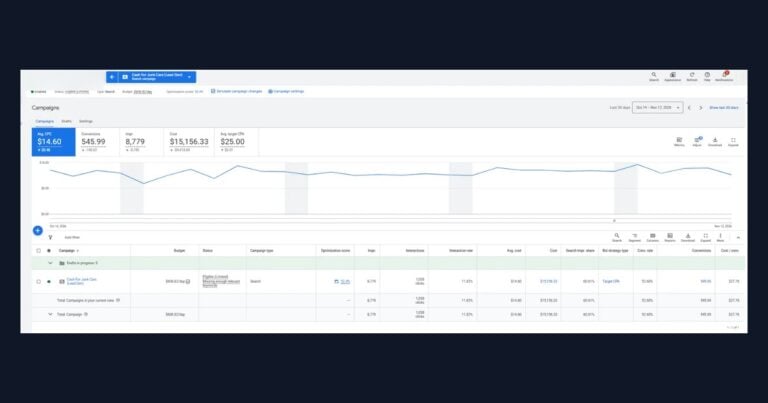
- Water damage restoration: the company was paying over $1,000 per lead when it came in. From October 7 to November 5, 2026, the campaign produced 21 leads at $243 per lead, with a 35% conversion rate, on a $200 a day budget, Monday through Friday.
Notice what those three have in common. Each one is measured in leads and cost per lead over a fixed 30-day window, and in the auto repair account, tracking that was not set up correctly was one of the starting problems. You can see more dated windows, across other trades, on our Google Ads and Facebook Ads case studies page.
Why might Google Ads look like it is not working yet?
If the account looks like it is not working after a few weeks, check these four places before you decide anything about the channel:
- The wrong things are counted. The dashboard shows plenty of conversions, but they are page visits, not people asking for a job.
- Ads reach outside the service area. Clicks come from people who are interested in your area but are not in it.
- The month is judged on clicks. Click volume says nothing about whether anyone called.
- The leads are junk. Calls come in, but they are for work you do not do. We cover how to check that in why Google Ads leads can turn out to be junk.
If your first month is full of clicks you cannot trust, or you still cannot say what a real lead costs, have our team set up and run Google Ads for your business.
When should you get help instead of waiting another month?
Waiting helps when the setup is right and you need more data. It does not help when the setup is wrong. If 30 days have passed and you still cannot see cost per real lead, or the calls are plainly the wrong people, another month on the same settings will give you another month of the same answer.
A good first month runs in a set order: tracking first, so leads are counted correctly, then the search terms, so money stops going to searches that never hire you, then budget toward the searches that become booked jobs. Our Google Ads management page, as it read on November 17, 2026, describes our own first steps this way: “Full call tracking and form tracking are wired in before a single dollar is spent.” Then, once campaigns are live: “We pause wasted spend inside the first week and keep refining keywords, ad copy, and bids until the account finds its rhythm.”
If you are still deciding whether to hand the account to anyone at all, that is a separate question, and we answer it in whether a Google Ads agency is worth it for a small local service business.
Google Ads with call and form tracking set up before launch
Clicks Geek runs Google Ads for local service businesses in accounts you own, with call and form tracking in place before the ads spend. Send us a few details about your business and the ads you run today.