Most local service business owners don’t have a marketing team. You’re running jobs, managing crews, and trying to squeeze in a Google Business Profile post between service calls. Content creation feels like a luxury you don’t have time for — until you realize your competitors are showing up in local search and you’re not.
The good news: the right tools cut the time it takes to create content that actually attracts local customers. This list covers the top tools worth your attention in 2026, ranked by practical value for service businesses. We’ve included options for writing, design, video, and scheduling, because a plumber’s content needs look different from a law firm’s. No fluff, no tools that require a graphic design degree. Just what works.
1. Clicks Geek
Best for: Local service businesses that want content tied directly to lead generation and booked jobs.
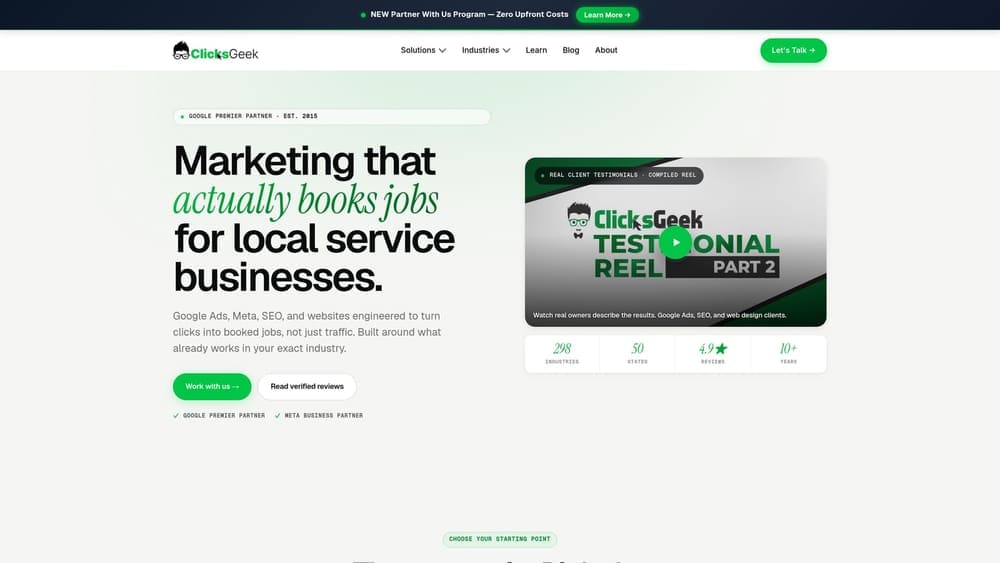
Clicks Geek is a Google Premier Partner digital marketing agency that has specialized in local service businesses since 2015, building content and campaign systems across 298 industries.
Where This Tool Shines
Most content tools hand you a blank page and wish you luck. Clicks Geek approaches content differently: every service page, SEO article, and campaign asset is built around what actually drives calls and booking volume in your specific trade and market. The strategy isn’t built in isolation from your ads or your Google Business Profile. It’s all connected.
With over $100M in managed spend and 10,000+ campaigns across local service businesses, the agency brings industry-specific data to content decisions that generic tools simply can’t replicate. If you’re not sure what content you actually need, that clarity is part of what you’re getting.
Key Features
298 Industry Playbooks: Campaign and content strategies built from real data across trades, not adapted from generic templates.
Lead-Focused Content Strategy: Service area pages, SEO content, and ad copy are built around call and booking volume, not traffic or impressions.
Google Premier Partner and Meta Business Partner: Credentials that reflect a verified track record managing local service campaigns at scale.
No Lock-In Contracts: Engagement is results-based, which means you’re not locked into a retainer if the work stops producing.
White-Label Services: Agencies can access Clicks Geek’s content and PPC capabilities under their own brand.
Best For
Service business owners who have tried DIY content and aren’t seeing it translate to booked jobs. Also well-suited for businesses entering a competitive local market where ranking quickly matters, and for agencies looking for a reliable white-label partner.
Pricing
Custom pricing based on services and industry vertical. No lock-in contracts. Scope is built around your specific market and goals.
2. ChatGPT
Best for: Writing first drafts of service pages, FAQs, and email follow-ups without a copywriter on staff.
ChatGPT is OpenAI’s conversational AI assistant, now widely used by small business owners to produce written content quickly without any formal writing background.

Where This Tool Shines
For a service business owner who dreads writing, ChatGPT removes the blank-page problem. You describe your service, your location, and what you want the page to accomplish, and you get a working draft in seconds. It’s not perfect copy, but it’s a starting point that would have taken hours to produce otherwise.
The conversational interface is genuinely easy. You don’t need to learn prompting syntax or follow a tutorial. You talk to it like you’d explain the job to a new hire, and it responds with usable output. The more specific you are about your trade and local market, the better the results.
Key Features
Fast Drafting: Produces service page copy, FAQ sections, and email sequences in minutes from a plain-language description.
Tone Matching: Can be guided to write in a specific voice, whether that’s professional, conversational, or direct.
No Technical Skill Required: The interface is a chat window. If you can text, you can use it.
Free Tier Available: The base version handles most drafting tasks without any cost.
Best For
Solo operators and small service businesses who need to produce written content regularly but don’t have the budget or time for a copywriter. Works best when you edit the output before publishing, since AI-generated copy benefits from your local knowledge and voice.
Pricing
Free tier available. ChatGPT Plus starts at $20/month and provides access to more capable models.
3. Canva
Best for: Creating social media graphics, flyers, and Google Business Profile images without any design experience.
Canva is a browser-based design platform built specifically for non-designers, and it’s become the default choice for local service businesses that need visual content on a regular basis.
Where This Tool Shines
You don’t need to know what a bleed margin is or how to use layers. Canva’s template library covers virtually every format a service business would need: Google Business Profile posts, seasonal promotions, truck wraps, door hangers, and social graphics. Pick a template, swap in your logo and colors, and you’re done.
The brand kit feature is worth calling out specifically. Once you store your logo, color palette, and fonts, every piece of content you create stays visually consistent. For a business trying to look professional without a designer, that consistency matters more than most owners realize.
Key Features
Template Library: Thousands of pre-built layouts for social media, print materials, and business graphics.
Brand Kit: Stores your logo, colors, and fonts so every design stays on-brand automatically.
Drag-and-Drop Interface: No design background required; the learning curve is measured in minutes, not hours.
Team Sharing: Multiple staff members can access and create branded content from the same account.
Best For
Any service business that needs to produce consistent visual content for social media or local marketing. Particularly useful for businesses with an office manager or marketing assistant handling social posts.
Pricing
Free plan available with core features. Canva Pro starts at $15/month per person and adds the brand kit, background remover, and expanded template access.
4. Jasper
Best for: Businesses producing content at volume, especially multi-location service companies or marketing agencies managing several clients.
Jasper is an AI writing platform built for marketing output, with brand voice training and purpose-built templates that go beyond general-purpose chat tools.
Where This Tool Shines
Where ChatGPT is a blank-slate conversation, Jasper is a trained content system. You can teach it your company’s tone, terminology, and positioning, and the output reflects that training consistently across everything it produces. For a business creating service pages across multiple locations, that consistency is a significant time-saver.
The SEO mode, which integrates with Surfer SEO, lets you optimize content for a target keyword while you write rather than running a separate audit afterward. That’s a meaningful workflow advantage for anyone serious about ranking.
Key Features
Brand Voice Training: Teaches the AI your company’s tone so output doesn’t sound generic.
Marketing Templates: Pre-built workflows for blog posts, service pages, Google Ads copy, and more.
Surfer SEO Integration: Optimize for your target keyword inside the writing environment without switching tools.
Multi-Location Content: Scales well for businesses producing location-specific pages across a service area.
Best For
Marketing agencies managing content for multiple service business clients, or larger service companies producing content across several markets. Overkill for a solo operator with occasional content needs.
Pricing
Creator plan starts at $49/month. Pro plan starts at $69/month with additional seats and features.
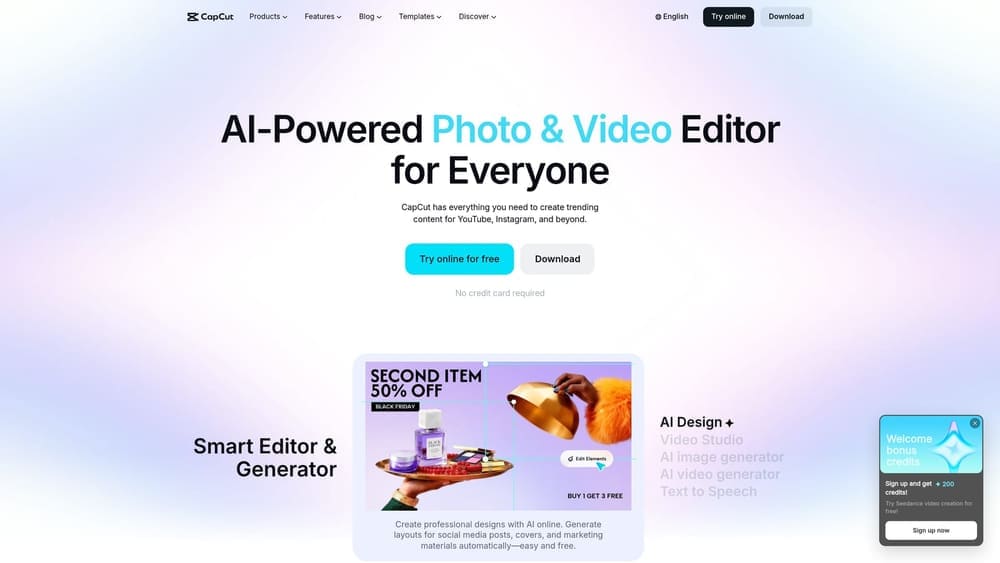
5. CapCut
Best for: Contractors and service pros who want to turn job site footage into short-form social video without editing experience.
CapCut is a free mobile and desktop video editor designed for vertical short-form content, widely used across trades for before-and-after clips, project walkthroughs, and quick service highlights.
Where This Tool Shines
Short-form video has become one of the most effective trust-builders for local service businesses. A 30-second before-and-after of a landscaping job or a quick kitchen remodel clip does more to establish credibility than a paragraph of text. CapCut makes that video production accessible to someone who has never edited a video in their life.
The auto-caption feature is particularly useful. Captions significantly improve engagement on muted autoplay, and generating them manually would add meaningful time to production. CapCut handles it automatically.
Key Features
Auto-Captions: Generates subtitles automatically from your audio, improving accessibility and engagement on social platforms.
Before-and-After Templates: Pre-built layouts designed for the kind of transformation content that works well for service businesses.
Text Overlays and Trending Audio: Built-in tools for adding context and music without sourcing assets separately.
Direct Export: Sends finished video directly to TikTok, Instagram Reels, and YouTube Shorts.
Best For
Contractors, tradespeople, and service pros who are active on Instagram, TikTok, or YouTube and want to create video content from their phones without a production budget.
Pricing
Free. CapCut Pro is available with additional features for creators who need more advanced editing options.
6. Surfer SEO
Best for: Service businesses that want data-driven guidance on what their service pages and blog posts need to rank in local search.
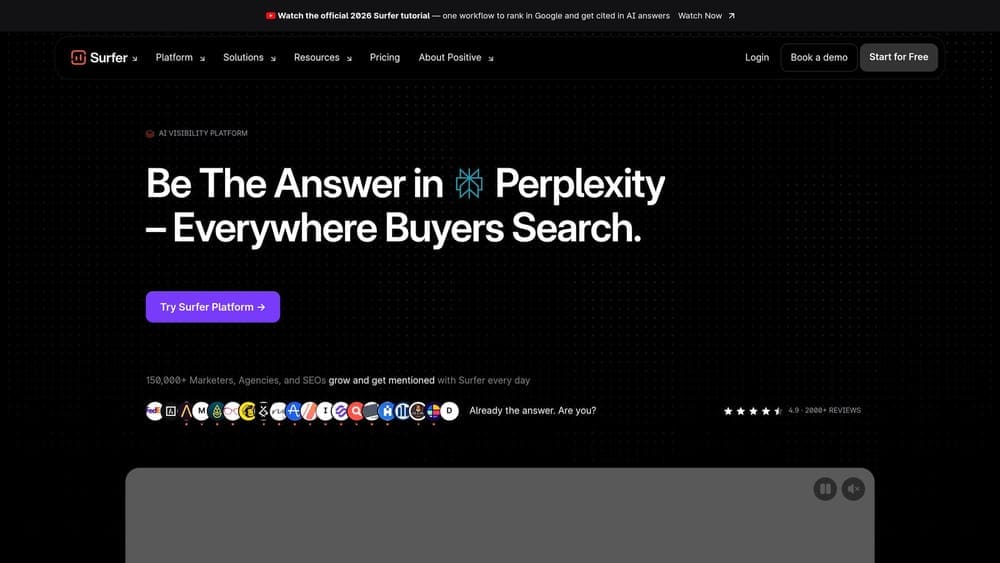
Surfer SEO is a content optimization platform that scores your pages against what’s currently ranking for your target keyword, giving you an actionable checklist before you publish.
Where This Tool Shines
Most content tools tell you what to write. Surfer tells you what’s already working for the keyword you’re targeting and shows you how your content compares. That’s a different kind of useful. Instead of guessing whether your service page is long enough or covers the right topics, you get a real-time score based on actual ranking pages.
For local service businesses trying to rank for terms like “HVAC repair [city]” or “roof replacement [county],” the topical map feature helps you plan a cluster of related content rather than creating isolated pages that don’t reinforce each other in search.
Key Features
Real-Time Content Score: Grades your page against current top-ranking competitors for your target keyword.
Structural Guidance: Recommends keyword density, heading structure, and word count based on what’s ranking.
Google Docs Integration: Works inside your existing writing environment without requiring a platform switch.
Topical Map: Helps plan a cluster of related content to build topic authority in your service category.
Best For
Service businesses serious about organic search, particularly those producing multiple service area pages or blog content targeting local keywords. Less useful if you’re only creating social media content.
Pricing
Essential plan starts at $89/month. Scale plan at $129/month with additional content editor credits and features.
7. Google Docs
Best for: Small teams and contractor relationships that need a shared writing and review environment at no cost.
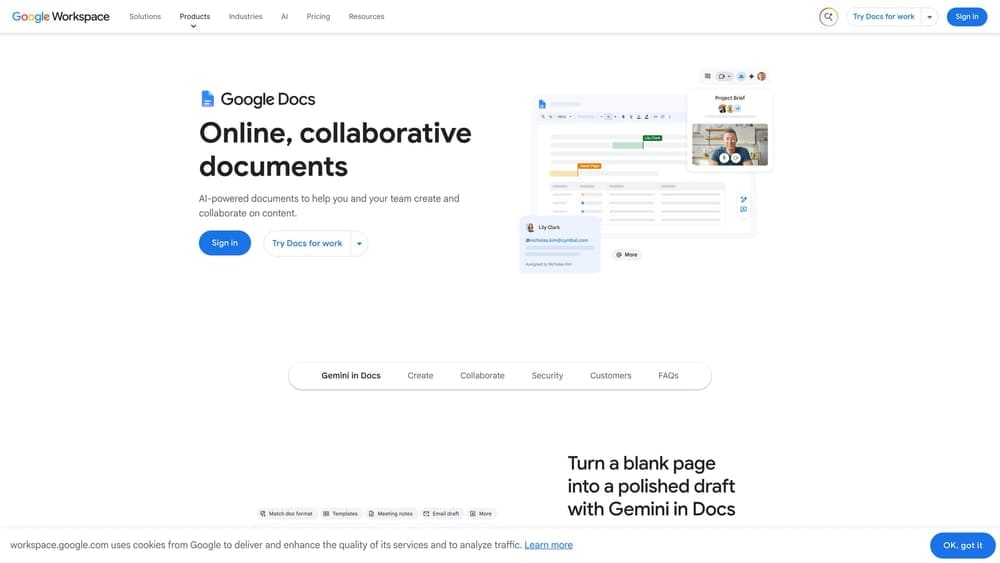
Google Docs is the default collaboration tool for content production across small service businesses, and it earns its place on this list specifically because it costs nothing and works everywhere.
Where This Tool Shines
If you’re working with a freelance writer, a virtual assistant, or a marketing partner, Google Docs is the path of least resistance. Everyone has a Google account. There’s no software to install, no file version confusion, and no compatibility issues. You share a link and both parties are looking at the same document in real time.
The comment and suggestion workflow is genuinely practical for content review. You can leave notes on specific sentences, approve edits, and track changes without email chains or version-named files cluttering your desktop.
Key Features
Real-Time Collaboration: Multiple people can write, edit, and comment simultaneously from any device.
Suggestion Mode: Writers and reviewers can propose edits without overwriting the original, making approval workflows clean.
Tool Integrations: Connects with Surfer SEO and Semrush Writing Assistant directly inside the document.
Universal Access: Works on any device with a browser and requires no software purchase or subscription.
Best For
Any service business working with outside contractors or a small internal team on content. The zero cost and universal access make it the practical default for most operators at this scale.
Pricing
Free with a Google account. No paid tiers required for standard content production use.
8. Later
Best for: Service businesses maintaining a consistent social media presence who want to plan and schedule content in advance.
Later is a social media scheduling platform with a visual content calendar, best-time recommendations, and link-in-bio tools designed for businesses that post regularly across multiple platforms.
Where This Tool Shines
The biggest content problem for service business owners isn’t creating content. It’s remembering to post it consistently. Later solves that by letting you batch your content planning into one session per week or month, then scheduling everything to go out automatically. You’re not interrupting a service call to post a photo.
The visual calendar is particularly well-suited to image-heavy service business content. You can see your entire month at a glance, spot gaps, and drag posts around to balance your feed before anything goes live.
Key Features
Visual Content Calendar: Drag-and-drop scheduling interface that shows your planned content across platforms in one view.
Best-Time Recommendations: Suggests optimal posting times based on when your audience is most active.
Multi-Platform Scheduling: Covers Instagram, Facebook, TikTok, and LinkedIn from a single dashboard.
Link-in-Bio Page: Creates a simple landing page from your social profile link to direct followers to your booking page or service pages.
Best For
Service businesses that have committed to consistent social media posting and need a system to manage it without daily manual effort. Especially useful for businesses with a staff member handling social content.
Pricing
Starter plan starts at $25/month. Growth plan at $45/month with additional analytics and team features.
9. Loom
Best for: Service pros who want to create quick video content or customer explainers without any editing or production setup.
Loom is a screen and camera recording tool that lets you capture and share video in minutes, with no editing process between recording and delivery.
Where This Tool Shines
CapCut is for polished short-form social video. Loom is for something different: fast, authentic video that doesn’t need to look produced. A quick walkthrough of a completed job, an explanation of what a repair involves, or a follow-up video for a customer who had questions. You hit record, you talk, you share the link. That’s the entire workflow.
For service businesses, this kind of unedited, direct video often performs well precisely because it doesn’t look like an ad. It looks like a real person explaining something useful, which builds trust in a way that polished content sometimes doesn’t.
Key Features
One-Click Recording: Captures screen, camera, or both with a single click from the browser extension or app.
Instant Sharing: Generates a shareable link immediately after recording, no export or upload required.
Viewer Engagement Data: Shows who watched, how much they watched, and where they dropped off.
Customer and Team Use: Works equally well for customer-facing explainers and internal team training videos.
Best For
Service pros who want to add video to their customer communication or content strategy without committing to a production process. Also useful for training new staff without scheduling in-person sessions.
Pricing
Free plan available for up to 25 videos. Business plan starts at $15/month per creator with unlimited videos and advanced features.
10. Semrush Writing Assistant
Best for: Service businesses that want SEO, readability, and originality feedback on content without leaving Google Docs or WordPress.
Semrush Writing Assistant is a content quality checker that evaluates your writing across four dimensions: SEO score, readability, tone consistency, and originality, all inside the tools you’re already using.
Where This Tool Shines
The practical advantage here is that the feedback arrives while you’re writing, not after you’ve published and noticed you’re not ranking. You set your target keyword, and the assistant scores your content in real time against what’s currently ranking for that term. Readability grade and tone checks help ensure the content is actually useful to a reader, not just optimized for a crawler.
For service businesses that are already paying for a Semrush subscription, this is an included feature worth using. The Google Docs add-on is particularly clean, it doesn’t require switching platforms or copying content into a separate interface.
Key Features
SEO Score: Grades your content against top-ranking competitors for your target keyword in real time.
Readability Grade: Flags complex sentences and passive voice that reduce clarity for a general audience.
Tone Consistency Check: Identifies shifts in voice that make content feel disjointed or inconsistent.
Originality Check: Flags duplicate or thin content before it goes live and potentially creates indexing issues.
Best For
Service businesses already using Semrush for keyword research or rank tracking, where the Writing Assistant adds meaningful value at no additional cost. Also useful for businesses producing blog content or service area pages where SEO quality directly affects ranking.
Pricing
Included with Semrush Pro at $139.95/month and all higher-tier plans.
Which Tool Is Right for Your Business
The honest answer is that the right stack depends on where your biggest content gap actually is right now.
If you want to write your own content and rank for local search terms, start with ChatGPT to produce drafts and Surfer SEO to make sure those drafts are actually optimized before they go live. That combination covers the two biggest DIY content problems: getting something written and making sure it has a shot at ranking.
If your business relies on visual proof of work, which describes most trades, Canva and CapCut handle the two formats that matter most: static graphics for Google Business Profile and social, and short-form video for Instagram and TikTok. Both are free or near-free to start.
If you’re managing a team or working with contractors on content production, build your workflow around Google Docs for writing and review, and use Later to schedule everything in advance so posting doesn’t fall through the cracks during a busy week.
If local search ranking is the primary goal, Surfer SEO and Semrush Writing Assistant belong in your stack. They serve slightly different purposes but both provide the kind of real-time optimization feedback that separates content that ranks from content that sits unread.
Here’s the thing about tools, though. A well-edited video or a polished service page still needs to be pointed at the right search terms, connected to a Google Business Profile that’s actually optimized, and backed by a strategy that ties content to calls. The Map Pack captures around 42% of local clicks, and 40 to 70% of local service leads arrive by phone. Getting content in front of people who are ready to call requires more than a good editor. It requires a strategy built around that outcome.
If you’re spending time creating content but not seeing more booked jobs, the issue usually isn’t the tool. It’s the strategy behind it. Clicks Geek works with local service businesses across 298 industries to build content and marketing systems that generate real leads, not vanity traffic. No lock-in contracts, no vague reports. If you want to see what this would look like for your business, we’ll walk you through what’s realistic in your specific market and trade.