If you run an electrical company and you’re thinking about firing your agency, the hard part isn’t finding a new one. It’s getting out with your ad account, your map listing, and your tracking intact, then holding the next agency to booked jobs instead of a monthly PDF. Every tool below does at least one of three things: it helps you keep ownership of your accounts, measure real jobs, or judge the next agency on evidence.
Features and eligibility on all of these change, so check each vendor’s current help pages before you rely on a specific setting.
Quick Comparison of the Tools for Switching Marketing Companies as an Electrician
- Google Ads: owners who need to confirm they own their ad account; free account, ad spend paid separately; change history that works as an audit trail of the old agency.
- Google Business Profile: owners securing their listing and reviews; free; map-listing calls and actions with no ad spend.
- Google Analytics 4 and Google Tag Manager: owners auditing whether reported conversions were real; free for standard use; container ownership that keeps tracking history independent of any agency.
- CallRail: emergency and service-call electricians who book by phone; plan-based pricing, see website; recorded calls that show whether leads were real electrical jobs.
- ServiceTitan: larger shops with dispatchers and several technicians; quote-based; job-level revenue attribution to marketing source.
- Google Local Services Ads: licensed electricians wanting verified, lead-based advertising; pay per lead; built-in lead disputes.
- Looker Studio: owners who want one booked-jobs dashboard; free for standard use; a reporting layer you own that outlasts any agency.
- BrightLocal: owners who want a local visibility baseline before the switch; plan-based pricing, see website; grid-style rank views by town.
1. Google Ads
Google Ads is where the switch is won or lost, because the first thing to confirm is that the account is yours. Many owners assume it is by default. It isn’t: an agency can run your campaigns from its own account or under its own billing, and then you leave with nothing but a history you can’t see.
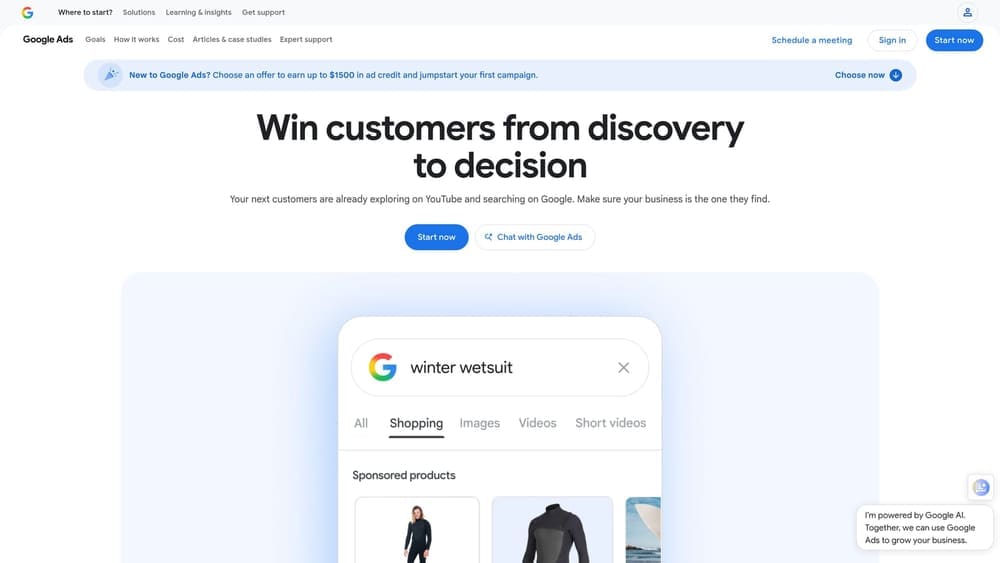
Its standout feature here is change history, which works as an audit trail of what the old agency actually did: bid changes, paused campaigns, added keywords, edited conversion settings. Read it before you sign with anyone new.
- User access and manager account linking show who can reach your account, so you can make yourself the admin and set the agency to a lower level (or remove it).
- Change history reveals what was altered and when, which helps you spot neglect or odd edits.
- The search terms report shows what people typed before clicking, which exposes waste like DIY wiring searches and job seekers looking for electrician positions.
- Conversion action setup shows what the account counts as a “conversion.” Page views or button clicks counted as leads will flatter any report.
- Billing profile controls confirm whose card pays and who owns the payments profile.
It connects to Google Analytics 4, Google Tag Manager, Looker Studio, and CallRail. The audit takes an afternoon for someone comfortable in the interface; the owner or an office manager can do it, and an outside reviewer can help.
The limitation: Google Ads shows activity and clicks, not lead quality or booked jobs. A healthy-looking account can still be producing junk calls. Using the platform is free; ad spend is paid separately and moves with your budget and competition.
Best for: Owners who need to confirm they own their ad account.
2. Google Business Profile
Google Business Profile is the free map listing behind a large share of local calls and direction requests, and it’s the asset agencies most often hold under their own login. The common mistake is deleting it and starting fresh to get rid of a bad agency. That throws away your reviews and history, which is the opposite of a clean start.
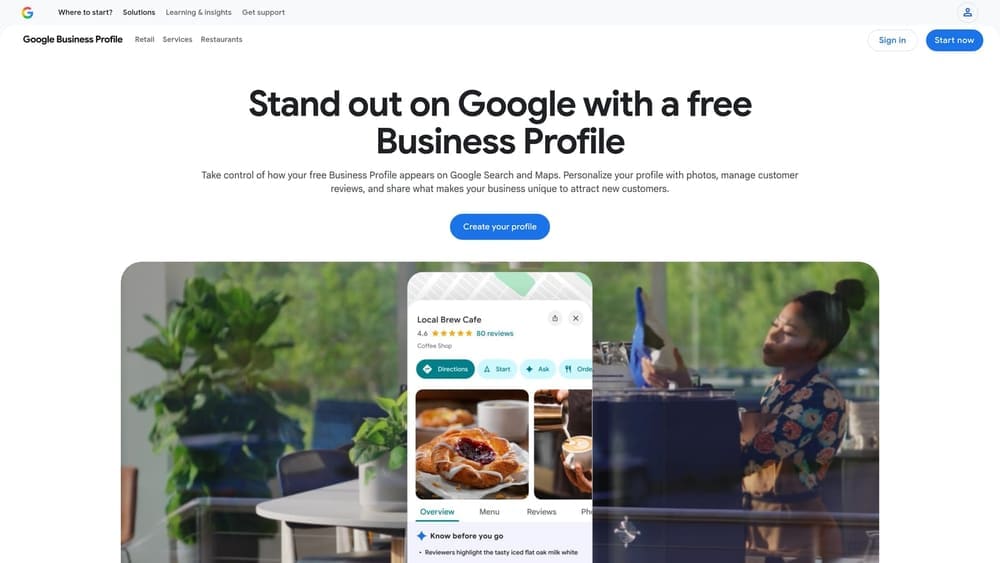
What it does that nothing else here does: it delivers map-listing calls and actions with no ad spend at all. That makes it the one channel where a poor agency can only hurt you by neglect or by locking you out.
- Ownership and manager roles let you confirm you are the primary owner and demote or remove the agency’s access.
- Categories and services control how Google understands whether you do panel upgrades, EV chargers, or generator hookups.
- Service area settings keep you from appearing for towns you don’t serve, or missing the ones you do.
- Reviews and replies stay with the listing, so protect them during any change.
- Call and direction insights give you a baseline of activity to compare after the switch.
It links to Google Ads and Google Maps, and tools like BrightLocal can audit it. Setup is light, and the owner should hold the top role personally. Ownership transfers can take some back and forth with Google’s verification, so start early.
Its limit is that it tells you calls happened, not which became jobs. Free to use.
Best for: Owners who need to secure their listing and reviews before leaving an agency.
3. Google Analytics 4 and Google Tag Manager
Google Analytics 4 and Google Tag Manager are a free pair, and the question to ask about them is simple: whose container and property are they? If the agency created them under its own account, your tracking history leaves with it.
The standout here is container ownership. When you hold the Tag Manager container, the tags that record form fills, call taps, and booking clicks survive any agency change, and your history stays comparable across providers.
- Event and conversion tracking records the actions that matter, such as a submitted quote request.
- Container ownership means you can hand a new agency access instead of rebuilding everything.
- Traffic source reports show which channels produce the actions, so you can test an agency’s story.
- Debug and preview mode lets you check whether a form fill actually fires an event, which is how you catch inflated conversions.
It integrates with Google Ads, Looker Studio, and Google Search Console. Setup takes real skill: someone has to define events and mark the right ones as key events. That’s usually a consultant, a capable office hire, or the new agency under your oversight.
Limits: it does not track phone calls on its own, which is a big gap for an electrician whose best work arrives by phone. Pair it with call tracking. It’s free for standard use.
Best for: Owners auditing whether reported conversions were real.
4. CallRail
CallRail is call tracking software: it gives different tracking numbers to different campaigns so each phone call is attributed to where it came from, and it records calls so you can listen. For electricians who live on the phone, that recording is the closest thing to a lie detector for an agency’s lead report.
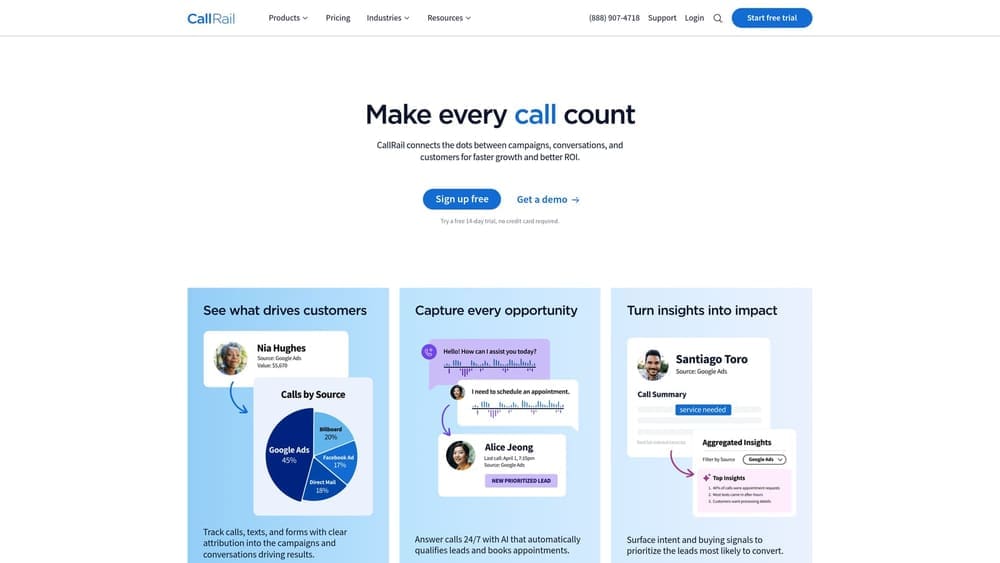
It does one thing better than the other tools here: it shows whether a “lead” was a real electrical job. Listening to a handful of calls tells you quickly if you’re getting a homeowner with a dead circuit or a person asking about a job opening.
- Call recording lets you hear the lead quality yourself instead of trusting a summary.
- Source and keyword attribution connects calls to campaigns and, in many setups, to search terms.
- Call tagging and scoring lets you mark calls as booked, quote only, wrong number, or spam, building a record you own.
- Missed call visibility shows how many opportunities your own office let slip, which an agency can’t fix.
It integrates with Google Ads, Google Analytics 4, Looker Studio, and field service software. Setup involves placing tracking numbers on the site and listing, and keeping them consistent where your number must match. Make sure the account is in your name.
The limitation is that it reports call activity, not whether the job closed. Pricing is plan-based; see the vendor’s site for current tiers.
Best for: Emergency and service-call electricians who book by phone.
5. ServiceTitan
ServiceTitan sits furthest down the funnel of anything on this list. It’s field service management software, so it knows what happened after the phone rang: which call became a job, what was invoiced, and how that ties back to a marketing source.
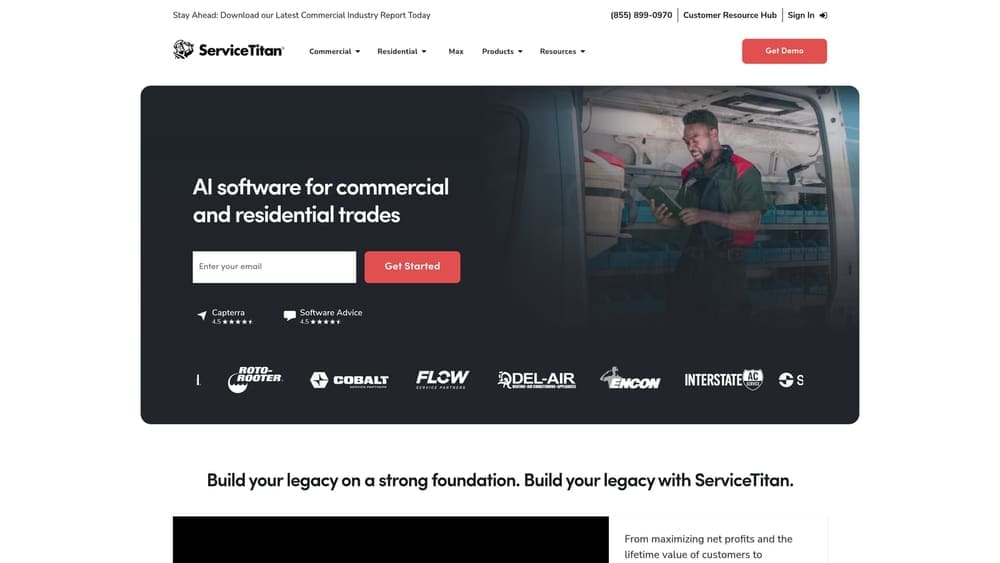
Its distinctive strength is job-level revenue attribution. Where other tools stop at a call or a form, this one can show that a particular campaign produced a panel upgrade and that another produced mostly tire-kickers. That is the evidence you want when comparing agencies.
- Job and revenue tracking records what each booking was worth, not just that it existed.
- Call booking connects your office staff’s intake to the job record.
- Marketing attribution links jobs back to campaigns, so spend can be judged on revenue.
- Dispatching and invoicing run the operation and keep the data in one place.
It integrates with Google Ads, call tracking tools, and accounting software. Implementation is the catch: it’s a heavy rollout needing dispatch and office buy-in, and a small crew may find it more than they need. Data quality depends on staff selecting call sources correctly.
Pricing is quote-based and depends on your size and configuration.
Best for: Larger electrical shops with dispatchers and multiple technicians.
6. Google Local Services Ads
Google Local Services Ads are Google’s pay-per-lead listings, shown with a verification badge at the top of local results, with their own dashboard separate from standard Google Ads campaigns. If your agency never mentioned them, or ran them without telling you what they cost, it’s worth asking why.
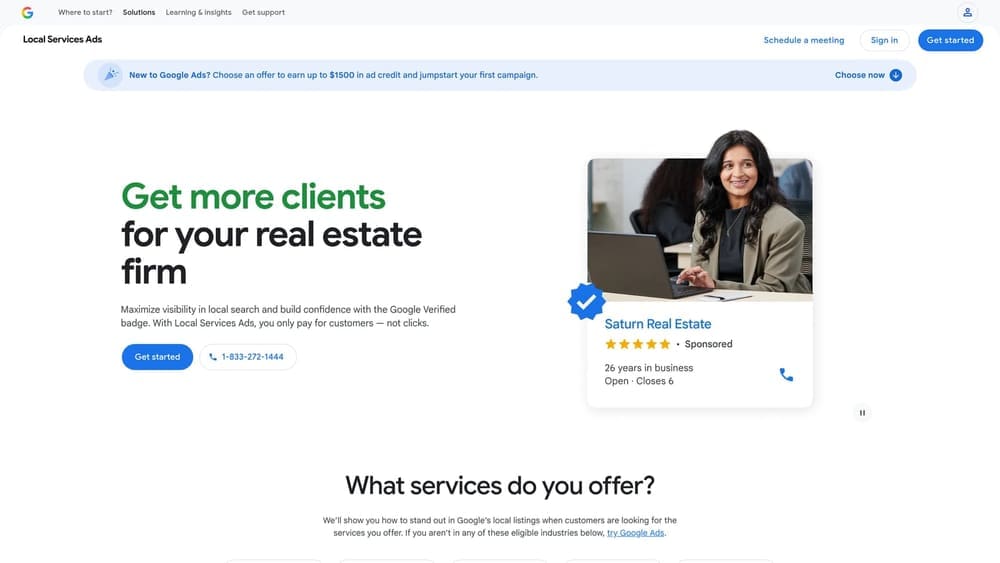
The standout is billing per lead with built-in dispute tools. You can challenge leads that aren’t valid, which a click-based campaign doesn’t offer in the same way.
- Business and license verification builds trust with searchers, and lapses can hurt: an expired license or insurance document can pull your ads.
- Lead dispute tools let you contest wrong-service or spam leads for possible credit.
- Call recordings let you check lead quality directly.
- Service type selection controls which jobs you want, so you can lean toward the work you prefer.
- Budget controls cap what you spend.
It connects to Google Business Profile and Google Ads. Setup means background checks and verification paperwork, which the owner usually must complete personally.
The limits: availability and eligibility vary by area and trade, and you have limited targeting control compared with standard search campaigns. Pricing is pay per lead; as of now, check the vendor’s page for how cost is set in your market.
Best for: Licensed electricians who want verified lead-based advertising.
7. Looker Studio
Looker Studio is a free reporting tool, and the argument for it is ownership of the story. If the agency’s monthly PDF is the only view of performance you have, the agency controls the narrative. A dashboard you built reading your own accounts does not.
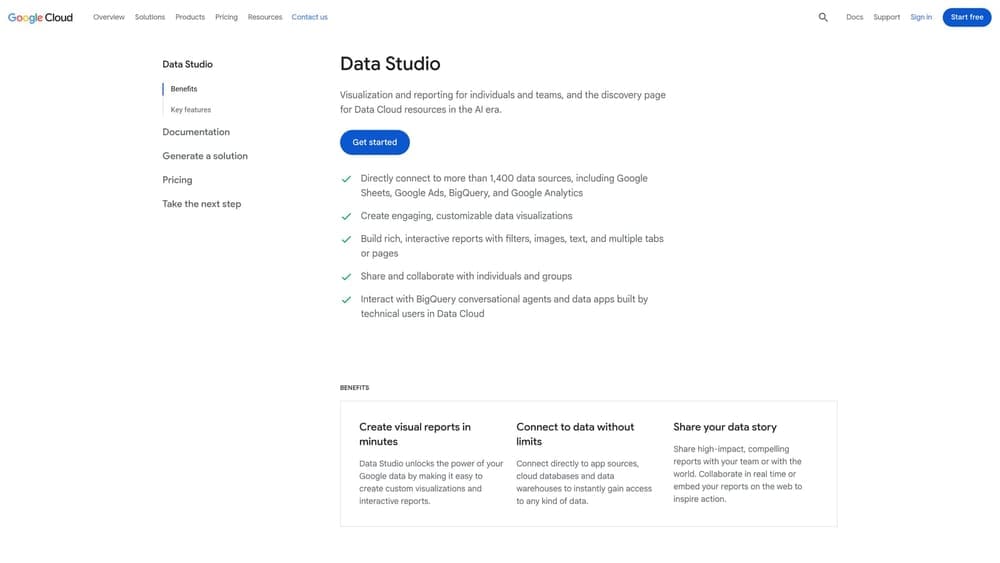
The reporting layer outlasts any agency. Connect it to your ad account, analytics, and call data once, and every future provider reports into your view.
- Custom dashboards let you show what you care about, such as booked calls by campaign, not impressions.
- Data source connectors pull from Google Ads, Google Analytics 4, Google Sheets, and CallRail.
- Shareable reports let a new agency see the same numbers you do.
- Blended data views combine sources, so you can line up ad spend against booked jobs you log in a sheet.
Setup takes some time and basic data comfort. The owner can build a simple version, or a bookkeeper or office manager can maintain it.
Limits: it displays data but can’t repair missing tracking. If conversions were never set up properly, the dashboard will faithfully show gaps. Free for standard use.
Best for: Owners who want one booked-jobs dashboard rather than agency PDFs.
8. BrightLocal
BrightLocal is a local SEO platform for auditing citations, tracking map rankings, and monitoring reviews. Use it to capture where you stand before the switch, so a new agency can’t claim credit for visibility you already had, and an old one can’t hide a slide.
Its distinctive feature for this audience is grid-style local rank views by town. An electrician serving several suburbs can see that they show up in one town and vanish in the next, which a single “we rank number one” claim never reveals.
- Local rank tracking shows map visibility over time across the areas you serve.
- Citation audit finds inconsistent business names, addresses, and numbers across directories.
- Review monitoring helps you watch reputation shifts during a transition.
- Google Business Profile audit flags incomplete or mismatched listing details.
It works with Google Business Profile and Looker Studio. Setup is modest, and whoever manages your listing can run it.
The limit is that rankings are a proxy for visibility, not booked jobs. A strong grid doesn’t prove revenue. Pricing is plan-based; see the vendor’s site.
Best for: Owners who want a local visibility baseline before the switch.
Which Tool to Start With Before You Sign a New Agency
Start by auditing, and do it before you announce anything. Confirm you own the Google Ads account, the Business Profile, and the Tag Manager container, then read the change history. Owners who skip this are the ones who find out afterward that their accounts left with the old agency.
If most of your best work arrives by phone, add CallRail next and listen to calls. If you run dispatchers and want to know which campaigns produce revenue, ServiceTitan gives job-level attribution, though it’s a serious implementation. Licensed electricians who want verified, lead-based advertising should look at Local Services Ads, keeping license and insurance current. Build a Looker Studio dashboard so your numbers stay yours, and use BrightLocal for a visibility baseline.
Hiring a replacement agency makes sense once the accounts are secured and you have a baseline. Judge any agency on booked jobs, ask what it will report on, and avoid anything that locks you in.
Prefer to Hire It Out? Where Clicks Geek Fits
Disclosure: this guide is published by Clicks Geek. We’re a marketing agency, not a tool, so we kept ourselves off the list above. If you’d rather have someone run the switch and the campaigns for you, here is what we do. We run lead generation campaigns for electrical contractors using industry-specific playbooks, so the emergency caller is handled separately from the homeowner planning a panel upgrade, an EV charger install, or a rewiring job. The accounts stay yours, and there are no lock-in contracts.
We’re a service, so if you want to run marketing in-house with the tools above, we’re not the fit. We also can’t fix a phone that goes unanswered, and if your tracking needs repair before you change agencies, we’ll tell you. Pricing depends on your market and goals, so contact us for a quote. See what it would cost in your market.