You’re running ads on Google, posting on Facebook, tracking leads in your CRM, and checking Analytics every morning. But when someone asks “What’s our marketing ROI?” you’re opening five different tabs and doing mental math. Marketing dashboard software solves this exact problem by pulling all your performance data into one centralized view where you can actually see what’s working and what’s burning budget.
The right dashboard gives you instant visibility into campaign performance, lead quality, and revenue attribution without the spreadsheet gymnastics. We evaluated these tools based on integration capabilities, ease of setup, reporting features, and pricing structure to help you find the best fit for your business.
Here are the top marketing dashboard software tools to track ROI in 2026.
1. Clicks Geek Client Dashboard
Best for: Local businesses running PPC campaigns who need clear ROI tracking
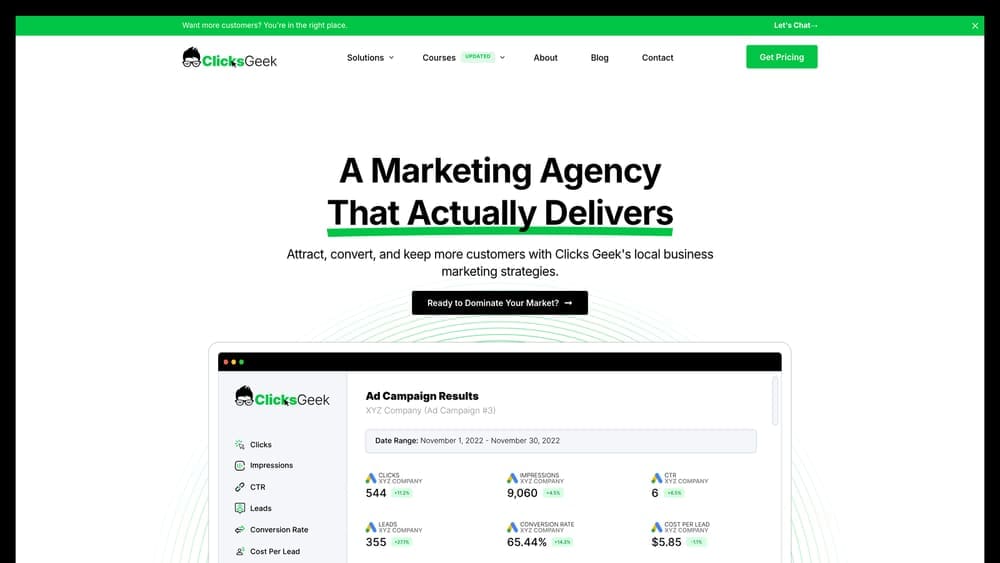
Clicks Geek Client Dashboard is a performance-focused marketing dashboard built specifically for local businesses, with integrated PPC tracking and lead attribution from a Google Premier Partner agency.
Where This Tool Shines
This dashboard cuts through the complexity that trips up most local business owners. Instead of logging into Google Ads, then Analytics, then your call tracking system, you get one unified view of campaign performance and lead quality.
The real strength is how it connects ad spend directly to actual leads and revenue. You can see which campaigns generated phone calls, form submissions, and ultimately which marketing dollars produced real business results.
Key Features
Integrated PPC and Lead Tracking: See ad performance and lead data in one dashboard without switching platforms.
ROI Attribution for Local Services: Track which campaigns generate actual customer conversions, not just clicks.
White-Label Reporting: Agencies can customize dashboards with their own branding for client presentations.
Direct Campaign Metrics: Access real-time performance data without waiting for reports or exports.
Business Owner Interface: Designed for clarity without requiring marketing expertise to understand the numbers.
Best For
Local service businesses working with Clicks Geek for their digital marketing, or agencies looking for white-label dashboard solutions that prioritize lead quality over vanity metrics. Particularly valuable for businesses where phone calls and form submissions are the primary conversion goals.
Pricing
Included with Clicks Geek marketing services. The dashboard comes as part of their managed marketing approach rather than as standalone software.
2. Databox
Best for: Teams needing mobile access to real-time KPIs across multiple platforms
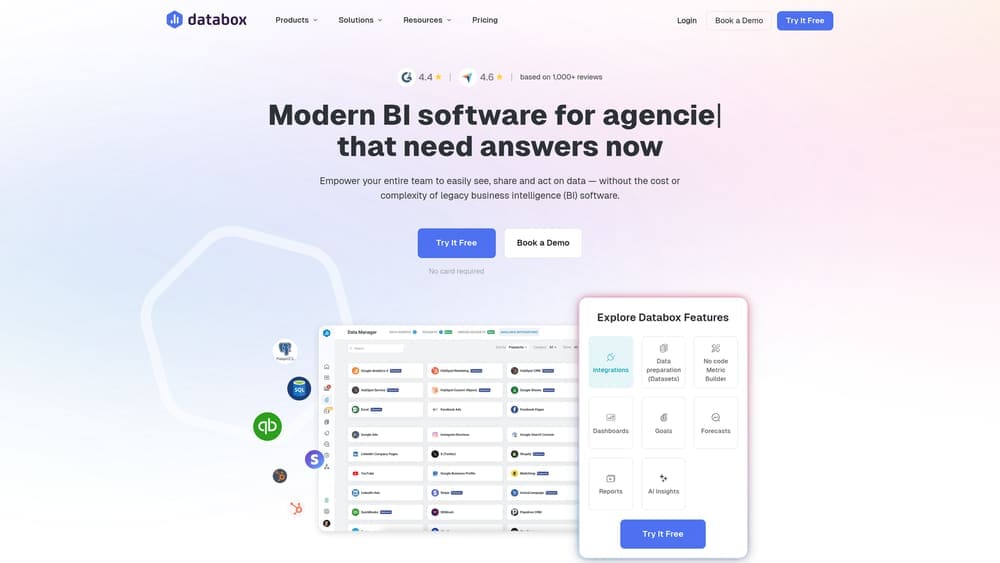
Databox is a real-time dashboard platform that connects to over 100 data sources and delivers KPI tracking through customizable displays and mobile apps.
Where This Tool Shines
Databox makes it genuinely easy to pull together metrics from different platforms without technical setup. Their pre-built templates get you from signup to functional dashboard in minutes, not hours.
The mobile app is where this tool separates itself. You can check campaign performance from your phone with the same clarity you’d get at your desk, which matters when you’re in client meetings or away from the office.
Key Features
100+ Native Integrations: Connect Google Ads, Facebook, Analytics, CRMs, and most major marketing platforms directly.
Pre-Built Templates: Start with proven dashboard layouts for common marketing scenarios instead of building from scratch.
Mobile App: Full-featured iOS and Android apps for monitoring performance anywhere.
Goal Tracking and Alerts: Set performance targets and receive notifications when metrics hit thresholds.
Databoards: Share live dashboards with team members or clients through web links.
Best For
Marketing teams and agencies that need quick dashboard setup, mobile accessibility, and straightforward KPI tracking without extensive customization requirements. Works well for businesses already using popular marketing platforms that have native Databox integrations.
Pricing
Free plan available with limited features. Paid plans start at $72/month and scale based on the number of data sources and users.
3. AgencyAnalytics
Best for: Marketing agencies managing multiple client campaigns with automated reporting needs
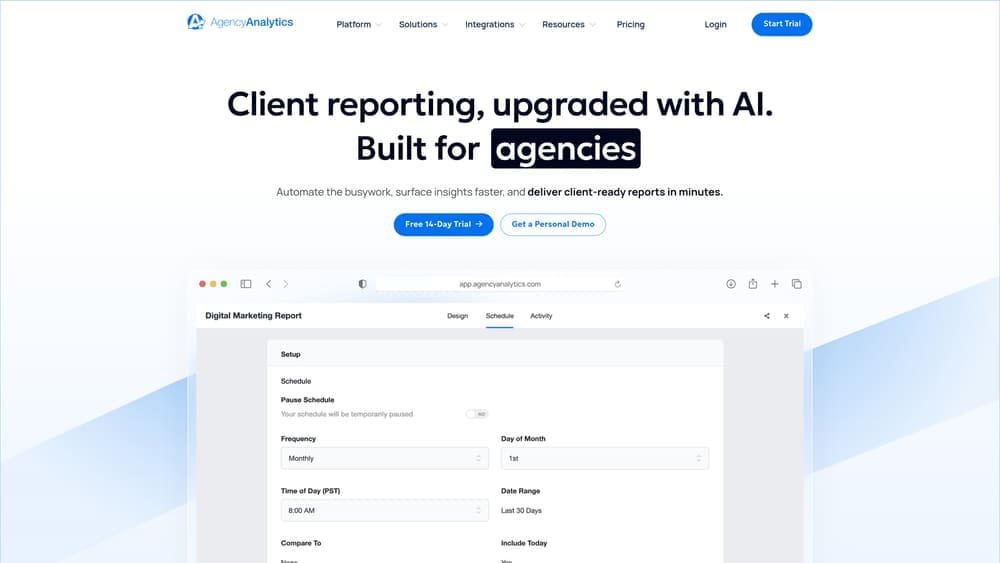
AgencyAnalytics is an all-in-one reporting platform built specifically for agencies, featuring automated client reports and white-label customization options.
Where This Tool Shines
AgencyAnalytics solves the agency-specific problem of managing dozens of client dashboards without rebuilding reports every month. The automated scheduling means client reports generate and deliver themselves while you sleep.
The white-label capabilities go deeper than just adding your logo. You can customize domains, color schemes, and report layouts to match your agency brand completely, making reports feel like they came from your internal systems.
Key Features
80+ Marketing Integrations: Connect major advertising, SEO, social media, and analytics platforms in one place.
Automated Report Scheduling: Set reports to generate and email to clients on your chosen schedule without manual work.
White-Label Branding: Customize dashboards and reports with your agency’s branding, colors, and domain.
Built-In SEO Tools: Includes rank tracking, site audits, and backlink monitoring without separate subscriptions.
Client and Staff Management: Create different access levels for team members and client users.
Best For
Digital marketing agencies managing multiple client accounts who need professional-looking automated reports and comprehensive platform integrations. Particularly valuable for agencies offering SEO services due to the built-in rank tracking and audit tools.
Pricing
Starts at $79/month for 5 client campaigns. Pricing scales based on the number of campaigns you need to track.
4. Klipfolio
Best for: Organizations needing flexible custom dashboards with advanced data blending capabilities
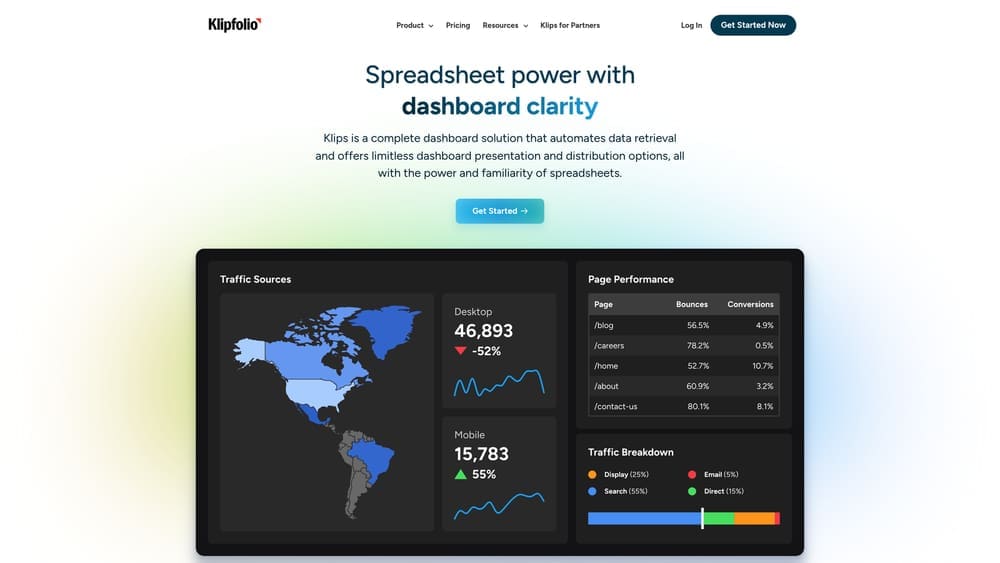
Klipfolio is a flexible analytics platform featuring PowerMetrics for standardizing metrics across data sources and custom visualization options.
Where This Tool Shines
Klipfolio gives you control over exactly how your data displays without requiring you to be a developer. The custom visualization builder lets you create specific chart types and layouts that match how your team thinks about performance.
PowerMetrics addresses a problem most dashboard tools ignore: metric standardization. When you’re pulling data from multiple sources, PowerMetrics ensures everyone is calculating and viewing metrics the same way, eliminating the “wait, how are we defining conversion rate?” conversations.
Key Features
PowerMetrics: Standardize metric definitions and calculations across all your data sources for consistent reporting.
Custom Data Visualizations: Build specific chart types and layouts beyond standard templates.
130+ Pre-Built Connectors: Connect to major marketing, analytics, and business platforms directly.
Data Blending: Combine data from multiple sources into single visualizations for cross-platform analysis.
Embedded Analytics: Integrate dashboards directly into your own applications or client portals.
Best For
Marketing teams and enterprises that need advanced customization capabilities and metric standardization across departments. Works well for organizations with technical resources who want precise control over data presentation and calculation methods.
Pricing
Free tier available with basic features. Paid plans start at $125/month and scale based on users and data sources.
5. Google Looker Studio
Best for: Budget-conscious teams already using Google’s marketing and analytics ecosystem
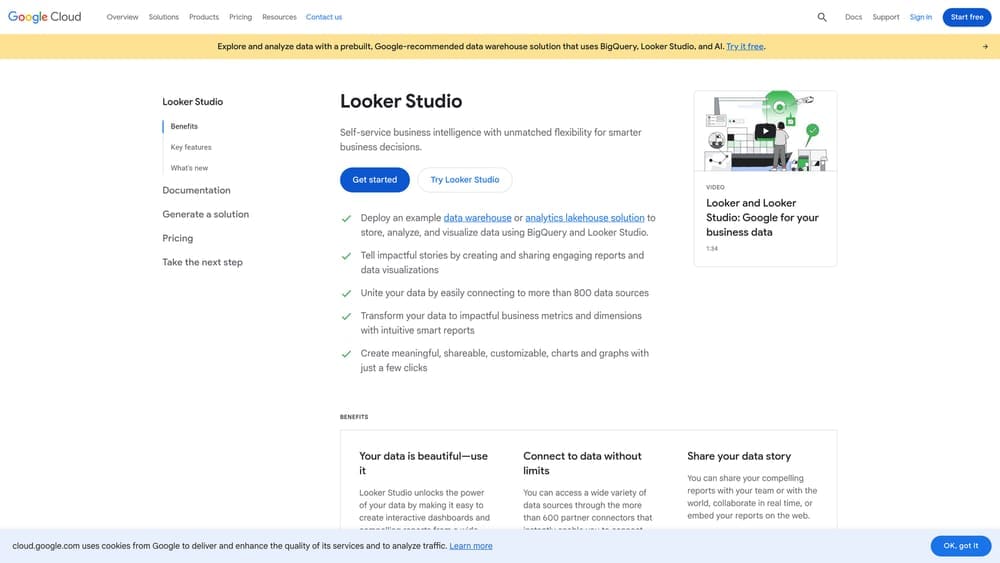
Google Looker Studio is a free data visualization tool with native integration across Google Ads, Analytics, and other Google products.
Where This Tool Shines
The price is unbeatable—completely free with no usage limits. For businesses running Google Ads and using Google Analytics, the native integration means data flows in without authentication headaches or API limitations.
The community connector marketplace extends functionality beyond Google products. Developers have built hundreds of connectors for platforms like Facebook Ads, LinkedIn, and various CRMs, giving you integration options that rival paid tools.
Key Features
Completely Free: No cost for unlimited reports, data sources, or users.
Native Google Integration: Seamless connection to Google Ads, Analytics, Search Console, and YouTube.
Community Connectors: Access hundreds of third-party connectors built by the developer community.
Shareable Reports: Generate links for stakeholders or embed reports in websites and intranets.
Real-Time Data: Dashboards update automatically as new data comes in from connected sources.
Best For
Small businesses and marketing teams with limited budgets who primarily use Google’s marketing platforms. Also ideal for agencies creating client reports when the client’s marketing stack is Google-heavy. The learning curve is steeper than some paid alternatives, but the cost savings justify the setup time.
Pricing
Free with no limitations on users, reports, or data sources.
6. Whatagraph
Best for: Teams prioritizing visually polished, presentation-ready marketing reports
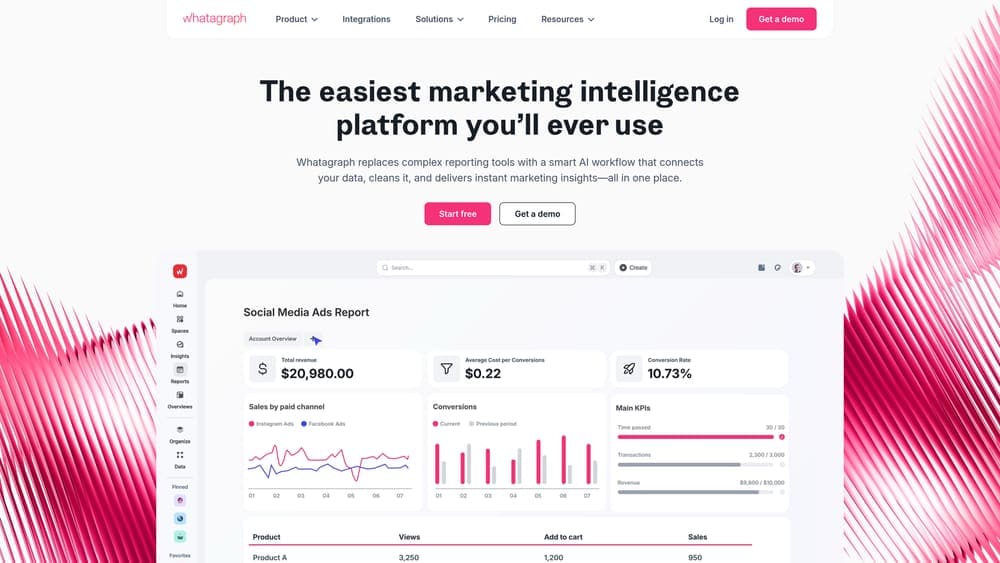
Whatagraph is a visual reporting platform focused on creating professional-looking marketing reports with strong social media integration.
Where This Tool Shines
Whatagraph produces reports that look like they came from a design agency, not a data tool. The templates are genuinely attractive, which matters when you’re presenting to clients or executives who judge quality partly on visual polish.
The social media integrations are particularly robust. If your marketing mix includes Facebook, Instagram, LinkedIn, and TikTok, Whatagraph pulls in engagement metrics and performance data more comprehensively than most competitors.
Key Features
Visually Appealing Templates: Pre-designed report layouts that look professionally designed out of the box.
Strong Social Media Integration: Comprehensive data pulls from major social platforms with engagement metrics.
Cross-Channel Performance: View performance across paid, organic, and social channels in unified reports.
Automated Report Delivery: Schedule reports to generate and send to stakeholders automatically.
Custom Branding: Add your logo, colors, and branding elements to reports.
Best For
Agencies and in-house marketing teams where report presentation quality directly impacts client retention or executive buy-in. Particularly valuable for social media-focused campaigns where you need to track engagement across multiple platforms.
Pricing
Starts at $249/month, positioning it as a premium option compared to simpler dashboard tools.
7. DashThis
Best for: Agencies needing unlimited dashboards without per-dashboard pricing penalties
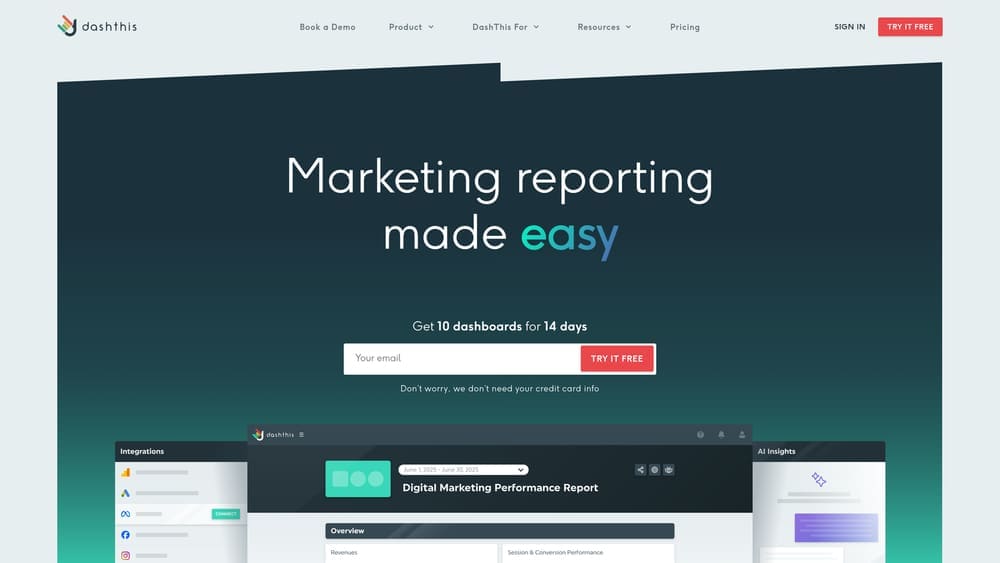
DashThis is a straightforward marketing reporting tool designed for simplicity with unlimited dashboards on most pricing tiers.
Where This Tool Shines
DashThis removes the anxiety of per-dashboard pricing. Most paid plans include unlimited dashboards, which means you can create separate views for different campaigns, clients, or team members without watching your bill climb.
The setup process is genuinely simple. The preset widgets cover common marketing metrics without requiring you to configure calculations or data mappings. You’re building functional dashboards in minutes, not debugging API connections for hours.
Key Features
Unlimited Dashboards: Create as many dashboards as you need on paid plans without additional charges.
34+ Native Integrations: Connect major marketing and analytics platforms directly.
Preset and Custom Widgets: Use pre-configured metric displays or build custom visualizations.
White-Label Reporting: Remove DashThis branding and add your own for client-facing reports.
CSV Data Import: Upload data from platforms without native integrations via CSV files.
Best For
Small to mid-size agencies managing multiple clients who need straightforward reporting without complex customization requirements. The unlimited dashboard model makes it economical for agencies with growing client rosters.
Pricing
Starts at $49/month for 3 dashboards, with higher tiers offering unlimited dashboards and additional features.
8. Cyfe
Best for: Businesses wanting to monitor marketing, sales, and operations in one platform
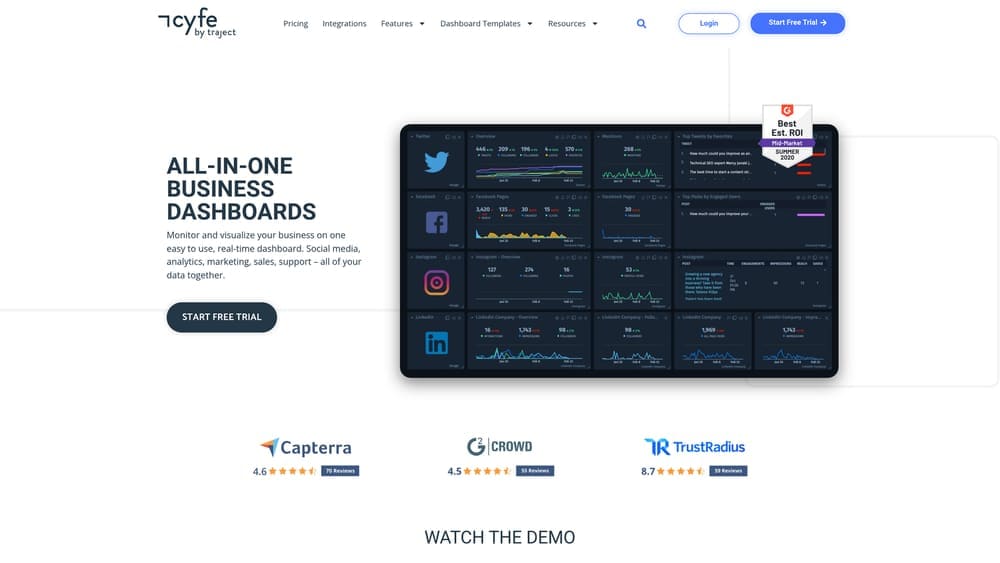
Cyfe is an all-in-one business dashboard that tracks marketing performance alongside sales, support, and infrastructure metrics.
Where This Tool Shines
Cyfe takes a broader view than pure marketing dashboards. You can monitor Google Ads performance next to sales pipeline metrics next to customer support ticket volume, giving you a complete business operations view in one place.
The TV mode is surprisingly useful if you have an office where team members can see a wall-mounted display. Real-time dashboards on a big screen create natural accountability and keep performance top of mind without requiring people to log in and check.
Key Features
Cross-Functional Tracking: Monitor marketing, sales, support, and infrastructure metrics in unified dashboards.
Pre-Built Widget Library: Access ready-made widgets for common business metrics across departments.
TV Mode: Display dashboards on office screens for team visibility.
Historical Data Storage: Access past performance data for trend analysis and year-over-year comparisons.
Embedded Dashboard Sharing: Share live dashboards via links or embed them in websites and intranets.
Best For
Small businesses and startups where the same people handle marketing, sales, and operations. Works well when you need to see how marketing performance impacts other business metrics in real time rather than isolating marketing data.
Pricing
Starts at $19/month for 2 dashboards, making it one of the most affordable options for basic business monitoring.
9. Supermetrics
Best for: Data analysts and teams building custom reports in spreadsheets or data warehouses
Supermetrics is a data pipeline tool that pulls marketing data into Google Sheets, Excel, Looker Studio, and data warehouses for custom analysis.
Where This Tool Shines
Supermetrics isn’t a dashboard—it’s the plumbing that gets data where you need it. If your team lives in Google Sheets or you’re building custom reports in Looker Studio, Supermetrics automates the data extraction that would otherwise require manual exports or API coding.
The data warehouse destinations open up advanced analytics possibilities. You can pipe marketing data into BigQuery, Snowflake, or Redshift, then combine it with sales data, customer records, and operational metrics for deep cross-functional analysis.
Key Features
100+ Data Source Connectors: Pull data from major marketing, advertising, and analytics platforms.
Spreadsheet Export: Send data directly to Google Sheets or Excel with scheduled refreshes.
Data Warehouse Destinations: Pipe marketing data into BigQuery, Snowflake, Redshift, and other warehouses.
Scheduled Refreshes: Automate data pulls on your chosen schedule without manual exports.
Query Manager: Build complex data queries for specific metrics and dimensions.
Best For
Data analysts, marketing operations teams, and businesses with technical resources who need raw data access for custom analysis. Not ideal if you want pre-built visualizations—Supermetrics delivers data, you build the reports.
Pricing
Starts at $39/month per connector for basic features. Pricing increases based on destination type and data volume.
Making the Right Choice
Your ideal marketing dashboard depends on your specific situation. If you’re a local business running PPC campaigns and need clear ROI tracking without complexity, Clicks Geek Client Dashboard delivers performance-focused insights designed for business owners, not data analysts. For budget-conscious teams already using Google’s ecosystem, Looker Studio provides powerful functionality at zero cost.
Agencies managing multiple clients should consider AgencyAnalytics for its automated reporting and white-label capabilities, or DashThis if unlimited dashboards fit your business model better. Teams prioritizing visual presentation quality will appreciate Whatagraph’s polished report templates.
The right dashboard tool transforms scattered data into actionable insights, but the dashboard itself doesn’t create results—your marketing strategy does. You need campaigns that generate qualified leads and measurable revenue, not just pretty charts showing vanity metrics.
Tired of spending money on marketing that doesn’t produce real revenue? We build lead systems that turn traffic into qualified leads and measurable sales growth. If you want to see what this would look like for your business, we’ll walk you through how it works and break down what’s realistic in your market.