Want to know how do i rank higher on google maps? It all starts with your Google Business Profile (GBP). Think of it as the foundation for your local search success. It's not enough to just create a profile; you need to fill it out completely.
A well-managed GBP is the single biggest factor for local visibility.
Your Foundation for Google Maps Ranking
Your Google Business Profile is your digital storefront. For many customers, it's their first interaction with your brand. A complete profile tells Google you're a legitimate business it can trust.
That trust helps you rank higher.
In Short: A complete Google Business Profile is the most important first step to ranking higher on Google Maps.
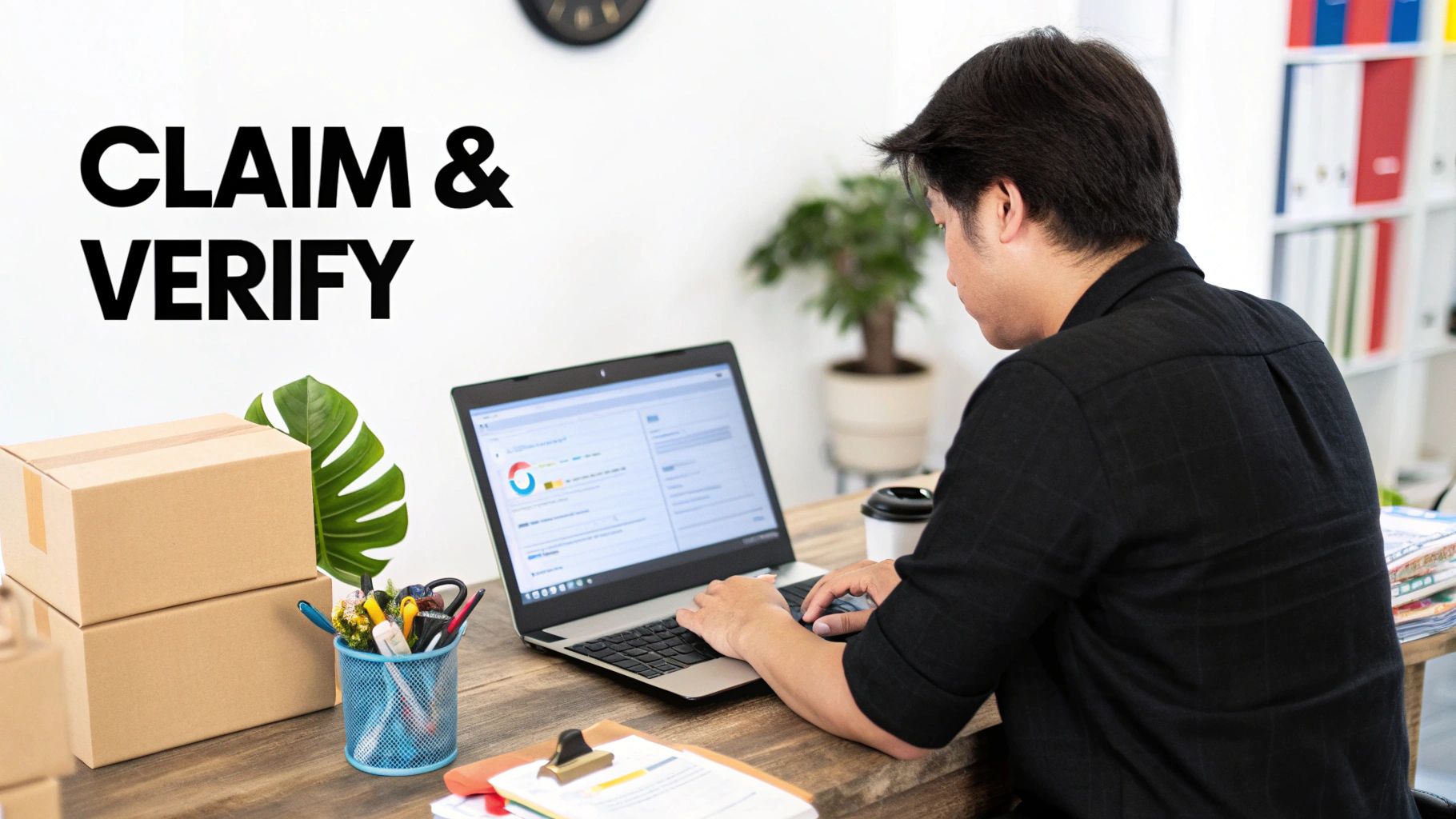
Start with the Essentials: Claim and Verify
First, you must claim and verify your business listing. This step is non-negotiable. It proves to Google that you are the real owner.
Without verification, you can't update crucial info or respond to reviews.
Usually, Google mails a postcard with a verification code to your business address. Sometimes, phone or email verification is an option. Once you're verified, you have the tools to start climbing the local rankings.
Choose Your Categories Wisely
Your business category is a powerful ranking factor. It tells Google what you do and which searches to show you in.
- Primary Category: Choose the one that best represents your main business. If you're a plumber who also does HVAC, your primary category should be "Plumber."
- Secondary Categories: Add everything else you do here. The plumber can add "Heating Contractor" or "Air Conditioning Repair Service." This helps you get found for other services.
Your primary category has the most weight, so choose carefully.
Write a Compelling Business Description
You have 750 characters for your business description. Use them well. This is your chance to include keywords and tell customers what you're about.
Instead of "We are a local coffee shop," try:
"Your friendly neighborhood coffee shop in downtown Springfield, serving handcrafted espresso drinks, fresh pastries, and organic coffee beans. We offer free Wi-Fi and cozy outdoor seating."
This description is more engaging and includes keywords like "espresso drinks" and "outdoor seating."
Fill Out Every Single Field
An incomplete profile looks lazy to customers and Google's algorithm. Go through every section of your GBP dashboard and fill it out completely. Before you even think about more advanced tactics, you need to understand the core Local SEO Ranking Factors.
Pay attention to these details:
- Accurate Hours: Keep regular and holiday hours updated.
- Phone Number: Use your main local number.
- Website: Link to your business website.
- Attributes: Select every attribute that applies, like "Free Wi-Fi," "Wheelchair accessible," or "Online appointments." These help you show up in specific searches.
GBP Optimization Checklist
| GBP Section | What to Do | Why It Matters for Ranking |
|---|---|---|
| Business Name | Use your real-world business name. No keyword stuffing. | Consistency builds trust. Keyword stuffing can get you suspended. |
| Categories | Choose the most specific Primary Category. Add all relevant Secondary Categories. | This is a top-ranking factor that matches you to customer searches. |
| Address/Service Area | Use an accurate physical address or define your service areas. | Tells Google where you operate, which is crucial for "near me" searches. |
| Hours | Keep standard and holiday hours 100% accurate. | Signals an active, reliable business. |
| Phone & Website | Add your primary local phone number and link to your website. | Core contact info that Google verifies across the web (NAP consistency). |
| Description | Write a keyword-rich, 750-character description. | Helps Google and users understand what you offer. |
| Attributes | Select all applicable attributes (e.g., "Free Wi-Fi," "Outdoor seating"). | Allows you to appear in filtered searches, capturing qualified leads. |
| Photos & Videos | Regularly upload high-quality, geotagged photos and videos. | Visuals increase engagement and show Google your business is active. |
Completing your GBP sends powerful signals to Google. The algorithm cross-references this information with your website to confirm your authority. This is the bedrock of any successful local maps SEO strategy.
Tapping into the Power of Customer Reviews
After setting up your GBP, the next big step is customer reviews. They are the ultimate social proof.
Imagine you see two plumbers. One has 150 great reviews. The other has three old reviews. The choice is easy. Reviews build instant trust.
Google's algorithm also watches reviews closely. A steady flow of positive feedback is a loud signal that your business is popular and deserves a top spot.
Why Reviews Are a Local SEO Superpower
Reviews directly impact your ranking on Google Maps. While proximity to the searcher is key, reviews are almost as important.
Google looks at the whole picture:
- Review Quantity: The total number of reviews.
- Review Velocity: How often you get new reviews.
- Review Rating: Your average star rating.
- Review Content: The words people use. When customers mention your services and location, it's SEO gold.
How to Get More Google Reviews (The Right Way)
Hoping for reviews isn't a strategy. You need a simple system to ask happy customers to share their thoughts. Make it easy for them.
Here are a few tactics that work:
- Use Your Direct Review Link: Grab the "leave a review" link from your GBP dashboard and share it.
- QR Codes Are Your Friend: Put a QR code on receipts or invoices that links to your review page.
- Automate Your Follow-Ups: Send a friendly email or text asking for feedback after a service.
- Just Ask!: The best time to ask is right after you've provided a great experience.
In Short: Asking for reviews is a smart business practice; build a simple process to ask every happy customer for feedback.
The Art of Replying to Every Single Review
Getting reviews is half the job. Replying shows Google and customers that you're an engaged business owner.
Your goal: respond to 100% of your reviews.
For good reviews, a quick "Thanks, Sarah! We're glad you enjoyed the service" is perfect.
For negative reviews, never ignore them. A calm, professional reply that acknowledges their concern can defuse the situation. It shows everyone else that you care.
Your Secret Weapon: Keywords in Reviews
When customers naturally use keywords about your services and location, it's a huge ranking boost.
A review that says "Great service!" is nice.
But a review that says, "Best emergency plumber in Brooklyn. They fixed our burst pipe in under an hour!" is a game-changer. It tells Google what you do and where you do it.
You can't write reviews for customers, but you can guide them. When you ask for a review, try a specific question like, "What did you think of our emergency plumbing service?" Beyond Google, leveraging industry-specific reviews on platforms like Houzz can also build your authority.
Building Your Local Authority Online
Your GBP is important, but Google also looks at information across the web. To rank higher on Google Maps, you need a strong, consistent digital footprint.
Why NAP Consistency Is a Game Changer
Citations are online mentions of your business's core information. The most important part is your NAP: Name, Address, and Phone number.
A consistent NAP across online directories is fundamental to local SEO. Every time Google finds your exact NAP on a site like Yelp or Bing, it's a vote of confidence.
Inconsistencies are bad. A listing with "Main St." and another with "Main Street" can create confusion. This is why a citation audit is so important.
Running a Simple Citation Audit
You need to find and fix incorrect business information online.
- Search your business name: Try different variations.
- Search your phone number: This helps find old listings.
- Check the big players: Manually look up your business on Yelp, Apple Maps, and Bing.
- Use a spreadsheet: Track everything to stay organized.
Fixing these errors tells Google your data is reliable.
How Do I Build Local Citations?
After cleaning up existing listings, it's time to build new ones. This means getting your business listed in more relevant online directories.
- Data Aggregators: Services that push your info to many directories at once.
- Industry-Specific Sites: If you're a contractor, get on Angi and Houzz. A restaurant? Use TripAdvisor.
- Local Directories: Check with your local Chamber of Commerce or city business groups.
Remember to use the exact same business name, address, and phone number every time.
Moving Beyond Citations with Local Link Building
Local link building means earning clickable links from other local websites back to yours. A link is a much stronger endorsement than a citation.
Think about opportunities in your community:
- Sponsor a local sports team and ask for a link from their site.
- Host a community event and get coverage from a local blogger.
- Partner with a neighboring business for a promotion.
In Short: A single high-quality link from a respected local website can be more valuable than dozens of directory citations.
What Is a Location-Specific Page?
If you serve multiple areas, location-specific pages (or "city pages") on your website are a great tool. This is a dedicated page for a specific service in a specific area.
For example, a plumber could create pages like "Emergency Plumbing in North Austin."
These pages let you target specific keywords and prove your relevance. Be sure to use unique content on each page, mentioning local landmarks or customer testimonials from that area.
Advanced Tactics for Crowded Markets
When you're in a competitive market, the basics aren't enough. You need to use the GBP features most businesses ignore.
This is how you gain an edge and send stronger signals to Google.
Use the Google Q&A Feature to Your Advantage
The Questions & Answers section on your GBP is often underused. Don't wait for customers to ask questions. Be proactive and add your own.
This lets you address common questions while including valuable keywords.
- Your Question: "Do you offer emergency plumbing services on weekends in the downtown area?"
- Your Answer: "Yes, we provide 24/7 emergency plumbing services throughout the downtown core. Our team is always on standby for urgent issues like burst pipes."
This way, you control the conversation and provide instant value.
Master User Engagement Signals
Google watches how people interact with your profile. These "engagement signals" show that real people are interested in your business.
Key signals include:
- Clicks for Directions: Shows intent to visit.
- Clicks to Call: Shows someone is ready to contact you.
- Website Clicks: Connects your profile and your website.
- Photo Views: High-quality photos get more clicks.
You can encourage these with great photos and a compelling business description.
Stay Fresh and Active with Google Posts
Google Posts are like free ads on your GBP. Use them to share special offers, new products, or updates.
Using them consistently tells Google your business is active. A profile with regular posts looks more relevant than one that's been dormant for months.
In Short: Google Posts keep your profile active and give you more opportunities to use keywords and drive calls or website visits.
Don't Sweat the Small Stuff (Actually, Do)
Filling out every attribute might seem tedious, but it helps you win. When someone searches for a "wheelchair accessible restaurant with outdoor seating," Google uses these attributes.
If you've checked those boxes, you'll show up for those specific searches that your competitors will miss.
Basic vs. Advanced Google Maps Tactics
To succeed, you need to move beyond the foundational steps. Here’s a quick comparison.
| Tactic | Basic Approach | Advanced Approach |
|---|---|---|
| GBP Profile | Fill out the essential info: name, address, phone, hours. | Fully optimize every section, including services, products, attributes, and a keyword-rich description. |
| Photos | Upload a few pictures of the storefront and interior. | Consistently add new, high-quality, geo-tagged photos and videos of your team, work, and happy customers. |
| Reviews | Ask for reviews and respond to most of them. | Actively manage a review strategy, responding to every review with personalized, keyword-inclusive language. |
| Q&A Section | Wait for customers to ask questions and then answer. | Proactively seed the Q&A with your own FAQs to control the narrative and include target keywords. |
| Google Posts | Post occasionally about a big sale or holiday hours. | Use Posts weekly to share updates, offers, and content, keeping the profile fresh and active. |
Moving from the "basic" column to the "advanced" one is how you start to dominate your local market.
Ready to dig in and outrank your competition? Check out our complete guide on how to dominate the Google Map Pack rankings.
Your 90-Day Google Maps Action Plan
Knowing what to do is one thing. Turning it into a step-by-step plan is another. Let's break down the next three months into a simple roadmap.
This is about building momentum in stages.
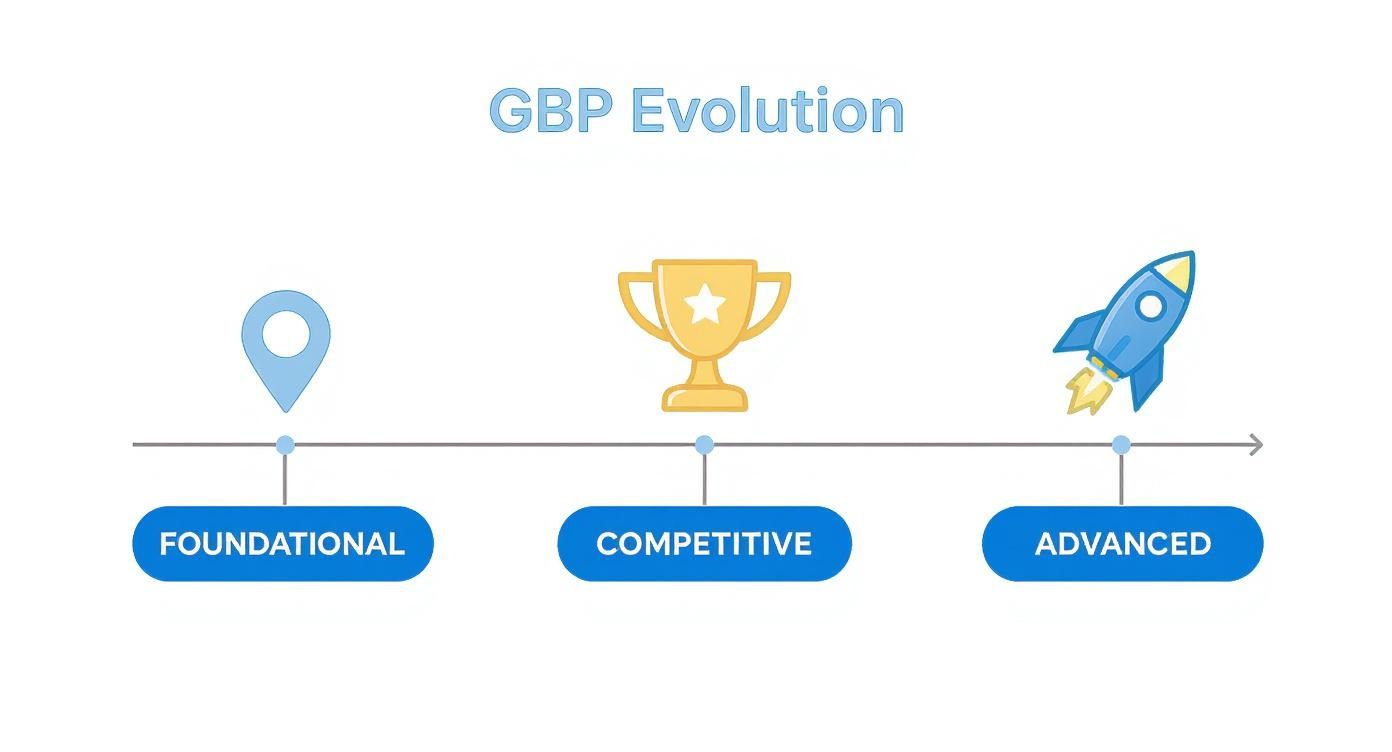
You start with the basics and then layer on more advanced tactics.
Month 1: Laying the Foundation (The First 30 Days)
The first month is about getting the fundamentals right. If you skip these steps, everything you do later will be less effective.
Your goal is to give Google a clear and complete picture of your business.
Your checklist:
- Complete 100% of Your Profile: Go into your GBP dashboard and fill out every single field. No blank fields.
- Upload High-Quality Photos: Add at least 10 great photos. Show your storefront, team, and work. Profiles with more photos get more clicks.
- Run a NAP Consistency Check: Check your listings on the top 10-15 sites for your business (Yelp, Facebook, etc.). Make sure your Name, Address, and Phone number are 100% identical.
Month 2: Building Momentum (Days 31-60)
Now it's time to generate social proof and show Google you're an active business.
Your action items:
- Kick Off a Review Campaign: Set up a system to ask every happy customer for a review. Aim for a steady stream of new, positive reviews.
- Publish Weekly Google Posts: Create one Google Post each week. Share an update, special offer, or blog post.
- Expand Your Citation Cleanup: Track down and fix NAP inconsistencies on the top 20-30 citation sites for your industry.
Month 3: The Advanced Moves (Days 61-90)
By now, you should be seeing some positive movement. It's time for the advanced tactics that most competitors ignore.
In Short: This is where you pull away from the pack. Consistent effort on advanced tasks separates the winners from the rest.
Here’s how you start dominating:
- Seed Your Q&A Section: Proactively ask and answer the top 5-10 questions you get all the time.
- Write Your First Hyper-Local Blog Post: Create content on your website focused on a specific service in a specific neighborhood you serve.
- Get One High-Quality Local Link: Reach out to a local business or event you sponsored and get a genuine backlink to your website.
People Also Ask About Google Maps Ranking
Let's tackle some common questions business owners have about ranking on Google Maps.
How Long Does It Take to See Results on Google Maps?
There's no magic button. After optimizing your GBP, you might see small shifts within a few weeks. For competitive terms, expect to see significant results in 3 to 6 months of consistent work. Lasting results come from steady effort over time.
Do I Need a Physical Storefront to Rank?
No. Service Area Businesses (SABs) like plumbers and landscapers can rank well on Google Maps. Instead of a physical address, you'll define your service area. The strategy is the same: get reviews, build citations, and create location-specific content.
A physical storefront can have an advantage for "near me" searches due to proximity, but it's not a requirement.
Can I Rank in a City Where I Don't Have an Address?
No. Trying to rank in a city where you don't have a physical presence is a violation of Google's rules. Google Maps is built on proximity. Your ranking power is strongest around your verified business address.
Using a P.O. Box or virtual office is risky and can get your profile suspended. Focus on dominating the area you actually serve.
If you want to expand, partner with a professional Google Maps ranking service that knows how to build authority in new areas correctly.
Do Google Ads Help My Organic Google Maps Rank?
No, there is no direct link. You can't pay for a better organic spot. However, there can be indirect benefits. Ads increase visibility, which might lead to more profile clicks, calls, and reviews. Those reviews can help your organic rank over time, but the ad spend itself is not a ranking factor.
Ready to stop guessing and start ranking? The team at Clicks Geek specializes in turning your Google Business Profile into a customer-generating machine. Let us handle your local SEO so you can focus on running your business.