
You’re spending thousands on ads, but can you actually prove which campaigns are driving real sales? Without accurate conversion tracking, you’re making marketing decisions based on guesswork—burning budget on channels that look good but don’t convert, while starving the campaigns that actually generate revenue.
The right conversion tracking setup doesn’t just show you what’s working. It reveals the complete customer journey from first click to final sale, attributes revenue to specific keywords and campaigns, and gives you the data needed to scale profitably. But with dozens of tracking tools available, each claiming to solve attribution problems differently, choosing the right stack for your business gets complicated fast.
We’ve tested these tools across hundreds of campaigns for local businesses, e-commerce stores, and high-ticket service providers. This comparison covers the top conversion tracking solutions for 2026, from done-for-you services to DIY platforms, evaluated on setup complexity, attribution accuracy, integration capabilities, and real-world value for businesses that need to prove ROI.
1. Clicks Geek Conversion Tracking Setup
Best for: Local businesses that want expert tracking implementation without the technical headaches
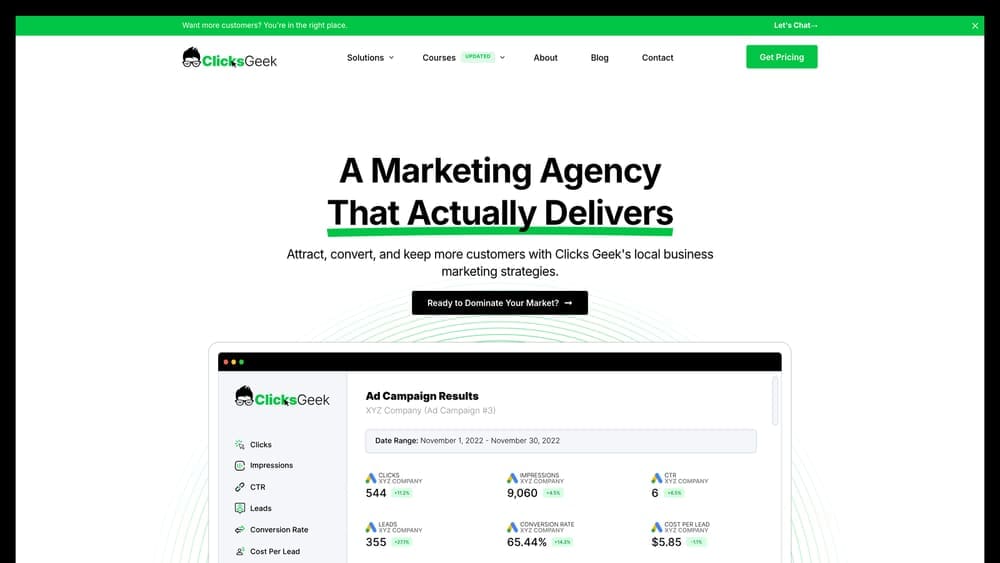
Clicks Geek handles the complete conversion tracking setup and ongoing management as part of their PPC services, taking the technical burden off business owners who need accurate data but don’t have time to become tracking experts.
Where This Tool Shines
Most tracking tools give you software and leave you to figure out implementation. Clicks Geek provides the expertise to set everything up correctly from day one—Google Ads conversion tracking, Meta pixel implementation, call tracking integration, and CRO analysis to improve the conversions you’re tracking.
For local service businesses where phone calls represent the highest-value leads, this approach solves the attribution gap that pure web analytics miss. You get call tracking tied to specific keywords and campaigns, not just form fills that might represent tire-kickers.
Key Features
Expert Google Ads and Meta Setup: Conversion actions configured correctly with proper attribution windows and value tracking.
Call Tracking Integration: Phone conversions attributed to campaigns and keywords, not lumped into “direct” traffic.
Ongoing Optimization: Continuous refinement based on actual conversion data, not vanity metrics like clicks.
CRO Expertise: Analysis of landing pages and conversion paths to improve rates, not just measure them.
White-Glove Service: No wrestling with tracking codes or debugging why conversions aren’t firing—handled by specialists.
Best For
Local service businesses (contractors, professional services, medical practices) that generate significant revenue from phone calls and need tracking that connects ad spend to actual customer acquisition. Also ideal for businesses that tried DIY tracking and ended up with incomplete or inaccurate data.
Pricing
Included with PPC management services. Contact for custom quote based on business size and tracking complexity.
2. Google Analytics 4 (GA4)
Best for: Comprehensive free analytics covering the entire customer journey across web and app
Google Analytics 4 is Google’s latest analytics platform, rebuilt from the ground up with event-based tracking and cross-platform measurement replacing the old session-based Universal Analytics model.
Where This Tool Shines
GA4 gives you enterprise-level analytics without the enterprise price tag. The event-based model tracks user interactions more flexibly than the old pageview-centric approach, letting you measure specific actions like video plays, scroll depth, or file downloads as conversion events.
The native integration with Google Ads means conversion data flows directly into campaign optimization, and predictive metrics use machine learning to identify users likely to convert or churn. For businesses running Google Ads, this integration alone makes GA4 essential.
Key Features
Free Comprehensive Analytics: Track unlimited events and users at no cost for most businesses.
Native Google Ads Integration: Conversion data automatically available for Smart Bidding optimization.
Cross-Platform Tracking: Unified view of user behavior across website and mobile app.
Predictive Metrics: AI-powered predictions for purchase probability and churn likelihood.
Customizable Conversion Events: Define any user action as a conversion without coding.
Best For
Any business running digital marketing needs GA4 as the foundation of their tracking stack. Particularly valuable for companies with both web and app presence, or those using Google Ads where the direct integration enables automated bidding strategies.
Pricing
Free for standard GA4. Enterprise version (GA4 360) available with advanced features and higher data limits.
3. Google Tag Manager
Best for: Deploying and managing tracking codes without constantly editing website code
Google Tag Manager is a free tag management system that acts as a container for all your tracking codes, letting you add, update, or remove tags through a web interface instead of editing your website’s source code.
Where This Tool Shines
Tag Manager eliminates the developer bottleneck for tracking implementation. Need to add Facebook pixel to checkout pages? Set up scroll depth tracking? Fire a conversion tag when someone clicks a phone number? All done through GTM’s interface without touching website code.
The built-in debugging tools show exactly which tags fire on each page, making it easy to troubleshoot tracking issues. Version control means you can roll back changes if something breaks, and the preview mode lets you test before publishing changes live.
Key Features
Container-Based Management: One GTM snippet on your site manages unlimited tracking tags.
No Coding Required: Deploy tags through visual interface with built-in templates for major platforms.
Version Control: Complete history of changes with ability to restore previous versions.
Debug Mode: Real-time view of which tags fire and what data they send.
Universal Compatibility: Works with virtually every tracking platform through custom HTML tags.
Best For
Businesses that need flexibility in tracking implementation without relying on developers for every change. Essential for companies running multiple marketing platforms that each require their own tracking codes.
Pricing
Free. Enterprise version (Tag Manager 360) available as part of Google Marketing Platform.
4. Meta Pixel (Facebook Conversions API)
Best for: Tracking Facebook and Instagram ad conversions with both browser and server-side data
Meta Pixel is Meta’s tracking solution that measures conversions from Facebook and Instagram ads, now enhanced with Conversions API for server-side tracking that bypasses browser limitations.
Where This Tool Shines
The combination of browser-based pixel and server-side Conversions API creates redundant tracking that captures more conversions than pixel alone. As iOS privacy features and ad blockers limit browser tracking, Conversions API sends conversion data directly from your server to Meta, ensuring attribution accuracy.
Standard events cover common conversion actions (purchase, lead, add to cart), while custom events let you track business-specific actions. The audience building capabilities turn conversion data into retargeting segments and lookalike audiences for acquisition campaigns.
Key Features
Browser-Based Pixel: JavaScript tracking for standard web conversions and page views.
Server-Side Conversions API: Direct server-to-Meta data sharing that bypasses browser tracking limitations.
Standard and Custom Events: Pre-built events for common actions plus flexibility for unique business needs.
Audience Building: Automatic creation of retargeting audiences based on conversion behavior.
E-commerce Integration: Native connections with Shopify, WooCommerce, and major platforms for automatic purchase tracking.
Best For
Any business running Facebook or Instagram ads needs Meta Pixel. Particularly critical for e-commerce where dynamic product ads rely on pixel data, and for lead generation campaigns where conversion tracking directly impacts optimization.
Pricing
Free with Meta advertising account. Conversions API requires technical implementation or platform integration.
5. CallRail
Best for: Attributing phone call conversions to specific marketing campaigns and keywords
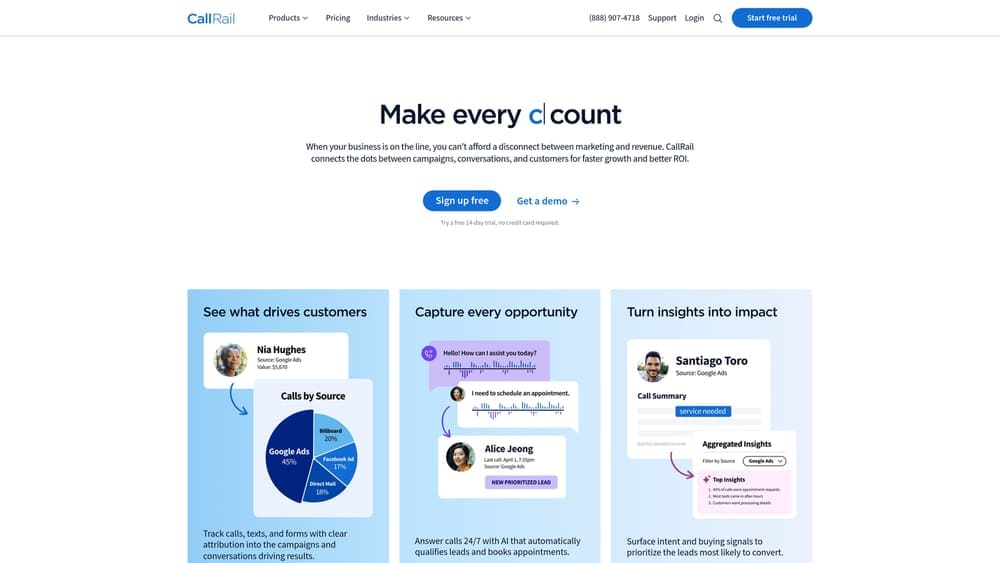
CallRail specializes in call tracking and analytics, using dynamic number insertion to show different phone numbers to visitors from different marketing sources, then attributing each call to its originating campaign.
Where This Tool Shines
For local service businesses where phone calls represent the most valuable conversions, CallRail solves the attribution black hole that standard web analytics create. Dynamic number insertion shows unique tracking numbers based on the visitor’s source—Google Ads clicks see one number, organic search another, Facebook ads a third.
When calls come in, you get keyword-level attribution showing exactly which search terms drove the call, call recording for quality monitoring, and automatic transcription that can identify lead quality. The form tracking feature also captures web form submissions, giving you complete lead attribution in one dashboard.
Key Features
Dynamic Number Insertion: Automatic phone number swapping based on traffic source for precise attribution.
Keyword-Level Attribution: See exactly which Google Ads keywords generated each phone call.
Call Recording and Transcription: Automatic recording with AI transcription for quality review and lead qualification.
Form Tracking Included: Capture web form submissions alongside call data for complete lead tracking.
Platform Integrations: Direct connections to Google Ads, GA4, and major CRM systems for automated data flow.
Best For
Service businesses (contractors, legal, medical, home services) where phone calls drive revenue and you need to prove which marketing channels generate qualified leads, not just website traffic.
Pricing
Starts at $45/month for Call Tracking plan. Higher tiers add features like conversation intelligence and unlimited users.
6. Hyros
Best for: High-ticket businesses with complex multi-touch sales cycles requiring AI-powered attribution
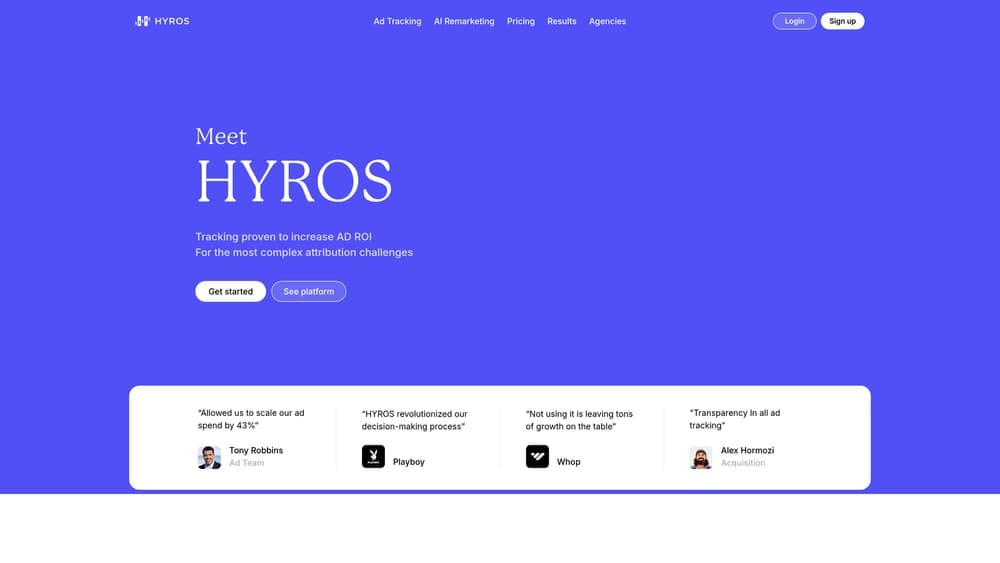
Hyros uses artificial intelligence to track and attribute conversions across long customer journeys, designed for businesses where customers interact with multiple touchpoints before purchasing.
Where This Tool Shines
Standard analytics platforms struggle with high-ticket sales that involve multiple ad exposures, sales calls, email sequences, and weeks or months between first click and purchase. Hyros tracks the complete journey, using AI to weight attribution across touchpoints and identify which marketing actually drives revenue.
The platform handles tracking challenges that break other tools—offline conversions from sales calls, print tracking for direct mail campaigns, and long-term customer value attribution. For businesses selling products or services over several thousand dollars, this level of attribution reveals which campaigns generate actual revenue versus which just generate clicks.
Key Features
AI-Driven Multi-Touch Attribution: Machine learning models that weight credit across customer touchpoints.
Long-Term Journey Tracking: Follows customers through extended sales cycles spanning weeks or months.
Ad Platform Optimization: Sends conversion data back to Facebook, Google, and other platforms for automated bidding.
Print Tracking: Unique capability to attribute direct mail and offline advertising to conversions.
Call Tracking Integration: Built-in phone call attribution without requiring separate call tracking service.
Best For
Businesses with high-ticket offers (coaching, consulting, B2B services, expensive products) where sales cycles involve multiple touchpoints and standard last-click attribution misrepresents which marketing drives revenue.
Pricing
Starts at $99/month based on tracked revenue volume. Pricing scales with business size.
7. TripleWhale
Best for: E-commerce stores needing real-time profit tracking and unified analytics dashboard
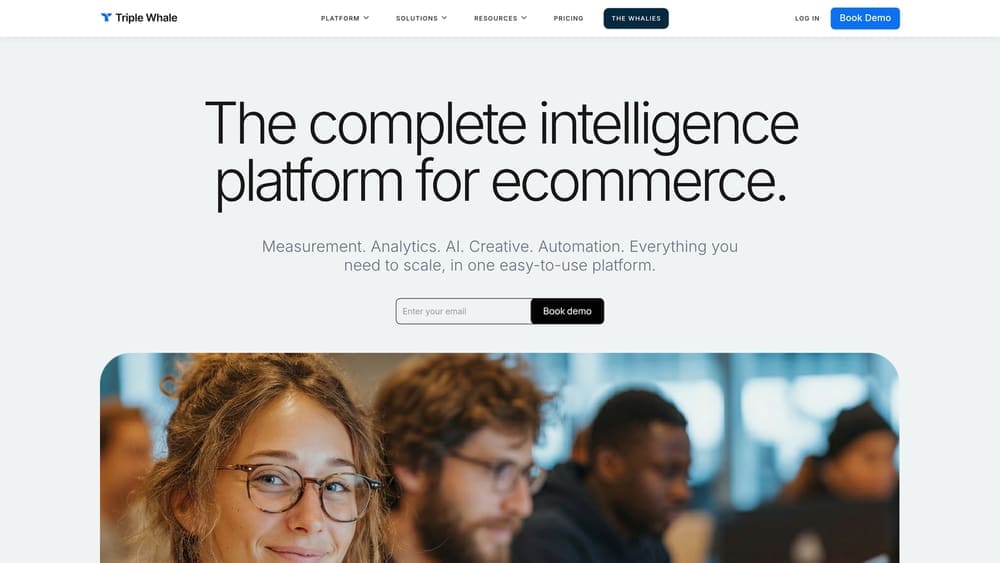
TripleWhale provides Shopify-focused analytics with emphasis on profit metrics, combining data from ads, email, and organic channels into a single dashboard designed for e-commerce operators.
Where This Tool Shines
Most analytics platforms show revenue, but TripleWhale calculates actual profit by factoring in product costs, ad spend, and other expenses. The real-time dashboard updates constantly, giving you current-day performance instead of waiting for yesterday’s data to populate.
The first-party pixel helps recover attribution lost to iOS privacy changes, while the mobile app lets you monitor key metrics without logging into a desktop. For Shopify store owners who need to make quick decisions on ad spend and inventory, having profit data immediately accessible changes how you operate.
Key Features
Real-Time Profit Tracking: Live calculation of actual profit, not just revenue, updating throughout the day.
First-Party Data Pixel: Enhanced tracking that recovers conversions missed by platform pixels.
Multi-Platform Integration: Unified view of Facebook, Google, TikTok, and other ad platforms in one dashboard.
Customer Lifetime Value: Cohort analysis showing true customer value over time, not just initial purchase.
Mobile App: Full-featured iOS and Android apps for checking metrics on the go.
Best For
Shopify store owners running significant ad spend who need to track profitability in real-time and make fast decisions on scaling or cutting campaigns based on actual profit, not vanity metrics.
Pricing
Starts at $129/month for Growth plan. Higher tiers add advanced features and team collaboration tools.
8. Ruler Analytics
Best for: B2B companies connecting marketing attribution to CRM revenue data for closed-loop reporting
Ruler Analytics creates closed-loop attribution by connecting marketing touchpoints to CRM opportunity and revenue data, showing which campaigns influence deals throughout the sales pipeline.
Where This Tool Shines
B2B sales cycles create attribution challenges when leads enter your CRM and convert weeks or months later through sales team efforts. Ruler tracks the complete journey from initial website visit through CRM stages to closed revenue, attributing value back to the original marketing source.
The multi-touch attribution models let you choose how to distribute credit across touchpoints—first touch, last touch, linear, or custom weighting. Call tracking integration captures phone leads, and offline conversion tracking handles in-person sales or purchases that happen outside digital channels.
Key Features
Revenue Attribution: Connects marketing touchpoints to actual closed revenue, not just lead generation.
CRM Integrations: Native connections with Salesforce, HubSpot, Pipedrive, and major CRM platforms.
Call Tracking Built-In: Integrated phone call attribution without requiring separate call tracking service.
Multi-Touch Models: Flexible attribution models that distribute credit across customer journey touchpoints.
Offline Conversion Tracking: Handles purchases and conversions that happen outside website or app.
Best For
B2B companies with sales teams and CRM systems where marketing generates leads that convert through sales processes, requiring attribution that connects initial touchpoint to final revenue.
Pricing
Starts at $199/month. Custom pricing for enterprise deployments with advanced features.
9. WhatConverts
Best for: Multi-channel lead tracking capturing calls, forms, chats, and transactions in unified dashboard
WhatConverts tracks leads across multiple channels—phone calls, web forms, live chat, and e-commerce transactions—attributing each to its marketing source and providing lead qualification tools.
Where This Tool Shines
Most tracking tools specialize in one channel. WhatConverts captures everything—someone fills out a contact form, you see the source. They call instead, it’s tracked. They start a chat conversation, attributed. This unified approach shows total lead volume from each marketing channel, not just the conversions that happen to come through one channel.
The lead qualification features let you mark leads as qualified or junk, calculate quote values, and track which leads closed into sales. White-label reporting makes it valuable for agencies providing attribution reports to clients without showing the WhatConverts branding.
Key Features
Multi-Channel Capture: Tracks calls, forms, chats, and transactions from a single platform.
Lead Qualification: Mark lead quality and track progression from lead to quote to sale.
Quote and Sale Tracking: Assign values to leads and closed deals for revenue attribution.
White-Label Reports: Agency-friendly reporting that can be branded for client delivery.
Google Ads and GA4 Integration: Direct connections to major platforms for automated data sharing.
Best For
Service businesses and agencies that generate leads through multiple channels and need to track total lead volume and quality across calls, forms, and chats in one system.
Pricing
Starts at $30/month for Call Tracking plan. Higher tiers add unlimited users and advanced features.
Choosing Your Tracking Stack
The right conversion tracking setup depends on your business model and how customers actually buy from you. Here’s how to think about it.
If you’re a local service business where phone calls drive revenue, start with call tracking (CallRail or WhatConverts) combined with GA4 and Google Tag Manager. The free Google tools handle web analytics while call tracking captures your highest-value conversions. Or skip the technical setup entirely and let Clicks Geek implement and manage everything as part of your PPC services.
E-commerce stores need GA4 for foundational analytics, Meta Pixel for social advertising, and a platform like TripleWhale if you’re running significant ad spend and need real-time profit tracking. The free tools (GA4, GTM, Meta Pixel) cover basics, while TripleWhale adds the profit-focused analytics that help you scale profitably.
B2B companies with sales teams benefit from Ruler Analytics connecting marketing to CRM revenue, or Hyros if you’re selling high-ticket offers with complex attribution needs. These platforms justify their cost by revealing which marketing actually influences closed deals, not just which campaigns generate the most clicks.
Budget-conscious businesses can build a solid foundation with the free stack: GA4 for analytics, Google Tag Manager for tag deployment, and Meta Pixel for social ads. Add call tracking when phone leads become significant, and upgrade to specialized platforms as revenue grows and attribution complexity increases.
The biggest mistake isn’t choosing the wrong tool. It’s implementing tracking incorrectly and making decisions based on incomplete data. Whether you use free platforms or enterprise solutions, accurate setup matters more than features. If you want to see what this would look like for your business with expert implementation and ongoing optimization, we’ll walk you through exactly what tracking you need and what results are realistic in your market.


