As a local business owner, you're juggling a million things. The last thing you need is a marketing strategy that feels like throwing money into the wind. So, are Facebook ads actually worth it for a local shop?
Absolutely. Here's the simple truth: Facebook ads for local business let you put your services directly in front of people who live just a few miles from your door. Your neighborhood becomes your biggest asset.
In Short: Facebook ads allow you to target customers with laser precision based on their location, turning your local community into a powerful source of leads and sales.
Why Facebook Ads Are a Local Business Superpower
Forget about stuffing mailboxes with flyers or buying pricey newspaper ads. Using Facebook ads is about meeting your community where they already are—scrolling on their phones. It’s all about precision.
Think about it. A plumber could run an ad that only shows up for homeowners in a specific zip code. A new cafe could target people who live within a two-mile radius and have already shown interest in coffee and brunch. That kind of laser-focused targeting was a pipe dream a decade ago. Now, it's a tool every small business can use.
Connecting With Your Community, Digitally
The real magic here is building genuine connections, but at scale. You get to speak directly to the unique needs of your local area. This isn't just shouting into the digital void; it's starting a conversation with people who are actually close enough to walk through your door.
This focused approach almost always gives you a much better return on your investment. Many businesses see incredible results with a small, consistent ad spend. In fact, it's common to start with a budget as low as $100 per month and reach thousands of potential local customers.
The goal isn't just about getting clicks. It's about driving real-world results—foot traffic, phone calls, and booked appointments. Facebook ads give you a direct line to making that happen.
It's About More Than Just Running Ads
When you do it right, this isn't just about promotions. It's about weaving your business into the local fabric. You stop being just "a business" and become the neighborhood bakery, the trusted mechanic, or the go-to boutique. That’s how you build lasting loyalty.
While paid ads are a fantastic way to get noticed, they're even more powerful when paired with other digital strategies. To learn more about building that strong foundation, check out our guide on local SEO services for small business.
This is your no-fluff playbook for turning local scrollers into loyal customers. We’ll skip the confusing jargon and get right to the actionable steps that make Facebook ads work, without needing a massive budget.
Getting Your Technical Foundation Right
Before you dream up your first ad, we need to get the "boring" stuff out of the way. Trust me, getting your technical setup right from the start will save you a world of pain and wasted ad spend later. This is the bedrock of any successful Facebook ad campaign for a local business.
First, you need a Meta Business Manager account. Think of it as your central command center for everything you do on Facebook and Instagram for your business. It separates your personal and professional life and keeps all your assets—pages, ad accounts, pixels—organized.
If you haven't already, you'll also need to know how to claim a Facebook Business Page. This gives you full control and is essential for running ads properly.
The Meta Pixel and Conversions API: Your Tracking Duo
With your Business Manager set up, it’s time to talk about tracking. This is where the Meta Pixel and the Conversions API (CAPI) come in. Don't let the techy names scare you off; the idea is simple.
- The Meta Pixel: This is a snippet of code you add to your website. It tracks who comes to your site from your ads and what they do. Did they look at your services page? Fill out your contact form? That's the Pixel's job.
- The Conversions API (CAPI): CAPI is the Pixel’s sidekick. With privacy updates and ad blockers, the Pixel can sometimes miss things. CAPI creates a direct server-to-server connection with Facebook, filling in the gaps and making your data more reliable.
Running them both together is key. It gives you the clearest view of what's happening because of your ads, which is vital for making smart decisions.
My Two Cents: Don't skip the Pixel and CAPI setup. It's the only way you'll know your true return on ad spend. Without it, you’re just guessing.
This diagram shows how much things have changed. We've moved from old "spray and pray" methods to a direct path to our customers.
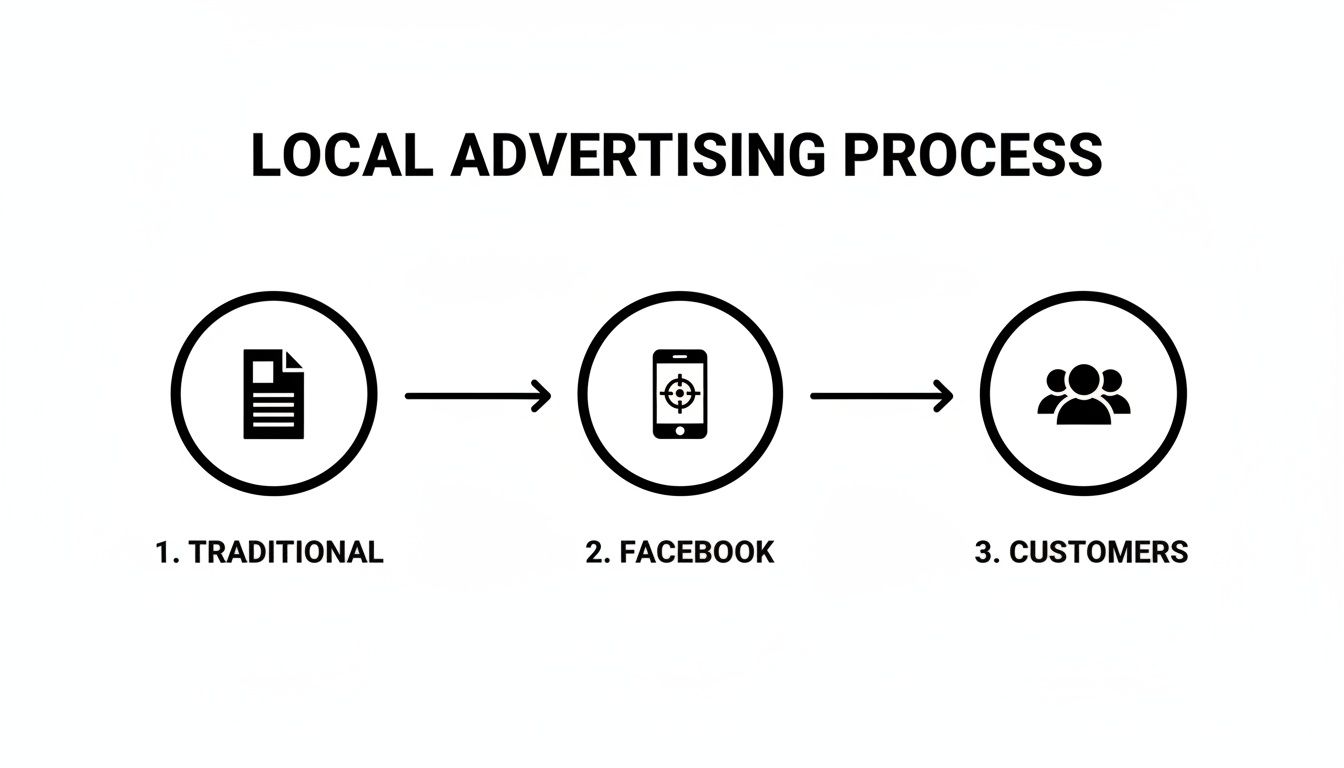
It’s all about efficiency now—using targeted ads to find people in your neighborhood who are most likely to become customers.
People Also Ask: Quick Tech Questions
Here are a few questions I get all the time from business owners at this stage.
Do I absolutely need a website to use the Facebook Pixel?
Yes, you do. The Pixel lives on your website. But if you don't have a site, don't worry! You can still run great local campaigns using objectives like Lead Generation forms or Messenger conversations that keep people on Facebook.
Is installing the Pixel and CAPI difficult?
It used to be, but not anymore. Most website builders like Shopify, WordPress, or Wix have simple integrations or plugins that do the heavy lifting for you. You can usually get it set up with a few clicks.
Why can’t I just use my personal ad account?
I get the temptation, but it’s a bad habit. Using a Business Manager is more professional. It protects your personal profile, makes it easy to give access to others, and keeps all your business assets in one secure place.
Choosing the Right Campaign Objective
Think of your Facebook campaign objective as instructions for a very literal assistant. If you tell Facebook you want "likes," it will get you likes—but not necessarily paying customers. This is the most common mistake local businesses make.
The very first click you make when building a campaign sets the entire tone. You're telling the algorithm what a "win" looks like. Get this right, and you're halfway there.
Let's cut through the jargon and focus on the objectives that actually move the needle for a local business.
The Heavy Hitters for Main Street Businesses
You can safely ignore most of the objectives inside Facebook Ads Manager. For a local operation, only a few really matter for driving real-world results like phone calls and appointments.
Here are the ones that actually work:
- Leads: This is your best friend if you run a service business. Think of a roofer scheduling estimates or a dentist booking exams. The ad opens a simple form inside the Facebook app, capturing a name, email, and phone number with almost zero friction.
- Awareness (Reach): When you just need to get in front of everyone in a tight geographic area, this is your tool. It's great for grand openings or announcing a big local sale. The goal isn't a specific action, but maximum visibility.
- Traffic (Store Visits): If you have a physical storefront—a boutique, salon, or restaurant—this is for you. It’s designed to show your ads to people physically near your business and who have a history of visiting brick-and-mortar locations.
- Sales (Website Conversions): This one’s for businesses that drive key actions on their website, like booking an appointment or purchasing a product. This requires a properly installed Meta Pixel to track what happens after someone clicks your ad.
My Two Cents: Your business goal must map directly to your campaign objective. If you want your phone to ring, choose Leads. If you want people lining up outside, choose Awareness (Reach) or Traffic. Don't overthink it.
A Quick Guide to Matching Goals with Objectives
Translating "I need more customers" into Facebook's language can be tough. This cheat sheet should help.
| Your Business Goal | Best Facebook Objective | Ideal For… |
|---|---|---|
| Get phone calls for quotes/estimates | Leads | Contractors, lawyers, home services |
| Fill my appointment book | Leads or Sales (Website Conversions) | Salons, spas, dentists, auto repair shops |
| Get people to visit my physical store | Awareness (Reach) or Traffic | Restaurants, retail shops, cafes |
| Promote a big event or grand opening | Awareness (Reach) | Any business with a time-sensitive event |
| Sell products directly from my website | Sales (Website Conversions) | Local e-commerce, boutiques with online stores |
Ultimately, the choice comes down to one question: what single action do you want someone to take right now?
Putting It Into Practice: Real-World Scenarios
Let's make this crystal clear.
Scenario 1: A New Coffee Shop Grand Opening
Your goal is simple: get every coffee lover in a 2-mile radius to stop by. You need pure, local saturation.
- Best Objective: Awareness (Reach).
- Why: You don't need leads; you need eyeballs and footsteps. This objective will blast your ad to as many people as possible within your zip code.
Scenario 2: A Landscaping Company Kicking Off Spring Cleanups
You need to fill your schedule. That means you need names and numbers of interested homeowners.
- Best Objective: Leads.
- Why: The goal is a list of qualified prospects. The Facebook Lead Form makes it easy for a homeowner to request a free estimate without ever leaving the app.
People Also Ask: Campaign Objectives
How do I choose a Facebook ad objective?
Work backward. Ask, "What is the single most valuable action someone can take for my business right now?" If the answer is "fill out my contact form," choose Leads. If it's "show up for our weekend sale," choose Awareness (Reach).
How do I run ads for local businesses on Facebook?
The key is laser-focused geographic targeting. Use an objective like Traffic for local businesses, or use a Leads or Sales campaign and narrow your audience to a small radius (like 1-5 miles) around your address. This ensures every penny is spent on people who can actually become customers.
How do Facebook ads attract customers?
They work by putting a specific, compelling offer in front of the right local people. You're not just showing an ad; you're showing an ad for "50% off pizza" to people who live 3 blocks from your pizzeria and have shown an interest in Italian food. It's the combination of a great offer, precise targeting, and a clear call to action.
Finding Your Ideal Customers Down the Street
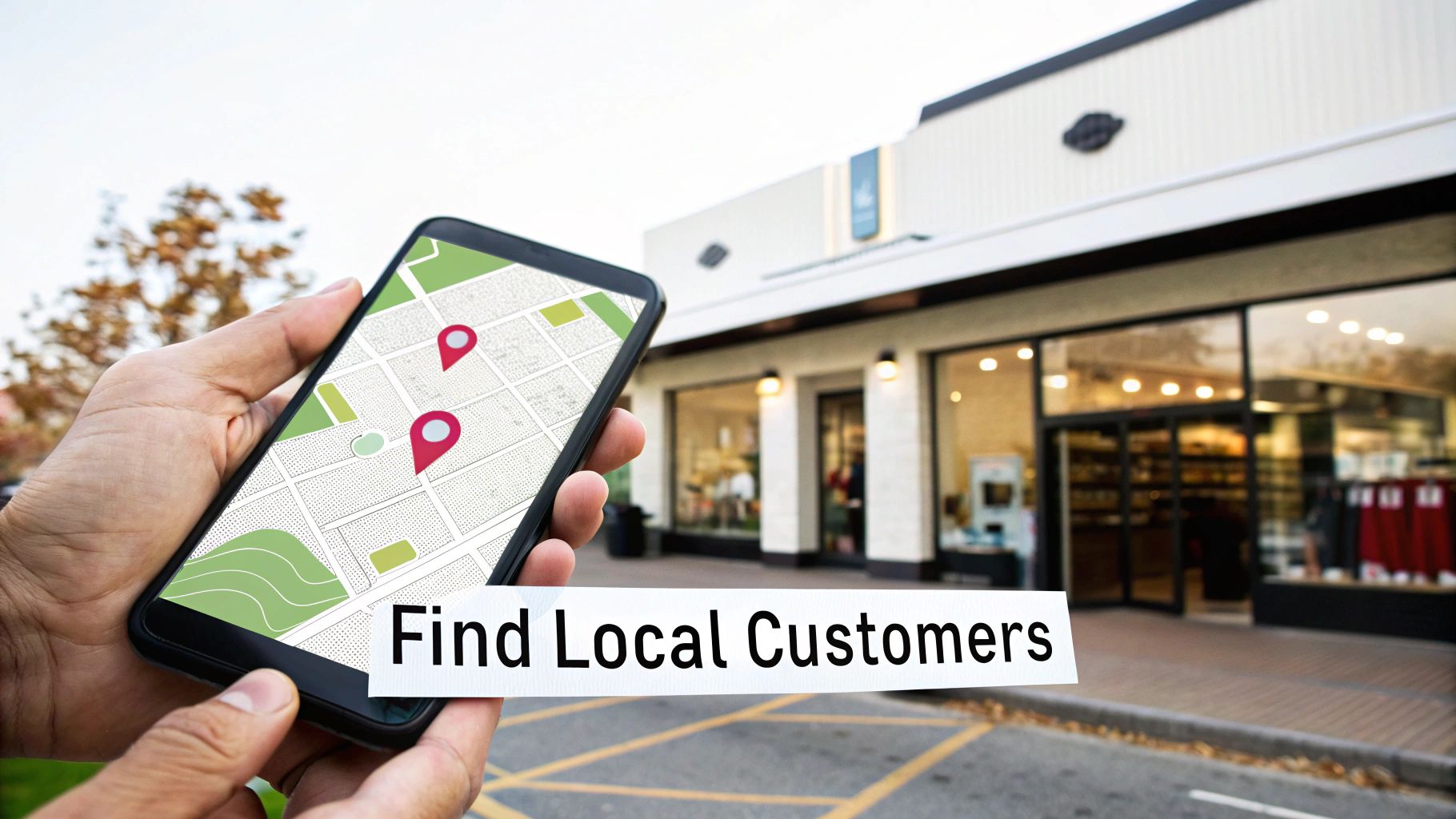
This is where the real power of Facebook ads for local businesses comes alive. Forget casting a wide net; we're going spear-fishing. The platform's tools let you zero in on your perfect customers with pinpoint accuracy.
The foundation of a great local campaign is geography. You can get as broad as a state or as focused as a one-mile radius around your shop. That alone is a game-changer.
Start with the Basics: Location and Demographics
Before you get fancy, nail the fundamentals. This first layer of targeting weeds out anyone who can't become your customer.
- Location Targeting: This is your bread and butter. You can target people who live in or were recently in specific spots. For most brick-and-mortar businesses, targeting people who live in the location is your best bet.
- Demographic Targeting: Once you've set your map, layer on basics like age and gender. A local med-spa might target women ages 30-55, while a roofer would focus on homeowners aged 35 and up.
Don't overthink this part. Just picture your typical customer and start there.
My Two Cents: Start with a tight geographic area, then add the basic age and gender of your ideal customer. This simple step stops you from wasting money on an irrelevant audience.
Layer on Interests and Behaviors
Okay, now for the fun part. This is how you go from targeting "people nearby" to "the right people nearby." Facebook knows a staggering amount about its users based on their online activity.
Get inside your customers' heads. What are their hobbies?
- A local landscaper? Target homeowners interested in "gardening," "home improvement," or brands like "The Home Depot."
- A family-style Italian restaurant? Go after people in your town interested in "Italian cuisine" or "family restaurants."
- A neighborhood gym? Target users interested in "weight training," "yoga," or "running."
You can also target based on behaviors, like "likely to move" or "newlyweds." Think about it—a real estate agent or a furniture store could have a field day with these options.
The Secret Weapons: Custom and Lookalike Audiences
Ready for advanced tactics? Custom and Lookalike Audiences help you find more people who are a carbon copy of your best customers.
1. Custom Audiences
This is an audience you build from your own data. You can upload a customer list (with emails or phone numbers), and Facebook will match them to their profiles. This is powerful for a few things:
- Re-engaging past customers with a special offer.
- Upselling your regulars on a new service.
- Excluding current customers from a "new clients only" promo.
2. Lookalike Audiences
This is where the magic happens. You give Facebook a Custom Audience (like your customer list) and say, "Go find me more people who look just like these folks."
Facebook's algorithm then builds a new, larger audience of people who share key characteristics with your existing customers. This is one of the most effective ways to find new, high-quality local leads.
Crafting Ads That Actually Get Clicks
You’ve got your targeting dialed in. That's half the battle. But if your ad is boring, people will scroll right past it.
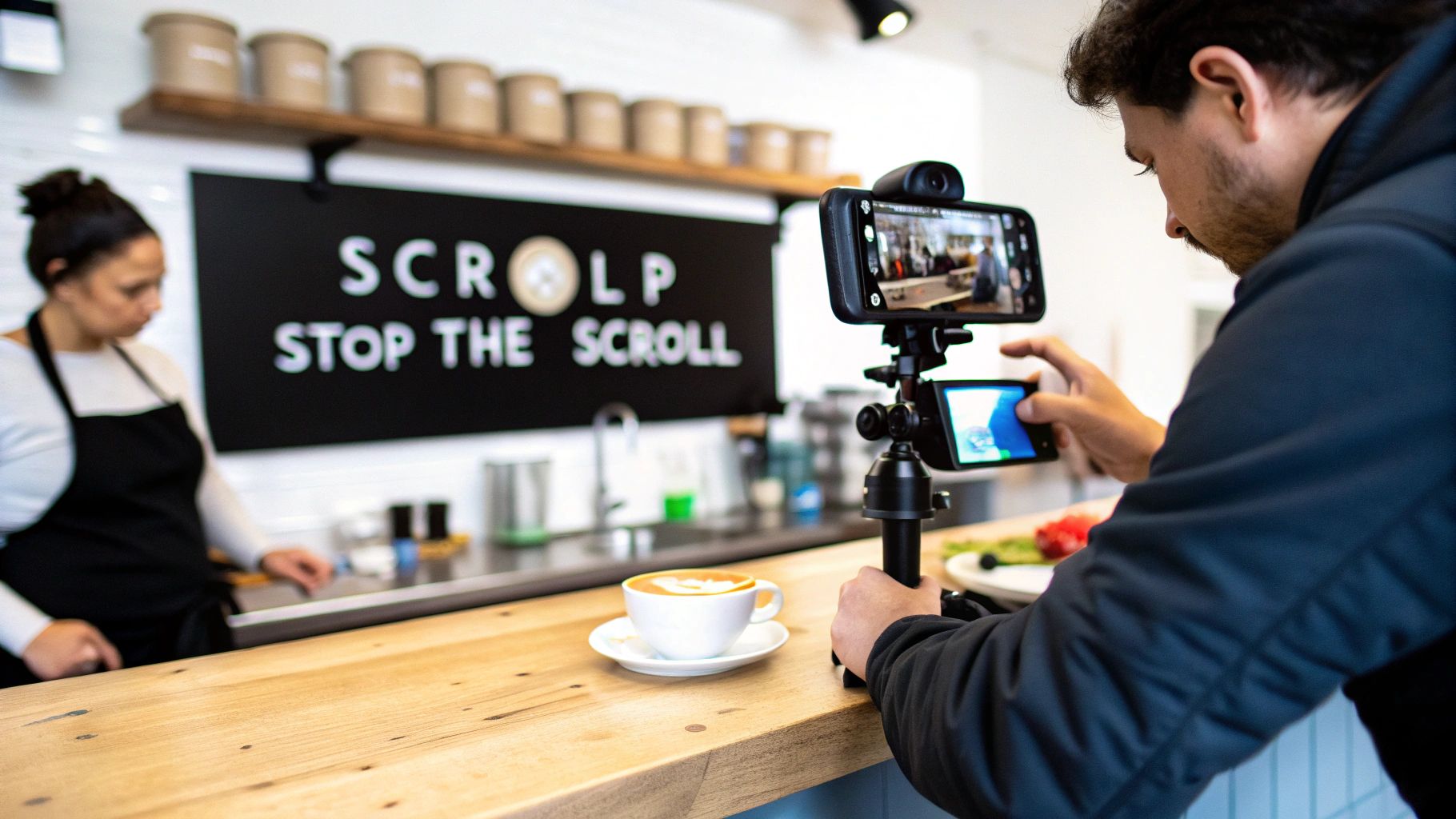
A great ad stops the scroll. A bad one is a waste of money. It's all about making an ad that feels like it belongs in their feed.
Speak Their Language with Simple Copy
Your ad copy doesn't need to be fancy. For local businesses, corporate-speak can backfire. You just need to sound like a real person from the community.
Drop in local landmarks, mention the town by name, and talk about local issues. That’s how you build an instant connection.
A few simple ad copy formulas that work:
- Problem-Agitate-Solve (PAS): "Tired of a patchy lawn? Those bare spots are getting worse. We can get your lawn green in just a few weeks. Get a free estimate for your [Town Name] home."
- Before-After-Bridge: "Imagine your weekend without yard work. Now picture a perfect lawn you can actually enjoy. Our local lawn care service is the bridge to that reality."
- The Direct Offer: "Hey, [Town Name]! This week only, get a free appetizer with any main course. Just show this ad!"
My Go-To Tip: Read your ad copy out loud. Does it sound like something you’d say to a customer? If it sounds stiff or "salesy," rewrite it until it feels natural.
Create Offers They Can’t Ignore
A strong offer is the engine of your ad. It's what gets someone to take action right now. Weak offers like "Call Us Today" don't cut it.
The best local offers create urgency or make people feel like they're getting an exclusive deal.
Irresistible Local Offer Ideas:
- First-Time Customer Discount: "First-time customers from [Town Name] get 15% off their first service!"
- Free Item or Service: "Get a free consultation for any kitchen remodeling project in the [County Name] area."
- Local Exclusive Deal: "Mention this ad for our 'Neighbor Discount'—a special price just for [Neighborhood] residents."
- Limited-Time Promotion: "Book your spring A/C tune-up before April 30th and save $50!"
Once you've hooked them with a great offer, send them to a page that makes it easy to take the next step. Don't fumble the handoff! Check out these steps to creating a great PPC landing page to seal the deal.
Why Your iPhone Is Your Best Camera
When it comes to visuals, authenticity beats polish every time. People have a built-in radar for slick, generic stock photos.
You know what works better? An authentic photo or video shot on your phone. It sounds crazy, but it often performs better. Why? Because it looks like it belongs there. It feels like content from a friend, not a corporation.
Think about what you can show off:
- A quick video of your team smiling.
- A "behind-the-scenes" look at you making a product.
- A before-and-after shot of your work.
- A quick video testimonial from a happy local customer.
Short, vertical videos made for Reels and Stories are kings. They grab attention and fit how people use the apps.
People Also Ask: Ad Creative
What type of ad is best for a local business on Facebook?
I almost always recommend video ads, especially short-form vertical videos for Reels and Stories. They're more engaging and tell your story much faster than a static image. A simple video showing your team in action is incredibly powerful.
How do I make my local Facebook ad stand out?
Use real visuals (no stock photos!), write copy that calls out local spots, and make your offer crystal clear. An ad for a pizza place that says "Rainy day in Springfield? Get a free delivery on us tonight!" will beat a generic "We sell pizza" ad every time.
How do you write a good ad for a local business?
Keep it simple and focus on one clear message. Start with a hook, state your offer, and finish with a direct call to action (like, "Tap 'Learn More' to book your free estimate"). Use short sentences and talk like your customers talk.
How to Know If Your Ads Are Actually Working
Likes and comments are nice, but vanity metrics don't pay the bills. If you want to know if your Facebook ads for a local business are working, you have to focus on what impacts your bottom line.
This is how you shift from seeing marketing as an expense to knowing it’s an investment.
The Numbers That Really Count
When you open Ads Manager, the amount of data can feel overwhelming. Don't drown in it. Instead, zero in on a few key performance indicators (KPIs).
- Cost Per Lead (CPL): This is your gut check. It’s your total ad spend divided by the number of leads you generated. If you spend $100 to get 5 leads, your CPL is $20. This tells you if your campaigns are profitable.
- Return on Ad Spend (ROAS): This is the ultimate scorecard. For every dollar you put into ads, how much revenue did you get back? A 3:1 ROAS means you made $3 for every $1 you spent.
- Click-Through Rate (CTR): This is your ad's first impression. It shows what percentage of people who saw your ad clicked it. A low CTR is a red flag that your creative or offer isn't working.
Bridging the Gap Between Clicks and Customers
What about the customer who sees your ad but shows up in your store three days later? Facebook has a tool for this: Offline Conversions.
This feature is a game-changer. It lets you upload your customer data (like a list of in-store purchasers), and Facebook matches it against people who saw your ads. It connects the digital world to the real world, giving you a truer picture of your ROAS.
Tying an in-store purchase back to an ad someone saw days ago is the holy grail for local advertisers. Offline Conversions get you as close as possible.
So, What Do Good Results Even Look Like?
Knowing your numbers is one thing, but you need context. Is a 1% CTR good or bad? It depends.
Local service businesses can see fantastic engagement. We’ve seen attorneys hit a 1.76% CTR, personal services reach 1.70%, and real estate agents achieve a 1.68% CTR. These are all well above average and prove that when you nail local targeting, you can stand out.
Your Quick Campaign Health Checklist
When you review your campaigns, ask yourself a few simple questions.
- Is my Cost Per Lead holding steady or going down? If it's creeping up, something’s off.
- Is my ad Frequency too high? If the average person has seen your ad more than 3-4 times in a week, you're probably annoying them. Time for a creative refresh.
- Which ad is the winner? Find the creative that's outperforming the others, turn off the duds, and push more budget to the one that's working.
A big part of this process involves consistent Facebook ad creative testing to discover what your audience wants to see.
If you're not sure your campaigns are pointed in the right direction, we can take a look with a professional Facebook Ads assessment.
Got Questions About Local Facebook Ads? We've Got Answers.
Jumping into paid ads always brings up questions. Let's tackle the big ones we hear from local business owners.
So, How Much Should I Actually Spend on This?
There's no single magic number, but a solid starting point is $15-$25 a day. That's usually enough to let Facebook’s algorithm start learning and finding the right people in your area. More importantly, it gives you enough data to see what's working.
Focus on the return, not the total spend. If you spend $20 to get one lead that turns into a $600 job, you'd do that all day long. Start small, prove it works, and then confidently ramp up the budget.
Are Facebook Ads Really Still Worth It for Local Businesses?
One hundred percent, yes. The platform's core strength for local businesses is still unmatched: its ability to target by location and interests. No other platform lets you zero in on people in specific zip codes who also happen to be interested in what you sell.
For any business that depends on a local customer base—restaurants, chiropractors, plumbers, you name it—it's still one of the most direct ways to pull in leads from your own backyard.
The Bottom Line: Combining precise location targeting with specific interests (like "recently moved" or "looking for a dentist") is the secret sauce that makes Facebook ads a killer tool for almost any local business.
Photos vs. Videos: What's the Better Bet for My Ads?
A good photo can still work, but video almost always wins. This is especially true for short, vertical videos made for Reels and Stories, because that’s how everyone scrolls on their phones.
Video is more dynamic and stops someone mid-scroll. A simple video shot on your phone showing off your team or a happy customer will often crush a polished stock photo. Always think mobile-first video.
Can I Pull This Off Without a Website?
You sure can. Having a website is great for tracking with the Meta Pixel, but you can run winning campaigns without one. Facebook has built-in tools for this.
- Use Lead Generation forms to collect names, emails, and phone numbers inside the app.
- Run Messenger campaigns to get people to start a conversation in your DMs.
- Launch Store Traffic campaigns that show people a map with directions to your front door.
These options make it easy for businesses to get started and generate local leads right away.
Ready to stop guessing and start getting real, measurable results from your advertising? The team at Clicks Geek specializes in creating and managing high-performance Facebook ad campaigns that drive new customers to local businesses just like yours. Let's build a strategy that grows your bottom line.