Ranking higher on Google Maps starts with one crucial thing: a fully optimized Google Business Profile (GBP). This isn't just about your name and address. It means filling out every single section, choosing precise business categories, and uploading high-quality photos regularly.
A complete profile tells Google you're an active and relevant business. This is the foundation for climbing the local search rankings and getting more customers.
Build a Strong Google Business Profile
Your Google Business Profile is often the first impression a local customer has of your business. A weak or empty profile can turn people away. A well-managed one attracts foot traffic and phone calls.
Getting this right is one of the most important steps in local SEO.
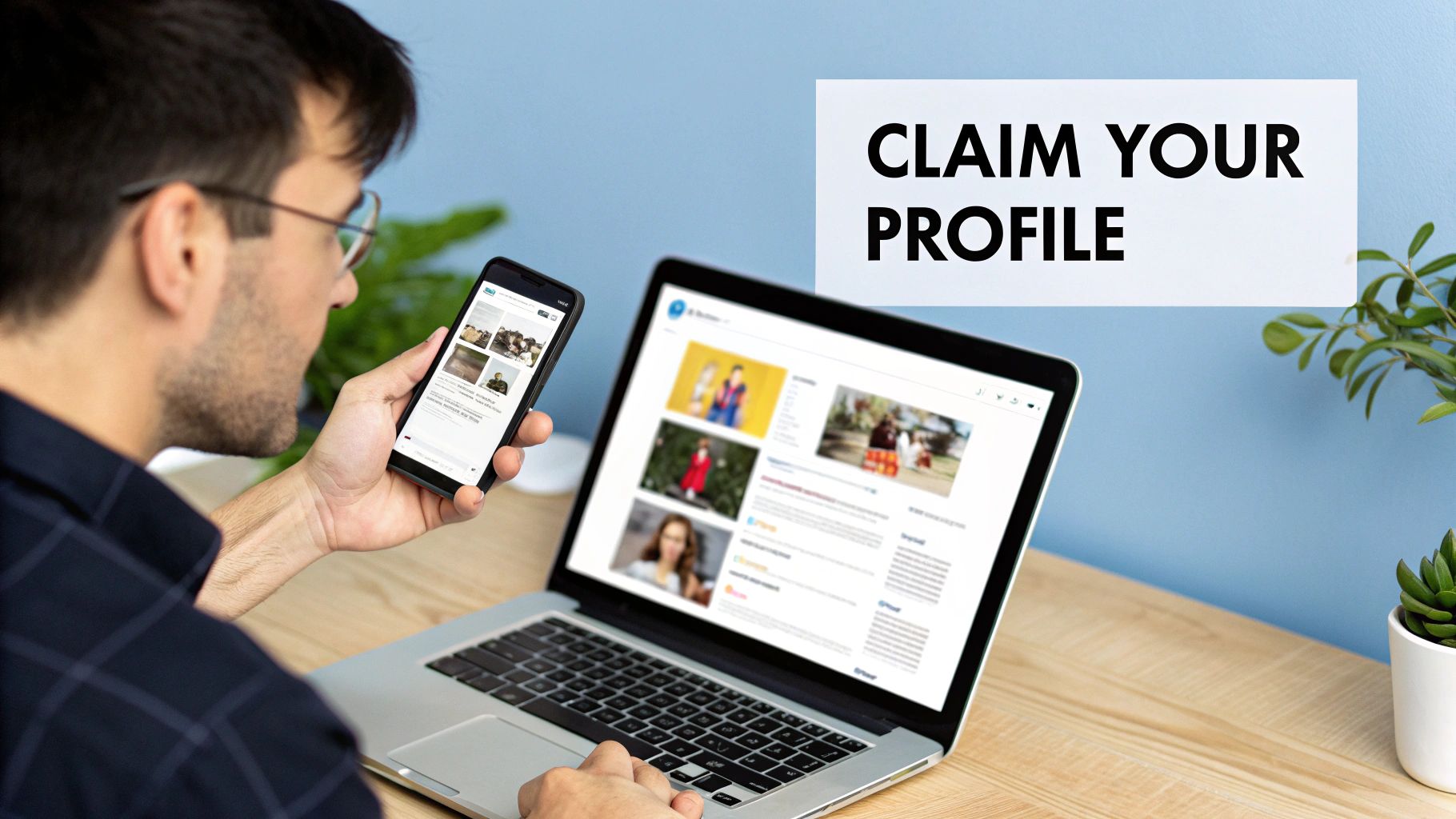
First, you must claim and verify your profile. This proves to Google that you're the real owner and unlocks key features like responding to reviews and viewing performance insights.
Get Your Core Business Information Right
Accuracy is key. Google’s algorithm rewards businesses that provide complete and helpful information.
Let’s cover the basics:
- Business Name: Use your real-world business name. Do not add extra keywords. "Joe's Plumbing – Best Plumber in Austin" can get your profile suspended. "Joe's Plumbing" is correct.
- Categories: This is a major ranking factor. Your primary category should be the one that best describes your business (e.g., "Plumber"). Then, add secondary categories for other services, like "Drain Cleaning Service" or "Water Heater Repair."
- Address and Service Area: If customers visit you, your address must be accurate. If you are a service-area business, you can hide your address and define the specific towns or zip codes you serve.
In Short: Getting these details correct tells Google exactly what you do and where you operate, which is essential for ranking.
This foundation is how businesses show up for valuable local searches. For example, optimizing for 'near me' queries for specific services is a great way to capture local customers with specific needs.
Add Engaging Content to Your Profile
Now it’s time to bring your profile to life. A profile filled with photos, details, and updates builds trust and encourages clicks.
Focus on these areas:
- Business Description: You have 750 characters. Use them to explain what makes your business unique and include your most important keywords naturally.
- Photos and Videos: Add high-quality photos of your team, your work, and your location. Profiles with more photos get 42% more requests for driving directions.
- Products and Services: List every product and service you offer. Add descriptions, photos, and even prices. This gives Google more keywords to rank you for.
GBP Optimization Checklist
Use this table to optimize the most important parts of your Google Business Profile.
| GBP Element | Actionable Tip | Why It Boosts Your Rank |
|---|---|---|
| Business Name | Use your exact, real-world name. No extra keywords. | Builds trust and prevents penalties. |
| Primary Category | Choose the most specific category for your main business. | This is a heavily weighted relevance factor for local search. |
| Services/Products | Fill out every service or product with descriptions. | Provides Google with more specific keywords to rank you for. |
| Photos | Consistently upload high-quality, geotagged photos. | Increases engagement and user trust. |
| Q&A Section | Proactively add and answer common customer questions. | Shows you are an active expert and helps control your narrative. |
| Business Description | Write a 750-character summary with top keywords. | Helps Google understand your business's core offerings. |
A well-optimized profile can help a business that's farther away outrank a closer competitor. With 46% of all Google searches having local intent, this is essential.
For more tactics, check out our guide on local SEO services for small businesses.
Strengthen Local Signals with Citations
Once your GBP is optimized, you need to build trust with Google across the web. The best way to do this is with citations.
A citation is any online mention of your business's Name, Address, and Phone number (NAP). These appear on local directories like Yelp, social media, and industry-specific websites.
When your NAP is identical everywhere, it sends a massive trust signal to Google.
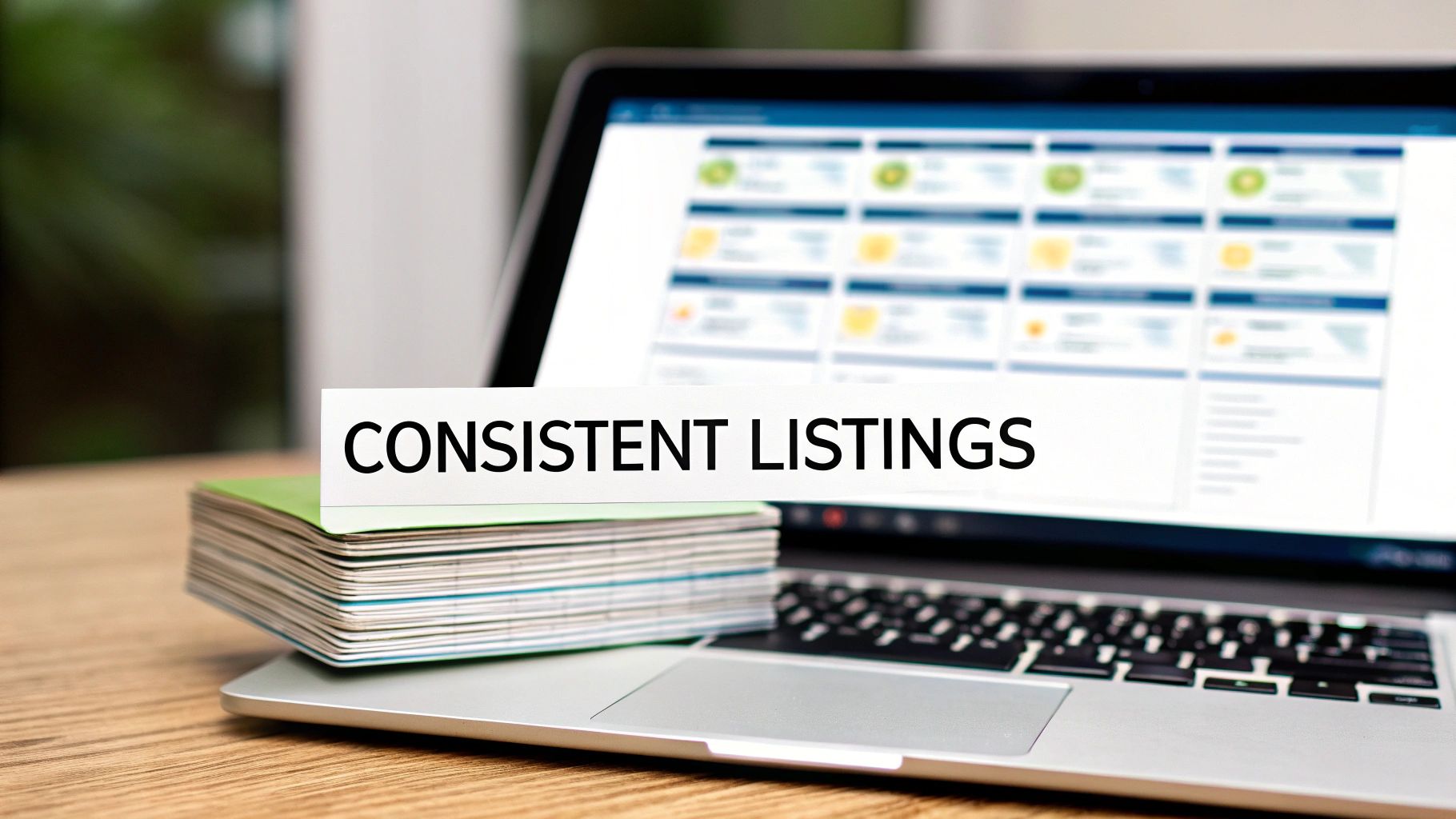
Why NAP Consistency is Important
Inconsistent NAP information is a common and damaging local SEO mistake. If Google finds "Joe's Pizza" on "Main St." and "Joes Pizzeria" on "Main Street," it creates confusion that can hurt your rankings.
The goal is 100% consistency.
- "Smith & Sons, LLC" vs. "Smith and Sons"
- "Suite 201" vs. "Ste. #201"
- "(555) 123-4567" vs. "555.123.4567"
Even small differences can cause problems. The more consistent you are, the more "prominence" your business earns in Google's eyes.
How to Audit and Clean Up Your Citations
Before building new citations, you must find and fix incorrect ones. This is called a citation audit. Start by Googling your business name and checking the top directories.
A master spreadsheet with your correct NAP can help you track incorrect listings as you claim and update each profile.
For a faster audit, SEO tools can scan hundreds of directories for inconsistencies in minutes.
How to Build High-Quality Local Citations
After cleaning up your listings, it's time to build new ones. Quality is more important than quantity.
Focus on these directories:
- Major Data Aggregators: These sites feed your data to a huge network of other websites.
- Top-Tier Directories: These include platforms like Yelp, Apple Maps, and Facebook.
- Industry-Specific Sites: A plumber should be on Angi. A lawyer needs a profile on Avvo.
- Local Directories: Your local Chamber of Commerce sends a powerful signal to Google.
Managing citations can get complicated, especially for businesses with multiple storefronts. For a deeper look, see this guide on local SEO for multiple locations.
Turn Customer Reviews into Ranking Power
Customer reviews are a direct and powerful ranking signal on Google Maps. A steady stream of positive feedback shows Google you are a trustworthy, high-quality business.
Google's algorithm scans the text in reviews for keywords. When customers mention your "emergency roof repair," it helps you rank for that term.
Why Quality and Quantity Both Matter
A high star rating is important, but Google also looks at the total number of reviews and how frequently you get them.
A business with 150 reviews looks more reliable than one with only 15.
Getting new reviews regularly shows that your business is active now. A study on the impact of reviews on local rankings on ronkot.com found a direct link between higher scores and top local search spots.
How to Get More Google Reviews
Make it easy for happy customers to leave feedback.
Here are a few simple methods:
- Email & SMS: After a job, send a simple message with a direct link to your Google review page.
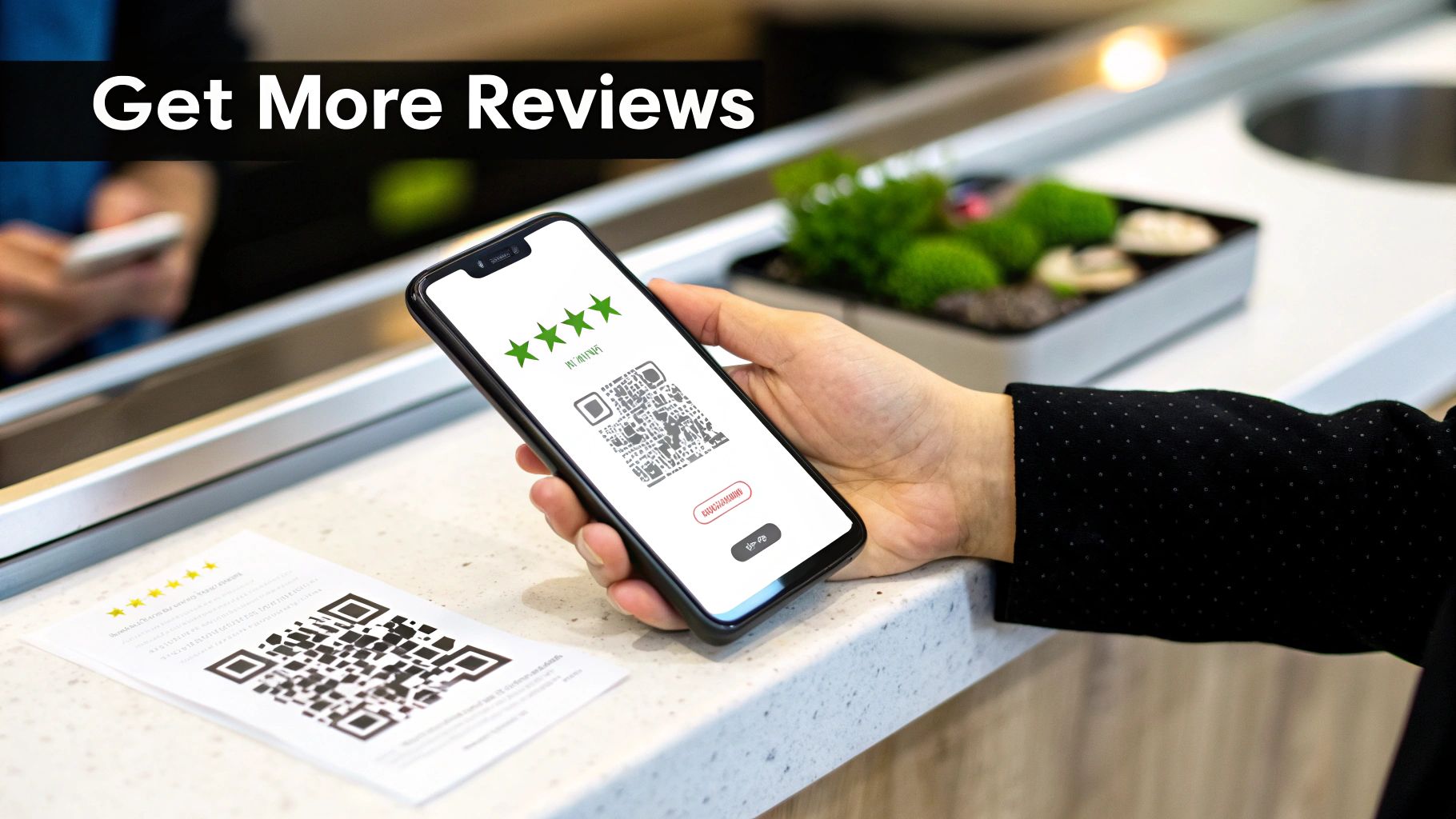
- QR Codes: Put a QR code on receipts, invoices, or a sign at your counter.
- The In-Person Ask: When you've delivered great service, ask directly. A simple, "If you were happy today, we'd appreciate a review on Google!" works well.
In Short: Never offer incentives for reviews. This violates Google's terms. You want genuine feedback.
Respond to Every Single Review
Responding to reviews is a huge opportunity. It shows Google and future customers that you are engaged and care about feedback.
Here’s a simple plan:
- For Positive Reviews: Thank the customer by name. Mention something specific from their review.
- For Negative Reviews: Act fast and stay professional. Acknowledge their problem, apologize, and offer to take the conversation offline to fix it. This shows accountability.
A good response to a negative review can be more convincing than ten positive ones.
People Also Ask About Google Reviews
How do I respond to a fake Google review?
If a review is fake or violates Google's policies, you should flag it. In your GBP dashboard, find the review, click the three dots, and select "Report review." While you wait, post a calm, public response stating you have no record of them as a customer.
Do reviews with photos help my ranking?
Yes. Reviews with photos provide authentic, user-generated content that adds credibility. This boosts engagement, which can indirectly help your ranking.
How many reviews do I need to rank on Google Maps?
There is no magic number. The goal is to have more high-quality, recent reviews than the businesses ranking above you for your main keywords. Aim for a few new reviews each month.
Make Your Website a Local Powerhouse with On-Page SEO
Your website and your Google Business Profile work together. A well-optimized website proves that the claims on your Google Maps profile are legitimate.
This connection is all about on-page SEO. It’s the practice of optimizing your website's content to make it clear what you do and where you do it.
Create Hyper-Local Service and Location Pages
Create specific pages on your website for each service in each location you cover. A single "Services" page isn't enough in a competitive market.
For example, a roofer in Dallas could create pages like:
- "Residential Roof Repair in Dallas, TX"
- "Commercial Roofing in Fort Worth"
- "Emergency Roof Tarping in Plano"
Each page is a highly relevant landing spot for someone searching for that exact service.
Use Location-Based Keywords Naturally
Sprinkle keywords into your pages in a way that sounds natural. Do not stuff keywords into every sentence.
Work your location and service keywords into these key places:
- Title Tag: "Expert Roof Repair in Dallas | [Your Company Name]"
- H1 Heading: "Fast and Reliable Roof Repair Services in Dallas"
- Body Content: Talk about your services in the context of the local area. Mention neighborhoods or common local issues.
- Image Alt Text: Use descriptive text like
alt="new shingle roof on a home in Dallas".
Finding the right keywords is important. Our guide on how to use Google's Keyword Planner can help you find what customers are searching for.
Add On-Page Trust Signals
A few simple additions to your site can reinforce your local credibility.
First, embed a Google Map on your contact page or in your website's footer. This visually confirms your location for Google.
Second, use Local Business schema markup. This is a piece of code that spells out your business details (NAP, hours, services) in a language that search engines easily understand.
In Short: On-page signals like dedicated service pages account for a massive 36% of local search ranking factors, as new local SEO statistics show.
Use Advanced Tactics to Outrank Competitors
You've mastered the basics, but you're still not in the top spot on the map. Now it's time for more advanced strategies.
This means actively using your profile as a tool to engage with customers and send stronger signals to Google.
These tactics help separate the businesses that just show up from those that dominate the local search results.
Keep Your Profile Fresh with Google Posts
Google Posts are like free ads on your business profile. Many businesses ignore this feature, but it's a simple way to signal to Google that you are active.
Consistency is more important than perfection.
- Share a picture of new equipment.
- Post about a monthly special with a "Redeem offer" button.
- Create an event post for a holiday open house.
Every post is another signal that your business is relevant right now. A good rule of thumb is to publish a new Google Post every 7-10 days.
Control the Narrative with the Q&A Feature
The Questions & Answers section on your profile can be a great tool, but anyone can post a question or answer.
Don't leave it to chance. You can ask and answer your own FAQs to control the information and strategically place keywords.
Here's a simple process:
- Brainstorm your top 5-10 frequently asked questions.
- Log into a personal Google account and ask those questions on your profile.
- Log back into your GBP manager to provide the official, keyword-rich answer.
- Ask a few people to upvote your preferred question and answer so they appear first.
Encourage Positive User Behavior Signals
Google's goal is to connect searchers with useful businesses. It measures this "usefulness" by watching how people interact with your profile. These are known as user behavior signals.
Google watches these key signals:
- Click-Through Rate (CTR): How many people who see your listing click on it? A great photo and high star rating help.
- Requests for Directions: This shows a strong intent to visit.
- Phone Calls: The "Call" button is a direct lead. More calls signal more value.
- Website Clicks: This tells Google that searchers want to learn more about you.
Every optimization, from great photos to a helpful Q&A section, is designed to encourage these behaviors.
Common Questions About Google Maps Rankings
Local SEO can feel confusing. Here are answers to some of the most common questions about ranking on Google Maps.
How long does it take to rank higher on Google Maps?
It depends on your industry's competition, your location, and how optimized your profile was when you started. Most businesses see positive movement within 2 to 4 months after optimizing their GBP, cleaning up citations, and getting reviews. Consistency is key for long-term success.
Can I rank on Google Maps without a physical storefront?
Yes. Google created the "service-area business" (SAB) category for businesses that travel to their customers, like plumbers or landscapers. You can hide your address and instead define a service area by zip codes or cities. Google will show your business to people searching within that zone.
Does my website affect my Maps ranking?
Yes, a lot. Your website and GBP are deeply connected. A well-built website with clear location info and service pages supports the information on your GBP. It gives Google extra proof that you are a legitimate business and helps it understand what you do.
Ready to stop guessing and start dominating the local map? The team at Clicks Geek specializes in data-driven local SEO and paid ad strategies that deliver measurable results for businesses just like yours. Let us build a plan that turns local searches into paying customers. Find out more at https://clicksgeek.com.