Want to get your business showing up on Google Maps? It all starts with your Google Business Profile (GBP). If you get this right, you’re already halfway there. This guide will show you how to rank a business on Google Maps by turning your profile into a magnet for local customers.
Think of your GBP as your digital storefront—it’s the single most important piece of the puzzle for local search.
1. Master Your Google Business Profile (GBP)
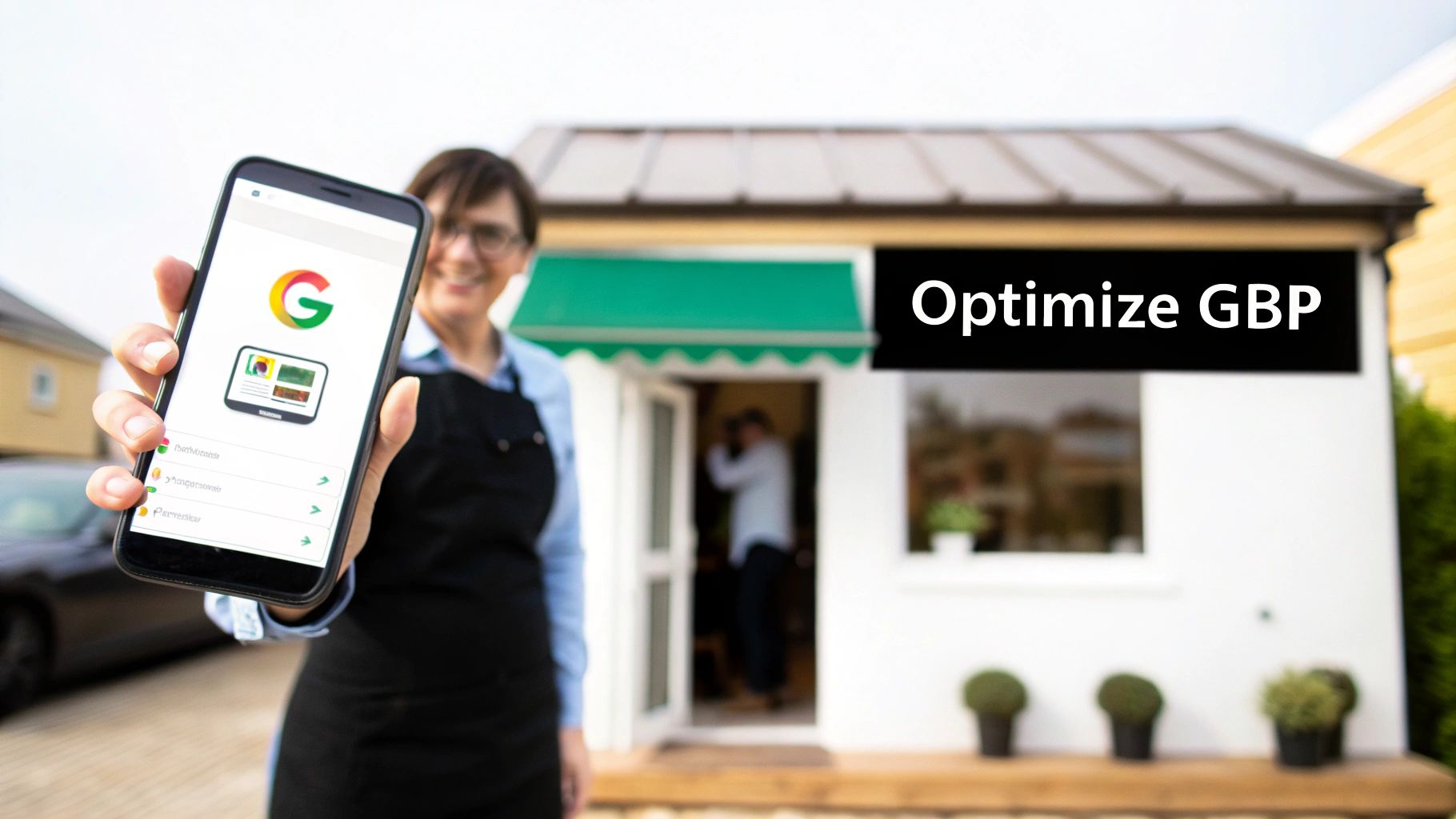
Your GBP is the bedrock of your Google Maps strategy. Getting this right is non-negotiable. An incomplete profile tells Google you might not be reliable. A complete profile builds trust and shows Google you’re a legitimate business worthy of a top spot.
First, you must claim and verify your profile. This proves to Google you're the real owner and unlocks all the optimization tools. Without verification, you can't do anything.
Nail the Core Profile Details
Once you're verified, fill out every single field you can. Each piece of information is a clue for Google's algorithm about what you do and where you're located.
Focus on these areas right away:
- Your NAP (Name, Address, Phone): This is critical for local SEO. Your NAP must be 100% identical everywhere—on your GBP, your website, and other online directories. A small difference like "St." vs. "Street" can confuse Google.
- Business Categories: Choose your primary category carefully. It should be the most accurate description of your core business (e.g., "Plumber" or "Italian Restaurant"). Then, add secondary categories like "Emergency Plumber" to appear in more specific searches.
- Business Description: You have 750 characters to explain what you do. Weave in keywords about your services and location. Instead of "We fix pipes," try "Your trusted local plumber in downtown Austin, specializing in 24/7 emergency leak repair and drain cleaning."
In Short: A complete, accurate, and keyword-rich GBP is the foundation for ranking higher on Google Maps.
Add Photos and Extra Details
Visuals are powerful. Businesses with photos on their GBP get 42% more requests for driving directions and 35% more clicks to their websites. Upload high-quality, geotagged photos of your team, your work, and your location.
Also, use the "attributes" section. These tags provide quick info like "Women-led" or "Has Wi-Fi." They help customers make decisions and can help you show up in filtered searches.
A complete profile doesn't just rank better—it converts better. Customers see businesses with a complete GBP as 2.7 times more trustworthy.
2. Build a Five-Star Reputation with Reviews
If your GBP is the foundation, reviews are the lifeblood of your local ranking. They are a powerful signal to both Google and potential customers.
Think about it: when you search for a local service, do you choose the business with 150 great reviews or the one with two? Reviews provide instant social proof.
A steady stream of positive reviews tells Google that your business is trusted by the community. This directly impacts how high you rank on Google Maps.
How do I get more reviews on Google?
Getting more reviews is about making it easy for happy customers to share their thoughts.
Here are a few simple tactics:
- Use a Direct Link: Generate a short review link from your GBP dashboard. This takes customers directly to the review box.
- Ask at the Right Time: The best time to ask for a review is right after a great experience, like when a job is completed or a customer gives you a compliment.
- Send a Simple Email or Text: A short, personal message works well. Try something like, "Thanks for choosing us today! If you have a moment, we'd appreciate your feedback on Google."
In Short: Your goal is to remove every possible barrier. A direct link, sent at the exact moment a customer is happiest, is the secret sauce to boosting your review count.
The Art of Responding to Every Review
Getting the review is just step one. Responding to them—yes, all of them—is just as important. When you reply, you show future customers that you are an engaged business owner who cares. It also signals to Google that you are active, which can help your rankings.
How to Handle Good and Bad Feedback
Your response strategy should be ready for five-star praise and one-star complaints.
Responding to Positive Reviews:
Always thank the customer by name. Mention something specific from their review to show you read it.
- Example: "Thanks so much for the kind words, Sarah! We're thrilled you love the new kitchen faucet we installed. We look forward to helping you again soon!"
Responding to Negative Reviews:
A calm, professional response can turn a bad situation around.
- Acknowledge and Apologize: Thank them for their feedback and say you're sorry they had a bad experience.
- Take it Offline: Provide an email or phone number and ask them to connect directly to resolve the issue privately.
- Stay Professional: Never get defensive. Remember, your reply is for every future customer who reads it.
Reviews have a huge impact. Research shows that 87% of consumers read Google reviews to evaluate local businesses. That's why managing your reviews is a must for anyone asking how to rank a business on Google Maps. A strong review profile is a key part of any local maps SEO plan.
3. Optimize Your Website for Local Search
Your Google Business Profile and your website are connected. Making that connection strong is a big part of how to rank a business on Google Maps.
Think of it this way: your GBP says, "I'm a plumber in Brooklyn." Your website provides the detailed evidence to prove it. When Google sees that your website and GBP tell the same story, it builds trust, which leads to higher rankings.
Create Hyper-Local Landing Pages
Generic "Services" pages don't work for local map rankings. If you're a roofer trying to serve three cities from one page, you won't rank well in any of them. You need to be specific.
Create dedicated pages for each core service in each location you serve.
For a plumber in NYC, this means creating pages like:
- Emergency Plumbing Repair in Brooklyn
- Expert Drain Cleaning in Queens
- Manhattan Water Heater Installation
Each page becomes a highly relevant target for a specific search. Fill these pages with unique content about that area, like local landmarks or common issues. This proves to Google that you are a true local expert.
Weave Local Keywords Into Your Site
Once you have these pages, add your location keywords naturally. The goal is to make it clear where you operate.
Place them in these spots:
- Title Tags
- Meta Descriptions
- H1 & H2 Headings
- Body Content
This isn't about keyword stuffing. It's about creating content focused on a local audience.
Make Your Contact Info Easy to Find
Consistency is key. Your Name, Address, and Phone number (NAP) must be identical on your website, your GBP, and any other online listing.
Put your consistent NAP in the footer of every page on your website.
Pro Tip: Embed a Google Map of your location on your contact page. This is a powerful signal that directly links your website to the physical address on your GBP.
Add Local Business Schema to Your Site
Local Business schema is special code you add to your website to speak Google's language. It clearly tells search engines the critical details about your business:
- Your exact business name
- Full address and phone number
- Hours of operation
- Business type (e.g.,
Plumber)
This code removes any doubt for Google and builds a huge amount of trust. Many competitors skip this step, giving you a serious advantage.
4. Build Local Authority with Citations
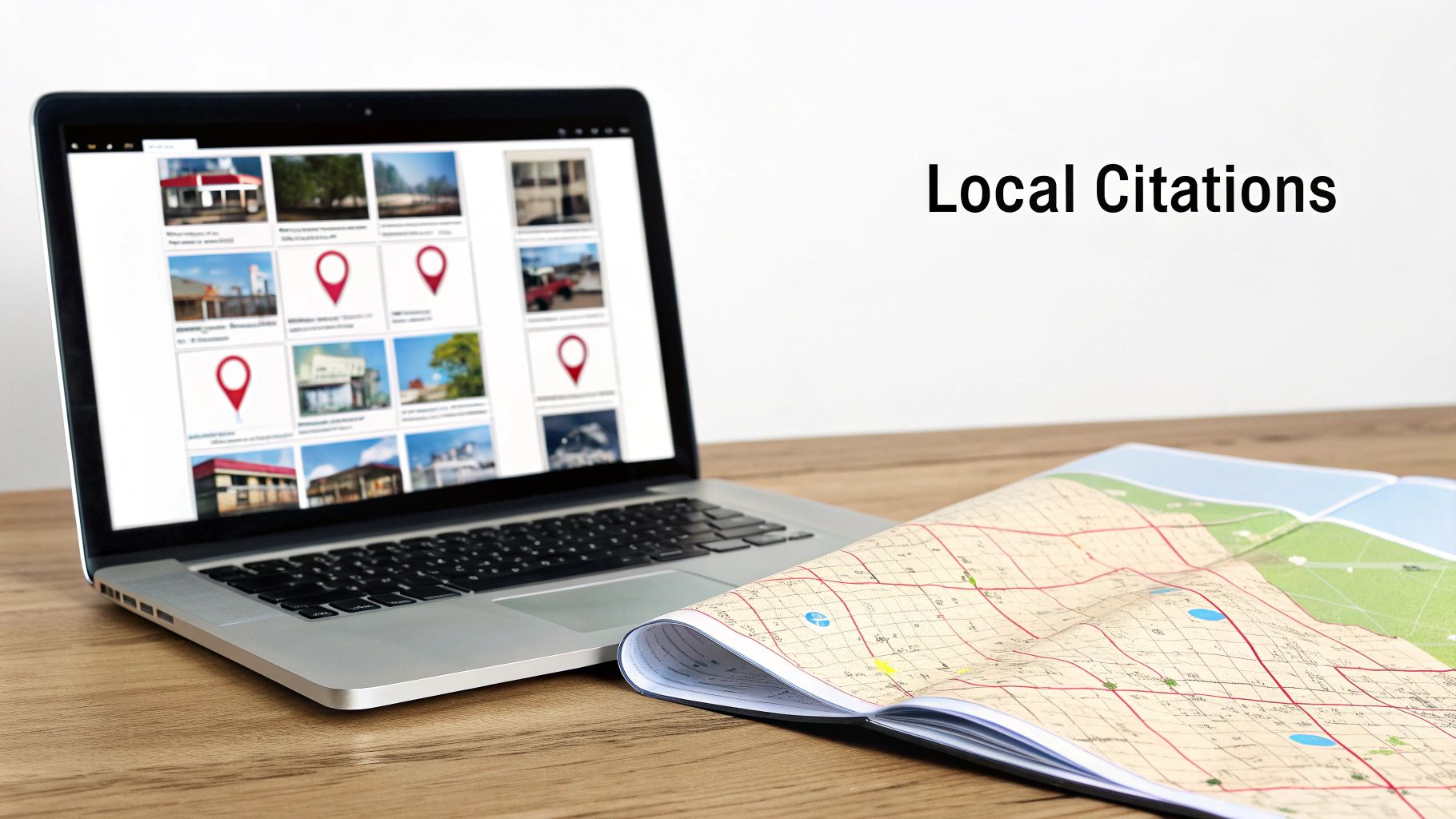
To rank high on Google Maps, you must prove you are a legitimate local business. Google needs to see other reputable sources confirming your information. These online mentions are called local citations.
What are local citations?
A local citation is any online mention of your business's Name, Address, and Phone number (NAP). These NAP mentions confirm your location and legitimacy.
You can find them on:
- Major data aggregators (like Data Axle)
- Well-known directories (Yelp, Yellow Pages)
- Industry-specific sites (HomeAdvisor, Avvo)
- Local community sites (Chamber of Commerce)
The most important rule: your NAP information must be 100% identical everywhere. Mismatched info confuses Google and hurts your rankings.
In Short: The more high-quality, consistent citations you have, the more Google trusts you, and the higher you'll rank.
Audit and Build Your Citations
First, do a citation audit to find every existing mention of your business online. Use a tool like BrightLocal or Moz Local to find and fix any inconsistencies, such as:
- Old addresses
- Incorrect phone numbers
- Slight name variations
Once your existing listings are clean, you can start building new citations on high-quality sites like Yelp, Apple Maps, and Bing Places. Focus on quality over quantity.
Managing citations is a big job, which is why many business owners hire a Google Maps ranking service to handle the work. These off-site signals prove your prominence and help you get found in the huge number of businesses found through 'near me' searches every day.
5. Keep Your Profile Active and Engaging
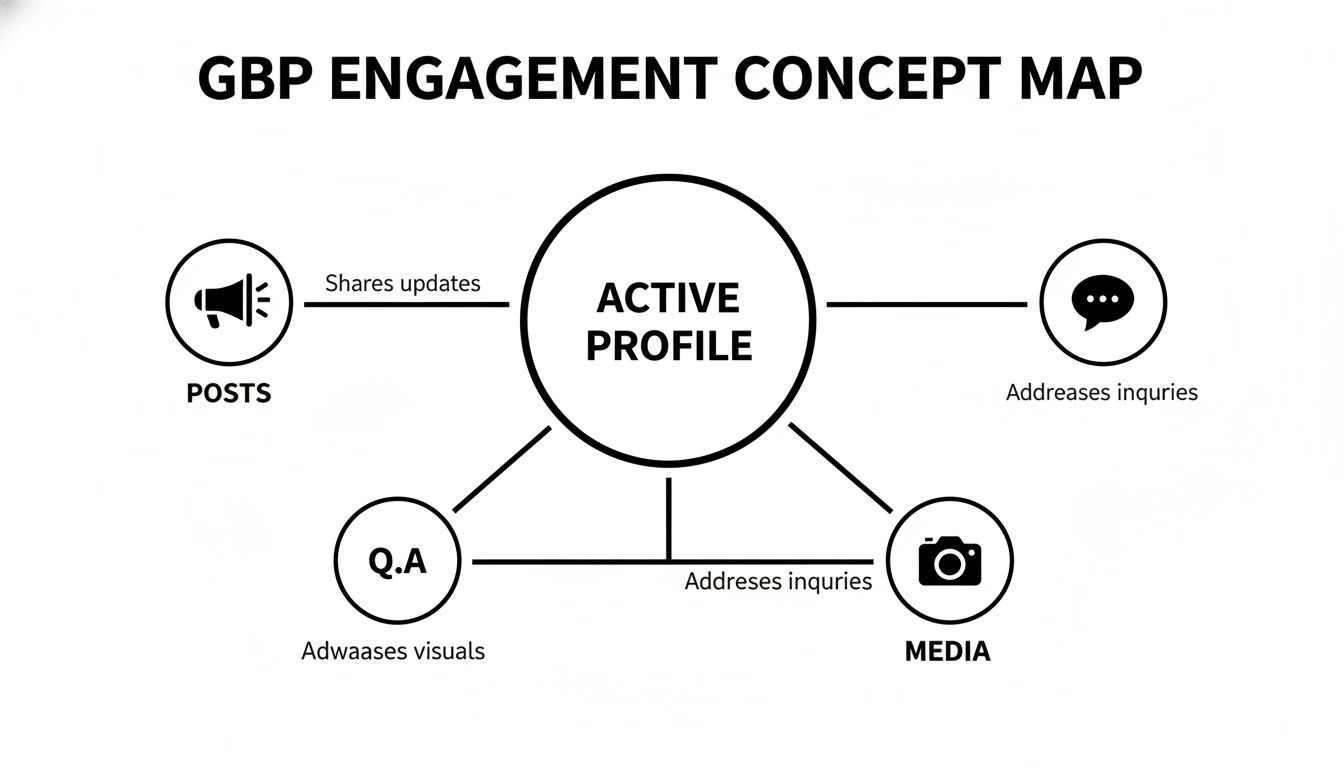
"Set and forget" is a big mistake in local SEO. Google's algorithm rewards businesses that are active. The best way to show you are open and serving customers is to use the engagement tools Google provides.
When you consistently engage on your profile, you send positive signals to Google. It shows the algorithm you are relevant and an active part of the community. This is a key part of learning how to rank a business on Google Maps.
Stay Fresh with Google Posts
Google Posts are like free mini-ads on your profile. Use them for updates, sales, or to share helpful tips. Regular posting shows Google and customers that your business is current.
Simple ideas for posts:
- Run a Special: "This week: 15% off all plumbing repairs! Mention this post."
- Spotlight a Service: "Pipe burst at 2 AM? We offer 24/7 emergency service."
- Announce News: "Welcome to our new technician, Maria!"
Own the Conversation with Q&A
The Questions & Answers section is often overlooked. Customers can ask questions on your profile, and anyone can answer them. If you don't monitor this, a wrong answer could sit there for months.
The best strategy is to be proactive. Ask and answer your own questions.
Pro Tip: Think of the top 5-10 questions you get on the phone, like "Do you offer free estimates?" or "What are your weekend hours?" Add these to your Q&A section to build trust and save time.
Show, Don't Just Tell, with Media
People want to see who they are doing business with. Profiles with photos get 42% more requests for directions and 35% more clicks to their websites.
Add a steady flow of fresh, high-quality images and videos:
- Behind the Scenes: Show your team and workplace.
- In-Action Shots: Post pictures of your crew at work (with permission).
- Before-and-Afters: Show off your best transformations.
- Quick Videos: A 30-second walkthrough or a quick tip can be very effective.
By using these features, you create a powerful feedback loop that tells Google you are a top-tier local business.
People Also Ask: Common Questions About Google Maps Ranking
How long does it take to rank higher on Google Maps?
It depends, but most businesses see positive movement in their rankings within 3 to 6 months of consistent effort. Your market competition and starting point will affect this timeline. Ranking on Google Maps is a marathon, not a sprint.
What are the main ranking factors for Google Maps?
Google’s local search algorithm focuses on three main things:
- Relevance: How well your business profile matches a search query. This is where your business categories and keywords are key.
- Distance (Proximity): How close your business is to the person searching. You can't change this, but it’s a very strong factor.
- Prominence: How well-known your business is. This is based on factors like your review count, citations, local backlinks, and your website's authority.
Can I rank in a city where I don't have a physical office?
It's nearly impossible to rank in a city where you don't have a verifiable physical address. This is against Google's guidelines. Using a virtual office or P.O. box can get your profile suspended. If you're a service-area business, list your service areas in your profile and create location pages on your website for the cities you target. However, your ranking power will always be strongest near your actual address. For best results, consider local SEO services for small businesses to build a winning strategy.