Want to rank higher on Google Maps? It comes down to three things: a strong Google Business Profile (GBP), a steady stream of customer reviews, and good local signals from your website.
When these parts work together, they show Google you're a major player in your area. This boosts your relevance, proximity, and prominence—the three keys to local search.
In Short: A complete GBP, consistent reviews, and a locally-focused website are the fastest ways to improve your Google Map ranking.
Build a Bulletproof Google Business Profile
Think of your Google Business Profile as your digital front door. For many customers, it's the first thing they see. Getting it right is essential if you want to show up on Google Maps.
A complete profile isn't just about looking professional. It signals to Google that your business is legitimate, active, and what local searchers need.
Data shows that 32% of local SEO experts believe GBP is the most important factor for ranking in the map pack. That's more than on-page SEO (19%) and reviews (16%).
Nail Your Business Categories
Your primary category is the most important choice on your profile. It tells Google exactly what you do. Be specific. Don't just pick "Contractor." Are you a "Plumbing Contractor" or a "Roofing Contractor"? The details matter.
Once you set your primary category, add secondary ones. A "Plumbing Contractor" could also add:
- Water Heater Installation & Repair Service
- Drain Cleaning Service
- Emergency Plumber
These extra layers help you appear in more specific searches.
Craft a Keyword-Rich Business Description
Your business description is valuable. Write for customers, but also think about keywords. This is your chance to include terms that describe your services and location.
Instead of a generic line like, "We are a family-owned plumbing company," try something better:
"As a trusted plumbing contractor in Springfield, we specialize in emergency drain cleaning and tankless water heater installation. Our licensed team has served local homeowners and businesses for over 20 years, providing reliable and affordable service."
This is readable but packed with the terms people search for.
The basics of a great profile come down to a few key areas. This diagram breaks down those foundations: getting your category right, locking in your business details, and using great photos.
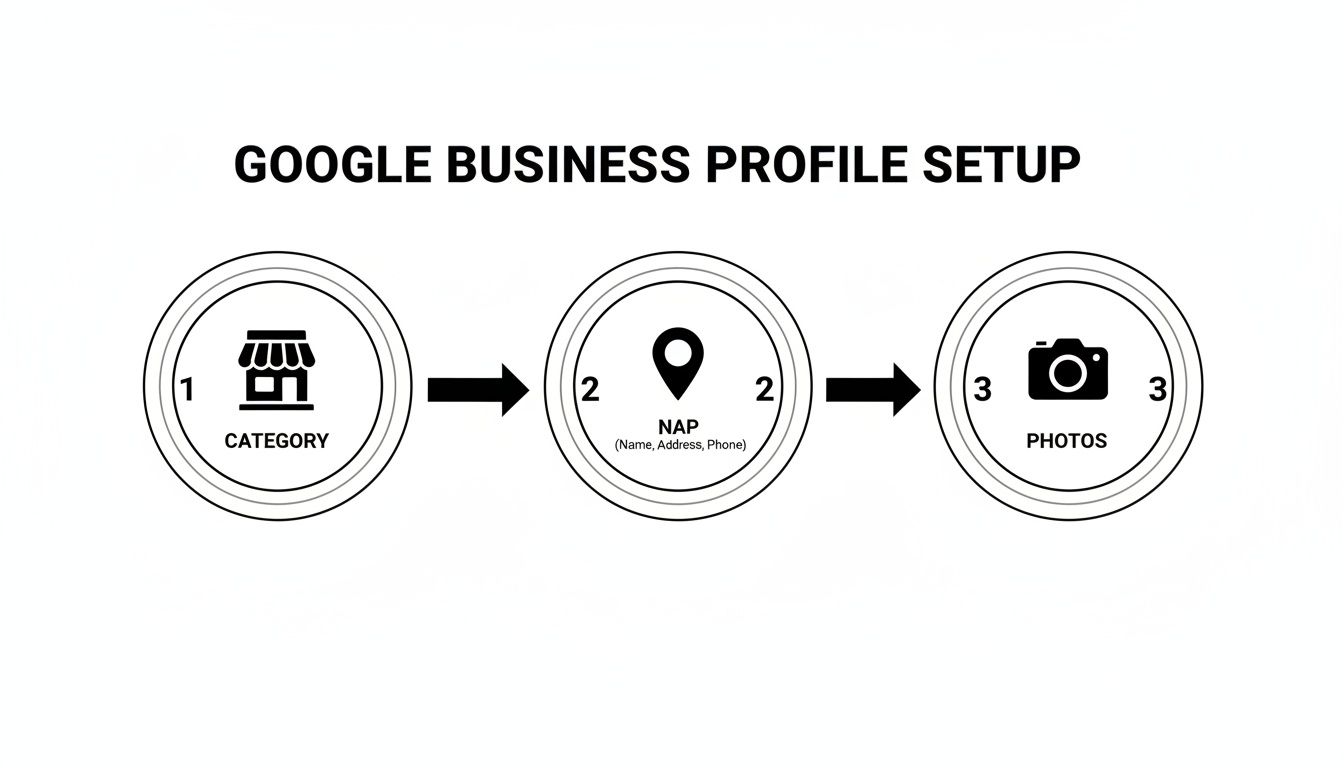
Each of these sends a critical signal to Google's algorithm, proving you're a relevant local business.
GBP Optimization Checklist
This table breaks down the essential parts of your Google Business Profile. Go through each one to give yourself the best shot at ranking higher.
| GBP Element | Optimization Action | Ranking Impact |
|---|---|---|
| Business Name | Ensure it's your actual legal business name. No keyword stuffing. | High |
| Primary Category | Select the most specific and accurate category for your main service. | Very High |
| Secondary Categories | Add all other relevant service categories to capture long-tail searches. | High |
| NAP Details | Make sure your Name, Address, and Phone Number are 100% consistent everywhere. | Very High |
| Business Hours | Keep hours updated, especially for holidays or special events. | Medium |
| Business Description | Write a compelling, 750-character description with relevant keywords. | High |
| Photos & Videos | Upload at least 10-15 high-quality, geotagged images and a short video. | High |
| Products/Services | Add your key products or services with descriptions and pricing if possible. | Medium |
| Q&A Section | Proactively add and answer common questions people have about your business. | Medium |
| Google Posts | Publish updates, offers, and news at least once a week. | High |
Completing this list will put you way ahead of most local competitors. It's about giving Google every reason to show your business to a potential customer.
Ensure Obsessive NAP Consistency
NAP stands for Name, Address, and Phone number. Google checks this info across the web—your website, social media, and online directories—to confirm your identity.
A tiny difference, like using "St." on your GBP but "Street" on your website, can hurt your rankings. Your NAP needs to be a perfect match everywhere. This consistency builds trust with search engines. For those who find this overwhelming, looking into local SEO services for small businesses can be a game-changer.
To see these principles in a specific industry, check out this ultimate guide to local SEO for car dealerships.
In Short: Your Google Business Profile is the foundation. Get your categories, description, and NAP consistency right to win half the battle for better Google Maps rankings.
Earn Trust with Reviews and Engagement
Think about the last time you looked for a new restaurant or plumber. You probably checked the reviews. This is modern word-of-mouth, and it’s a massive trust signal for customers and Google.
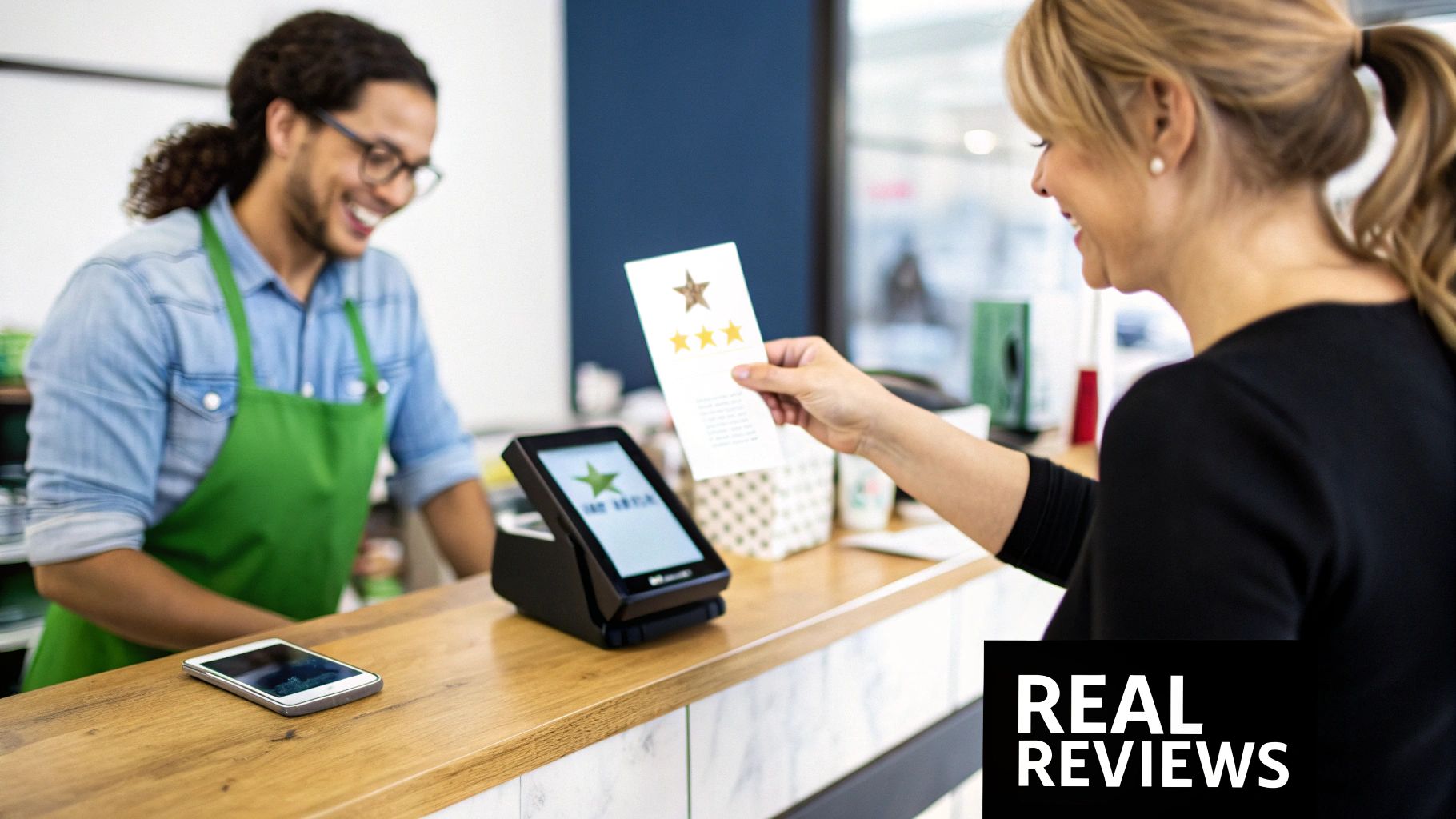
A steady stream of new reviews tells Google your business is active and valued by the community. That's a direct signal that helps you figure out how to improve google map ranking.
Create a Simple System for Getting Reviews
Most happy customers are willing to leave a review. They just forget. Your job is to make it easy for them. Ask right after they’ve had a great experience.
Simple tactics that work:
- Email or Text Follow-Ups: Send an automated message a day after a purchase. Include a direct link to your Google review page.
- QR Codes in Your Store: Put a sign with a QR code at your checkout counter or on business cards.
- A Note on Receipts: Add a friendly line like, "Loved your visit? We'd be grateful for your feedback on Google!"
Never offer discounts for reviews. That can get you penalized by Google. A simple, genuine request is all you need.
Why You Must Respond to Every Single Review
Getting reviews is half the battle. Responding is just as important. When you reply, you're showing every future customer that you listen and care.
Responding to reviews also encourages more people to leave feedback. This creates a positive cycle that boosts your profile's authority.
This is especially true for negative reviews. A thoughtful response can turn the situation around. It shows you're accountable.
How to Respond to Reviews for SEO Value
Your replies are another opportunity for local SEO. When it feels natural, include keywords about your services and location.
Positive Review Example:
- Customer: "Amazing service! They fixed my leaky faucet in no time."
- Your response: "Thank you! We're glad our team could provide fast emergency plumbing services in Springfield. We appreciate your business!"
Negative Review Example:
- Customer: "The wait time was way too long."
- Your response: "We're very sorry about the long wait. We strive to be the most efficient HVAC repair team in Springfield and missed the mark. We'd appreciate a chance to make it right."
This simple practice helps Google connect your business, what you do, and where you do it.
People Also Ask About Google Reviews
How do I get more reviews on Google?
Make it easy and ask at the right time. Send a follow-up email with a direct link, or use QR codes at your location. The key is a timely and simple request.
Does responding to Google reviews help ranking?
Yes. Google rewards engagement. Responding quickly to reviews signals that you're an active business, which can boost your local ranking.
Should I delete bad Google reviews?
You can't delete them. You can flag a review if it violates Google's policies (like spam). Your best strategy is to respond professionally and offer a solution.
Use the Q&A Feature Proactively
The "Questions & Answers" section is a goldmine. Customers often ask about parking, hours, or services here. Answer new questions quickly.
Even better, get ahead. Ask and answer common questions yourself. This saves customers time and lets you control the narrative. It turns your profile into a helpful resource.
Align Your Website for Local SEO Success
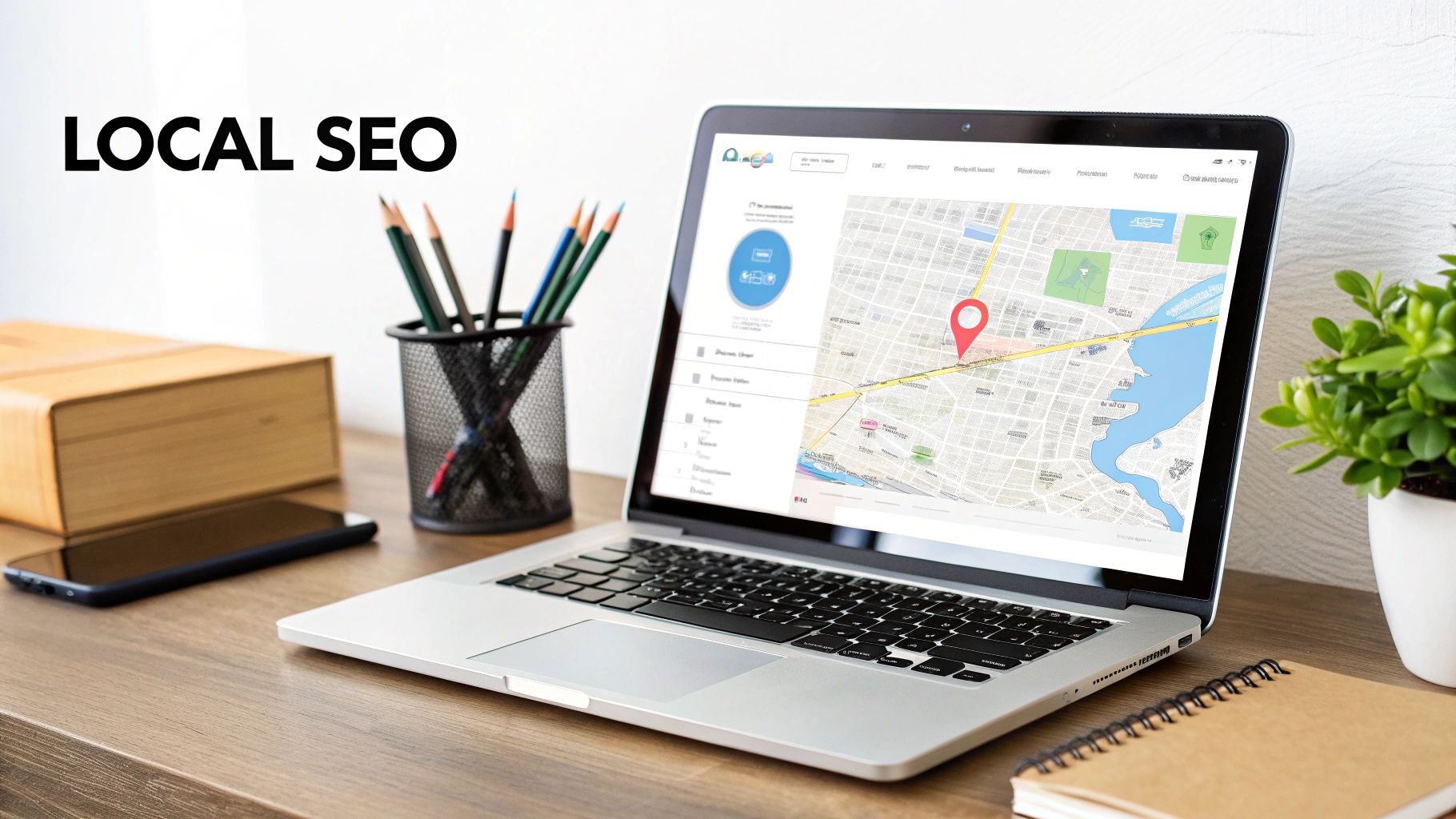
Your Google Maps profile is tied to your website. Google constantly checks to see if the information in both places lines up. When your website confirms what your GBP says, it creates a powerful signal that Google loves.
Think of it this way: your GBP is the billboard, but your website is the store. Google looks at both. Any mismatch, like different business hours, creates confusion and can hurt your visibility. This is where on-page local SEO comes in.
Create Location-Specific Service Pages
If you serve more than one city, generic pages aren't enough. Build dedicated pages for each specific service and location combination.
For example, a roofer in Dallas who also works in Plano should have pages like:
- "Residential Roof Repair in Dallas"
- "Commercial Roofing Services in Plano"
Each page needs local content. Mention local landmarks or neighborhoods. This hyper-local content shows Google you're an authority in that location.
Embed a Google Map on Your Contact Page
This is an easy and effective step. Embed the Google Map of your business location on your website's contact page. It creates a direct link between your digital and physical presence.
This simple move tells Google, "This website belongs to the business at this pin." It reinforces the NAP (Name, Address, Phone Number) consistency that is key for local rankings.
Add Local Business Schema Markup
Schema markup is code you add to your website to help search engines understand your content. Think of it as giving Google a perfectly filled-out business card.
For local businesses, use Local Business schema. It lets you clearly label your:
- Official Business Name
- Full Address
- Phone Number
- Hours of Operation
- Customer Ratings
This structured data makes it easy for Google to verify your information and trust you.
In Short: Schema markup is invisible to visitors but gives Google total confidence in who and where you are.
Focus on Mobile-Friendliness and Speed
Over 60% of Google searches happen on a mobile device. For local searches like "coffee shop near me," that number is even higher.
If someone taps on your business in Google Maps and your website is slow or messy on their phone, they'll leave. That's a huge red flag for Google.
A fast, mobile-friendly website is essential for local SEO. If you want to see a winning formula, check out a well-built mobile landing page example.
People Also Ask About Websites and Map Rankings
Does my website affect my Google Maps ranking?
Yes, it's a huge factor. Google cross-references your website with your Google Business Profile. A well-optimized site with a local focus sends clear signals that boost your map visibility.
How do I add local keywords to my website?
Weave them into your page titles, headings, and text naturally. The best way is creating location-specific pages (e.g., "HVAC Repair in Brooklyn") and mentioning local landmarks.
Is a mobile-friendly website important for local SEO?
It's non-negotiable. Most people looking for local businesses are on their phones. A bad mobile experience will hurt your rankings on both regular search and Maps.
Expand Your Reach with Local Citations
Think of your website as home base. Now, let's talk about how your business appears elsewhere online. Google scans the web for mentions of your business to confirm it’s a real, local operation. These mentions are called local citations.
A citation is any place online where your business's Name, Address, and Phone number (NAP) appear together. Every time Google sees your correct NAP on a reputable directory, it's a vote of confidence.
Why Citations Are So Important for Local SEO
The more consistent threads that lead back to your business, the more trust Google has in your location.
On the other hand, inconsistent information is a killer. If one directory lists "123 Main St." and another has "123 Main Street," that tiny difference can make Google hesitate. These discrepancies hurt your local authority over time.
First, a Quick NAP Audit
Before building new citations, you need to fix any inconsistencies. Start by Googling your business name and any variations.
Check the big players first:
- The Classics: Yelp, Apple Maps, Bing Places, and Yellow Pages.
- Social Profiles: Facebook, Instagram, and LinkedIn.
- Niche Sites: TripAdvisor for a restaurant or Avvo for a lawyer.
Pro Tip: Use a spreadsheet to track everything. List the website, note if the NAP is correct, and track your edits.
When you find bad info, claim the listing. This usually involves a quick verification. Then, you can edit the profile to perfectly match your Google Business Profile.
Building a Citation Strategy That Lasts
After cleaning up, focus on building new, high-quality citations. Quality matters more than quantity. Focus on sites that are relevant to your industry and city.
A great way to start is to see where your top competitors are listed. If the top three plumbers in your area are on a specific local directory, you need to be there too.
Managing citations for multiple physical locations can get tricky. For a deeper dive, check out our guide on local SEO for multiple locations.
People Also Ask About Local Citations
What are local citations in SEO?
Local citations are online mentions of a business's name, address, and phone number (NAP). They appear on business directories, social media, and websites. They help search engines verify a business is legitimate.
How do I get local citations for my business?
You can manually submit your business info to online directories like Yelp or industry-specific sites. There are also automated services that can distribute your NAP information to many platforms at once.
Are citations still important for local SEO?
Yes. While their role has evolved, accurate and consistent citations on high-quality directories are still a fundamental part of building local authority and ranking on Google Maps.
Keep Your Profile Fresh with Posts and Photos
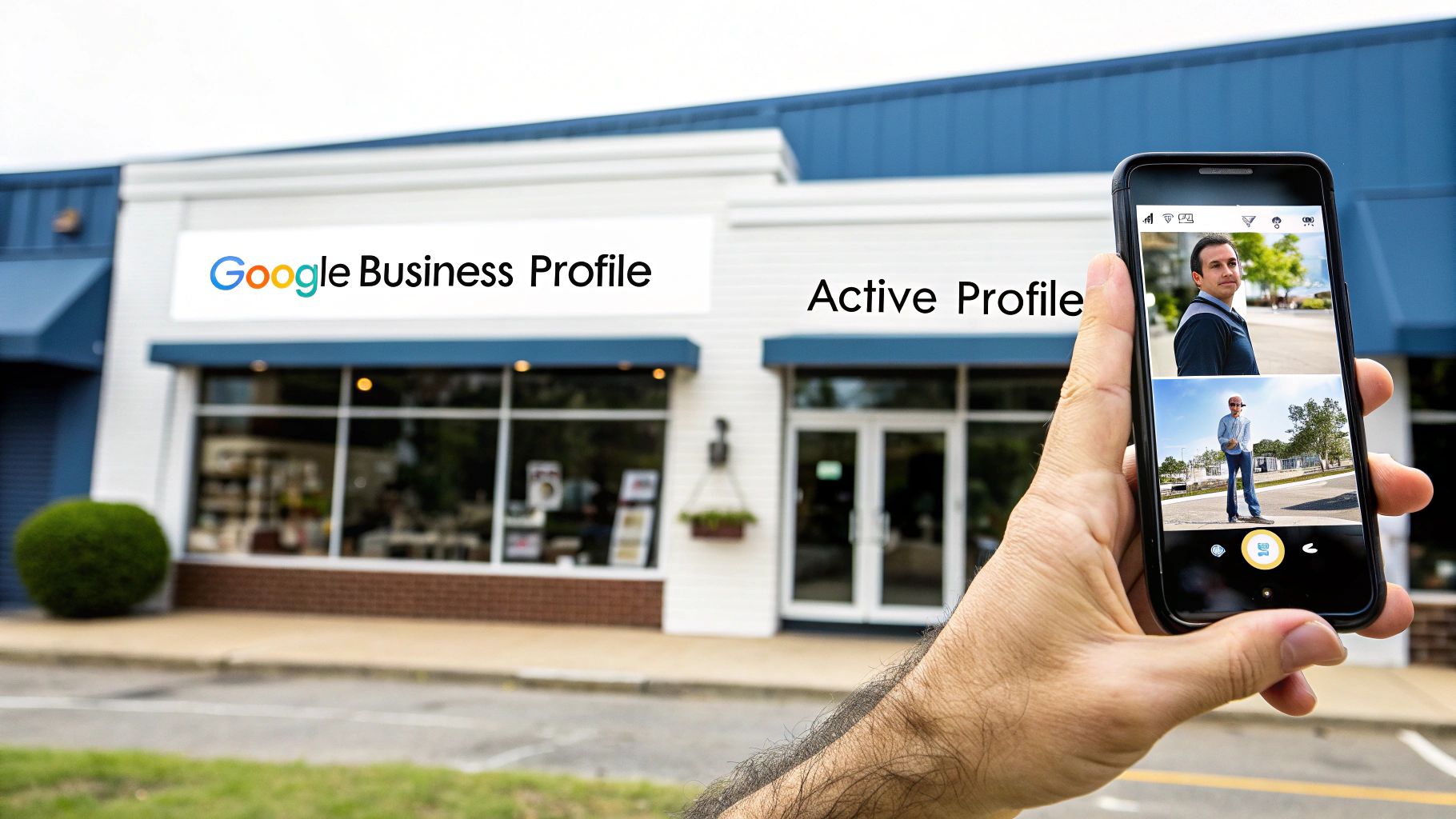
Don't let your Google Business Profile get stale. A quiet profile suggests you might not be open anymore. Keeping it fresh and active is one of the easiest ways to signal that you're thriving.
This is where Google Posts and new photos come in. Think of them as your profile's heartbeat. Consistent activity tells Google's algorithm you’re active, which is a real factor in how to improve google map ranking.
Use Google Posts as Your Mini-Blog
Google Posts are small updates that appear on your profile. They’re great for sharing timely info. The key is consistency—try to post at least once a week.
The payoff can be huge. Profiles with regular posts may show up 2.8 times more often in the top 3 map results. A London bakery used this strategy to climb to a top-three spot, resulting in a 27% jump in foot traffic. You can see more data on Google Business Profile performance to understand its power.
In Short: Consistent posting is a powerful signal to Google that your business is active. It keeps your profile fresh and gives searchers a reason to choose you.
The Google Post Idea Generator
Stuck on what to share? Here’s a table to help spark some ideas.
| Post Type | Content Idea | Goal |
|---|---|---|
| Offer | Announce a weekend sale or a new customer discount. | Drive immediate sales |
| What's New | Got a new product in stock? Started a new service? Show it off. | Create excitement |
| Event | Hosting a workshop or a webinar? Share the details. | Boost engagement |
| Blog Teaser | "Ever wondered how to [solve a problem]? Our new blog post has the answer!" | Drive website traffic |
| Behind the Scenes | Introduce a new team member or share a quick video of your workspace. | Build a personal connection |
| Customer Spotlight | Share a great review or a photo of a happy customer (with permission!). | Build social proof |
The goal is to be present, not perfect. Pick an idea, write a few sentences, add a photo, and publish.
Showcase Your Business with Fresh Photos
Photos build trust faster than words. People want to see who they're doing business with. If you don't add your own images, your profile will have a boring map thumbnail or blurry customer photos.
Take control of your visual brand. Regularly adding high-quality photos shows your business in its best light.
Focus on uploading these types of shots:
- Your Storefront: A clear, well-lit exterior shot so people can find you.
- The Inside: Give customers a feel for your space's atmosphere.
- Your Team at Work: Photos of your staff helping customers adds a human touch.
- Happy Customers: With their permission, this is pure gold for social proof.
- Your Products in Action: Show your product being used and enjoyed.
Make it a weekly habit. Snap a few new pictures and upload them to your profile. It takes five minutes but has a huge impact on user trust and your ranking.
Your Top Google Maps Ranking Questions, Answered
Jumping into local SEO can bring up a lot of questions. To make things clearer, here are the most common questions business owners ask when figuring out how to improve their Google Map ranking.
How long does it take to see results from Google Maps SEO?
It depends. There's no on/off switch for rankings. After a deep optimization, you might see a small bump in visibility within a few weeks. This is from fixing basic, incorrect info.
But aiming for the top of the "3-pack" takes patience. You should expect 3 to 6 months of consistent work. This means actively getting reviews, building citations, and posting updates. It's a long game.
Do I need a physical storefront to rank on Google Maps?
Not always, but it helps. Google Maps is built around physical places, so businesses customers can visit have an advantage.
But Service Area Businesses (SABs)—like plumbers and landscapers—can still rank. Here's how:
- You must have a Google Business Profile.
- You have to hide your address (per Google's rules).
- Your profile will show a service area on the map, not a pin.
Ranking is tougher because proximity (how close you are to the searcher) is a major factor. Without a public address, that signal is weaker. This means other factors, like great reviews and strong website signals, become even more important.
Can I rank in a city where I don’t have a physical address?
No. Trying to rank in a city where you have no physical presence violates Google's guidelines. Your Google Map ranking is tied to a real, verifiable address.
Using things like virtual offices, P.O. boxes, or a friend's home address will get your profile suspended. Google's algorithm is smart and has seen these tricks. A suspension is a nightmare to fix.
In Short: Don't try to game the system. Focus your energy on dominating the search results where your business is actually located.
At Clicks Geek, we're experts at turning a Google Business Profile into a lead-generating powerhouse. If you want a proven strategy to dominate your local market, we can build a plan that gets you real, measurable results. Learn more about how we can help your business grow.