Between Google Ads campaigns, Facebook metrics, email performance, website analytics, and call tracking data, the average business generates thousands of marketing data points every single day. Most of it sits in separate platforms, creating a fragmented mess that makes it nearly impossible to answer the most important question: what’s actually driving revenue?
The right marketing analytics dashboard changes everything. It pulls your scattered data into one place, surfaces the metrics that matter, and shows you exactly where to double down and where to cut losses.
We’ve tested dozens of analytics platforms to find the tools that deliver real clarity without requiring a data science degree. Here are the top marketing analytics dashboards that help businesses make smarter decisions faster.
1. Clicks Geek Custom Analytics Reporting
Best for: Local businesses wanting expert-managed analytics without the technical complexity
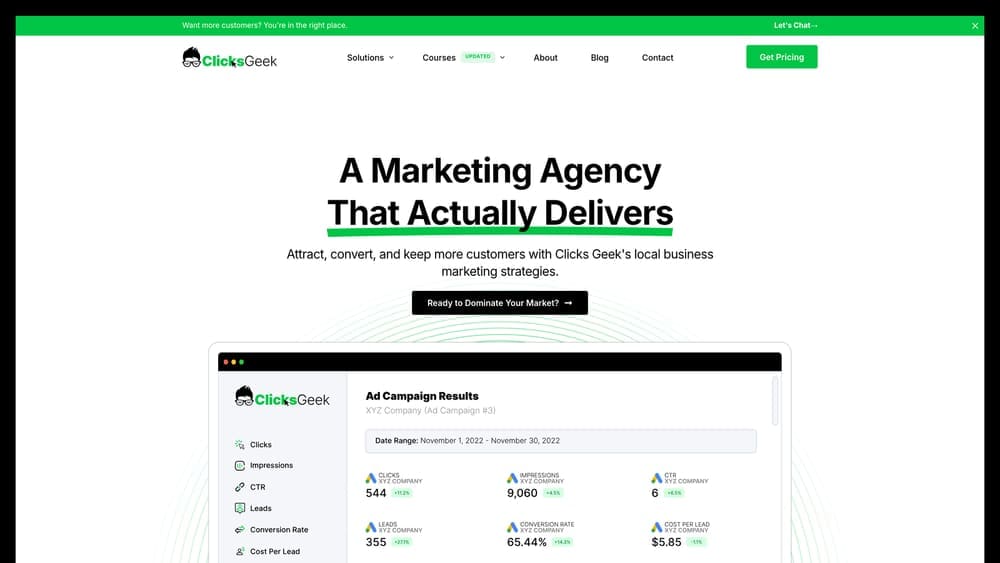
Clicks Geek Custom Analytics Reporting delivers done-for-you marketing dashboards built and managed by a Google Premier Partner agency, designed specifically for businesses that need actionable insights rather than raw data dumps.
Where This Tool Shines
The standout difference here is that you’re not just getting software—you’re getting expertise. The team builds custom dashboards tailored to your specific business goals and revenue drivers, then provides monthly interpretation of what the numbers actually mean for your growth strategy.
This matters because most businesses don’t struggle with accessing data. They struggle with knowing which metrics drive real revenue and which are just noise. Having a Google Premier Partner agency handle both the technical setup and strategic interpretation eliminates the guesswork.
Key Features
Custom Dashboard Configuration: Dashboards built around your specific business model and revenue goals, not generic templates.
Multi-Channel Integration: Connects Google Ads, Facebook Ads, call tracking, and other critical data sources into unified reporting.
Expert Monthly Reporting: Regular reports with strategic interpretation from experienced marketers who explain what’s working and why.
Revenue-Focused Metrics: Emphasis on tracking actual business outcomes like qualified leads, cost per acquisition, and ROI rather than vanity metrics.
Ongoing Optimization Recommendations: Actionable insights included with each report to improve performance based on what the data reveals.
Best For
Local businesses and companies that want marketing analytics handled by experts rather than managing it in-house. Particularly valuable for businesses running multiple marketing channels who need someone to connect the dots between campaigns and actual revenue results.
Pricing
Included with managed marketing services; custom reporting packages available by contacting the team directly for businesses with specific analytics needs.
2. Google Looker Studio
Best for: Budget-conscious marketers who need powerful visualization with Google ecosystem integration
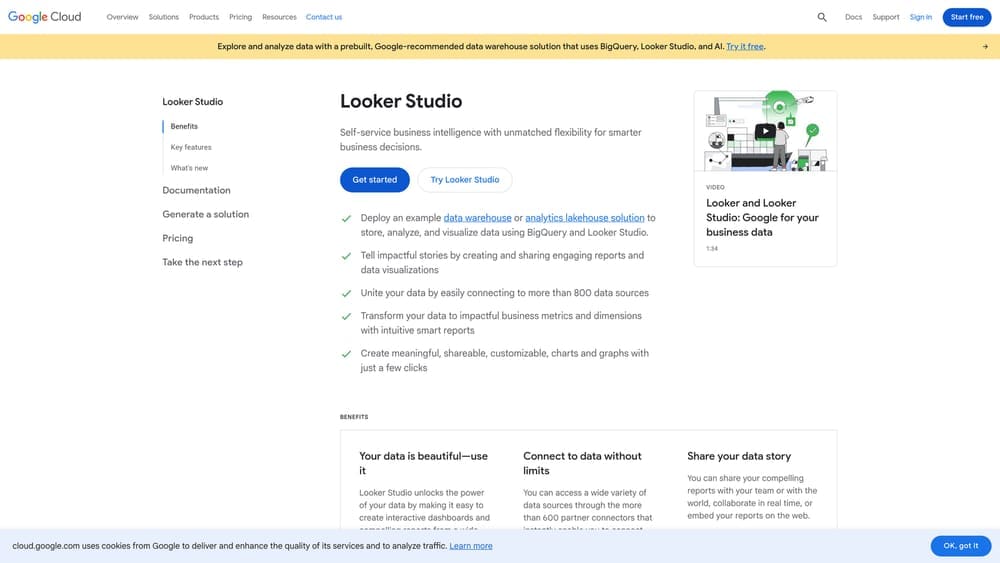
Google Looker Studio is a free data visualization platform that transforms raw marketing data into interactive dashboards and reports without charging a single dollar.
Where This Tool Shines
The price point is unbeatable—completely free with no hidden costs or user limits. But what makes Looker Studio genuinely valuable is the seamless integration with Google’s marketing tools. If you’re running Google Ads or using Google Analytics 4, connecting your data takes seconds.
The platform also offers surprising depth for a free tool. You can build complex multi-page reports, add interactive filters, and share dashboards that update in real-time. The learning curve exists, but countless YouTube tutorials make it manageable even for beginners.
Key Features
Zero Cost Access: Completely free with unlimited reports, dashboards, and users—no premium tier required.
Native Google Integrations: Direct connections to Google Ads, Analytics 4, Search Console, and YouTube without third-party connectors.
800+ Partner Connectors: Access to hundreds of third-party data sources through the connector marketplace for non-Google platforms.
Real-Time Data Options: Configure dashboards to pull fresh data automatically or set custom refresh schedules.
Interactive Sharing: Create shareable dashboards where viewers can filter and explore data without editing permissions.
Best For
Small businesses and marketers primarily using Google’s marketing ecosystem who want professional dashboards without monthly software costs. Also excellent for agencies building client reports on tight budgets.
Pricing
Completely free with no limitations on users, reports, or data sources.
3. Databox
Best for: Teams needing mobile-first KPI tracking with automated performance alerts
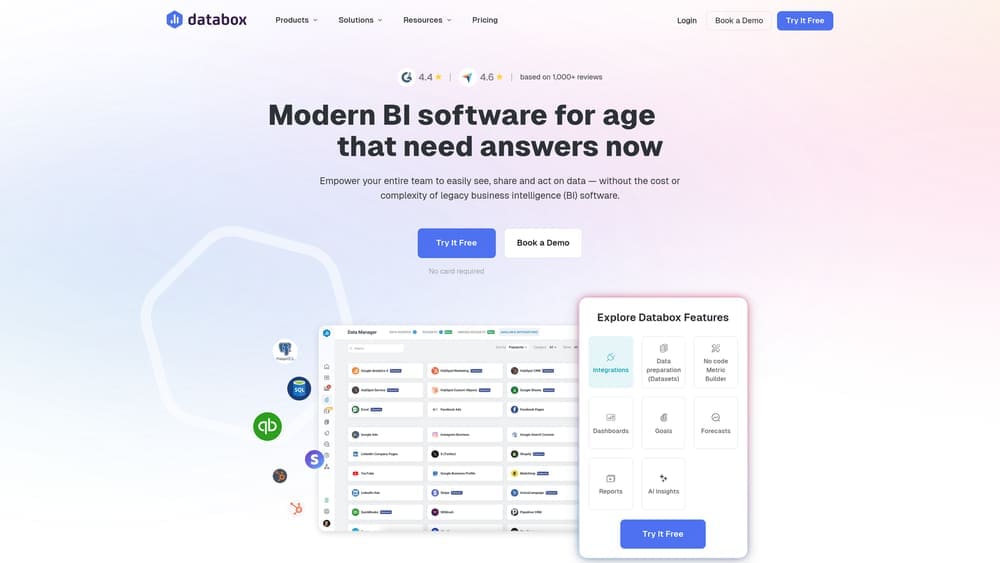
Databox is an analytics platform built around the idea that your most important metrics should be accessible anywhere, with goal tracking and automated alerts that notify you when performance shifts.
Where This Tool Shines
The mobile experience sets Databox apart. While most dashboard tools feel like desktop software crammed onto a phone screen, Databox designed its mobile app first. You get clean, readable KPI cards that make checking performance during a commute or between meetings genuinely useful.
The goal-setting features add another layer of value. Set targets for any metric, and Databox automatically alerts you when you’re trending above or below expectations. This proactive monitoring means you catch problems early rather than discovering them in monthly reports.
Key Features
100+ Native Integrations: Direct connections to major marketing platforms including Google Ads, Facebook, HubSpot, and Shopify.
Goal Tracking System: Set performance targets and receive automated alerts when metrics deviate from expectations.
Mobile-Optimized App: Purpose-built mobile interface for monitoring KPIs on phones and tablets without compromising readability.
Pre-Built Templates: Industry-specific dashboard templates that get you up and running in minutes.
Benchmark Data: Compare your performance against industry averages to understand where you stand competitively.
Best For
Marketing managers and business owners who need to monitor performance on the go, plus teams that want proactive alerts rather than reactive reporting.
Pricing
Free plan available with basic features; paid plans start at $47/month with additional data sources and users.
4. Klipfolio
Best for: Data-savvy marketers wanting deep customization and transformation capabilities
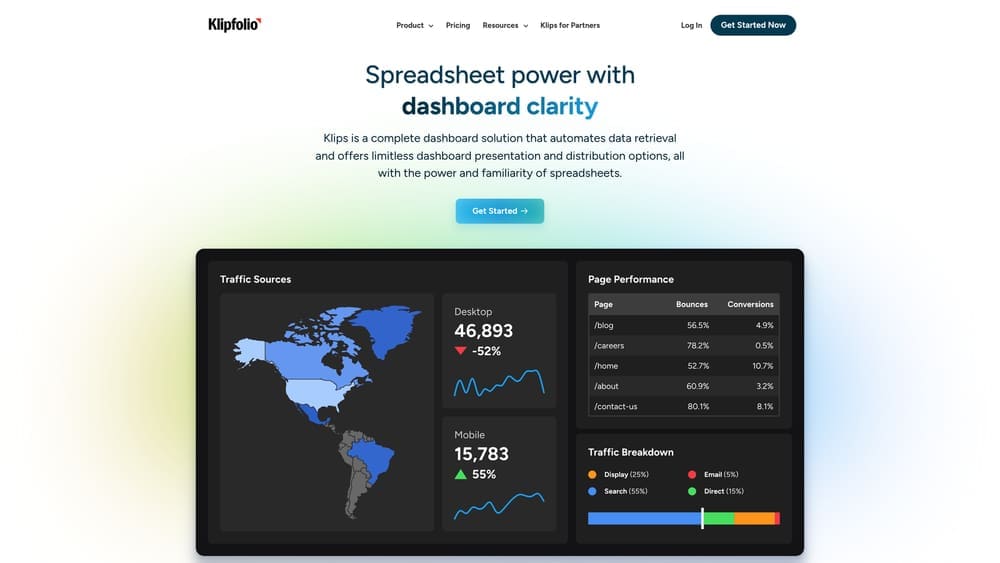
Klipfolio is a flexible dashboard platform that gives you granular control over how data is processed, calculated, and displayed—perfect for teams with specific reporting requirements.
Where This Tool Shines
Klipfolio excels when you need to do more than just display data. The platform includes powerful data transformation tools that let you create custom calculations, blend multiple data sources, and build metrics that don’t exist natively in your marketing platforms.
The white-label capabilities make it particularly valuable for agencies. You can completely rebrand dashboards with client logos and colors, then display them on office TVs or share them as if they’re built on proprietary technology. This professional presentation elevates client communications significantly.
Key Features
130+ Service Connectors: Pre-built integrations covering major marketing, analytics, and business platforms.
Custom Data Transformations: Built-in formulas and functions for creating calculated metrics and blending data sources.
White-Label Options: Complete branding customization for agencies presenting dashboards to clients.
TV Display Mode: Optimized full-screen layouts designed for office displays and team monitoring screens.
API Access: Direct API connections for pulling data from custom or proprietary systems.
Best For
Marketing agencies managing client reporting, plus in-house teams with technical resources who need custom metrics beyond standard platform reporting.
Pricing
Starts at $90/month for team plans with multiple users and data sources.
5. AgencyAnalytics
Best for: Marketing agencies managing multiple clients with automated white-label reporting
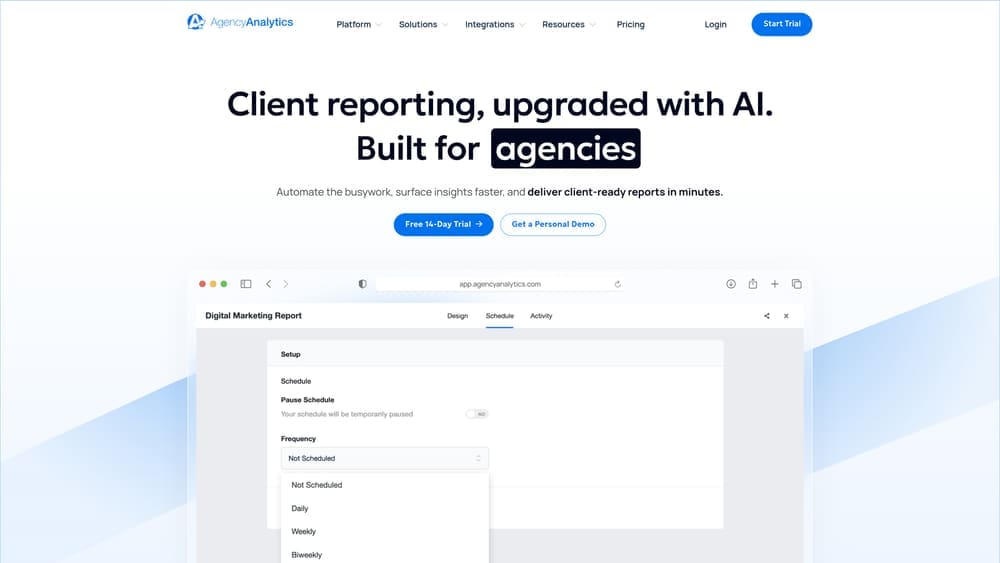
AgencyAnalytics is purpose-built for agencies juggling dozens of client accounts, with automated scheduling and white-label features that eliminate hours of manual report creation.
Where This Tool Shines
The platform understands agency workflows. Instead of building individual reports from scratch each month, you set up client dashboards once, then AgencyAnalytics automatically generates and delivers reports on your schedule. This automation alone saves most agencies 10-15 hours monthly.
The client access feature adds another efficiency layer. Give clients login credentials to view their own dashboards anytime, reducing “how are we doing?” emails and calls. You control exactly what they see while maintaining your agency branding throughout.
Key Features
80+ Marketing Integrations: Comprehensive coverage of advertising, SEO, social media, and analytics platforms agencies commonly manage.
White-Label Dashboards: Complete branding customization with your agency logo, colors, and domain name.
Automated Report Scheduling: Set up once and let the system automatically generate and email reports to clients on your chosen schedule.
Client User Access: Provide clients with login credentials and custom permission levels for self-service dashboard viewing.
Built-In SEO Tools: Integrated rank tracking, site audits, and backlink monitoring without needing separate SEO software.
Best For
Digital marketing agencies managing multiple client accounts who want to eliminate manual reporting work while maintaining professional client communications.
Pricing
Starts at $12/month per client campaign, with volume discounts for agencies managing larger client rosters.
6. Whatagraph
Best for: Teams prioritizing visual storytelling and stakeholder-friendly reporting
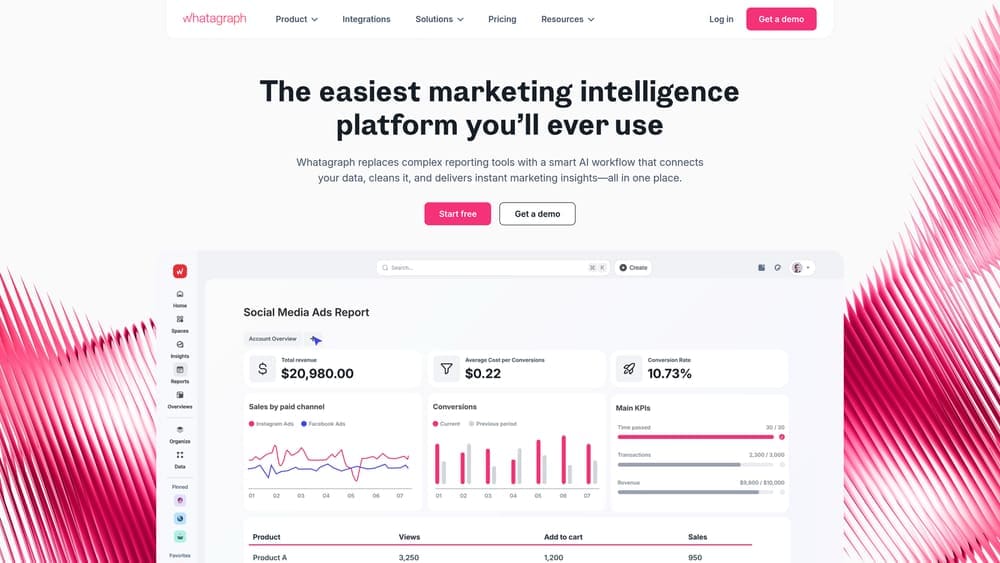
Whatagraph is a visual-first reporting platform designed to make marketing data compelling and immediately understandable for executives and stakeholders who prefer charts over spreadsheets.
Where This Tool Shines
The visual presentation quality stands out immediately. Where most dashboard tools produce functional but bland reports, Whatagraph generates polished, magazine-quality visualizations that look professionally designed. This matters when presenting to executives or clients who make quick judgments based on presentation quality.
The cross-channel performance blending deserves mention too. Whatagraph automatically combines data from different marketing channels into unified views, making it easy to compare Facebook performance against Google Ads or see how email campaigns contribute to overall conversion goals.
Key Features
45+ Marketing Channel Integrations: Covers major advertising, social media, email, and analytics platforms with direct connections.
Cross-Channel Blending: Automatically combines data from multiple sources to show unified performance across marketing channels.
Visual Report Templates: Pre-designed report layouts optimized for visual impact and stakeholder comprehension.
Automated Multi-Channel Reports: Schedule reports that pull data from all connected sources and deliver them automatically.
Custom Branding Options: White-label capabilities for agencies presenting reports under their own brand identity.
Best For
Marketing teams reporting to executives who value visual presentation, plus agencies wanting to impress clients with polished, professional-looking reports.
Pricing
Starts at $199/month for professional plans with multiple data sources and users.
7. DashThis
Best for: Marketers wanting quick setup and unlimited data sources without complexity
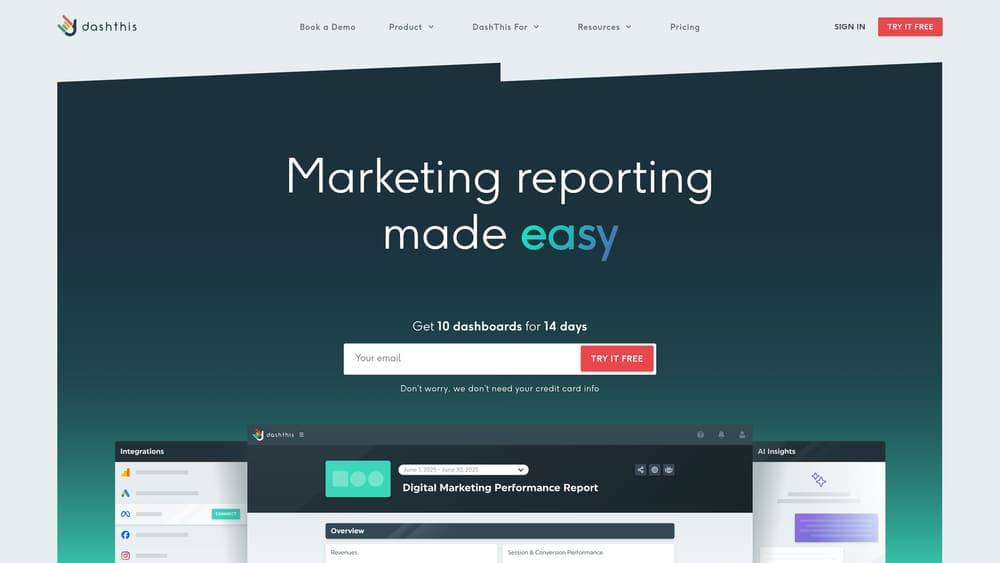
DashThis is a straightforward dashboard tool focused on getting you up and running fast, with unlimited data source connections included on every pricing tier.
Where This Tool Shines
The simplicity is the selling point. DashThis doesn’t try to be the most powerful or feature-rich platform. Instead, it focuses on making dashboard creation fast and painless. Most users can build their first functional dashboard in under 30 minutes without watching tutorials.
The unlimited data sources policy removes a common frustration with competitor tools. Many platforms charge per connector or limit how many sources you can use. DashThis lets you connect everything you need regardless of which plan you choose, making budgeting predictable.
Key Features
34+ Native Integrations: Direct connections to popular marketing platforms without requiring third-party middleware.
Unlimited Data Sources: Connect as many platforms as needed on all plans without per-connector fees.
Industry-Specific Templates: Pre-built dashboard templates designed for common business types and marketing scenarios.
CSV Import Capability: Upload custom data from spreadsheets or proprietary systems not covered by native integrations.
White-Label Options: Remove DashThis branding and add your own logo for client-facing reports.
Best For
Small agencies and in-house marketing teams who value ease of use and predictable pricing over advanced customization features.
Pricing
Starts at $49/month for 3 dashboards with unlimited data sources and users.
8. Supermetrics
Best for: Data teams wanting to pull marketing data into existing spreadsheets or warehouses
Supermetrics is a data connector tool that pulls marketing data into Google Sheets, Excel, BigQuery, or data warehouses rather than providing its own dashboard interface.
Where This Tool Shines
Supermetrics solves a different problem than traditional dashboard tools. Instead of forcing you to build reports in yet another platform, it brings marketing data to where you already work—whether that’s spreadsheets for quick analysis or data warehouses for enterprise reporting.
The scheduled refresh capability means your spreadsheets stay current automatically. Set up your data pulls once, and Supermetrics updates your sheets daily or hourly without manual intervention. This turns Google Sheets into a surprisingly powerful analytics tool when combined with pivot tables and formulas.
Key Features
100+ Data Source Connectors: Comprehensive coverage of marketing platforms, analytics tools, and advertising networks.
Multiple Destination Options: Push data to Google Sheets, Excel, BigQuery, Snowflake, or other data warehouse systems.
Scheduled Automatic Refresh: Configure data pulls to run automatically on your chosen schedule without manual updates.
Cross-Source Data Blending: Combine data from multiple marketing platforms in a single spreadsheet or warehouse table.
Works With Existing Tools: Integrates with your current visualization and analysis tools rather than replacing them.
Best For
Data analysts and technical marketers who prefer working in spreadsheets or have existing data warehouse infrastructure for enterprise reporting.
Pricing
Starts at $39/month per connector destination, with pricing varying based on data volume and destination type.
9. Tableau
Best for: Enterprise organizations with complex data needs and dedicated analytics resources
Tableau is an enterprise-grade analytics platform with industry-leading visualization capabilities designed for organizations handling massive datasets and complex analysis requirements.
Where This Tool Shines
Tableau’s visualization engine is unmatched in terms of power and flexibility. You can create virtually any chart type imaginable, build interactive dashboards with drill-down capabilities, and handle datasets containing millions of rows without performance degradation.
The AI-powered analytics features add another dimension. Tableau can automatically surface insights, identify anomalies, and suggest visualizations based on your data patterns. This intelligence helps even experienced analysts discover relationships they might have missed through manual exploration.
Key Features
Advanced Visualization Engine: Industry-leading chart creation with virtually unlimited customization options and interactive capabilities.
Enterprise Data Handling: Processes massive datasets efficiently with optimized performance for complex queries.
AI-Powered Insights: Automated anomaly detection and pattern recognition to surface hidden insights in your data.
Extensive Customization: Deep control over every visual element and calculation for precise reporting requirements.
Enterprise Security: Robust user permissions, data governance, and compliance features for large organizations.
Best For
Large enterprises with dedicated data teams, complex multi-departmental reporting needs, and budgets to support enterprise-grade analytics infrastructure.
Pricing
Starts at $75/user/month for Tableau Creator licenses, with additional costs for server deployment and support.
Finding Your Perfect Analytics Match
The right marketing analytics dashboard depends entirely on your business size, technical resources, and what you actually need to track. Local businesses and small teams often get the most value from done-for-you solutions like Clicks Geek Custom Analytics Reporting or free tools like Google Looker Studio that eliminate setup complexity.
Agencies managing multiple clients should prioritize platforms built for their workflow—AgencyAnalytics and DashThis both save significant time through automation and white-label features. Meanwhile, enterprise organizations with dedicated data teams can leverage the advanced capabilities of Tableau or build custom solutions using Supermetrics.
The common thread across successful analytics implementations isn’t the tool itself—it’s focusing on metrics that actually drive revenue decisions. Tracking vanity metrics like impressions or page views feels productive but rarely changes business outcomes. The dashboards that deliver real value surface conversion rates, cost per acquisition, customer lifetime value, and other numbers directly tied to profitability.
Most businesses discover they only need 3-5 well-chosen metrics monitored consistently rather than sprawling dashboards with dozens of charts. Start simple, track what matters, and add complexity only when you’ve mastered the basics.
If you want to see what this would look like for your business, we’ll walk you through how it works and break down what’s realistic in your market. We build lead systems that turn traffic into qualified leads and measurable sales growth—not just pretty dashboards that collect dust. Let’s figure out what tracking and optimization would actually move the needle for your revenue.