Want to know how to increase your Google Maps ranking? It all starts with your Google Business Profile (GBP). This isn't just another online directory. It's the foundation of your local SEO and your digital storefront on Google Search and Maps.
Your GBP is the central hub for your local online presence. An incomplete or inaccurate profile is like having a "Closed" sign on your door 24/7. It tells Google and potential customers that you might not be reliable. Nailing this foundation is the most impactful step you can take.
In Short: A fully optimized Google Business Profile is the most important factor for ranking higher on Google Maps.
Many business owners treat their GBP as a one-and-done task. That’s a massive mistake. The businesses you see in the top "map pack" results are constantly managing their profiles. This is about actively showing Google that your business is alive, well, and deserves a top spot.
Build Your Foundation With a Perfect Google Business Profile
Think of your GBP as the command center for your local search visibility. To improve your Google Maps ranking, your profile needs to be flawless.
Claim and Verify Your Business Listing
First things first: you can't optimize a profile you don't own. You must claim and verify your listing. It sounds basic, but many businesses skip this, leaving their most important local asset uncontrolled. An unclaimed profile is a ghost ship—you have no control over where it goes or what information it displays.
A study of over 1,600 car dealerships found that 11.1% of their profiles were unclaimed. That's a huge number of businesses leaving money on the table.
Claiming your GBP is simple:
- Find your business on Google Maps.
- Click the "Own this business?" or "Claim this business" link.
- Follow the steps to prove you're the owner. This usually involves getting a postcard with a code, but phone or email verification is sometimes an option.
Fill Out Every Single Section
Once you have access, your mission is to complete 100% of your profile. Every empty field is a missed opportunity to send ranking signals to Google. The algorithm trusts complete profiles because they provide a better experience for searchers.
Pro Tip: Think of every section in your GBP as another chance to rank. An incomplete profile tells Google you're not paying attention. The more details you provide, the more confident Google becomes in showing you to users.
This flow chart breaks down the core process.
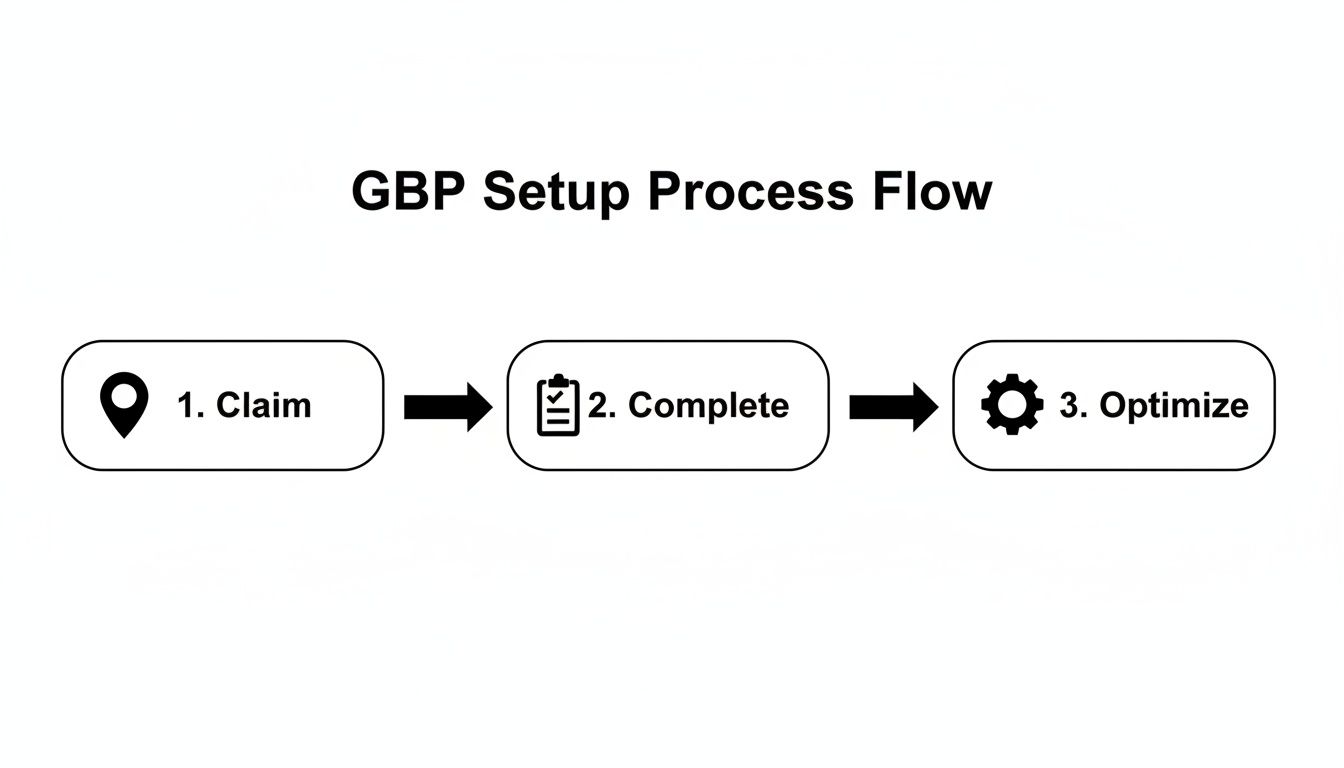
Claim it, complete it, and then continuously optimize it. That's the cycle for building lasting visibility on Maps.
Choose The Right Business Categories
This is a big one. Your primary category is the most important field for telling Google what your business is. Be specific. If you run a pizzeria, don't just pick "Restaurant." Choose "Pizza Restaurant." This helps Google match you with the most relevant searches.
Use secondary categories to show the full range of your services. For example, a "Landscaper" could also add:
- Lawn Care Service
- Tree Trimming Service
- Irrigation System Contractor
This helps you appear in more searches. A solid GBP is your starting point, but for competitive fields, you might need more advanced comprehensive local SEO strategies for restaurants to see how all the pieces fit together.
Your GBP Optimization Checklist From Basic to Advanced
Use this checklist to optimize your Google Business Profile and rank higher on Google Maps.
| Priority Level | Optimization Task | Why It Matters for Ranking |
|---|---|---|
| High | Select Accurate Primary & Secondary Categories | The most critical factor for telling Google what your business does and which searches to rank you for. |
| High | Complete All Basic Info (NAP, Hours, Website) | Inaccurate or incomplete core data is a major red flag for Google and a frustrating experience for users. |
| High | Upload High-Quality, Geotagged Photos & Videos | Visuals increase engagement and trust. Geotags provide another location signal to Google's algorithm. |
| Medium | Write a Keyword-Rich Business Description | An opportunity to include important local keywords and tell your story. Google does read this. |
| Medium | Enable Messaging & Set Up Automated Responses | Shows Google you're responsive and engaged. Fast response times are a positive behavioral signal. |
| Medium | Actively Use Google Posts (Offers, Updates, Events) | Signals to Google that your business is active and current. It keeps your profile fresh. |
| Medium | Build Out Your Products & Services Sections | Details every single thing you offer, allowing you to rank for long-tail service-related searches. |
| Low | Answer Questions in the Q&A Section (and Seed Your Own) | Proactively address common customer questions. You can ask and answer your own to control the narrative. |
| Low | Fill Out All Available Attributes (e.g., "Woman-owned") | Helps you appear in filtered and specific searches, giving you an edge in niche queries. |
This checklist gives you a clear path from getting the essentials right to fine-tuning advanced features that competitors often ignore.
Build Trust and Authority with Online Reviews
Reviews are the new word-of-mouth. They are a huge signal to Google—and customers—that your business is legitimate and does great work. In fact, reviews are one of the most important factors in the Google Maps ranking algorithm.
If you're serious about climbing the ranks, a steady stream of positive feedback is essential.
Put yourself in a customer's shoes. You search for a plumber and two pop up. One has 150 4.5-star reviews, and the other has 12 3-star reviews. Which one are you calling? It’s an instant trust-builder, and Google knows it.
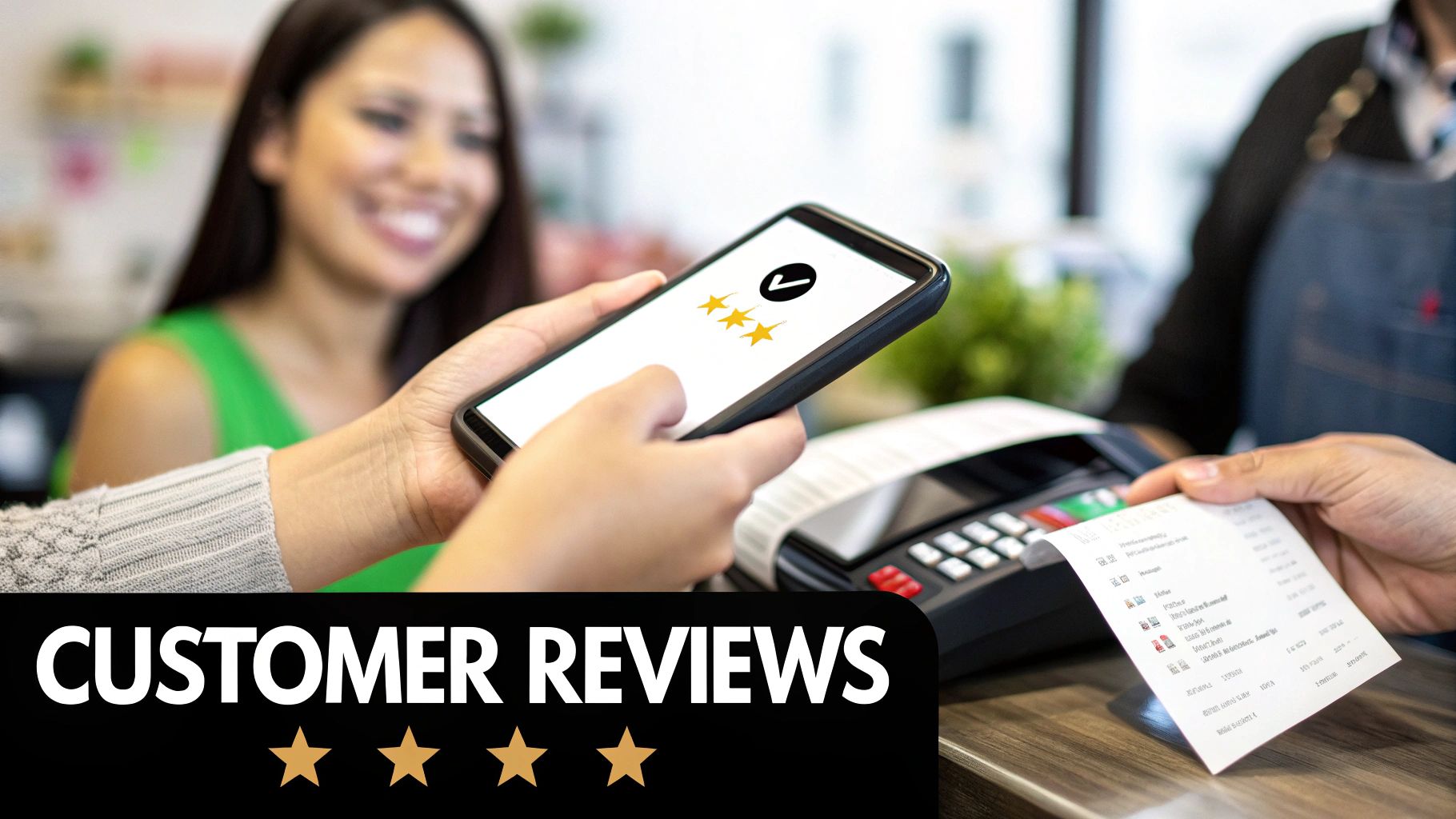
Go Get That Customer Feedback
Most happy customers won't think to leave a review on their own. You have to make it part of your process. The trick is to ask at the perfect moment—usually right after you've provided a great service.
And you have to make it incredibly easy for them.
- Use Your Direct Review Link: In your GBP dashboard, grab the short link that takes people straight to the review form.
- QR Codes are Your Friend: Put a QR code linking to your review page on receipts, business cards, or even a vehicle magnet.
- Send a Quick Follow-Up: A simple "How did we do?" email or text after a job can work wonders.
Pro Tip: Don't just ask for a "review." Ask for "feedback on their experience." It feels less transactional and more like you genuinely care.
Reply to Every Single Review—Yes, Every Single One
This is where many businesses drop the ball. Responding to reviews, both good and bad, tells Google you're an engaged business owner. More importantly, it shows potential customers you care.
Your response to a bad review is often more important than the review itself. It's a public display of your customer service. A calm, professional reply that offers a solution can win you new business.
For good reviews, a quick, personalized "Thank you!" shows you appreciate them and encourages others to leave feedback.
The Secret Weapon: Keywords in Reviews
Here’s a pro tip. The words customers use in their reviews can help you rank for those services. When someone writes, "The emergency plumbing service was a lifesaver," Google’s algorithm connects that keyword to your business.
As more customers mention specific services, Google becomes more confident that you're a good result for those searches. It’s like free, user-generated SEO.
Managing your online image is an ongoing strategy. For a deeper look, check out these tactics for online reputation management for hotels to see how a proactive approach works.
Master Your NAP Consistency and Local Citations
Imagine a friend gave you three slightly different addresses for the same place. You'd get confused. That's how Google feels when it finds conflicting info about your business online.
This is why NAP consistency is critical for your Google Maps ranking. NAP stands for Name, Address, and Phone number. When Google finds the exact same NAP for your business on dozens of reputable websites, it builds trust. It signals that you're a real, established business.
In Short: Consistent NAP data tells Google you're the real deal, making it more confident about showing you in the map pack.
What Are Local Citations?
Every time your business's NAP information appears online, it's called a local citation. Think of them as digital footprints. You find them on local business directories, social media, and industry-specific websites.
Each consistent citation is like a vote of confidence. The more high-quality votes you get, the more important Google thinks your business is. Inconsistent citations create confusion and hurt your ranking.
Time for a Cleanup: Audit Your Existing Citations
Before building new citations, you have to find and fix old, messy ones. Hunt down any old addresses, wrong phone numbers, or variations of your business name (like "The Corner Cafe" vs. "Corner Cafe LLC").
Start by Googling your business in different ways:
- Your business name + old address
- Your business name + old phone number
- Slight variations of your business name
Use a simple spreadsheet to track every citation. Note the URL, the current NAP, and whether it needs fixing. Then, one by one, claim those listings and correct the information. It’s tedious, but essential.
Key Takeaway: Your goal is to make your business's online fingerprint identical everywhere. From "Street" vs. "St." to "Suite" vs. "#," every detail matters. Pick one official format and stick to it.
Build New, High-Quality Citations
Once you’ve cleaned up the mess, start building fresh citations. This is about quality over quantity. One citation on a respected directory is worth more than 50 on spammy sites.
Focus on a few key areas to get the most impact.
Top Citation Sources for Local Businesses
Here are the essential and industry-specific citation sources to focus on.
| Directory Type | Examples | Impact on Local SEO |
|---|---|---|
| Data Aggregators | Data Axle, Foursquare | High. These services feed your business data to hundreds of other directories, apps, and mapping services. |
| Major Directories | Yelp, Yellow Pages, Apple Maps | High. These are authoritative sites that Google trusts and millions of people use. |
| Industry-Specific | TripAdvisor (restaurants), Houzz (contractors), Avvo (lawyers) | Medium. Niche directories send powerful relevance signals to Google, proving you're an expert in your field. |
| Local Directories | Your local Chamber of Commerce, city business listings | Medium. These are great for reinforcing your connection to a specific area, a massive local signal for Google. |
As you build these new profiles, fill them out completely. Add your business description, hours, photos, and a link back to your website. Every piece of information strengthens the citation. A rock-solid citation profile is fundamental if you want to know how to increase Google maps ranking.
Turn Your Website into a Local Ranking Powerhouse
Your Google Business Profile is only half the story. Your website is its partner, sending signals to Google that confirm your location and services. When your site and profile are in sync, you create a powerful combination.
Think of it this way: Google is a detective. Your website is the star witness confirming your GBP's story. If your website clearly shows you're a roofer in Austin, Texas, Google becomes more confident about ranking you for local searches.
Weave Your Location into Your Core Pages
Start with your homepage and service pages. They need to scream "local." It’s not enough to say what you do; you have to say where you do it.
- Sprinkle in Location Keywords: Naturally work your city and state into your page titles, headings, and text. Instead of "Our Services," use "Expert Roofing Services for Austin Homeowners."
- Show Off Your NAP: Your full Name, Address, and Phone number (NAP) must be on every page, usually in the footer. It has to be an exact match to what’s on your Google Business Profile.
Build Out Dedicated Pages for Each Location
If you have multiple offices or serve different cities, you need dedicated location pages. This is non-negotiable. These pages let you get super-specific for each market.
But don't just copy a page and swap the city name. Google sees through that.
Pro Tip: Make each location page a real resource. Add photos of your team there. Feature reviews from customers in that town. Mention a local landmark. Show you're actually part of the community.
Put a Google Map on Your Website
This is an easy win. Embedding a Google Map on your contact page draws a direct line from your website to your physical storefront for Google.
It couldn't be simpler:
- Find your business on Google Maps.
- Click the “Share” button.
- Go to the “Embed a map” tab.
- Copy the HTML code and add it to your website.
This tiny step creates a clear technical connection between your profile and your site.
Speak Google's Language with Schema Markup
This is a bit technical, but it’s huge. Schema markup is code you add to your website that works like a detailed name tag for search engines. It translates your content into a simple format that Google understands instantly.
For local businesses, the "LocalBusiness" schema is pure gold. It explicitly tells Google your:
- Official Business Name
- Full Address
- Main Phone Number
- Hours of Operation
- Business type (e.g., Plumber, Restaurant)
By spoon-feeding this info directly to Google, you remove all guesswork. This solidifies the connection between your website and your GBP.
Seeing how these on-site tactics fit into the bigger picture is key. Our guide on local SEO services for small businesses maps it all out for you. All this effort on your site builds a mountain of proof about your local relevance, which is what learning how to increase google maps ranking is all about.
Keep Your Profile Fresh with Google Posts and Photos
Think of your Google Business Profile as a dynamic billboard, not a static phone book entry. An outdated profile with no recent activity is a major red flag for Google. It suggests your business might be out of date.
Google Posts and new photos are your secret weapons. These features show that you're active and relevant right now. Businesses that set up their profile and forget about it are inviting more active competitors to outrank them.
Use Google Posts to Show You're Open and Active
Google Posts are mini-updates that show up on your profile in Maps and Search. They're a great way to grab attention. The key is to be consistent.
You can use Posts for anything:
- Special Offers: Running a 15% off deal? Make a Post about it.
- New Products/Services: Just added a new menu item or service? Let people know.
- Company Updates: Share a story about a successful project or a new team member.
- Upcoming Events: Hosting a workshop? A Post is the perfect way to promote it.
Key Takeaway: A consistent posting schedule, even just once a week, sends a powerful "recency" signal to Google. It proves you're actively managing your profile.
Using Posts and photos directly impacts engagement. Data from SQ Magazine shows that listings with fresh content drive more calls, clicks, and direction requests. When you're competing with over a million new listings every month, that activity makes a huge difference.
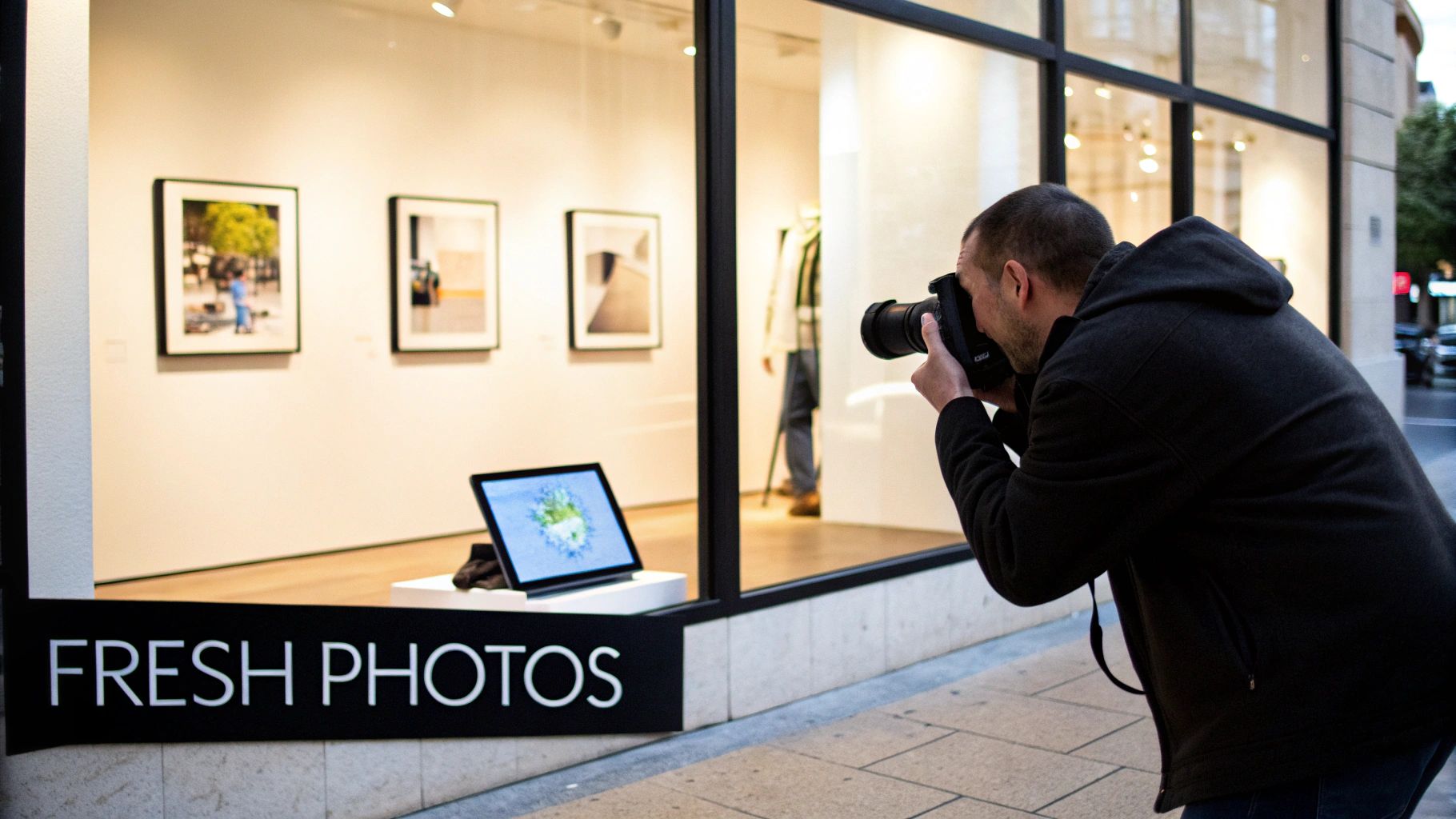
A Picture Is Worth a Thousand Clicks
Photos are probably the most important part of making your profile feel alive. Customers want to see your business before they visit. For Google, a constant flow of new images is another strong signal that you're a legitimate, active operation.
Don't just upload a few shots of your storefront. The goal is to build a gallery that tells your business's story.
What Kinds of Photos Should You Upload?
To give people the full picture, you need a good mix of photo types.
- Exterior Shots: Take clear pictures of your storefront from different angles and at different times of day.
- Interior Shots: Show off your space, the decor, and any unique features.
- Team Photos: Putting a face to the name builds trust. Professional but friendly photos of your staff are great for this.
- Product/Service in Action: If you're a baker, show off pastries fresh from the oven. If you're a landscaper, before-and-after shots are very powerful.
You don't need a professional photographer. A modern smartphone can take great pictures. If you want to level up, our photographer’s guide to SEO has tips any business owner can use. This proactive approach is a key part of how to increase google maps ranking.
Frequently Asked Questions About Google Maps Ranking
Let's tackle some of the most common questions business owners have about ranking on Google Maps.
How do I rank higher on Google Maps in 2024?
To rank higher, you need to focus on three core areas:
- Relevance: Make sure your business categories and profile information perfectly match what users are searching for.
- Distance: Proximity to the searcher is a major factor, so ensure your address is accurate.
- Prominence: Build your authority with a steady stream of positive reviews, high-quality photos, and consistent NAP information across the web (citations).
How long does it take to improve Google Maps ranking?
Patience is key. Local SEO is a slow burn. For a new business in a competitive market, it might take 6-8 months to see significant movement. If you're just optimizing an existing profile, you could see improvements in 2-3 months. Consistency with reviews, posts, and photos is the most important factor for speeding up results.
Does my website's SEO really affect my Maps ranking?
Yes, absolutely. Google sees your Google Business Profile and your website as two halves of the same entity. It cross-references your website to verify the information on your GBP. A website with strong local SEO signals (like location-specific service pages and your NAP in the footer) builds trust and helps your Maps ranking. Our guide to local maps SEO covers this in more detail.
Why is my competitor outranking me when they have fewer reviews?
Review count is important, but it's not the only ranking factor. A competitor could be outranking you for other reasons:
- Stronger Website Authority: Their website may have better SEO or more backlinks.
- Better NAP Consistency: They might have a perfect citation profile across the web.
- More Specific Categories: Their GBP categories could be a better match for the search query.
- Proximity: They might simply be physically closer to the person searching.
Ready to stop guessing and start dominating the local map pack? The team at Clicks Geek specializes in data-driven local SEO and paid advertising strategies that get real results for businesses like yours. We turn clicks into customers.
Learn more about our customer acquisition solutions and book a strategy call today!