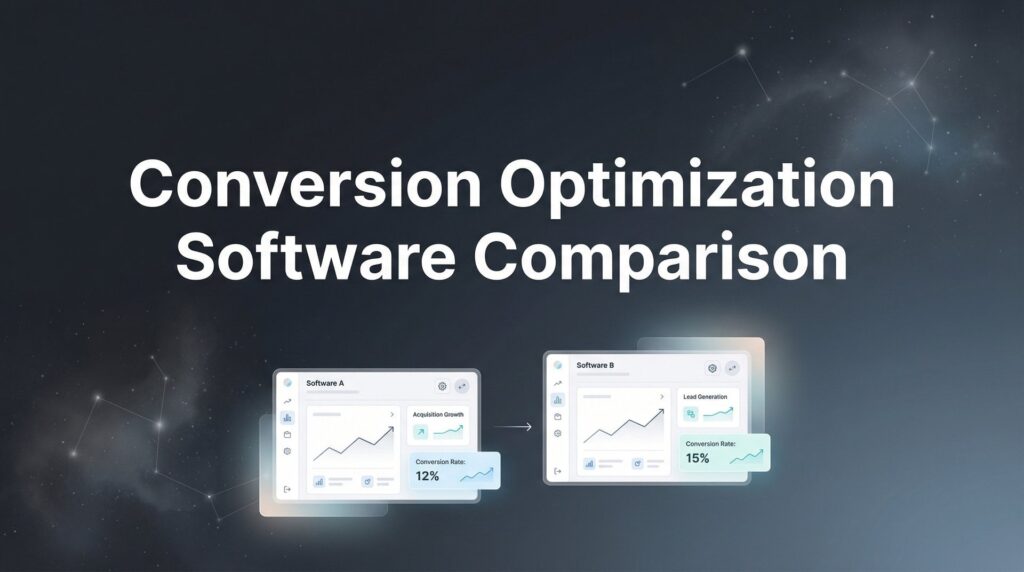
Every visitor who lands on your site and leaves without converting represents lost revenue. For most businesses, conversion rates hover between 2-3%, meaning 97 out of 100 visitors walk away. The math is brutal: if you’re spending $10,000 monthly on traffic, you’re potentially wasting $9,700. Conversion optimization software helps you understand why visitors aren’t converting and test solutions that actually work.
The right tool depends on your specific needs. Some businesses need behavior analytics to diagnose problems. Others require sophisticated A/B testing platforms. Many benefit from done-for-you services that handle strategy and execution. We’ve compared the top conversion optimization tools based on ease of use, testing capabilities, analytics depth, integration options, and value for money.
Here are the best conversion optimization software tools for 2026, covering options for every budget and business size.
1. Clicks Geek CRO Services
Best for: Businesses that want expert-driven results without managing tools themselves
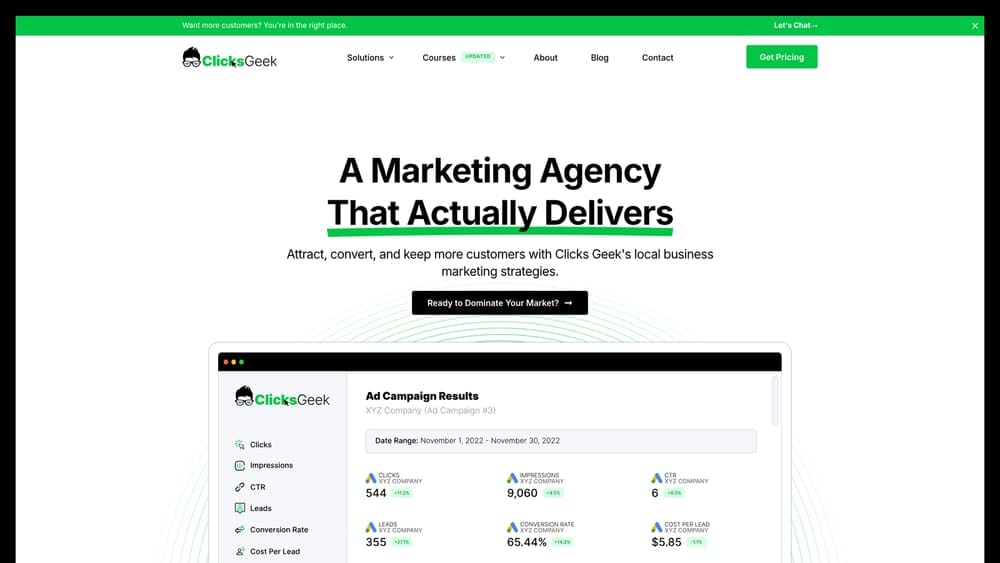
Clicks Geek offers full-service conversion rate optimization combining strategic expertise with hands-on implementation and ongoing management.
Where This Tool Shines
Most businesses struggle with CRO because they lack the time, expertise, or resources to run effective optimization programs. You’re already managing marketing campaigns, customer service, operations, and a dozen other priorities. Learning complex software and running statistically valid tests falls to the bottom of the list.
This service removes that burden entirely. You get a dedicated team that analyzes your funnel, identifies conversion bottlenecks, implements tests, and continuously optimizes based on real performance data. As a Google Premier Partner, they bring enterprise-level expertise to businesses of all sizes.
Key Features
Done-For-You Strategy: Complete funnel analysis and optimization roadmap tailored to your business model and customer journey.
Expert Implementation: Professional setup and management of all testing and optimization initiatives without requiring your team’s technical involvement.
PPC Integration: Seamless coordination between paid advertising campaigns and conversion optimization for maximum return on ad spend.
Lead Quality Focus: Emphasis on generating high-quality leads that actually convert to sales, not just increasing volume metrics.
Ongoing Management: Continuous testing, analysis, and refinement with regular reporting on performance improvements and revenue impact.
Best For
Local businesses and growing companies that want conversion optimization handled by experts rather than DIY software. Ideal if you’re running paid advertising campaigns and need better ROI, or if you’ve tried optimization tools before but lacked the time or expertise to use them effectively.
Pricing
Custom pricing based on your business scope and specific needs. Investment scales with the complexity of your funnel and the level of ongoing optimization required.
2. VWO (Visual Website Optimizer)
Best for: Mid-size to enterprise companies needing comprehensive experimentation and analytics
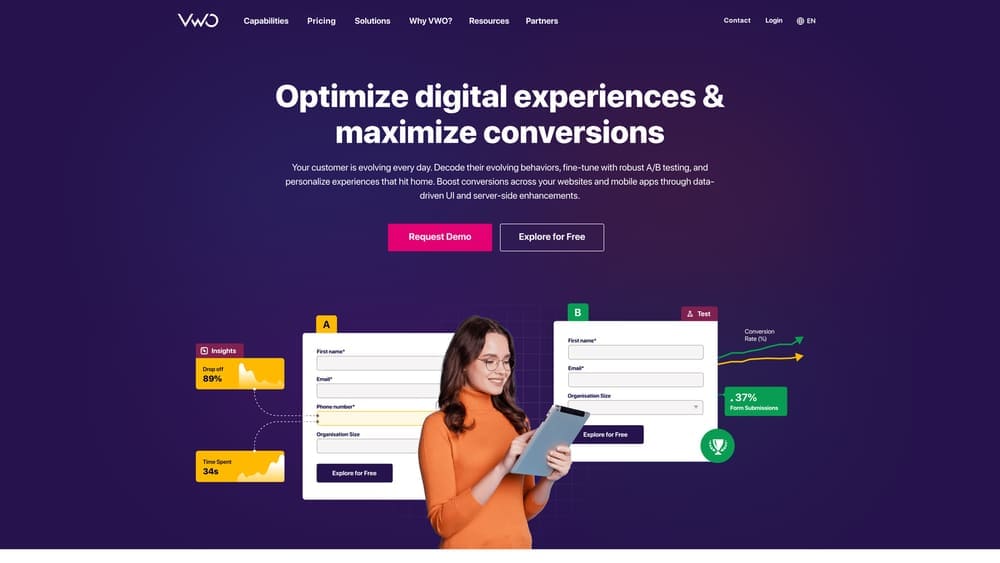
VWO is an enterprise-grade platform that combines A/B testing, multivariate testing, and behavior analytics in one integrated suite.
Where This Tool Shines
VWO handles the complete optimization workflow from hypothesis to implementation. The platform integrates testing capabilities with behavior analytics, so you can identify problems through heatmaps and session recordings, then immediately create tests to validate solutions.
The statistical engine is particularly robust. VWO uses Bayesian statistics to determine test winners faster than traditional frequentist approaches, reducing the time needed to reach valid conclusions. For teams running multiple concurrent experiments, this speeds up the entire optimization program.
Key Features
Comprehensive Testing Suite: Run A/B tests, multivariate experiments, and split URL tests from a single platform with advanced targeting options.
Integrated Behavior Analytics: Built-in heatmaps, session recordings, and form analytics eliminate the need for separate behavior tracking tools.
Server-Side Testing: Execute complex experiments on the backend for testing algorithms, pricing models, or recommendation engines.
AI-Powered Insights: Machine learning algorithms surface optimization opportunities and predict which variations will perform best.
Robust Statistical Engine: Bayesian statistics provide faster, more reliable test results with built-in guardrails against false positives.
Best For
Marketing teams and product managers at mid-size to enterprise companies who need a complete optimization platform. Works well for e-commerce sites, SaaS companies, and media properties running sophisticated experimentation programs with multiple stakeholders.
Pricing
Growth plan starts at $199 per month with tiered pricing based on monthly tested users. Enterprise plans with advanced features require custom quotes.
3. Optimizely
Best for: Enterprise product teams requiring full-stack experimentation and feature management
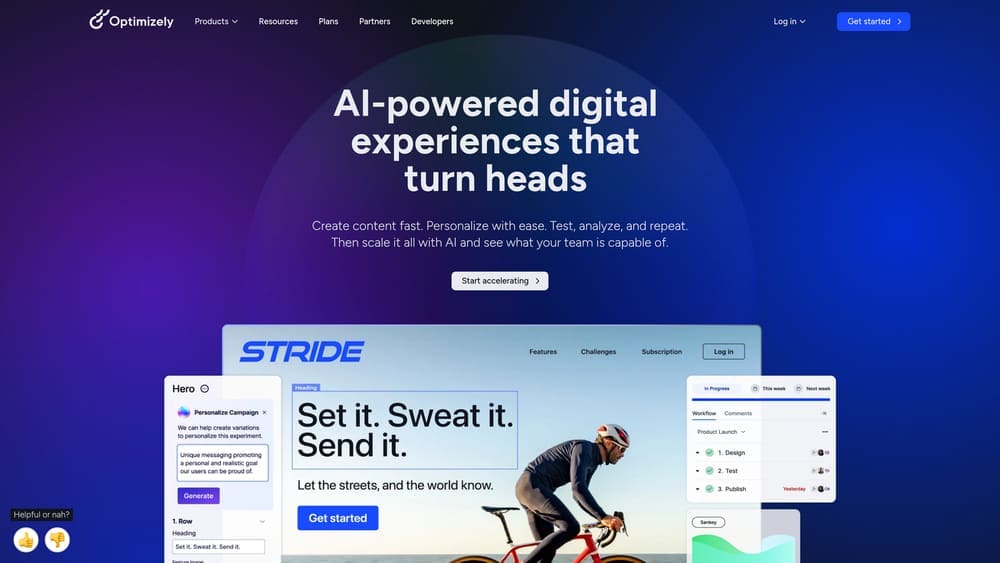
Optimizely is the industry-leading experimentation platform built for sophisticated product teams and enterprises needing feature flagging alongside traditional A/B testing.
Where This Tool Shines
Optimizely operates at a different level than most CRO tools. While others focus on front-end website optimization, Optimizely enables full-stack experimentation across web, mobile, and backend systems. Product teams can test new features, gradually roll out releases, and run experiments on APIs or recommendation algorithms.
The feature flag system is particularly powerful for software companies. You can deploy code to production but keep features hidden, then gradually expose them to specific user segments while monitoring performance metrics. This reduces deployment risk and enables continuous delivery workflows.
Key Features
Full-Stack Experimentation: Test across web, mobile apps, APIs, and backend systems with SDKs for every major programming language.
Feature Flags and Rollouts: Deploy code safely with targeted feature releases and instant rollback capabilities if issues arise.
AI-Powered Personalization: Machine learning engine delivers personalized experiences based on user behavior, demographics, and real-time context.
Advanced Audience Targeting: Create sophisticated audience segments using behavioral data, custom attributes, and third-party integrations.
Real-Time Results Dashboard: Monitor experiment performance with live updating metrics and automated alerting for significant changes.
Best For
Enterprise software companies, large e-commerce platforms, and product teams at scale-ups who need to test features before full release. Essential for organizations practicing continuous delivery or running experimentation programs across multiple properties and platforms.
Pricing
Custom enterprise pricing only. Contact their sales team for quotes based on your traffic volume, number of experiments, and required features.
4. Hotjar
Best for: Understanding visitor behavior through heatmaps, recordings, and feedback
Hotjar combines behavior analytics tools that show you exactly how visitors interact with your site and why they’re not converting.
Where This Tool Shines
Hotjar excels at answering the “why” behind your conversion problems. Session recordings show you exactly what visitors do—where they click, how far they scroll, where they get confused. Heatmaps aggregate this behavior across thousands of sessions to reveal patterns you’d never spot in Google Analytics.
The feedback tools are equally valuable. On-site surveys let you ask visitors directly why they didn’t convert. Many businesses discover that their assumptions about conversion barriers are completely wrong. A visitor might abandon checkout because they can’t find shipping costs, not because prices are too high.
Key Features
Behavior Heatmaps: Visual representations showing where visitors click, move their mouse, and how far they scroll on each page.
Session Recordings: Watch real visitor sessions with filtering options to focus on specific behaviors like rage clicks or form abandonment.
Feedback Widgets: Deploy on-site surveys and feedback tools to collect qualitative data directly from visitors about their experience.
Funnel Analysis: Identify exactly where visitors drop off in your conversion funnel with visual funnel reports and drop-off insights.
Simple Installation: One-script setup works with any website platform and starts collecting data within minutes.
Best For
Businesses that need to diagnose conversion problems before running tests. Perfect for marketers, UX designers, and product managers who want to understand user behavior without technical complexity. Works for businesses of all sizes from startups to enterprises.
Pricing
Free plan available with limited sessions. Paid plans start at $32 per month with increased session limits and advanced features on higher tiers.
5. Crazy Egg
Best for: Marketers wanting straightforward visual analytics with basic testing capabilities
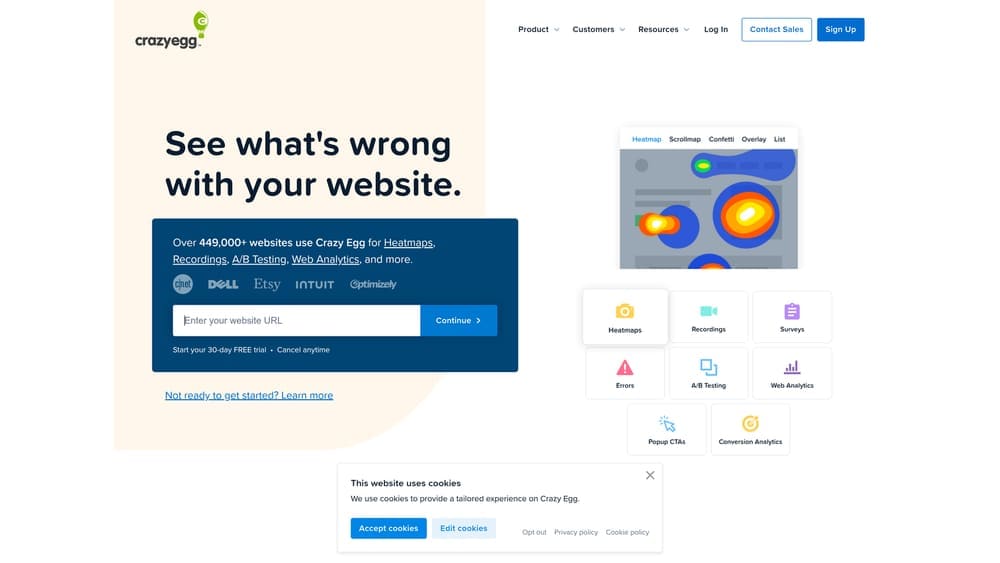
Crazy Egg offers user-friendly heatmaps, scroll maps, and built-in A/B testing for quick optimization wins.
Where This Tool Shines
Crazy Egg strips away complexity to focus on visual insights that drive immediate action. The interface is remarkably intuitive—you can create your first heatmap report within minutes of installation. Scroll maps show exactly where visitors stop reading, helping you position calls-to-action at optimal locations.
The Confetti feature adds valuable context to standard heatmaps by showing click sources. You can see whether clicks came from organic search, paid ads, social media, or direct traffic. This helps you understand if different traffic sources behave differently on your site, which often reveals why certain campaigns convert poorly.
Key Features
Visual Heatmaps: Clear, easy-to-understand heatmaps showing clicks, mouse movement, and scroll depth without overwhelming detail.
Confetti Reports: Break down heatmap data by traffic source, search terms, or custom segments to understand different audience behaviors.
Built-In A/B Testing: Visual editor lets you create page variations and run split tests without coding knowledge.
Snapshots Over Time: Save heatmap snapshots before and after changes to track how modifications affect user behavior.
Error Tracking: Automatically identify JavaScript errors and broken elements that might be preventing conversions.
Best For
Small to mid-size businesses and solo marketers who want visual analytics without steep learning curves. Ideal if you’re just starting with conversion optimization and need actionable insights quickly rather than enterprise-grade complexity.
Pricing
Basic plan starts at $29 per month for up to 30,000 pageviews. Higher tiers increase tracking limits and add features like A/B testing and recordings.
6. AB Tasty
Best for: Companies seeking a Google Optimize replacement with AI-driven personalization
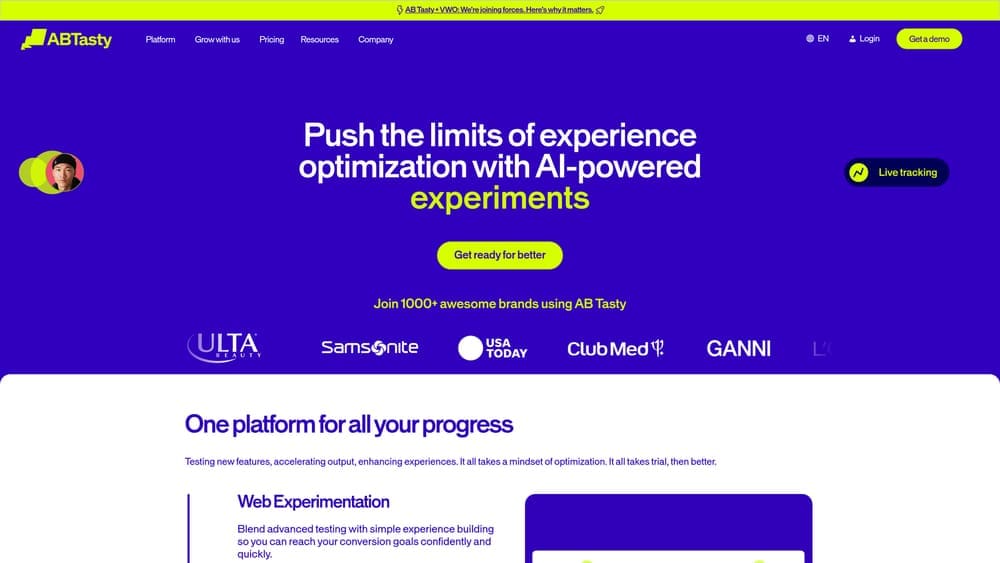
AB Tasty positions itself as a feature-rich experimentation platform with strong AI capabilities and an extensive widget library.
Where This Tool Shines
AB Tasty emerged as a leading Google Optimize alternative when Google sunset that product in 2023. The platform combines traditional A/B testing with AI-powered personalization that automatically serves different experiences based on visitor attributes and behavior patterns.
The widget library accelerates implementation significantly. Instead of building every test element from scratch, you can deploy pre-built components like exit-intent popups, social proof notifications, urgency timers, and recommendation engines. These widgets are tested and optimized, reducing the risk of poorly implemented experiments.
Key Features
No-Code Visual Editor: Point-and-click interface for creating test variations without developer involvement or technical skills.
AI Personalization Engine: Machine learning automatically segments visitors and serves optimized experiences based on predicted conversion likelihood.
Feature Flags: Deploy new features to specific user segments and control rollouts with instant on-off switches for risk management.
ROI Dashboard: Track revenue impact and attribution across all experiments with clear reporting on which tests drive actual business results.
Extensive Widget Library: Pre-built, tested components for common optimization tactics like social proof, urgency messaging, and recommendations.
Best For
E-commerce companies and content sites that ran Google Optimize and need a replacement with similar ease of use but more advanced features. Works well for marketing teams that want AI-driven personalization without building custom machine learning systems.
Pricing
Custom pricing based on traffic volume and features. Entry-level plans typically start around $400 per month, with enterprise pricing for larger organizations.
7. Convert
Best for: Privacy-focused testing in compliance-heavy industries like healthcare and finance
Convert is built specifically for organizations requiring GDPR, HIPAA, and cookieless testing capabilities.
Where This Tool Shines
Convert addresses a critical gap in the CRO market: testing for businesses in regulated industries. Healthcare providers, financial institutions, and companies serving EU customers face strict data privacy requirements that many optimization tools violate. Convert was architected from the ground up with compliance as a core feature, not an afterthought.
The flicker-free technology is another standout feature. Many testing platforms cause a brief flash where visitors see the original page before the test variation loads. This creates poor user experience and can skew test results. Convert’s implementation eliminates this flicker entirely, creating seamless experiences that don’t alert visitors they’re in a test.
Key Features
Privacy Compliance: GDPR and HIPAA compliant by design with data processing agreements, EU hosting options, and privacy-first architecture.
Flicker-Free Testing: Advanced implementation technology ensures test variations load instantly without visible page flashing or layout shifts.
Cookieless Tracking: Run valid experiments without third-party cookies using privacy-respecting alternatives that comply with all regulations.
Advanced Segmentation: Target experiments based on dozens of visitor attributes including behavior, demographics, and custom data points.
Unlimited Collaborators: Add unlimited team members across all plans without per-seat pricing that inflates costs as your team grows.
Best For
Healthcare organizations, financial services firms, legal practices, and any business handling sensitive customer data or serving EU markets. Essential for companies that need to optimize conversions while maintaining strict compliance with privacy regulations.
Pricing
Kickstart plan begins at $99 per month for smaller sites. Pricing scales with traffic volume, with custom enterprise plans for large organizations.
8. Unbounce
Best for: Creating and optimizing landing pages with AI-powered traffic routing
Unbounce combines a drag-and-drop landing page builder with Smart Traffic AI that automatically optimizes visitor routing.
Where This Tool Shines
Unbounce solves a specific problem: creating high-converting landing pages for paid advertising campaigns without developer resources. The drag-and-drop builder includes conversion-optimized templates designed by experts, so you start with proven layouts rather than blank canvases.
Smart Traffic is the killer feature. Instead of manually running A/B tests and waiting weeks for statistical significance, Smart Traffic uses machine learning to automatically route each visitor to the landing page variant most likely to convert them. The AI considers dozens of visitor attributes in real-time, essentially running hundreds of micro-tests simultaneously. This typically produces 30% higher conversion rates than traditional A/B testing.
Key Features
Landing Page Builder: Intuitive drag-and-drop editor with conversion-optimized templates for common use cases and industries.
Smart Traffic AI: Machine learning automatically routes visitors to the best-performing page variant based on their individual attributes.
Built-In A/B Testing: Traditional split testing capabilities for landing pages with statistical significance tracking and winner declaration.
Popups and Sticky Bars: Create exit-intent popups and persistent notification bars to capture abandoning visitors and promote offers.
Ad Platform Integration: Direct connections to Google Ads, Facebook Ads, and other platforms for seamless campaign tracking and optimization.
Best For
Marketing teams and agencies running paid advertising campaigns who need to quickly create and test landing pages. Perfect for businesses that lack web development resources but need professional landing pages that convert traffic into leads.
Pricing
Build plan starts at $99 per month including Smart Traffic AI. Higher tiers add more landing pages, traffic capacity, and advanced features like AMP pages.
9. Lucky Orange
Best for: Real-time visitor tracking with integrated live chat for immediate engagement
Lucky Orange combines session recordings, dynamic heatmaps, and live chat to understand and engage visitors as they browse.
Where This Tool Shines
Lucky Orange’s real-time capabilities create unique optimization opportunities. You can watch visitors navigate your site live, see exactly where they get stuck, then immediately initiate a chat conversation to help them convert. This bridges the gap between analytics and action—you’re not just collecting data for later analysis, you’re intervening in real-time to save conversions.
The dynamic heatmaps update continuously as new data arrives, unlike static heatmaps that require manual regeneration. You can immediately see how changes affect behavior without waiting for reports to refresh. Form analytics automatically identify which fields cause abandonment, showing you exactly where visitors give up in your lead capture or checkout process.
Key Features
Real-Time Session Recordings: Watch live visitor sessions as they happen with the ability to initiate chat conversations based on observed behavior.
Dynamic Heatmaps: Continuously updating heatmaps that reflect the latest visitor behavior without manual report generation.
Integrated Live Chat: Built-in chat system that connects to session recordings so you see exactly what visitors did before starting conversations.
Form Analytics: Automatic tracking of form field interactions showing which fields cause hesitation, errors, or abandonment.
Conversion Funnels: Visual funnel reports identifying exactly where visitors drop off in multi-step processes like checkout or signup flows.
Best For
Small businesses and e-commerce sites that want to combine behavior analytics with proactive customer engagement. Ideal for companies with live chat teams who can monitor visitor behavior and intervene to help struggling visitors complete conversions.
Pricing
Free plan available for basic features. Paid plans start at $32 per month with increased session limits and advanced features on higher tiers.
Choosing the Right Tool for Your Business
Your ideal conversion optimization approach depends on your resources, technical expertise, and business goals. If you’re running paid advertising and want conversion optimization handled by experts who integrate CRO with your campaigns, Clicks Geek delivers results without requiring you to learn complex software or manage testing programs yourself.
For businesses preferring DIY approaches, start by diagnosing problems before running tests. Tools like Hotjar or Lucky Orange reveal why visitors aren’t converting through heatmaps and session recordings. Once you understand the problems, testing platforms like VWO or AB Tasty let you validate solutions.
Budget matters significantly. Entry-level tools like Crazy Egg ($29/month) work for small businesses with straightforward needs. Mid-market companies benefit from comprehensive platforms like VWO ($199/month) that combine testing and analytics. Enterprise organizations requiring full-stack experimentation need Optimizely’s capabilities despite higher costs.
Industry regulations also drive tool selection. Healthcare providers, financial institutions, and companies serving EU customers should prioritize Convert’s compliance-first architecture over feature-rich platforms that create regulatory risk.
The most effective approach often combines multiple tools. Run behavior analytics to identify problems, use a testing platform to validate solutions, and consider landing page builders like Unbounce for paid traffic campaigns. Many businesses find that investing in professional CRO services produces better ROI than cobbling together software tools without the expertise to use them effectively.
Start by understanding your current conversion barriers through behavior analysis. Test one significant change at a time rather than making multiple simultaneous modifications that prevent you from understanding what actually works. Track revenue impact, not just conversion rate increases—a higher conversion rate means nothing if you’re converting the wrong visitors.
Tired of spending money on marketing that doesn’t produce real revenue? We build lead systems that turn traffic into qualified leads and measurable sales growth. If you want to see what this would look like for your business, we’ll walk you through how it works and break down what’s realistic in your market.