Every dollar you spend on marketing should work harder than the last. But without the right analytics tools, you’re essentially flying blind—guessing which campaigns drive revenue and which ones drain your budget.
The best marketing ROI analytics tools don’t just track clicks and impressions; they connect the dots between your ad spend and actual revenue, showing you exactly where to double down and where to cut losses.
We’ve tested and evaluated the top analytics platforms that help businesses measure what actually matters: return on investment. Here are the top tools for tracking marketing ROI in 2026.
1. Clicks Geek ROI Dashboard
Best for: Local businesses wanting expert-managed analytics focused on lead quality and revenue attribution
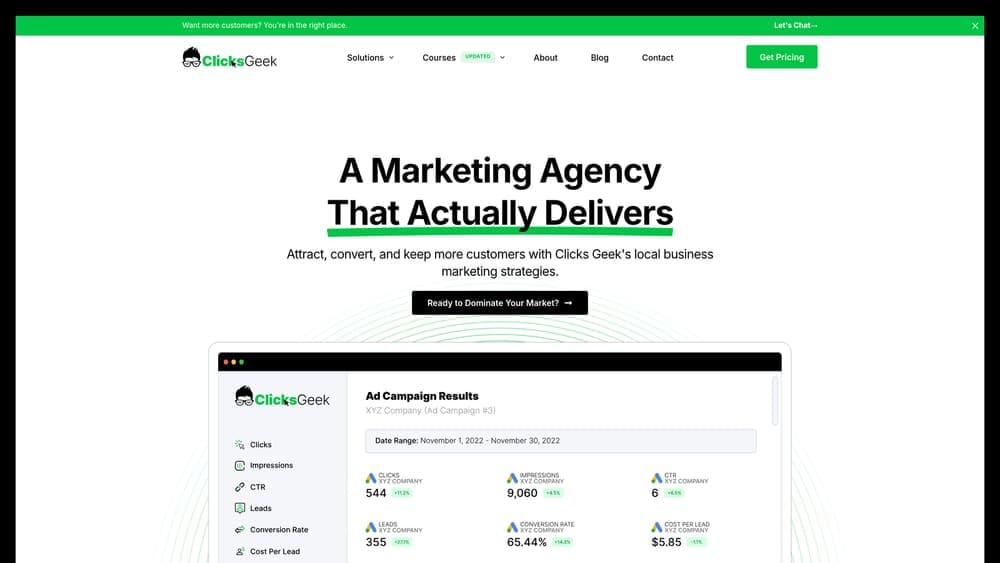
Clicks Geek ROI Dashboard is a done-for-you analytics solution from a Google Premier Partner agency that eliminates the guesswork from marketing measurement.
Where This Tool Shines
Most analytics platforms show you traffic and clicks, but they don’t tell you which leads actually closed or how much revenue each campaign generated. That’s where this dashboard stands apart.
The system tracks every lead from initial click through to qualified opportunity, connecting your ad spend directly to revenue outcomes. You’re not managing spreadsheets or interpreting complex reports—you get clear, actionable insights about what’s working and what’s wasting money.
Key Features
Revenue-Focused Reporting: Tracks cost per qualified lead and actual revenue attribution, not just vanity metrics like impressions and clicks.
Call Tracking Integration: Captures phone call conversions and attributes them to specific campaigns, keywords, and ad groups.
Google Premier Partner Expertise: Analysis comes with built-in expertise from certified professionals who know what signals matter for local business growth.
Custom Local Business KPIs: Dashboards tailored to metrics that actually drive local business decisions, from service area performance to lead quality scoring.
Hands-Off Management: No technical setup required—experts handle configuration, interpretation, and ongoing optimization recommendations.
Best For
Local businesses and service providers who want professional-grade analytics without hiring a data analyst. Ideal if phone calls and form submissions drive your revenue and you need to know which marketing channels produce qualified leads, not just traffic.
Pricing
Included with managed PPC services. Custom reporting packages available—contact Clicks Geek for pricing specific to your business needs.
2. Google Analytics 4
Best for: Businesses needing powerful, free analytics with cross-platform tracking and attribution modeling
Google Analytics 4 is Google’s flagship analytics platform offering event-based tracking and machine learning-powered insights at no cost.
Where This Tool Shines
GA4 represents a complete reimagining of web analytics. Unlike its predecessor Universal Analytics, GA4 tracks user interactions as events rather than pageviews, giving you far more flexibility in measuring what matters to your business.
The platform excels at cross-device tracking and provides sophisticated attribution modeling that shows how different touchpoints contribute to conversions. For businesses with technical resources, it’s an incredibly powerful foundation for ROI measurement.
Key Features
Event-Based Tracking Model: Flexible measurement framework that captures any user interaction as a trackable event without complex custom code.
Cross-Platform User Journeys: Tracks users across websites, mobile apps, and devices to show complete customer paths to conversion.
Data-Driven Attribution: Machine learning attribution model that distributes conversion credit based on actual data rather than arbitrary rules.
Google Ads Integration: Seamless connection with Google Ads for automatic conversion import and audience sharing.
Predictive Metrics: AI-powered predictions for purchase probability, churn probability, and potential revenue from user segments.
Best For
Businesses with technical resources or marketing teams comfortable with analytics platforms. Works especially well for companies already using Google Ads who want tight integration between advertising and analytics.
Pricing
Completely free for standard implementation. GA4 360 enterprise version available for high-volume sites requiring SLA guarantees and advanced features.
3. HubSpot Marketing Analytics
Best for: B2B companies with complex buyer journeys needing full-funnel revenue attribution
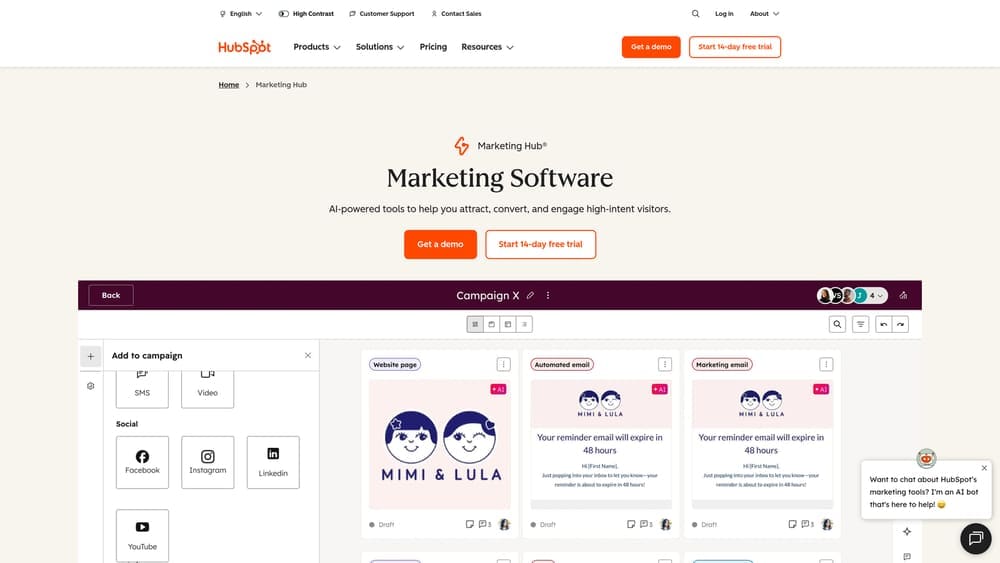
HubSpot Marketing Analytics is a comprehensive analytics system built into HubSpot’s CRM platform, connecting every marketing touchpoint to closed revenue.
Where This Tool Shines
HubSpot solves the biggest challenge in B2B marketing analytics: connecting top-of-funnel campaigns to bottom-of-funnel revenue when sales cycles span months. Because analytics lives inside the same platform as your CRM, every email, ad click, and content download connects directly to deal records.
You can see exactly which blog post a $50,000 customer read three months before requesting a demo. That level of visibility is nearly impossible to achieve when your marketing tools and CRM operate separately.
Key Features
Multi-Touch Revenue Attribution: Tracks and credits every marketing interaction that influenced closed deals, not just the last click.
Cross-Channel Campaign Tracking: Unified performance view across email, social, paid ads, content, and events in a single dashboard.
Contact Journey Visualization: See the complete path each contact took from anonymous visitor to closed customer.
Custom Report Builder: Drag-and-drop interface for creating custom reports without SQL knowledge or developer resources.
Closed-Loop Reporting: Native CRM integration automatically connects marketing activities to sales outcomes and actual revenue.
Best For
B2B companies with longer sales cycles and multiple touchpoints before conversion. Particularly valuable if you’re already using HubSpot CRM or considering a unified marketing and sales platform.
Pricing
Marketing Hub Professional starts at $800/month and includes robust analytics capabilities. Enterprise tier offers advanced attribution and custom reporting features.
4. Ruler Analytics
Best for: Businesses where phone calls drive revenue and need keyword-level attribution for offline conversions
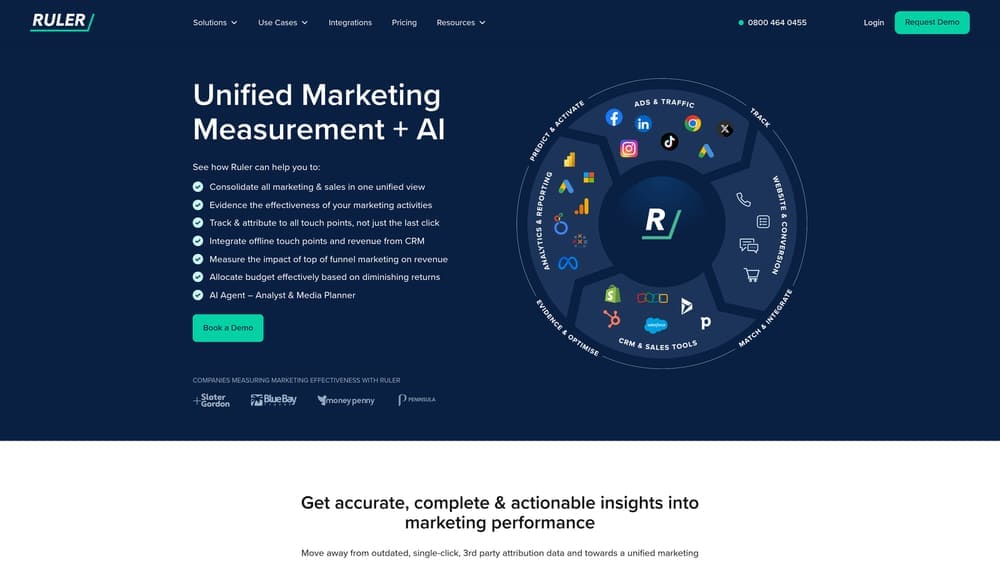
Ruler Analytics is a call tracking and marketing attribution platform that connects offline conversions to specific campaigns and keywords.
Where This Tool Shines
If your business relies on phone calls—think legal services, home services, healthcare—most analytics platforms leave you in the dark. You can see which ads got clicks, but not which ads generated the phone calls that became paying customers.
Ruler bridges that gap with dynamic call tracking that assigns unique phone numbers to different traffic sources, then tracks those calls back to the exact keyword, ad, and campaign that drove them. You finally see ROI for channels that generate phone leads, not just form fills.
Key Features
Dynamic Call Tracking: Assigns unique tracking numbers to different marketing sources and attributes calls to specific keywords and campaigns.
Form Tracking and Attribution: Identifies the marketing source for every form submission and connects it to the visitor’s full journey.
Revenue Attribution Across Journey: Tracks customers from initial touchpoint through closed sale, attributing revenue to all influencing channels.
CRM and Ad Platform Integration: Syncs with major CRMs and pushes offline conversion data back to Google Ads and Meta Ads.
Offline Conversion Tracking: Sends phone call conversions back to ad platforms so their algorithms can optimize for actual leads, not just clicks.
Best For
Service businesses where phone calls represent the primary conversion action. Essential for industries like legal, healthcare, home services, automotive, and financial services where most high-value leads happen over the phone.
Pricing
Plans start at $199/month. Pricing scales based on call volume and number of tracking phone numbers needed.
5. Whatagraph
Best for: Marketing teams and agencies needing automated, visually compelling cross-channel reports
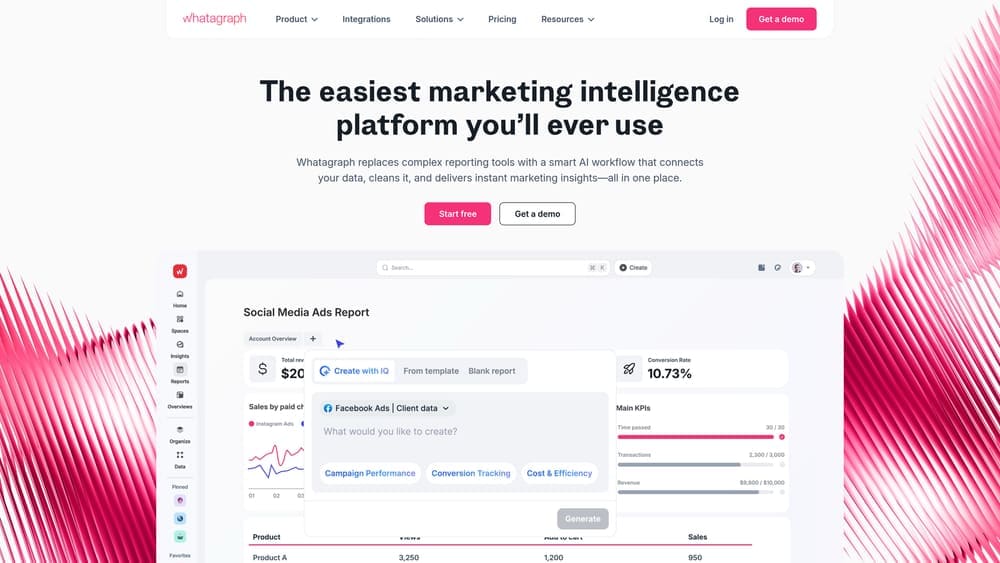
Whatagraph is a visual marketing reporting platform that automates multi-channel performance reports with clear, shareable dashboards.
Where This Tool Shines
Building marketing reports manually is a time sink that doesn’t generate revenue. Whatagraph eliminates that drain by automatically pulling data from all your marketing platforms and assembling it into polished, visual reports.
The platform excels at making complex data accessible to non-technical stakeholders. Executives and clients don’t need to understand UTM parameters or attribution models—they see clear charts showing which campaigns drove results and which ones underperformed.
Key Features
Automated Report Generation: Schedule reports to generate and send automatically on weekly or monthly cadences without manual intervention.
40+ Native Integrations: Connects directly to major platforms including Google Ads, Meta Ads, LinkedIn, Google Analytics, and email marketing tools.
White-Label Reporting: Customize reports with your agency’s branding, colors, and logo for professional client deliverables.
Cross-Channel Comparison: View performance across all channels side-by-side to identify which platforms deliver the best ROI.
Custom Metrics and Calculations: Create calculated fields like cost per qualified lead or ROAS using data from multiple sources.
Best For
Marketing agencies managing multiple client accounts and in-house teams running campaigns across numerous platforms. Ideal when reporting consumes significant time and you need client-ready deliverables.
Pricing
Plans start at $249/month. Pricing increases based on number of data sources and users.
6. Databox
Best for: Teams wanting real-time mobile-accessible dashboards with extensive integration options
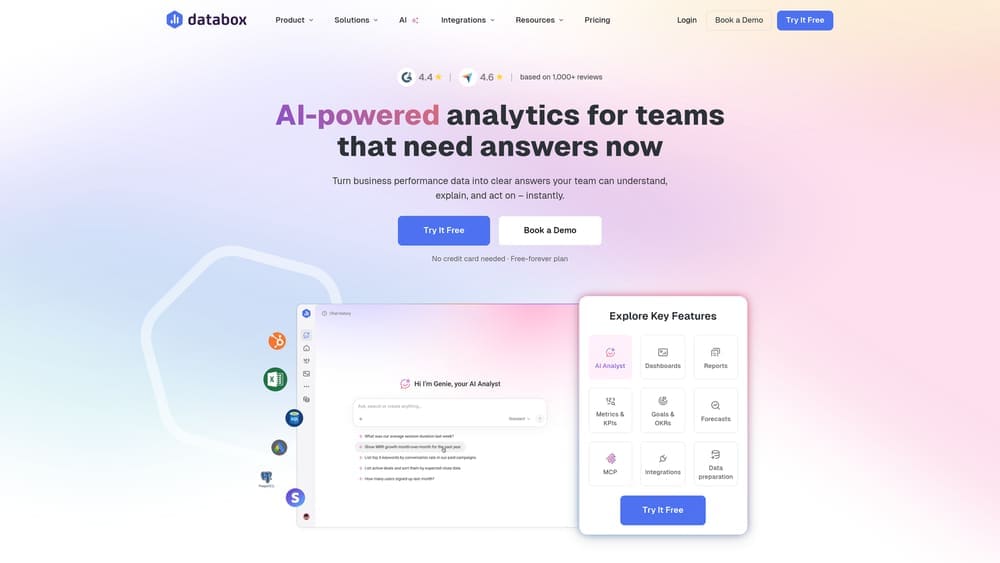
Databox is a real-time dashboard platform that pulls marketing data from over 100 integrations into unified, mobile-friendly performance views.
Where This Tool Shines
Databox treats dashboards as living, breathing tools rather than static monthly reports. Data syncs in real-time, so you’re always looking at current performance rather than yesterday’s numbers.
The mobile app is genuinely useful—not just a cramped version of the desktop experience. You can check campaign performance, get alerts when metrics spike or drop, and make informed decisions without being chained to your desk.
Key Features
100+ One-Click Integrations: Pre-built connectors for all major marketing platforms, CRMs, and analytics tools without custom API work.
Real-Time Data Syncing: Dashboards update continuously throughout the day, not just on scheduled refresh cycles.
Goal Tracking and Benchmarks: Set performance targets and compare your metrics against industry benchmarks to identify gaps.
Mobile App Monitoring: Full-featured mobile app lets you monitor KPIs and receive push notifications for important changes.
Pre-Built Dashboard Templates: Library of ready-made dashboard templates for common use cases like PPC performance, SEO tracking, and social media analytics.
Best For
Marketing managers and business owners who want constant visibility into performance without logging into multiple platforms. Perfect for teams that need mobile access to marketing data.
Pricing
Free tier available with limited data sources. Paid plans start at $59/month and scale based on data sources and users.
7. Supermetrics
Best for: Data-savvy marketers who work primarily in spreadsheets and need automated data extraction
Supermetrics is a data pipeline tool that automates marketing data extraction from all major platforms into Google Sheets, Excel, Looker Studio, and data warehouses.
Where This Tool Shines
If you build your reports and analysis in spreadsheets, Supermetrics is your automation layer. Instead of manually downloading CSVs from Google Ads, then Meta Ads, then LinkedIn, Supermetrics pulls everything automatically on a schedule you set.
The tool doesn’t try to be a visualization platform or provide pre-built dashboards. It focuses on one thing: getting marketing data into the tools where you actually work. That simplicity makes it incredibly reliable and fast to implement.
Key Features
100+ Marketing Platform Connectors: Automated data extraction from Google Ads, Meta, LinkedIn, TikTok, analytics platforms, and dozens more.
Google Sheets and Excel Integration: Direct add-ons that pull data into spreadsheets with simple formulas and scheduled refreshes.
Data Warehouse Connectors: Push marketing data to BigQuery, Snowflake, or Azure for advanced analysis and long-term storage.
Historical Data Backfill: Pull historical data to establish baselines and analyze long-term trends without manual exports.
Custom Query Builder: Advanced users can create custom queries to pull exactly the metrics and dimensions they need.
Best For
Marketing analysts and data-driven teams that build custom reports in spreadsheets or business intelligence tools. Essential if you’re combining marketing data with other business data for comprehensive analysis.
Pricing
Plans start at $39/month per destination (like Google Sheets or Excel). Pricing increases for data warehouse connectors and higher data volumes.
8. Funnel.io
Best for: Enterprise marketing teams managing hundreds of data sources across complex organizations
Funnel.io is an enterprise marketing data hub that collects, transforms, and normalizes data from hundreds of marketing platforms for unified reporting.
Where This Tool Shines
Enterprise marketing operations involve dozens or hundreds of advertising accounts, multiple analytics properties, regional campaigns, and brand-specific initiatives. Managing that complexity manually is impossible.
Funnel.io acts as a central nervous system for marketing data, automatically collecting information from every source, normalizing naming conventions, and making it all queryable in one place. You’re not wrestling with inconsistent data formats or spending days reconciling reports.
Key Features
500+ Data Source Connectors: Pre-built integrations covering virtually every marketing platform, ad network, and analytics tool in use today.
Automatic Data Normalization: Standardizes metrics, dimensions, and naming conventions across platforms so data is actually comparable.
Custom Transformation Rules: Build business logic to clean, enrich, and transform data before it reaches your reporting layer.
Universal Export Capability: Send normalized data to any BI tool, data warehouse, or visualization platform your organization uses.
Enterprise Security and Compliance: SOC 2 Type II certified with granular access controls and audit logging for regulated industries.
Best For
Large enterprises with complex marketing technology stacks spanning multiple brands, regions, or business units. Necessary when you’re managing hundreds of data sources and need centralized governance.
Pricing
Custom pricing based on data volume and number of sources. Enterprise implementations typically start around $1,000/month and scale significantly for large organizations.
9. Improvado
Best for: Enterprise organizations needing AI-powered insights and automated anomaly detection across massive marketing operations
Improvado is an AI-powered marketing analytics platform for enterprises that aggregates data, provides automated insights, and detects anomalies across complex marketing operations.
Where This Tool Shines
At enterprise scale, the volume of marketing data becomes overwhelming. You can’t manually review every campaign’s performance or spot every optimization opportunity across hundreds of active initiatives.
Improvado applies artificial intelligence to surface insights automatically. The platform identifies anomalies—sudden drops in conversion rate, unexpected cost increases, emerging opportunities—and alerts you before small issues become expensive problems. You’re working with intelligence, not just data.
Key Features
AI-Powered Insight Generation: Machine learning algorithms automatically identify patterns, trends, and optimization opportunities across all marketing data.
Automated Anomaly Detection: Real-time alerts when performance metrics deviate from expected patterns, catching issues immediately.
Cross-Channel Attribution Modeling: Sophisticated attribution analysis that accounts for complex multi-touch journeys across online and offline channels.
Marketing Data Governance: Data quality controls, validation rules, and governance workflows ensure accuracy across massive data volumes.
Executive Reporting: Pre-built executive dashboards and custom reporting designed for C-level consumption without technical knowledge.
Best For
Large enterprises and multinational organizations with complex marketing operations spanning multiple channels, regions, and business units. Essential when marketing data volume exceeds what humans can effectively monitor manually.
Pricing
Custom enterprise pricing based on data volume, number of sources, and required features. Contact Improvado for a quote specific to your organization’s needs.
Making the Right Choice
The right analytics tool depends on your business model, technical capabilities, and how hands-on you want to be with data.
Choose Clicks Geek ROI Dashboard if you want expert-managed analytics that focus on what local businesses actually care about—lead quality and revenue attribution. You’re not paying for software you need to learn; you’re getting professional analysis that tells you exactly where your marketing dollars work hardest.
Go with Google Analytics 4 if you have technical resources and want powerful, free analytics. The platform delivers enterprise-grade capabilities, but you’ll need someone who knows how to configure it properly and interpret the data.
Pick HubSpot for B2B companies with complex buyer journeys. When sales cycles span months and involve multiple touchpoints, the closed-loop reporting between marketing and CRM becomes invaluable.
Select Ruler Analytics if phone calls drive your business. Service industries that rely on inbound calls need attribution at the keyword level, and Ruler delivers that visibility.
Use Whatagraph or Databox when you need visual, shareable reports that non-technical stakeholders can understand. Both platforms excel at making data accessible and automating the reporting process.
Choose Supermetrics if you live in spreadsheets and want to automate data extraction. It’s the most efficient way to pull marketing data into the tools where you actually work.
Consider Funnel.io or Improvado for enterprise-scale operations. When you’re managing hundreds of data sources across complex organizations, these platforms provide the governance and automation you need.
The common thread across all effective ROI analytics? They connect marketing activities to actual business outcomes—not just traffic and clicks, but qualified leads and closed revenue.
Tired of spending money on marketing that doesn’t produce real revenue? We build lead systems that turn traffic into qualified leads and measurable sales growth. If you want to see what this would look like for your business, we’ll walk you through how it works and break down what’s realistic in your market.