Understanding what visitors do on your website is the difference between guessing and growing. For local business owners, website analytics reveal which marketing channels drive real customers, which pages convert, and where you’re losing money. But with dozens of tracking tools available—from free basics to enterprise platforms—choosing the right one matters.
We’ve evaluated the top website analytics and tracking services based on ease of use, actionable insights, and value for businesses focused on customer acquisition. Here are the top tools to help you make data-driven decisions that actually impact your bottom line.
1. Clicks Geek Analytics & Tracking Services
Best for: Local businesses wanting expert setup and interpretation without managing tracking themselves
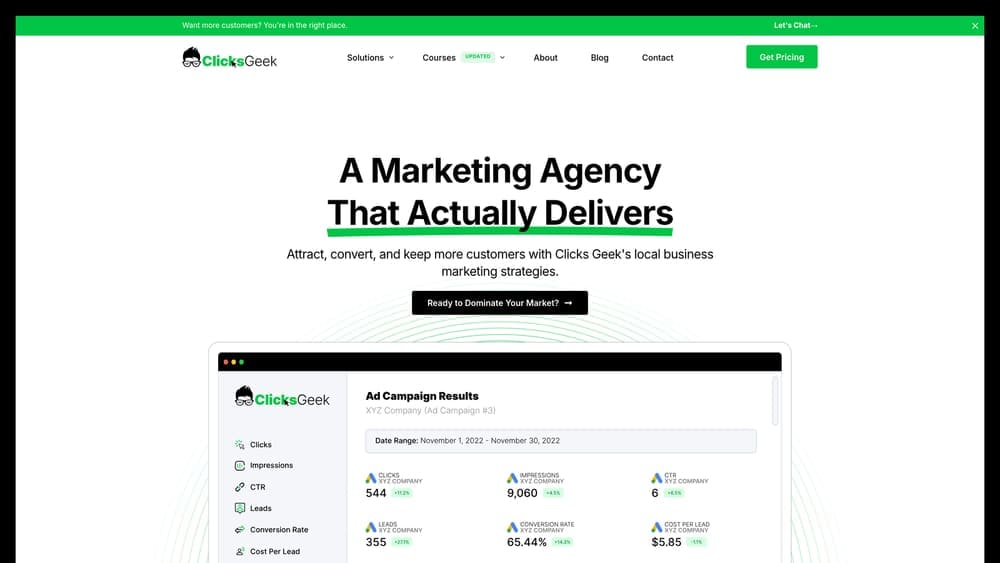
Clicks Geek provides full-service analytics implementation and ongoing data interpretation specifically for local businesses focused on lead generation and customer acquisition.
Where This Tool Shines
The real challenge with analytics isn’t installing tracking code—it’s knowing what to measure and how to act on the data. This service bridges that gap by handling the technical setup and translating numbers into specific recommendations.
For business owners running PPC campaigns, the integration between advertising data and conversion tracking creates complete attribution visibility. You see exactly which campaigns drive phone calls, form submissions, and actual customers—not just website visits.
Key Features
Complete GA4 and Conversion Tracking Setup: Technical implementation handled correctly from day one, avoiding the data gaps that plague DIY installations.
Custom Dashboard Creation: Dashboards built around metrics that actually matter for your business model, not generic vanity metrics.
Monthly Reporting with Actionable Recommendations: Regular reports that identify specific opportunities and problems, with clear next steps.
PPC Campaign Integration: Full attribution connecting ad spend to conversions, revealing which campaigns generate profitable customers.
CRO Expertise: Conversion rate optimization recommendations that turn traffic into revenue improvements.
Best For
Local service businesses that want analytics done right without hiring an in-house analyst. Particularly valuable if you’re running paid advertising and need to know which campaigns actually generate customers, not just clicks.
Pricing
Custom pricing based on business needs and complexity. Contact for a quote tailored to your specific tracking requirements.
2. Google Analytics 4
Best for: Comprehensive free tracking with deep Google Ads integration
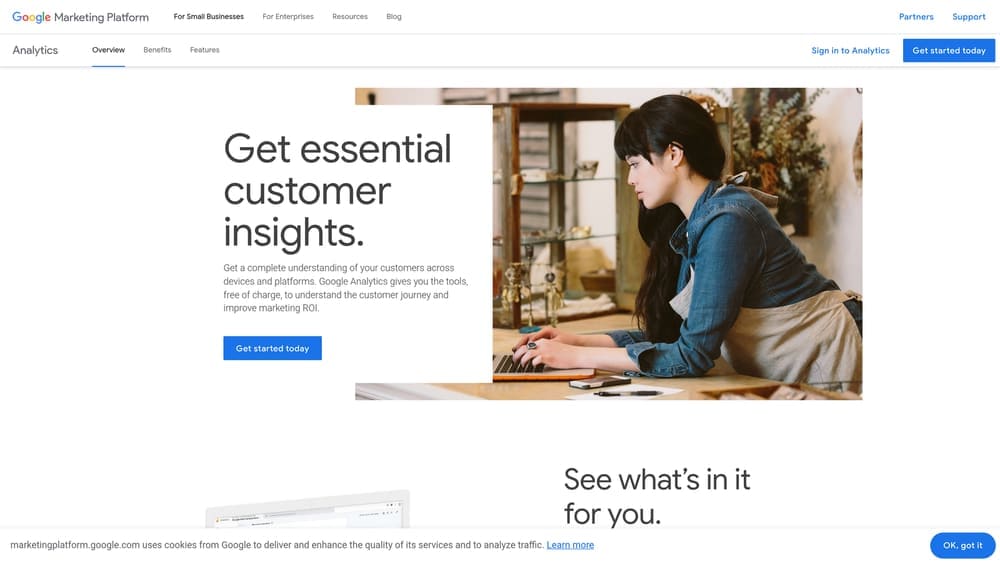
Google Analytics 4 is Google’s event-based analytics platform offering website and app tracking at no cost for most businesses.
Where This Tool Shines
GA4’s native integration with Google Ads creates seamless campaign tracking that shows exactly which keywords and ads drive conversions. The platform’s machine learning capabilities surface insights you might miss manually reviewing reports.
The event-based tracking model offers flexibility that the old Universal Analytics lacked. You can track virtually any user interaction without custom code, making it adaptable as your business evolves.
Key Features
Event-Based Tracking Model: Flexible measurement system that captures any user interaction you define as important.
Cross-Platform Tracking: Unified view of users across your website and mobile app when applicable.
Google Ads and Search Console Integration: Direct connection to your advertising and organic search data for complete marketing visibility.
Machine Learning Insights: Predictive metrics like purchase probability and churn probability based on user behavior patterns.
Free Tier: No cost for the standard version, which handles the needs of most small and mid-sized businesses.
Best For
Any business running Google Ads or wanting comprehensive analytics without monthly fees. The learning curve is steeper than simpler tools, but the depth of data justifies the investment.
Pricing
Completely free for the standard version. GA4 360 enterprise edition available for large organizations with advanced needs.
3. Microsoft Clarity
Best for: Free visual behavior insights through heatmaps and session recordings
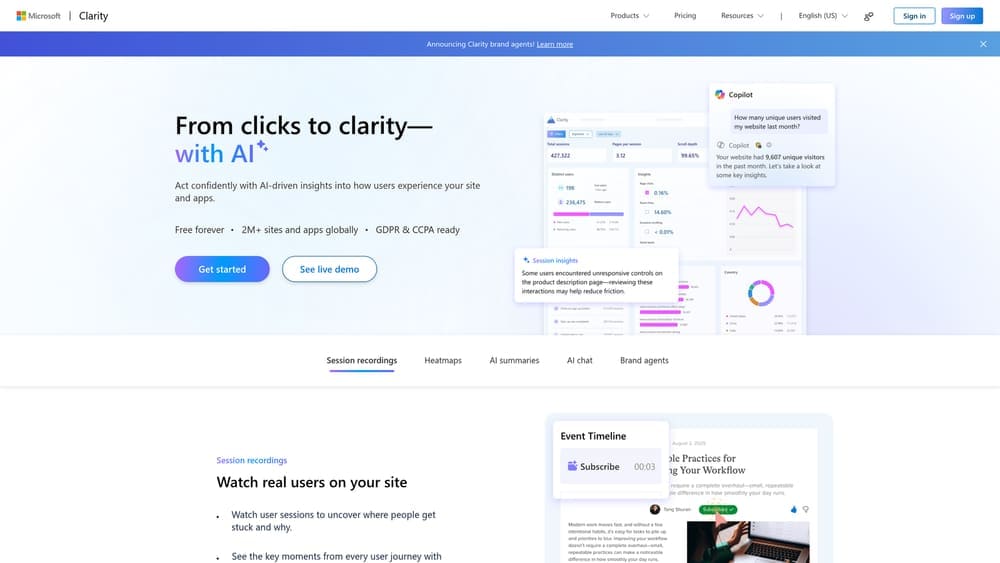
Microsoft Clarity provides unlimited heatmaps and session recordings at no cost, showing exactly how users interact with your site.
Where This Tool Shines
Watching actual session recordings reveals problems that numbers alone miss. You see users getting confused by unclear navigation, abandoning forms at specific fields, or missing your call-to-action buttons entirely.
The rage click detection automatically flags moments when users repeatedly click something in frustration—often indicating broken functionality or misleading design. These insights lead directly to conversion improvements.
Key Features
Unlimited Heatmaps and Recordings: No monthly limits or usage caps, unlike most competitors that charge based on recordings.
Rage Click and Dead Click Detection: Automatic identification of user frustration points and non-functional elements.
Google Analytics Integration: Connect Clarity data with GA4 for combined quantitative and qualitative analysis.
Privacy Compliance: GDPR and CCPA compliant with built-in privacy controls and data masking.
Minimal Site Impact: Lightweight script that doesn’t slow page loading or affect user experience.
Best For
Businesses wanting to understand the “why” behind their analytics numbers. Perfect complement to Google Analytics for seeing actual user behavior, not just aggregate statistics.
Pricing
Completely free with unlimited usage. No paid tiers or upgrade requirements.
4. Hotjar
Best for: Behavior analytics with user feedback tools for understanding visitor experience
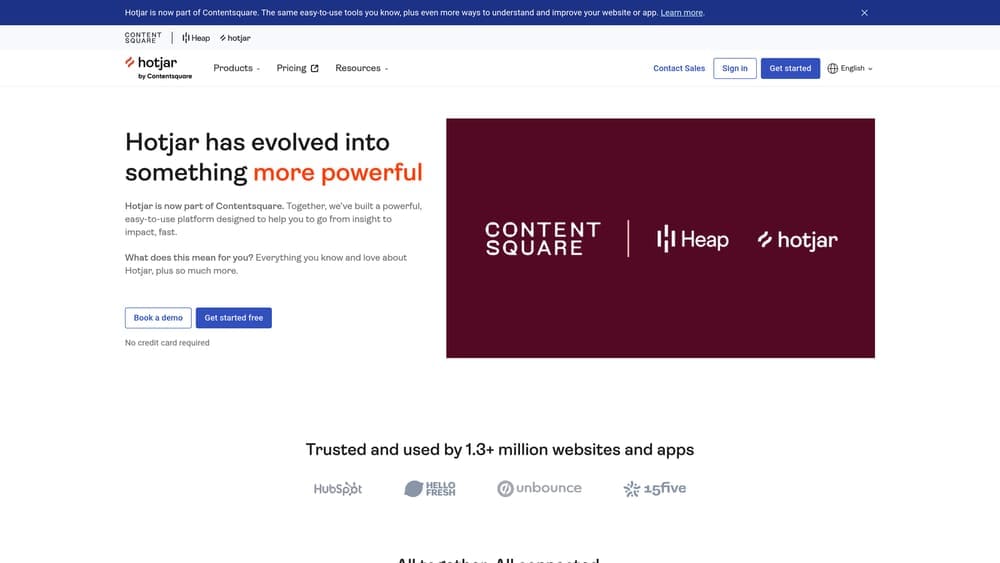
Hotjar combines heatmaps, session recordings, and on-site surveys to reveal how users experience your website and why they behave certain ways.
Where This Tool Shines
The combination of behavioral data and direct user feedback creates understanding that pure analytics can’t provide. You see what users do through recordings, then learn why through surveys and feedback widgets.
The interface prioritizes usability over technical complexity, making it accessible for business owners without analytics backgrounds. You can identify and fix conversion problems without needing a data analyst.
Key Features
Click, Scroll, and Movement Heatmaps: Visual representation of where users focus attention and how far they scroll on each page.
Session Recordings with Filtering: Watch actual user sessions, filtered by specific behaviors or characteristics you want to analyze.
On-Site Surveys and Feedback Widgets: Ask users direct questions about their experience or collect feedback on specific pages.
Conversion Funnel Analysis: Identify exactly where users drop off in your conversion process.
User-Friendly Interface: Designed for marketers and business owners, not just technical analysts.
Best For
Business owners who want qualitative insights alongside quantitative data. Particularly valuable when you know something’s wrong with conversions but can’t identify the specific problem.
Pricing
Free basic plan with limited sessions. Paid plans start at $32 per month, scaling based on daily session limits.
5. Matomo
Best for: Privacy-focused analytics with complete data ownership and GDPR compliance
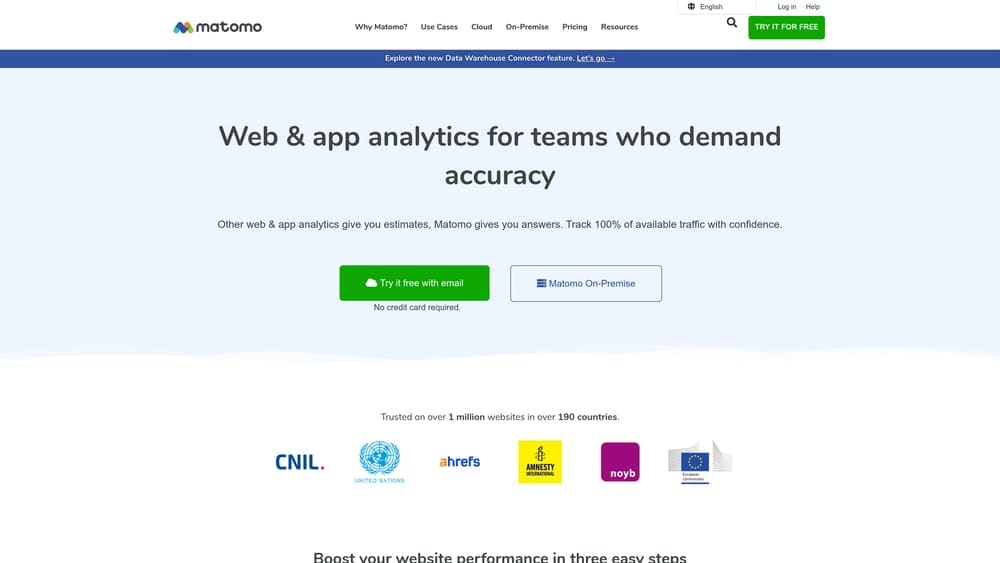
Matomo offers analytics with full data ownership through self-hosted or cloud options, designed for businesses prioritizing privacy compliance.
Where This Tool Shines
Complete data ownership means your analytics data never touches third-party servers if you choose self-hosting. This eliminates many GDPR consent requirements that plague other platforms.
Unlike Google Analytics, Matomo never samples your data—even on the free tier. You get accurate reporting on all your traffic, not statistical estimates based on samples.
Key Features
100% Data Ownership: Self-hosting option keeps all data on your own servers under your complete control.
GDPR Compliant by Default: Configured correctly, Matomo can operate without cookie consent banners in many jurisdictions.
No Data Sampling: Accurate reporting on all traffic regardless of volume, unlike GA4’s sampling on large datasets.
Heatmaps and Session Recordings: Visual behavior analytics available as add-ons to the core platform.
Google Analytics Import: Migrate historical data from Google Analytics to maintain continuity.
Best For
Organizations in regulated industries or those serving privacy-conscious markets. Also valuable for businesses wanting to avoid dependence on Google’s ecosystem.
Pricing
Free for self-hosted installation. Cloud-hosted version starts at $19 per month based on traffic volume.
6. Mixpanel
Best for: Product analytics focused on user actions and conversion funnel optimization
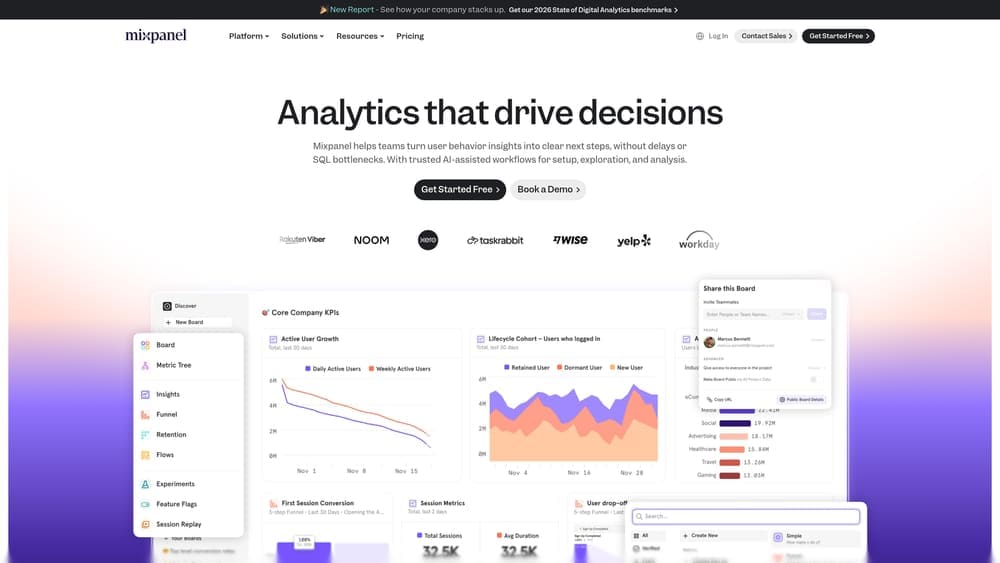
Mixpanel provides event-based tracking with advanced segmentation for analyzing user behavior patterns and conversion funnels.
Where This Tool Shines
The platform excels at tracking specific user actions rather than just pageviews. This matters when conversions involve multiple steps or when you need to understand how different user segments behave.
Real-time data and custom alerts let you respond immediately to changes in user behavior or conversion rates, rather than discovering problems days later in scheduled reports.
Key Features
Event-Based Tracking with Segmentation: Track any user action and analyze behavior by virtually unlimited user characteristics.
Funnel and Retention Analysis: Identify exactly where users drop off and which cohorts stick around long-term.
A/B Testing Integration: Connect test results directly to behavioral analytics for complete experiment analysis.
Real-Time Data and Alerts: Monitor metrics as they happen and get notified of significant changes immediately.
Cohort Analysis: Compare behavior patterns across different user groups to identify what drives engagement and conversion.
Best For
Businesses with complex conversion funnels or subscription models where understanding user behavior patterns drives growth. More technical than basic analytics tools but powerful for optimization.
Pricing
Free tier supports up to 20 million events monthly. Growth plan starts at $20 per month with increased limits.
7. Plausible Analytics
Best for: Lightweight, privacy-first analytics with simple actionable metrics
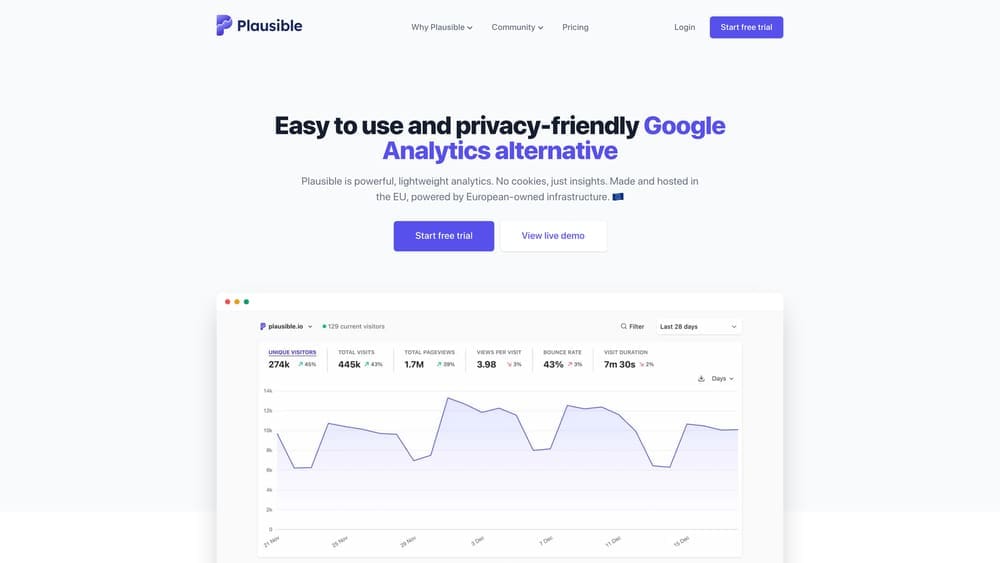
Plausible Analytics offers straightforward website analytics without cookies, complexity, or privacy concerns.
Where This Tool Shines
The entire dashboard fits on one page with only the metrics that actually matter. No hunting through dozens of reports or trying to figure out which numbers you should care about.
The script weighs under 1KB—45 times smaller than Google Analytics—meaning it doesn’t slow your site or hurt your page speed scores. Fast-loading sites convert better and rank higher.
Key Features
One-Page Dashboard: All essential metrics visible at a glance without navigating multiple reports.
No Cookies Required: Privacy-friendly tracking that doesn’t trigger consent banner requirements.
GDPR Compliant by Default: Built for privacy regulations without configuration or consent management.
Lightweight Script: Under 1KB tracking code that doesn’t impact page loading speed.
Open Source and Transparent: Code is publicly available for review and self-hosting if desired.
Best For
Business owners who want essential metrics without complexity or privacy headaches. Perfect for content sites and service businesses that don’t need enterprise-level analytics depth.
Pricing
Starts at $9 per month based on monthly pageview volume. Pricing scales with traffic but remains affordable for most small businesses.
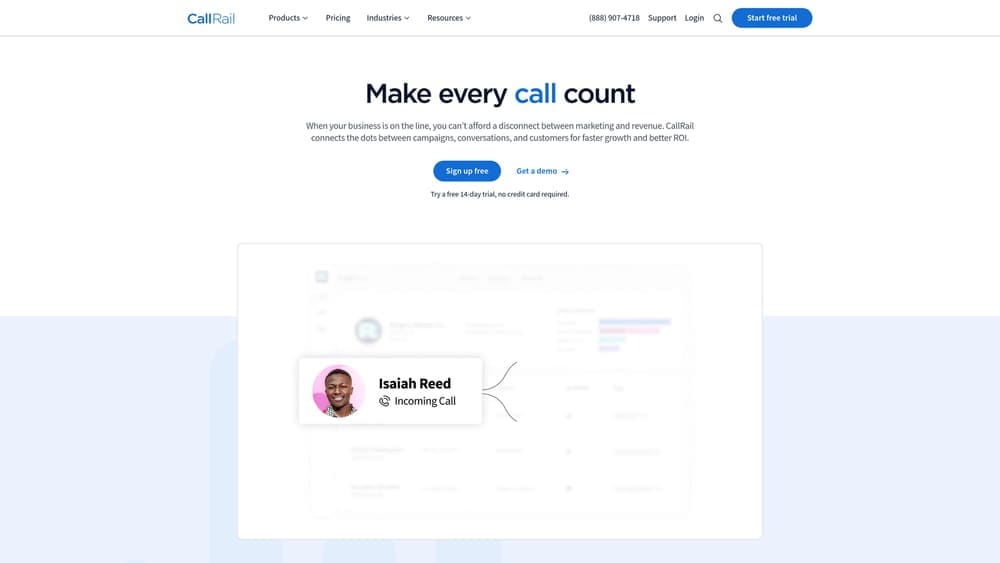
8. CallRail
Best for: Call tracking and attribution for businesses where phone calls drive revenue
CallRail tracks phone calls back to their marketing sources and integrates with web analytics for complete conversion visibility.
Where This Tool Shines
Dynamic number insertion shows different phone numbers to visitors from different sources, tracking exactly which marketing channels drive calls. You finally know if that expensive radio ad actually generates customers.
Call recording and transcription reveal what happens on sales calls—which scripts work, where prospects object, and why deals close or fall through. This intelligence improves both marketing and sales.
Key Features
Dynamic Number Insertion: Automatically displays different tracking numbers based on traffic source for accurate attribution.
Call Recording and Transcription: Review conversations to improve sales processes and train team members.
Form Tracking: Track web form submissions alongside phone calls for complete lead visibility.
Google Analytics and Ads Integration: Push call data into your existing analytics for unified reporting.
Conversation Intelligence: AI analysis identifies keywords, sentiment, and outcomes from call transcripts.
Best For
Local service businesses where phone calls represent significant revenue. HVAC companies, plumbers, lawyers, and medical practices often find this reveals their most profitable marketing channels.
Pricing
Plans start at $45 per month. Per-minute charges apply to call tracking and recording based on usage.
9. Heap
Best for: Automatic analytics capturing every interaction without manual event setup
Heap automatically captures all user interactions, enabling retroactive analysis without requiring upfront event configuration.
Where This Tool Shines
Traditional analytics requires deciding what to track before users interact with your site. Heap captures everything automatically, letting you analyze historical data even for events you didn’t know mattered.
Visual event labeling means non-technical team members can define and analyze events without writing code or waiting for developer resources. Marketing can answer questions independently.
Key Features
Automatic Capture: Records every click, form submission, page view, and interaction without manual event setup.
Retroactive Analytics: Analyze historical data for events you define today, even if you didn’t track them initially.
Visual Event Labeling: Point-and-click interface for defining events without code or technical knowledge.
Session Replay: Watch user sessions to understand context behind behavioral data.
Advanced Segmentation: Build complex user segments and funnels based on any combination of behaviors.
Best For
Growing businesses that need flexibility to analyze changing user behaviors without constant developer involvement. Particularly valuable when you’re still figuring out which metrics matter most.
Pricing
Free tier available for basic usage. Growth plan pricing provided on request based on data volume and feature needs.
Making the Right Choice
Your analytics stack depends on what you’re trying to accomplish and how hands-on you want to be.
Choose Google Analytics 4 if you need comprehensive free tracking integrated with your ad campaigns. The platform handles everything from basic traffic reports to advanced conversion attribution, and it’s hard to beat the price. Just be prepared for the learning curve.
Go with Clicks Geek if you want expert setup, interpretation, and actionable recommendations without managing it yourself. Many business owners collect data but struggle to act on it—having someone translate numbers into specific next steps often generates more value than the raw data alone.
Pick Microsoft Clarity or Hotjar for visual behavior insights that reveal why users behave certain ways. Numbers tell you what’s happening, but watching session recordings shows you why—and that’s where conversion improvements come from.
Select Matomo or Plausible if privacy compliance is non-negotiable or you want to avoid dependence on Google’s ecosystem. Both offer solid analytics without the privacy concerns that plague mainstream platforms.
And don’t overlook CallRail if phone calls drive your business. Many local service companies discover that 60-70% of their revenue comes through phone calls, not web forms. If you’re not tracking calls, you’re flying blind on your most valuable conversion channel.
The best analytics setup often combines multiple tools: a core platform for traffic data, a behavior tool for visual insights, and call tracking if applicable. Start with what matches your immediate needs, then expand as you grow and your questions become more sophisticated.
Tired of spending money on marketing that doesn’t produce real revenue? We build lead systems that turn traffic into qualified leads and measurable sales growth. If you want to see what this would look like for your business, we’ll walk you through how it works and break down what’s realistic in your market.