Poor conversion rates don’t just waste traffic—they waste every dollar you spend driving that traffic. When only 2-3% of visitors take action, you’re essentially paying to send 97 people away empty-handed. The difference between a 2% and 5% conversion rate isn’t just numbers on a dashboard; it’s the gap between struggling to break even and scaling profitably. The good news? You don’t need to guess your way to better performance. The right conversion optimization tools reveal exactly where visitors drop off, what messaging resonates, and which changes actually move the needle. We’ve evaluated dozens of platforms based on ease of use, data accuracy, integration capabilities, and proven results. This list covers everything from comprehensive analytics and A/B testing platforms to heatmap tools and done-for-you optimization services. Whether you’re running a local business or managing enterprise-level traffic, you’ll find solutions that fit your budget and technical capabilities.
1. Clicks Geek CRO Services
Best for: Businesses wanting expert-led optimization without managing multiple tools themselves
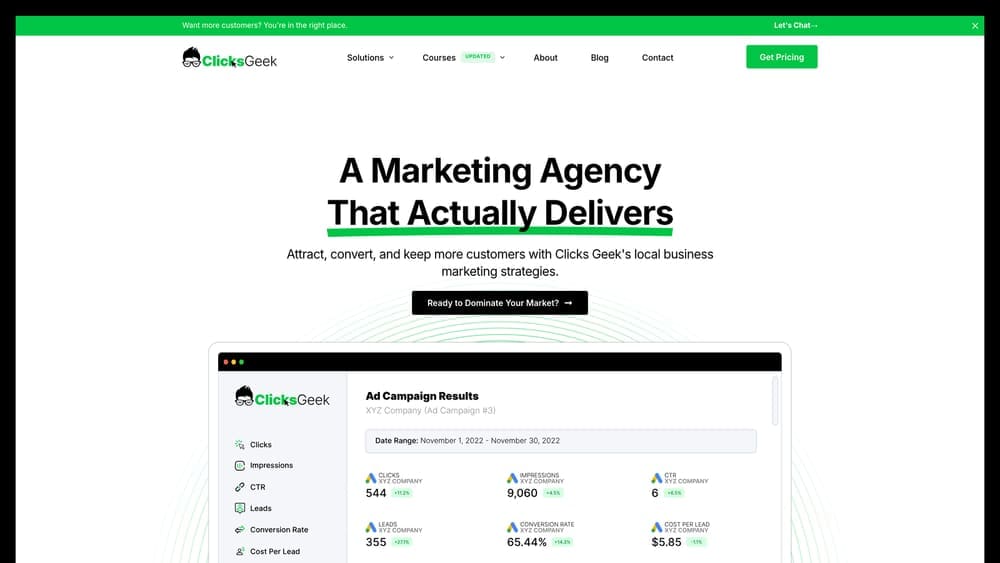
Clicks Geek offers full-service conversion rate optimization from a Google Premier Partner agency that specializes in turning paid traffic into measurable revenue.
Where This Tool Shines
The standout advantage here is having a dedicated team handle the entire optimization process—from initial audit through continuous testing and implementation. You’re not just getting access to software; you’re getting strategic expertise that connects ad performance to landing page experience to final conversion.
This matters most when you’re spending significant money on advertising but lack the internal resources to properly optimize what happens after the click. The white-label option also makes this particularly valuable for agencies managing client campaigns who need expert CRO support without building that capability in-house.
Key Features
Full-Funnel Optimization: Analysis and improvement from initial ad click through final conversion, not just isolated page tweaks.
Data-Driven Testing: Continuous experimentation based on actual user behavior and conversion data rather than assumptions.
Google Premier Partner Expertise: Advanced certification demonstrating proven performance standards and platform knowledge.
ROI-Focused Approach: Emphasis on profitable growth and measurable revenue impact, not vanity metrics.
White-Label Options: Available for agencies needing expert CRO support under their own brand.
Best For
Local businesses and growing companies that want conversion optimization handled by specialists rather than adding another responsibility to their already-stretched marketing team. Particularly valuable when you’re spending $5,000+ monthly on advertising and need to maximize return on that investment.
Pricing
Custom pricing based on project scope and business needs. Contact for consultation to discuss your specific situation and goals.
2. Hotjar
Best for: Visual learners who need to see exactly how visitors interact with their site
Hotjar combines heatmaps, session recordings, and user feedback into one accessible platform that shows you what visitors actually do.
Where This Tool Shines
Hotjar excels at making complex user behavior instantly understandable. Instead of staring at spreadsheets, you watch actual recordings of visitors navigating your site—where they click, how far they scroll, where they get confused. The heatmaps reveal patterns you’d never spot in analytics alone, like buttons nobody clicks or content everyone skips.
The feedback widgets let you ask visitors directly why they’re leaving or what stopped them from converting. This qualitative data fills gaps that quantitative analytics miss, giving you the “why” behind the numbers.
Key Features
Behavior Heatmaps: Visual representations of clicks, mouse movement, and scroll depth across your pages.
Session Recordings: Watch real visitor sessions with filtering by device, behavior, or specific actions taken.
On-Site Surveys: Pop-up questions to gather direct feedback at crucial moments in the user journey.
Funnel Analysis: Track drop-off points in multi-step processes like checkouts or form completions.
Form Analytics: See which form fields cause hesitation, errors, or abandonment.
Best For
Small to mid-sized businesses that need actionable insights without technical complexity. Perfect for teams that want to understand user behavior quickly without hiring a data analyst to interpret results.
Pricing
Free plan available with basic features. Paid plans start at $32/month with increased session recording limits and advanced features.
3. Optimizely
Best for: Enterprise teams requiring statistically rigorous testing at massive scale
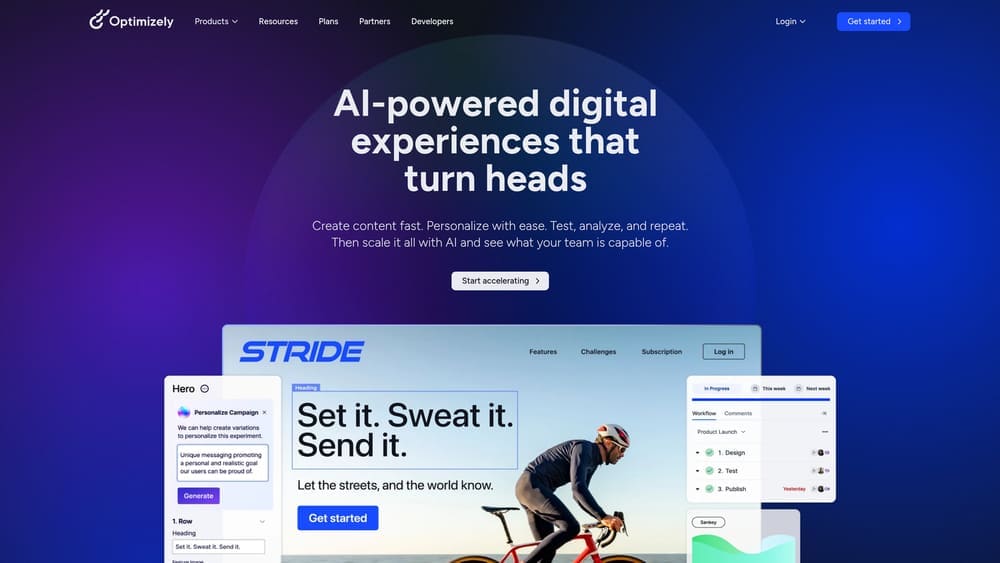
Optimizely is the heavyweight experimentation platform built for companies running hundreds of tests across millions of visitors.
Where This Tool Shines
When you’re making decisions that affect millions in revenue, you need statistical confidence that your test results are real and not random chance. Optimizely’s Stats Engine handles the complex mathematics behind valid experimentation, automatically adjusting for multiple comparisons and preventing false positives that plague simpler tools.
The platform supports both front-end web testing and server-side experimentation, meaning you can test everything from button colors to pricing algorithms to feature rollouts. This flexibility makes it valuable for companies optimizing complex applications, not just marketing pages.
Key Features
Stats Engine: Advanced statistical calculations ensuring accurate, trustworthy experiment results.
Full-Stack Testing: Run experiments on both front-end interfaces and back-end systems.
Feature Flagging: Control feature releases and rollouts with instant on/off switches.
Personalization Engine: Deliver customized experiences based on visitor segments and behaviors.
Collaborative Workflow: Team management tools for coordinating experiments across departments.
Best For
Large enterprises and high-traffic websites where small conversion improvements translate to significant revenue. Requires dedicated resources to manage and interpret results properly.
Pricing
Custom enterprise pricing typically starting around $50,000+ annually. Designed for companies with substantial testing budgets and traffic volume.
4. VWO (Visual Website Optimizer)
Best for: Mid-market companies wanting comprehensive testing without enterprise complexity
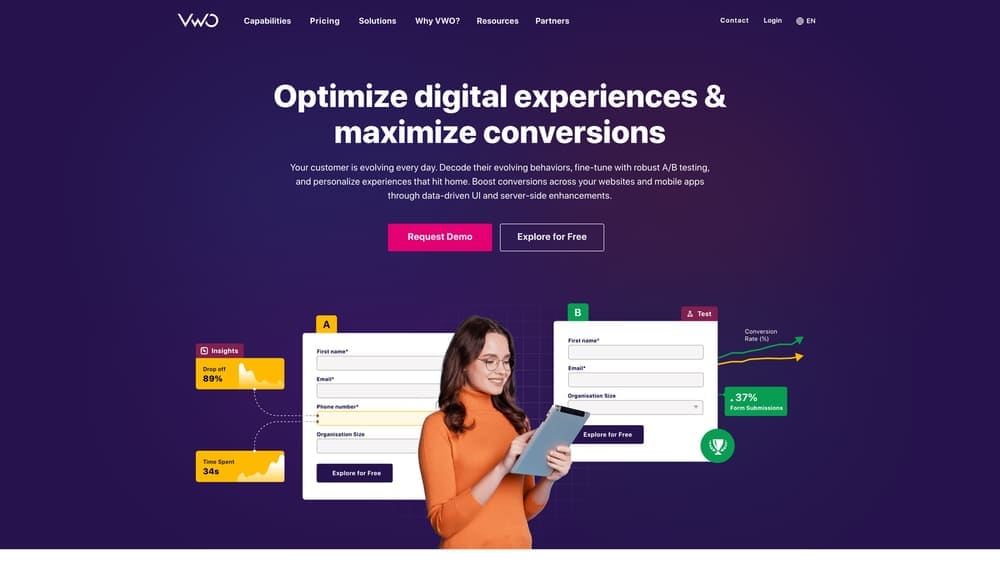
VWO offers A/B testing, personalization, and behavioral analytics in one integrated platform that doesn’t require a data science degree.
Where This Tool Shines
VWO hits the sweet spot between power and usability. The visual editor lets non-technical marketers create test variations without touching code, while still offering server-side capabilities when developers need them. Unlike tools that force you to buy separate products for testing and analytics, VWO includes heatmaps and session recordings in the same package.
The AI-powered copy generator is surprisingly useful for quickly creating headline and CTA variations to test, saving hours of brainstorming time. Form analytics specifically identify which fields cause friction, making checkout optimization much faster.
Key Features
Visual Editor: Point-and-click test creation without coding requirements.
Server-Side Testing: Run experiments on back-end systems and mobile apps.
Integrated Analytics: Heatmaps and session recordings included, not sold separately.
AI Copy Generator: Automated creation of test variations for headlines and calls-to-action.
Form Analytics: Detailed tracking of form field interactions and abandonment points.
Best For
Growing businesses with moderate traffic that need professional testing capabilities without the enterprise price tag or complexity. Works well for teams of 3-10 people managing optimization.
Pricing
Growth plan starts at $314/month. Higher tiers available for increased traffic and advanced features.
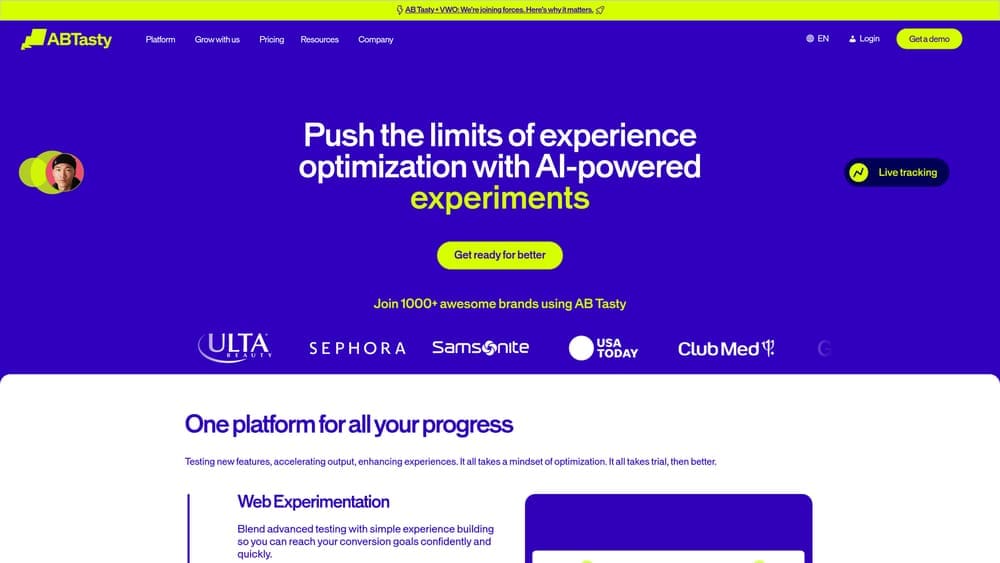
5. AB Tasty
Best for: Teams migrating from Google Optimize who need similar functionality with better support
AB Tasty gained significant market share after Google Optimize shut down, offering a familiar interface with enhanced capabilities.
Where This Tool Shines
AB Tasty deliberately designed their platform to feel familiar to former Google Optimize users, reducing the learning curve for teams forced to switch. But they added capabilities that Optimize lacked—better audience segmentation, more sophisticated personalization, and actual customer support when you need help.
The widget library deserves specific mention. Instead of building common test elements from scratch, you can deploy pre-built components like countdown timers, social proof notifications, or recommendation carousels in minutes. This dramatically speeds up testing velocity for teams without dedicated developers.
Key Features
Client and Server-Side Testing: Flexibility to test both front-end and back-end experiences.
AI-Powered Personalization: Automatically deliver relevant content based on visitor behavior patterns.
Widget Library: Pre-built components for common optimization tactics like urgency timers and social proof.
Advanced Segmentation: Target specific audiences with precise behavioral and demographic criteria.
ROI Dashboard: Clear reporting on the revenue impact of your optimization efforts.
Best For
Mid-market companies and agencies managing multiple client accounts who need reliable testing without enterprise-level investment. Particularly valuable if you’re transitioning from Google Optimize.
Pricing
Custom pricing based on traffic volume and feature requirements. Mid-market focus typically means $10,000-$40,000 annually.
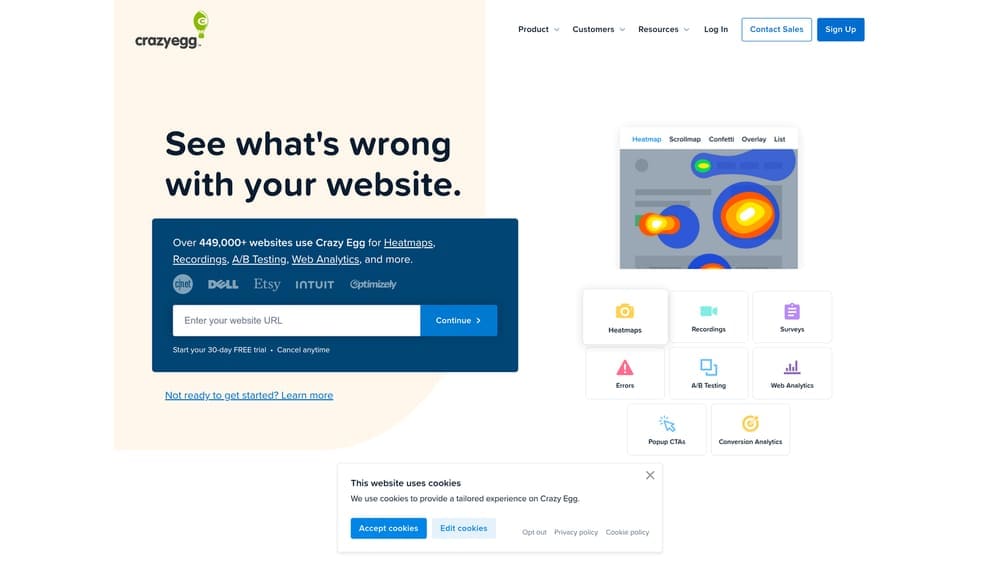
6. Crazy Egg
Best for: Small businesses wanting quick visual insights without monthly commitment anxiety
Crazy Egg makes heatmaps and basic A/B testing accessible to businesses that find enterprise platforms overwhelming and expensive.
Where This Tool Shines
Crazy Egg removes the intimidation factor. You add one tracking code, and within minutes you’re looking at heatmaps showing exactly where people click and how far they scroll. The confetti report breaks down clicks by traffic source, revealing whether Facebook visitors behave differently than Google searchers.
The A/B testing editor won’t win awards for sophistication, but it handles the basics—headline tests, button changes, image swaps—without requiring technical knowledge. For a local business owner managing their own site, that simplicity is more valuable than advanced features they’d never use.
Key Features
Multiple Heatmap Types: Click heatmaps, scrollmaps, and confetti reports showing behavior by traffic source.
Simple A/B Testing: Basic split testing with visual editor for common page elements.
Snapshots: Save and compare page versions over time to track changes.
Traffic Analysis: Break down visitor behavior by referral source and device type.
Quick Setup: Five-minute installation with minimal technical requirements.
Best For
Small business owners and solopreneurs who need actionable insights without learning complex software. Perfect when you’re optimizing 5-10 key pages rather than managing enterprise-scale testing programs.
Pricing
Plans start at $29/month with a 30-day free trial. Affordable entry point for businesses testing optimization for the first time.
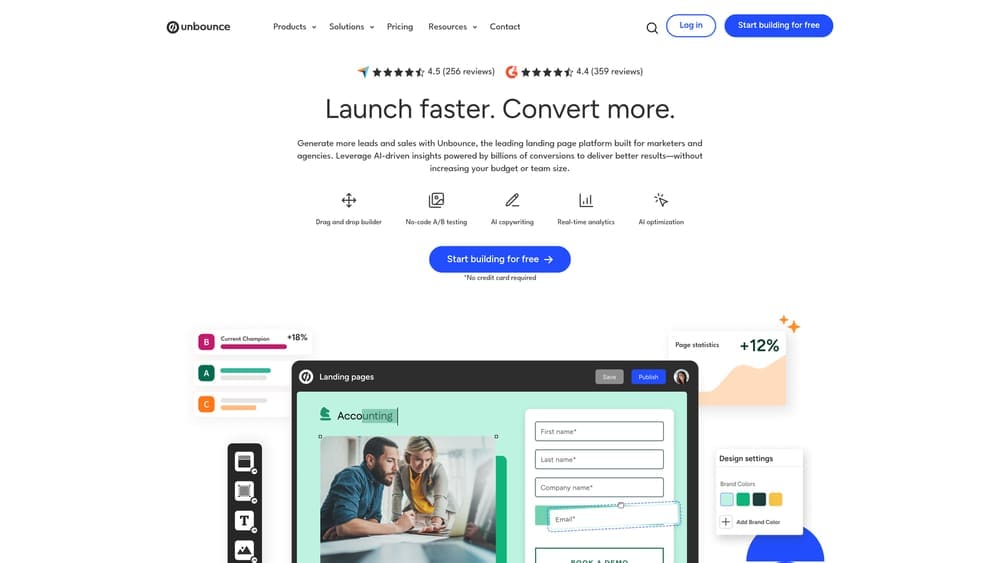
7. Unbounce
Best for: Marketers who need to create and optimize landing pages without developer dependency
Unbounce combines landing page building with Smart Traffic AI that automatically optimizes which visitors see which page variant.
Where This Tool Shines
Smart Traffic is the killer feature here. Instead of manually running A/B tests and waiting for statistical significance, the AI learns which page variant converts best for different visitor types and automatically routes traffic accordingly. This means you start seeing optimization benefits within hours, not weeks.
The landing page builder itself is genuinely good—drag-and-drop functionality that produces clean, fast-loading pages without coding. The template library covers most common use cases, from lead generation to webinar registration to product launches. Pop-ups and sticky bars add conversion opportunities without building separate tools.
Key Features
Drag-and-Drop Builder: Create professional landing pages without coding or designer help.
Smart Traffic AI: Automatically route visitors to their highest-converting page variant.
Pop-Ups and Sticky Bars: Additional conversion opportunities beyond the main landing page.
Built-In A/B Testing: Traditional split testing available alongside AI optimization.
Template Library: 100+ professionally designed templates for various campaign types.
Best For
Marketing teams running regular campaigns who need to quickly deploy optimized landing pages. Especially valuable for agencies managing multiple client campaigns simultaneously.
Pricing
Plans start at $99/month. Higher tiers include more landing pages, traffic, and advanced features like AMP support.
8. Lucky Orange
Best for: Businesses wanting real-time visitor monitoring combined with conversion analytics
Lucky Orange stands out by showing you exactly who’s on your site right now and what they’re doing this very moment.
Where This Tool Shines
The real-time dashboard creates an almost addictive experience—you can watch visitors navigate your site live, see when they’re struggling, and even initiate chat conversations at the perfect moment. This immediate feedback helps you spot problems and opportunities that recorded sessions might miss.
The integrated live chat isn’t just a nice addition; it’s strategically valuable. When you see someone stuck on your pricing page for three minutes, you can proactively offer help. When someone rage-clicks a non-functional element, you can intervene before they leave. This combination of analytics and engagement tools is rare at this price point.
Key Features
Real-Time Dashboard: Watch current visitors navigate your site as it happens.
Session Recordings: Review past visits with filtering by behavior, device, or conversion status.
Dynamic Heatmaps: See aggregated click and scroll behavior across all visitors.
Integrated Live Chat: Engage visitors based on their real-time behavior and browsing patterns.
Conversion Funnels: Track drop-off points in multi-step processes like checkout or signup.
Best For
E-commerce sites and service businesses that benefit from proactive customer engagement. Works especially well for companies with sales teams who can jump on qualified leads in real-time.
Pricing
Free plan available with limited features. Paid plans start at $32/month with increased session recording capacity.
9. Convert.com
Best for: Privacy-conscious organizations requiring GDPR and CCPA compliance
Convert.com built their entire platform around privacy-first principles, making it the go-to choice for companies in regulated industries.
Where This Tool Shines
Convert.com doesn’t just claim privacy compliance—they architected their entire system around it. Data stays in your control, no personal information gets stored unnecessarily, and everything’s designed to meet strict European privacy regulations. For companies in healthcare, finance, or operating in the EU, this removes significant legal risk.
The flicker-free testing experience deserves mention. Many A/B testing tools cause a visible flash when page variants load, creating poor user experience and potentially skewing results. Convert’s implementation eliminates this issue, delivering seamless experiences that don’t alert visitors they’re in a test.
Key Features
Privacy-First Architecture: Built-in GDPR and CCPA compliance without additional configuration.
Flicker-Free Testing: Smooth page loading without visible variant switching.
Advanced Targeting: Sophisticated audience segmentation based on behavior and attributes.
Multi-Account Setup: Agency-friendly structure for managing multiple client environments.
Dual Statistics Engines: Choose between Bayesian and frequentist statistical approaches.
Best For
Agencies managing client testing programs and companies in regulated industries where privacy compliance isn’t optional. Also valuable for high-traffic sites where flicker issues impact user experience.
Pricing
Plans start at $699/month. Premium pricing reflects the specialized compliance features and agency-grade capabilities.
10. Mouseflow
Best for: Teams obsessed with form optimization and identifying specific friction points
Mouseflow combines standard behavior analytics with exceptional form analysis and friction scoring that pinpoints exactly where users struggle.
Where This Tool Shines
The friction score is brilliantly simple—Mouseflow analyzes session recordings and automatically identifies moments of user frustration: rage clicks, error messages, excessive hesitation, rapid back-and-forth movements. Instead of watching hours of recordings hoping to spot problems, you get a prioritized list of the most problematic experiences.
Form analytics go deeper than most competitors. You see not just which fields cause abandonment, but how long people hesitate before filling them, how many times they correct entries, and which fields trigger the most errors. This granular insight makes form optimization dramatically faster and more effective.
Key Features
Friction Score: Automated detection of user frustration signals and problem areas.
Detailed Form Analytics: Track hesitation, corrections, and field-level abandonment patterns.
Session Replay: Watch visitor recordings with advanced filtering by behavior and outcomes.
Heatmaps and Click Tracking: Visual representation of user interaction patterns.
Funnel Analysis: Identify drop-off points in multi-step conversion processes.
Best For
E-commerce sites with complex checkout processes and B2B companies with lengthy lead generation forms. Particularly valuable when form abandonment is your primary conversion bottleneck.
Pricing
Free plan available for basic usage. Paid plans start at $31/month with increased recording capacity and advanced features.
11. FullStory
Best for: Product teams needing AI-powered insights into user frustration and experience issues
FullStory uses artificial intelligence to automatically detect and surface the most impactful user experience problems.
Where This Tool Shines
FullStory’s AI doesn’t just record sessions—it actively watches for signals of user frustration and technical problems. Rage clicks, error messages, dead clicks on non-functional elements, repeated actions indicating confusion—the system flags these automatically and prioritizes them by frequency and impact.
The automatic event capture is powerful for product teams. Unlike tools requiring manual event tagging, FullStory captures everything by default, then lets you retroactively search for specific interactions. This means you can answer questions about user behavior even if you didn’t think to track those actions beforehand.
Key Features
AI Frustration Detection: Automatically identify rage clicks, error encounters, and user struggle signals.
Automatic Event Capture: Record all interactions without manual tagging or configuration.
Searchable Session Replay: Find specific user behaviors across thousands of sessions instantly.
Product Analytics Integration: Connect user behavior to product metrics and business outcomes.
Error and Bug Detection: Surface technical issues impacting user experience automatically.
Best For
SaaS companies and product teams optimizing complex applications rather than simple marketing pages. Most valuable when you’re improving multi-step workflows and feature adoption.
Pricing
Free plan available with limited sessions. Enterprise pricing provided on request based on traffic volume and feature requirements.
Making the Right Choice
The honest answer? Most businesses don’t need all eleven tools. What you need depends entirely on your situation, budget, and who’s actually doing the work.
If you’re a small business owner managing your own site, start with something visual and simple—Hotjar or Crazy Egg will show you problems without overwhelming you with data. You’ll see exactly where visitors click, how far they scroll, and what they ignore. That alone will give you a dozen optimization ideas.
Mid-sized companies with dedicated marketing teams should look at VWO or AB Tasty. You get professional testing capabilities, behavioral analytics, and enough sophistication to run proper experiments without needing a data science degree. These platforms grow with you as your optimization program matures.
Enterprise teams managing high-stakes testing across millions of visitors need the statistical rigor of Optimizely or the privacy compliance of Convert.com. At that scale, small conversion improvements translate to significant revenue, justifying the premium investment.
But here’s what nobody talks about: DIY optimization only works if you actually have time to do it. Buying a tool doesn’t magically improve conversions—someone needs to analyze data, create hypotheses, build test variations, monitor results, and implement winners. If you’re already stretched thin running your business, adding “become a CRO expert” to your plate usually means the tools sit unused while you keep paying the subscription.
That’s where done-for-you services make more financial sense than DIY tools. When you’re spending thousands monthly on advertising, having specialists optimize what happens after the click often delivers better ROI than managing it yourself with software. You’re not just buying tools—you’re buying expertise, time, and accountability.
The real question isn’t which tool is best. It’s whether you need tools at all, or if you need someone to handle the entire optimization process while you focus on running your business. Tired of spending money on marketing that doesn’t produce real revenue? We build lead systems that turn traffic into qualified leads and measurable sales growth. If you want to see what this would look like for your business, we’ll walk you through how it works and break down what’s realistic in your market.